Yes. Modern phones stop or sharply reduce the main charging current when the battery reaches its full-charge target. The charger may remain connected and ready, and the phone may occasionally request small top-up charges as the battery level falls. Overnight charging is generally safe with a reputable charger, an undamaged cable, good ventilation, and the phone’s built-in charging optimization enabled.
A compact single-port GaN wall charger suitable for modern phones, tablets, and other compatible USB-C devices.
Adds scheduled on/off control, countdown timing, remote switching, and energy monitoring to a standard wall outlet.
iPhone and many Android phones can delay or limit full charging to reduce the time the battery remains at a high state of charge.
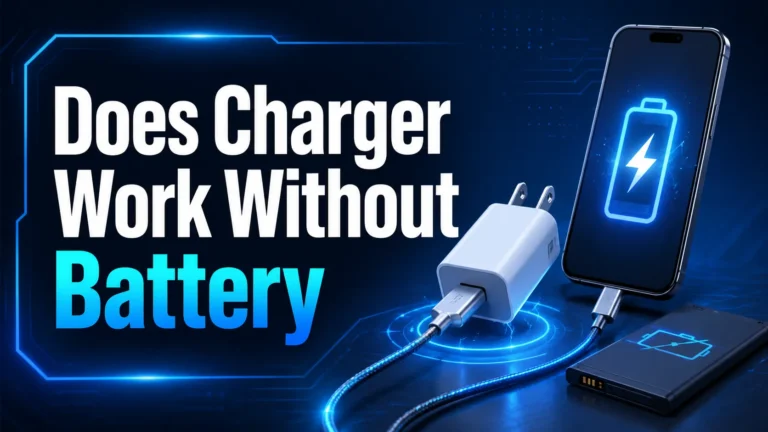
A modern phone does not continue forcing full charging power into the battery after it reaches 100%. The phone’s battery-management electronics monitor voltage, current, temperature, and battery condition. As the battery approaches full, charging power tapers. At the full-charge target, the main charge current stops or becomes very small.
While the phone remains plugged in, it may run partly from external power and later request a small top-up when the battery level drops. This behavior is better described as controlled maintenance or top-off charging than the old-style continuous trickle charging used by some older battery systems.
Charging a lithium-ion battery happens in stages. The phone can accept relatively high power when the battery is low, but it reduces the current as the battery approaches full. This protects the battery from excessive voltage, temperature, and stress.
| Battery level | Typical behavior | What you notice |
|---|---|---|
| Very low | Charging may begin gently before allowing higher power | Charging can start slower if the battery is very hot, cold, or deeply discharged. |
| Low to around 50–80% | The phone may accept its fastest supported rate | Percentage rises quickly with a compatible charger. |
| Around 80–100% | Charging current tapers | The final portion takes longer. |
| Full target reached | Main charging stops or becomes minimal | The screen stays at 100% while connected. |
| Still plugged in | Occasional maintenance top-ups may occur | The percentage remains near 100%. |
This prevents traditional overcharging in a properly functioning modern phone. However, preventing overcharging does not mean every charging condition is equally good for long-term battery health. High temperature and spending long periods at a very high state of charge can still accelerate battery aging.
Overnight charging is generally safe when the phone, charger, cable, outlet, and charging environment are in good condition. The battery does not keep accepting maximum power for the entire night.
The main long-term concern is not the battery being filled beyond 100%. It is the combination of heat and time spent fully charged. Apple’s Optimized Battery Charging and Google’s Adaptive Charging are designed to reduce the time a phone remains fully charged before it is needed.
| Charging situation | Expected impact | Recommendation |
|---|---|---|
| Quality charger, cool surface, optimization enabled | Low avoidable stress | Good everyday setup |
| Quality charger, optimization disabled | Battery may spend more time fully charged | Enable the phone’s optimization feature. |
| Charging under a pillow or blanket | Heat becomes trapped | Move the setup to a hard open surface. |
| Damaged cable or overheating adapter | Safety and reliability risk | Stop using and replace it. |
| Charge limit below 100% | Less time at a high state of charge | Useful when maximum range is unnecessary. |
Charging optimization features learn when a phone usually remains connected for a long period. Instead of immediately completing the final part of the charge, the phone can pause or slow charging and finish closer to the time it expects to be unplugged.
Apple says Optimized Battery Charging reduces the time an iPhone spends fully charged. Google says Pixel Adaptive Charging completes charging near the time the user typically unplugs. Some newer phones also offer a manual charge limit such as 80%, although names and menus vary by manufacturer and software version.
| Platform | Feature | What it does | Where to look |
|---|---|---|---|
| iPhone | Optimized Battery Charging or Charge Limit | Reduces time fully charged or limits maximum charge | Settings → Battery → Charging or Battery Health & Charging |
| Google Pixel | Adaptive Charging | Times the final charge closer to normal unplugging | Settings → Battery → Charging optimization |
| Samsung Galaxy | Battery protection | Offers charging modes or limits on supported models | Settings → Battery → Battery protection |
| Other Android phones | Adaptive, optimized, smart, or protected charging | Varies by manufacturer | Search Settings for “charging” or “battery protection.” |

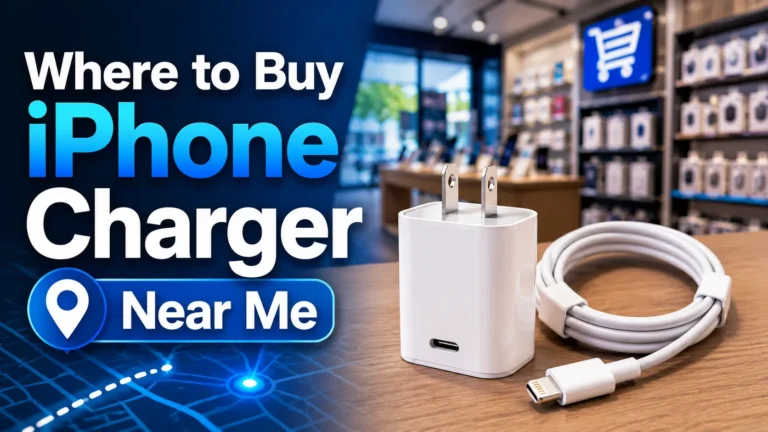
The Anker Nano 3 is a compact single-port USB-C charger with up to 30W output. It is suitable for many modern phones, tablets, earbuds, and compatible USB-C devices. Its foldable plug and small size make it practical for a bedside, desk, or travel bag.
- Compact 30W USB-C charger
- Small GaN design
- Foldable plug
- Enough power for many phones and tablets
- Simple single-port setup
- Charging cable is sold separately
- Only one device charges at a time
- Speed depends on the phone and cable
- Some laptops require more than 30W
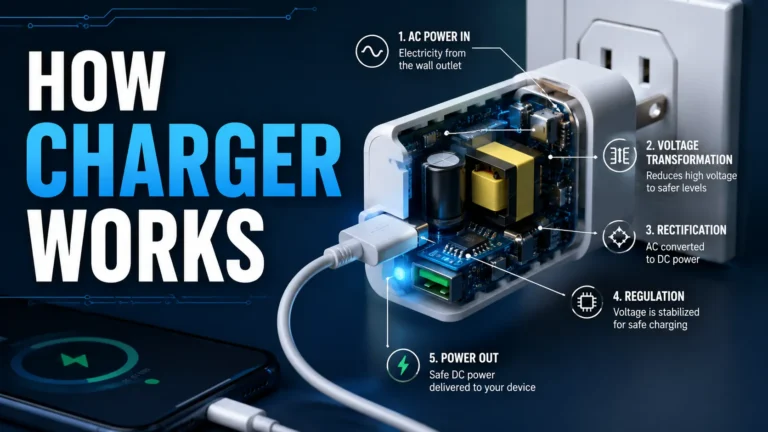
The wall charger remains connected to AC power and ready to provide energy, but its output falls dramatically when the phone stops requesting significant charging power. A modern charger may draw a small amount of standby power while plugged into the wall.
The phone can also consume power for background activity, notifications, backups, network access, or a screen that turns on. Depending on the phone’s design, some of that energy may come from the charger while the battery remains near full.
Unplugging an unused charger eliminates its standby consumption, but the cost savings from one efficient phone charger are usually small. Stronger reasons to unplug include eliminating unnecessary energized equipment or responding to a damaged or overheating charger.

The Kasa EP25 adds app-based on/off control, schedules, timers, voice-platform support, and energy monitoring to a standard outlet. It can switch a charger off at a chosen time or show how much electricity the connected setup uses.
- Schedule and countdown control
- Real-time and historical energy monitoring
- Apple HomeKit support
- Works with common voice assistants
- Compact 15A design
- Does not detect the phone’s battery percentage
- Needs Wi-Fi and app setup for smart features
- A timer may stop charging too early
- Phone optimization is better for battery-aware control
- Estimate normal charging time. Note how long the phone usually takes to reach the desired level.
- Enable charging optimization. Let the phone manage current, temperature, and battery state.
- Connect the charger securely. Make sure the plug, outlet, and charger fit without looseness.
- Create a conservative timer. Allow enough time when the battery starts lower than usual.
- Review the morning result. A changed bedtime, alarm, or battery level can change the needed time.
- Consider emergency needs. Do not use an aggressive cutoff when you depend on a full phone for safety, travel, or work.
Fast charging is most noticeable when the battery is low. As the battery fills, the phone intentionally reduces the charging rate. This is why the final 20% often takes much longer than an earlier 20% increase.
A higher-wattage charger can improve speed only when the phone supports and requests that power. It cannot override the phone’s full-charge cutoff or force high power into the battery at 100%.
| Question | Answer |
|---|---|
| Does a 30W charger keep sending 30W at 100%? | No. The phone controls its requested charging power. |
| Does fast charging stop automatically? | The phone tapers charging near full and stops the main charge at its target. |
| Can a 65W laptop charger charge a phone? | Often yes when both support compatible USB-C Power Delivery, but the phone takes only supported power. |
| Is lower wattage always healthier overnight? | Not automatically. Temperature, charger quality, cable condition, and phone management matter more than the printed maximum alone. |
A reputable modern power bank should include protection circuits that manage charging of its own battery and connected devices. When the phone signals that it no longer needs significant power, output falls or stops according to the power bank’s design.
Power banks vary widely in quality. Stop using one that is swollen, cracked, leaking, recalled, unusually hot, or physically damaged. Do not charge a power bank or phone beneath bedding, inside a tightly closed bag, or in direct sunlight.
- Enable Optimized, Adaptive, or Protected Charging. This is the most useful free improvement.
- Use reputable charging equipment. Choose a charger and cable designed for the phone’s standard.
- Control heat. Charge on a hard open surface away from sunlight and bedding.
- Use a charge limit when practical. An 80% or similar limit can help when maximum range is unnecessary.
- Do not chase an exact percentage obsessively. Normal partial charging is fine.
- Inspect accessories. Replace frayed cables, loose connectors, and overheating adapters.
- Remove a heat-trapping case when needed. Do this if the phone repeatedly becomes hot.
- Keep software updated. Charging management can improve through updates.
| What you observe | Likely explanation | What to do |
|---|---|---|
| Phone shows 100% while plugged in | Normal charging management | No action needed if temperature is normal. |
| Charging pauses around 80% | Optimization, charge limit, heat, or battery protection | Check the charging message and settings. |
| Final 20% is slow | Normal charging taper | Allow more time. |
| Phone or charger is uncomfortably hot | Heavy use, poor ventilation, accessory fault, or battery issue | Disconnect safely and investigate before reuse. |
| Smart plug turns off too early | The timer does not know battery level | Increase the time or rely on phone optimization. |
| Charging starts and stops every few seconds | Loose cable, dirty port, damaged accessory, or unstable outlet | Stop using the setup and test known-good parts. |
| Your goal | Best choice | Why |
|---|---|---|
| Replace a questionable or bulky charger | Anker Nano 3 30W | Compact reputable single-port USB-C charging |
| Charge a modern phone or tablet daily | Anker Nano 3 30W | Enough output for many common devices |
| See charger energy use | Kasa EP25 | Provides energy monitoring |
| Turn the outlet off after a fixed time | Kasa EP25 | Supports schedules and countdown control |
| Stop automatically at exactly 80% | Phone’s built-in charge limit | A smart plug cannot read battery percentage. |
| Reduce overnight battery stress for free | Optimized or Adaptive Charging | The phone manages charging based on battery status and habits. |
Does a charger stop charging when the phone is full?
Yes. The phone stops or sharply reduces the main charging current at its full-charge target. It may later request small top-ups while plugged in.
Can a modern phone be overcharged overnight?
A properly functioning modern phone and compatible charger prevent traditional overcharging. Heat and long periods at a high state of charge can still contribute to gradual aging.
Is overnight charging safe?
It is generally safe with reputable undamaged equipment, charging optimization enabled, and the phone placed on a hard open surface.
Does the charger still use electricity after the phone is full?
The connected setup may use a small amount of power for standby operation, phone activity, and occasional top-ups.
Does fast charging stop at 100%?
Yes. The phone tapers charging before full and stops the main charging current at its target.
Is 80% better than 100% for battery health?
Limiting time at a very high state of charge can reduce battery stress, but charging to 100% remains useful when maximum runtime is needed.
Can the Kasa EP25 stop charging at exactly 80%?
No. It cannot read the phone’s battery level. It switches power based on a command, timer, schedule, or automation.
Is the Anker Nano 3 suitable for overnight charging?
It is a compact reputable 30W USB-C charger suitable for many phones and tablets. Use a compatible healthy cable and keep the area ventilated.
Why does my phone pause charging at 80%?
The phone may be using charging optimization, enforcing a charge limit, or slowing because of temperature.
When should I stop using a charger?
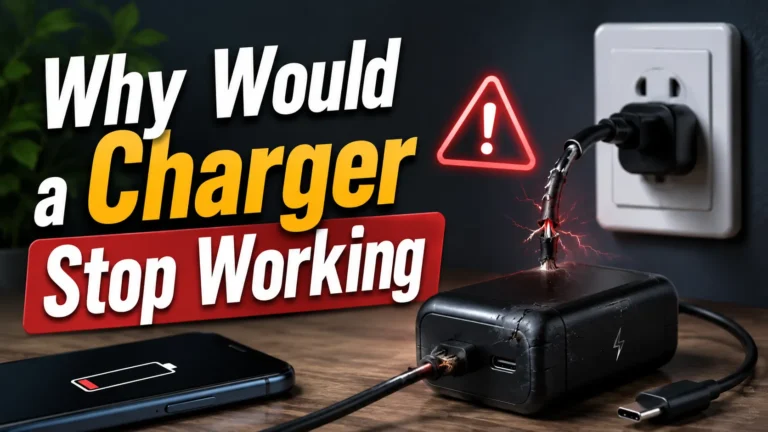
Stop if it sparks, crackles, smells burnt, becomes discolored, has loose or exposed parts, or becomes abnormally hot.
Apple: Charge Limit and Optimized Battery Charging
Google Pixel Help: Adaptive Charging
Use a quality charger, enable charging optimization, and keep the phone cool. Add a smart plug only when you want scheduled wall-power control or energy monitoring.