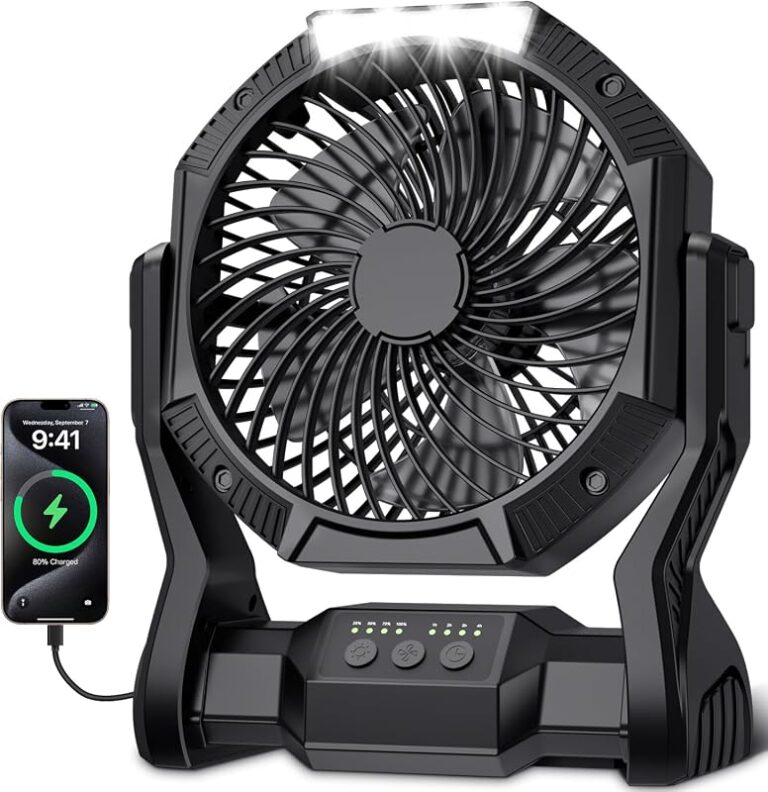
Honeywell Desk Fan Review Best Cooling for Your Space
A Honeywell desk fan is a good fit if you want simple, direct airflow for a desk, nightstand, or small workspace. It is best for personal comfort, not for cooling an entire room.
If you want a compact cooling solution for a desk, bedside table, or small work area, a Honeywell desk fan is often a practical choice. It is usually best for personal airflow rather than whole-room cooling, so the real value depends on where you place it and how much air movement you need.
- Best use: Personal cooling near a desk, bed, or compact work area.
- Buy smart: Check the exact model’s size, noise, speed settings, and cord length before ordering.
- Placement matters: Angle it toward your body and leave clearance around the intake and grille.
- Safety first: Stop using any fan with frayed cords, cracked parts, or overheating.
Honeywell Desk Fan Review: Is It the Best Cooling Choice for Your Space?
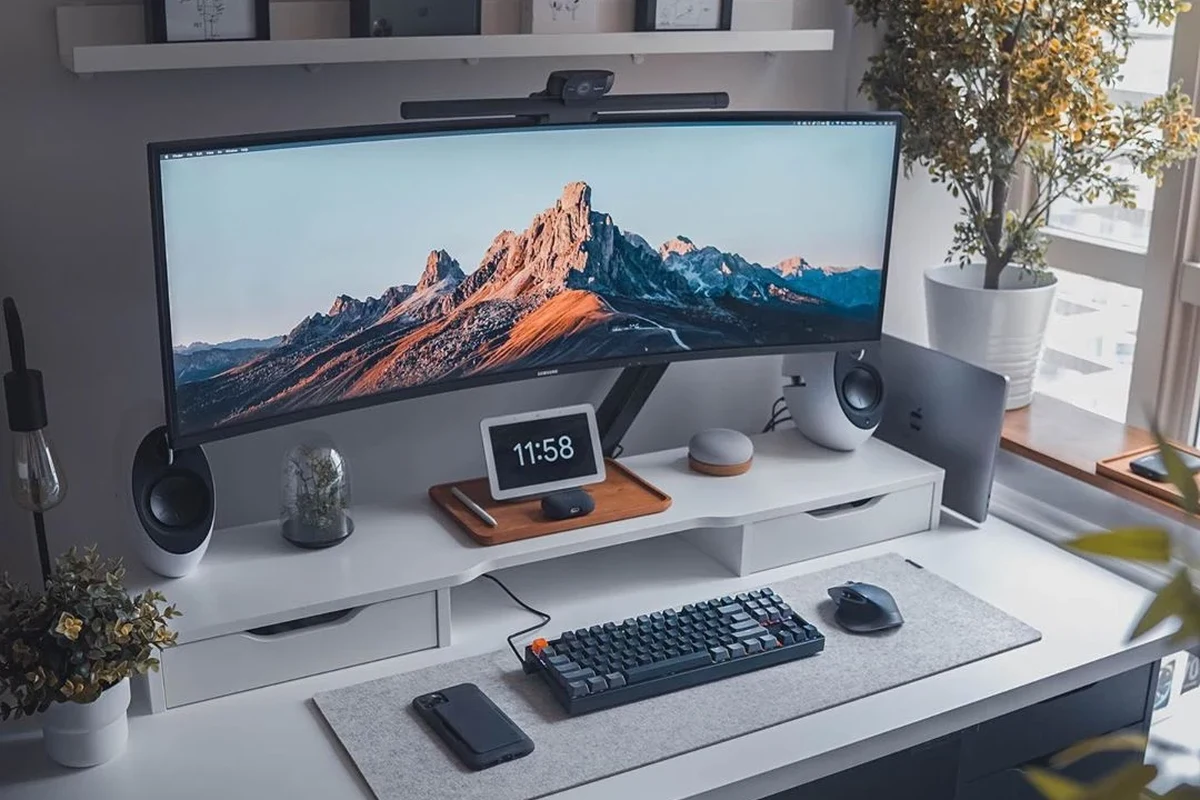
For many buyers, the main question is not whether a desk fan can cool a room, but whether it can make your immediate area more comfortable. A Honeywell desk fan is typically aimed at that kind of targeted cooling: a student at a study desk, a remote worker in a home office, a gamer in a small setup, or anyone who wants air movement without taking up much space.
Because Honeywell sells multiple desk fan models, the exact performance, size, noise level, and controls can vary. That means the best way to judge one is by the fit with your space, your sensitivity to noise, and how close you plan to sit to it.
What a Honeywell Desk Fan Does and How It Works

A desk fan pulls air in from the back or sides and pushes it forward to create a breeze. That breeze helps sweat evaporate from your skin, which is why even a small fan can make a warm room feel more manageable.
Honeywell desk fans are usually designed for simple operation, with basic speed controls and, on some models, oscillation. The goal is straightforward: move air efficiently in a compact footprint.
Airflow Design, Oscillation, and Speed Settings
Airflow design matters because it affects how concentrated or spread out the breeze feels. A fan with a more focused airflow can be better for one person at a desk, while oscillation can help distribute air across a wider area.
Speed settings are also important. Lower speeds are often more comfortable for close-up use and may sound quieter, while higher speeds can help if the fan sits farther away. If a specific model includes multiple speed levels, check whether the controls are physical buttons, a dial, or electronic touch controls, since that affects daily convenience.
Fan size does not always predict comfort by itself. Air direction, blade design, and where the fan sits in the room can matter just as much as raw size.
How Desk Fan Size Affects Cooling Reach
Smaller desk fans are easier to place on crowded surfaces, but they usually deliver a narrower cooling zone. Larger desk fans can move more air, yet they may be less convenient on tight desks or shelves.
For most people, the right size is the one that fits the available surface with enough clearance around the intake and front grille. If you have a compact workspace, measure before buying so the fan does not crowd your monitor, laptop, or papers.
Who the Honeywell Desk Fan Fits Best in 2026
In 2026, a Honeywell desk fan still makes sense for people who want affordable, low-complexity cooling. It is especially useful when you need personal airflow during work, study, sleep, or light household use.
Ideal Room Types, Desk Setups, and Personal Cooling Needs
Desk fans tend to fit best in small offices, dorm rooms, bedrooms, craft tables, and reading nooks. They also work well in setups where you want direct airflow without cooling the entire room.
People who want simple, space-saving personal cooling near a desk or bed, with minimal setup and no app dependency.
If you are sensitive to heat while working on a laptop, drawing, editing video, or gaming, a desk fan can improve comfort without changing the whole room temperature. That said, the benefit drops if you sit too far away or if the room is very large and poorly ventilated.
When a Desk Fan Is Better Than a Tower or Box Fan
A desk fan is often better when portability and placement flexibility matter more than wide-area circulation. It is also a better fit if you want to avoid floor clutter or do not have room for a larger appliance.
Compared with tower fans, desk fans are usually simpler and easier to move. Compared with box fans, they are generally less bulky and more suitable for direct personal cooling, though box fans may move more air across a broader area.
Key Specifications to Check Before You Buy
Because Honeywell desk fan models vary, the smartest approach is to verify the exact model number and read the manufacturer’s specifications before purchase. That helps you avoid surprises about size, noise, power use, and control style.
- Check the exact model number, dimensions, and intended placement
- Confirm speed settings, oscillation, cord length, and cleaning instructions
- Review warranty terms, return policy, and any safety notices from the manufacturer
Dimensions, Weight, Noise Level, and Power Use
Dimensions and weight determine whether the fan fits your desk, shelf, or nightstand without feeling cramped. Noise level is equally important, especially for sleep, calls, or focused work.
Power use is usually modest for desk fans, but the actual wattage depends on the model. If energy efficiency matters to you, compare the manufacturer’s listed power draw and remember that lower wattage does not always mean better airflow.
Cord Length, Build Quality, and Warranty Details to Verify
Cord length can be more important than many buyers expect, especially if your outlet is not close to the desk. A short cord may force awkward placement or require an extension, which you should only use if it is rated appropriately and kept in good condition.
Build quality matters because a desk fan gets moved, tilted, cleaned, and repositioned often. Check whether the grille feels sturdy, whether the base is stable, and whether replacement parts or warranty support are clearly explained in the manual or product listing.
Real-World Benefits and Limitations of a Honeywell Desk Fan
The biggest advantage of a desk fan is convenience. It gives you quick airflow without a large footprint, complicated setup, or app pairing.
Cooling Comfort, Energy Efficiency, and Everyday Convenience
A desk fan can make a warm workspace feel significantly more comfortable by keeping air moving across your skin. It is also a practical option for people who want a low-cost way to improve comfort without running a larger cooling appliance all day.
- Compact and easy to place on desks, shelves, or bedside tables
- Useful for personal airflow and quick comfort
- Usually simple to operate and maintain
- Limited room coverage compared with larger fans
- Noise may be noticeable at higher speeds
- Performance depends heavily on placement and room layout
For everyday use, the convenience factor is often the deciding advantage. If you want a fan you can turn on instantly and forget about, that simplicity is a real benefit.
Common Trade-Offs: Coverage, Noise, and Placement Limits
The main trade-off is coverage. A desk fan is meant to cool the person nearby, not everyone in the room, so expectations should stay realistic.
Noise can also be a limitation if you need a very quiet environment. And because it is a small appliance, placement matters more than with larger fans: too close can feel harsh, while too far away may feel ineffective.
How to Set Up and Position a Desk Fan for Best Results
Good placement can make a small fan feel much more effective. In many cases, the difference between “barely useful” and “very comfortable” comes down to angle, distance, and clearance.
Desk, Shelf, and Floor Placement Tips
On a desk, aim the fan slightly toward your upper body rather than directly into your face. That usually creates more comfortable airflow for longer sessions.
On a shelf or nightstand, make sure the fan sits flat and stable, with enough room for air intake and output. If you place it on the floor, keep it away from rugs, curtains, and clutter that could block airflow.
- Angle the fan so airflow crosses your body instead of blasting one spot.
- Leave open space around the back grille for better intake.
- Use the lowest comfortable speed first, then increase only if needed.
Safe Clearance, Cable Management, and Stability Checks
Make sure the fan has enough clearance from walls, papers, and fabrics. A blocked fan can perform poorly and may create unnecessary heat buildup around the motor.
Keep the cord routed so it does not hang off a desk edge or create a trip hazard. If the base feels unstable, move the fan to a flatter surface rather than stacking books or improvised supports underneath it.
Safety Guide: Using a Honeywell Desk Fan the Right Way
Most desk fans are straightforward, but safety still matters. Follow the manual, inspect the cord regularly, and stop using the fan if you notice damage, unusual heat, or unstable operation.
Do not use a fan with a frayed cord, cracked housing, loose grille, or signs of overheating. Keep it away from water, and unplug it before cleaning or moving it.
Heat, Outlet Load, and Cord Inspection Basics
Desk fans usually do not draw much power, but every outlet has limits when multiple devices share it. If you are using a fan alongside a charger, lamp, or monitor, make sure the strip or outlet is not overloaded and that all plugs sit securely.
Inspect the cord periodically for wear, kinks, or exposed wire. If you notice damage, replace or retire the fan according to the manufacturer’s guidance instead of trying to repair electrical parts yourself.
Stop using damaged electronics, frayed cables, unstable appliances, or units that overheat and follow the manufacturer’s guidance for service or replacement.
Child, Pet, and Overnight Use Considerations
If children or pets are nearby, place the fan where fingers, paws, and toys cannot reach the moving grille. A stable surface and proper cord routing matter even more in busy households.
For overnight use, choose a speed and angle that feel comfortable without creating a harsh draft. If the fan is noisy or vibrates, that can affect sleep quality, so placement and speed settings are worth adjusting before leaving it on all night.
Maintenance, Cleaning, and Storage Guide
Regular cleaning helps a desk fan stay efficient and reduces dust buildup around the grille and blades. It also supports better airflow and can make the fan feel less noisy over time.
Dust Removal, Blade Care, and Filter or Grill Cleaning
Always unplug the fan before cleaning. Use the official manual for the safest method, because some models allow grille removal while others are meant to be cleaned only from the outside.
Dust can collect quickly on fan blades and grills, especially in homes with pets or open windows. A soft cloth, dry brush, or vacuum with a gentle attachment may help remove buildup, but avoid moisture unless the manufacturer specifically allows it.
Cleaning methods can vary by model. If the manual gives specific instructions for grille removal, blade access, or filter care, follow those directions rather than guessing.
Off-Season Storage and Replacement Part Guidance
Before storing the fan, clean it thoroughly and let it dry completely. Store it in a dry place where the cord will not be pinched or bent sharply.
If the fan uses replaceable parts such as a grille piece, filter, or mounting hardware, verify part numbers through the manufacturer or authorized retailer. That is safer than trying to fit unofficial parts that may not align properly.
If you also use other Honeywell home comfort products, such as a Honeywell HWM845 warm mist humidifier, remember that fans and humidifiers solve different problems. A fan improves airflow, while a humidifier changes moisture levels, so they can complement each other in dry rooms when used correctly.
Final Verdict: Is the Honeywell Desk Fan Worth It in 2026?
A Honeywell desk fan is worth considering if you want straightforward personal cooling with little setup and a small footprint. It is not the right choice if you need whole-room cooling, but it can be a strong everyday comfort upgrade for desks, bedrooms, and compact workspaces.
Choose a Honeywell desk fan if you want reliable, simple airflow near your workspace or bed and value ease of use over advanced features. Consider a tower fan, larger circulation fan, or air conditioner instead if your room is large, noisy, or needs broader cooling coverage.
Best Value Use Cases and Better Alternatives to Consider
The best value use cases are personal cooling at a desk, light airflow in a bedroom, and simple comfort in small rooms. It is also a sensible option for buyers who prefer a plug-in fan with no app setup, no firmware concerns, and minimal maintenance.
Better alternatives may include a tower fan for wider coverage, a box fan for stronger room circulation, or a portable air conditioner if you need actual temperature reduction. The right choice depends on whether your priority is direct breeze, broader airflow, or full-room cooling.
Frequently Asked Questions
It is best for people who want direct personal cooling at a desk, bedside table, or small workspace. It is usually less suitable for cooling a whole room.
Verify the exact model number, dimensions, noise level, speed settings, cord length, and cleaning instructions. Also check the warranty, return policy, and any safety notices from the manufacturer.
A desk fan is often better for compact, direct airflow and easy placement on small surfaces. A tower fan is usually better when you want broader room coverage.
Place it on a stable surface with clear space around the intake and aim it toward your upper body rather than straight at one spot. Good angle and distance often matter more than fan size alone.
Unplug the fan before cleaning and follow the manual for grille or blade access. Use dry cleaning methods unless the manufacturer specifically allows moisture.
The biggest limitations are narrow coverage, possible noise at higher speeds, and placement sensitivity. It is a comfort device, not a replacement for air conditioning or larger circulation fans.