Smart Lock Installation Near Me
Smart lock installation near me usually means a local pro can verify fit, install the hardware, and finish app setup for you. It is most valuable when your door is old, misaligned, or part of a shared-access household.
If you’re searching for smart lock installation near me, the real question is whether your door is compatible and whether you want a faster, cleaner setup with fewer surprises. For many homes in 2026, a local installer is worth it when the door is older, the deadbolt is finicky, or you want help with app pairing, guest access, and final testing.
- Fit first: Measure backset, bore size, door thickness, and strike alignment before you buy or book.
- Connectivity matters: Bluetooth, Wi-Fi, Z-Wave, and Matter support all behave differently depending on the model and.
- Pro install helps: A local technician can reduce calibration errors, app setup issues, and door alignment problems.
- Watch the basics: Battery checks, firmware updates, and strong account security are part of smart lock reliability.
Smart Lock Installation Near Me: What It Means and Whether You Need a Pro
“Near me” usually means a local locksmith, handyman, or smart-home technician who can verify fit, install the lock, and make sure the app and access settings work correctly. That matters because a smart lock is only as good as the door it mounts to, the Wi-Fi or hub it connects through, and the way your household plans to use it.
Quick answer: when local installation is worth paying for
Local installation makes the most sense if you want to avoid guesswork, have limited time, or are dealing with a door that may need adjustment before the lock can function smoothly. It is also a good idea when you share access with family, roommates, guests, or short-term renters and want someone to confirm codes, permissions, and backup entry options.
How smart lock installation works in a typical home
In a typical home, installation starts with checking the door’s measurements, the deadbolt alignment, and whether the existing hardware can be reused. The installer then mounts the lock, calibrates the motor or latch mechanism, connects the device to the app or hub, and tests lock and unlock behavior from both inside and outside the home.
How Smart Locks Work: Hardware, App Setup, and Connectivity
Smart locks combine a physical locking mechanism with electronics that let you unlock by app, code, fingerprint, voice assistant, or automation, depending on the model. The hardware and software both matter, so compatibility should be checked before you buy or schedule installation.
Common lock types: deadbolts, lever locks, retrofit kits, and keypad models
Most buyers will see four common categories. Deadbolt replacements swap out the existing deadbolt hardware, lever locks are more common on interior or certain exterior doors, retrofit kits attach to the inside of an existing deadbolt, and keypad models focus on code entry instead of app-first control.
Connectivity basics: Bluetooth, Wi-Fi, Z-Wave, and Matter support
Bluetooth is usually used for nearby phone control, while Wi-Fi can enable remote access without a separate hub on some models. Z-Wave is common in some home-automation setups, and Matter support may improve cross-platform flexibility, but actual features vary by lock, hub, and firmware.
Connectivity features are model-specific and may depend on your router, smart-home platform, bridge, or hub. Always confirm the current compatibility list before buying or booking installation.
App requirements, account setup, and permissions to check before buying
Many smart locks require a manufacturer account, a mobile app, and specific phone operating system support. Before buying, check whether the app needs location access, Bluetooth permissions, notifications, and cloud access for remote features, since those settings can affect convenience and privacy.
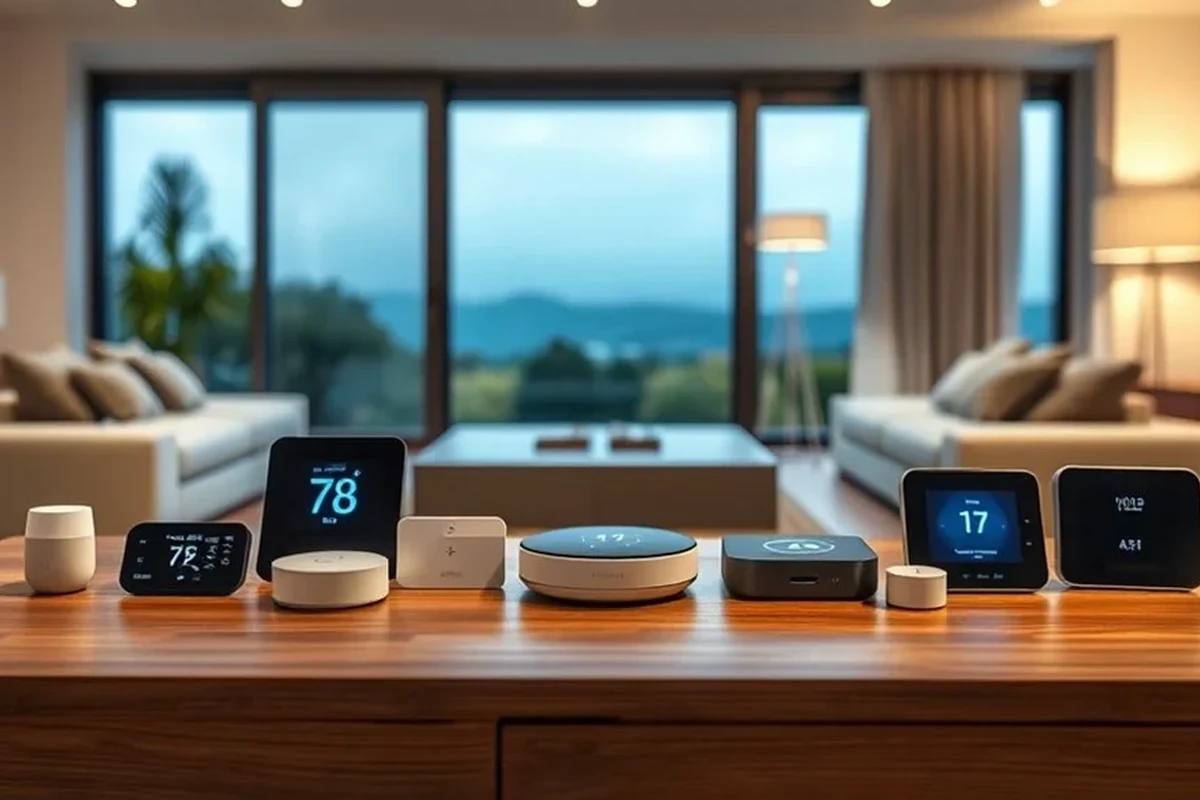
If you’re also building out the rest of the home, it helps to compare lock compatibility with your broader setup. For example, readers often pair access control with smart light switches or smart lights for home automation so arrival routines feel more seamless.
Who Smart Lock Installation Fits Best in 2026
Smart locks are not just for gadget enthusiasts. In 2026, they fit a wide range of people who want easier access management, fewer spare keys, and better visibility into who entered and when.
Best for renters, homeowners, frequent travelers, and short-term hosts
Renters may like retrofit models or locks that can be removed later without major door changes, though lease rules still matter. Homeowners often benefit from permanent installs and deeper smart-home integration, while travelers and hosts appreciate temporary codes, activity logs, and remote control when those features are supported.
Households that want easy access control and are willing to verify door fit, app setup, and backup entry before installation. The main limitation is that advanced features can vary widely by model and platform.
When a smart lock is a poor fit: old doors, misaligned frames, or shared access concerns
Smart locks are a poor fit when the door is warped, the strike plate is badly aligned, or the lock needs force to turn even before installation. They can also be a poor match for homes where everyone dislikes app-based access, or where shared access rules are too complex to manage safely.
Key Specs and Decision Criteria Before You Search “Near Me”
Before you call a local installer, collect the basic measurements and decide which features actually matter. That saves time, reduces return risk, and makes quotes more accurate.
Door compatibility, backset, bore size, thickness, and deadbolt alignment
Door compatibility is the first filter. You’ll want to confirm backset, bore size, door thickness, and whether the existing deadbolt lines up cleanly with the strike plate, because even a premium lock can struggle on a misaligned door.
Power source, battery life, and replacement guidance to verify
Most smart locks use batteries, but battery type and replacement method vary by model. Check how the lock warns you before power runs low, whether the app gives battery alerts, and what backup entry method you’ll have if the batteries die.
Do not rely on a smart lock without confirming your backup entry method. Follow the manufacturer’s instructions for battery replacement and stop using any device that shows physical damage, overheating, or corrosion.
Build quality, weather resistance, auto-lock, and tamper alerts
Outdoor-facing locks should be checked for weather resistance appropriate to your climate, but exact ratings vary by model and region. Auto-lock and tamper alerts can be useful, though they should be treated as convenience features rather than a substitute for good door hardware and strong account security.
Warranty, support, and what local installers should confirm on-site
Before booking, check the warranty terms and whether the installer provides any service guarantee for fit or setup. On-site, a good technician should confirm the lock’s function, app pairing, code creation, and whether any door adjustments are needed for reliable operation.
- Check door measurements, lock type, app support, and platform compatibility
- Confirm battery replacement steps, backup entry, and warranty coverage
- Review privacy settings, permissions, and update support before setup
Installation Process: What a Local Technician Typically Does
A proper installation is more than swapping hardware. The best results usually come from a simple sequence: inspect, mount, calibrate, and test.
Pre-install inspection and measuring the door, frame, and strike plate
The technician should first inspect the existing deadbolt, the door edge, the frame, and the strike plate. If the door sticks, sags, or has uneven spacing, those issues may need to be addressed before the smart lock can work consistently.
Mounting the lock, calibrating the motor, and pairing the app
Next comes mounting the lock according to the manufacturer’s manual, then calibrating the motor or latch so the device knows the full locked and unlocked positions. After that, the installer usually pairs the lock to the app and confirms the correct permissions and account setup.
Ask the installer to leave you with the manual, admin login details, and a simple explanation of how to add or remove users. That reduces confusion later if you change phones or share access with family members.
Testing remote access, guest codes, and lock/unlock reliability
Final testing should include local control, remote access if supported, guest code creation, and repeated lock/unlock checks. If the lock hesitates, jams, or reports inconsistent status in the app, that is a sign the fit, calibration, or connectivity still needs attention.
Real-World Benefits, Limits, and Common Mistakes
Smart locks are popular because they solve everyday access problems, but they also introduce new dependencies. Understanding both sides helps you choose a model that fits your routine instead of complicating it.
Convenience, access control, and activity logs as everyday advantages
The biggest benefit is convenience: no more hiding spare keys or worrying about who has a copy. Many users also value temporary guest access and activity logs, which can be helpful for hosts, parents, pet owners, and anyone managing deliveries or service visits.
Limitations: connectivity drops, dead batteries, and app dependence
Smart locks can be less convenient when connectivity drops or the app is unavailable. Battery life and signal quality matter, and some features may stop working if the lock loses Wi-Fi, the hub goes offline, or the phone app has a problem.
Some smart locks can still be operated manually with a key or interior thumbturn, but the exact backup method depends on the model and should be confirmed before purchase.
Common mistakes: ignoring measurements, skipping firmware updates, and weak password habits
The most common mistakes are easy to avoid: buying before measuring, skipping firmware updates, and using weak account passwords. Since smart locks are connected devices, good password habits and two-factor authentication, when offered, are part of basic home security.
Safety, Maintenance, and Long-Term Care
Once installed, a smart lock still needs routine care. A few small habits can help it stay reliable and reduce the chance of lockouts or wear-related problems.
Safe use practices for shared homes, children, and emergency access
In shared homes, assign admin access carefully and remove unused users when people move out. For children or older adults, make sure the interface is simple enough to use and that emergency access is always available to trusted adults.
Battery checks, cleaning, lubrication, and seasonal inspection tips
Check battery status regularly, especially before travel or extreme weather. Keep the keypad, interior housing, and moving parts clean, and follow the manufacturer’s guidance on lubrication rather than using random household products that could attract dust or interfere with the mechanism.
Stop using any smart lock that feels loose, binds during operation, shows corrosion, or behaves inconsistently after battery changes. If problems continue, refer to the official manual or a qualified installer rather than forcing the mechanism.
Signs the lock needs repair, recalibration, or replacement
Recurring missed commands, repeated calibration errors, noisy motor operation, and frequent false status alerts can indicate that the lock needs service. If the hardware no longer aligns well with the door or the app support has become outdated, replacement may be the better long-term option.
Final Recommendation: How to Choose the Right Smart Lock Installation Near You
The best choice depends on your door, your comfort with setup, and how much you value convenience versus hands-on control. If the lock is a straightforward fit and you’re comfortable following the manual, a DIY-ready model may be enough; if the door is old, misaligned, or part of a shared-access household, local installation usually delivers better value.
Best-value path for most buyers: DIY-ready models vs. professional installation
DIY-ready locks make sense when the measurements are standard, the app is well supported, and you only need basic access control. Professional installation is usually the better value when you want less trial and error, need help with calibration, or want the setup done correctly the first time.
What to compare in quotes, service guarantees, and installation support
When comparing local quotes, ask what is included: mounting, calibration, app setup, user code creation, door adjustment, and follow-up support. Also confirm whether the installer will help with compatibility checks before the appointment, since that can prevent wasted time and return hassles.
Transparent verdict: when local installation delivers the best overall value
For most homeowners and busy households, local smart lock installation is most valuable when reliability matters more than saving the installation fee. If you want the smoothest path to secure, convenient entry, choose a model that matches your door first, then hire a local installer only if the fit, setup, or shared-access management feels even slightly uncertain.
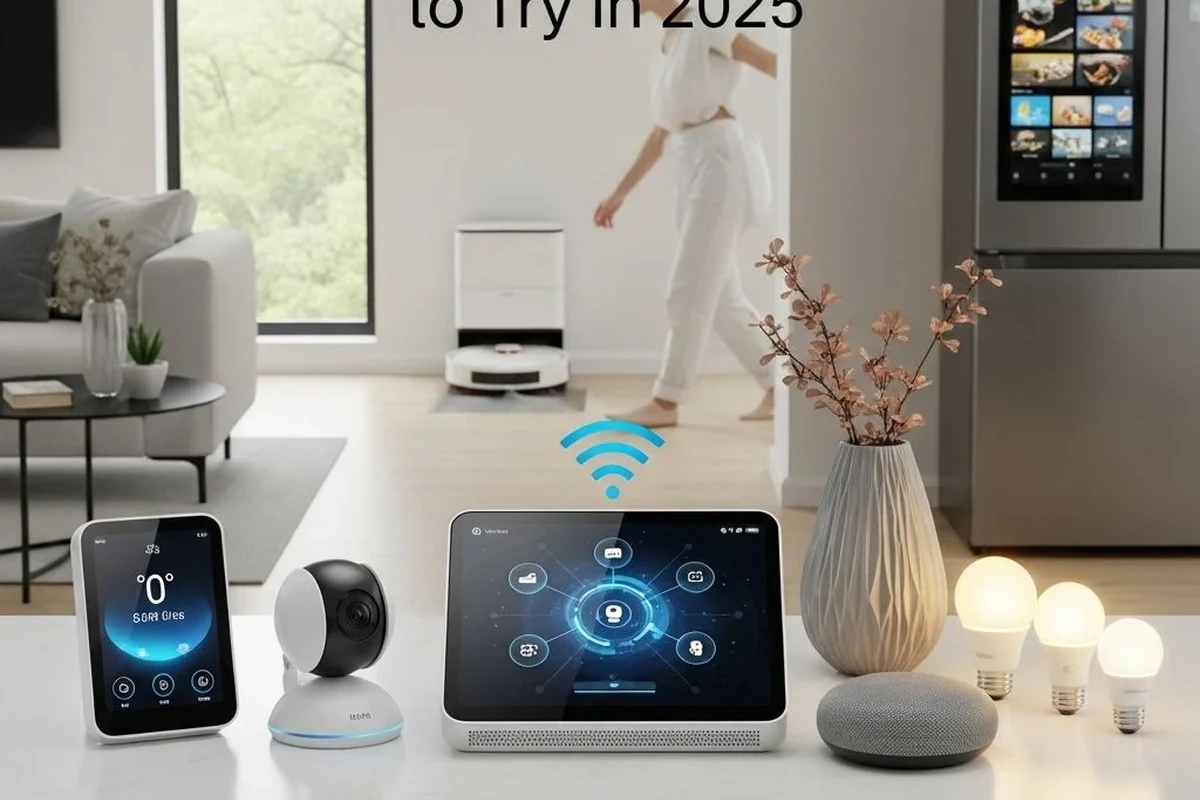
For readers building a broader smart-home setup, access control often pairs well with lighting automation. If that’s part of your plan, our guides to smart lights and Google Home-compatible smart lights can help you compare ecosystem options before you buy.
Frequently Asked Questions
Not always. If your door is standard and you are comfortable following the manual, some smart locks are DIY-friendly. A professional is often worth it when the door is old, misaligned, or you want help with app setup and user access.
Confirm door thickness, backset, bore size, and deadbolt alignment first. Also check the lock’s app requirements, battery type, and whether it supports your smart-home platform.
Some smart locks still work locally through Bluetooth or a keypad, but remote access usually needs Wi-Fi or a hub. Exact behavior depends on the model and firmware, so verify the current specs before buying.
Time varies by door condition and lock type. A straightforward install may be quick, while older doors or calibration issues can take longer because the frame and strike plate may need adjustment.
Check batteries regularly, keep the keypad and housing clean, and follow the manufacturer’s lubrication guidance. It is also smart to install firmware updates when available and review user access from time to time.
First check batteries, app permissions, and whether the door is still aligned properly. If the lock keeps binding, losing calibration, or showing repeated errors, contact the manufacturer or installer and stop forcing the mechanism.