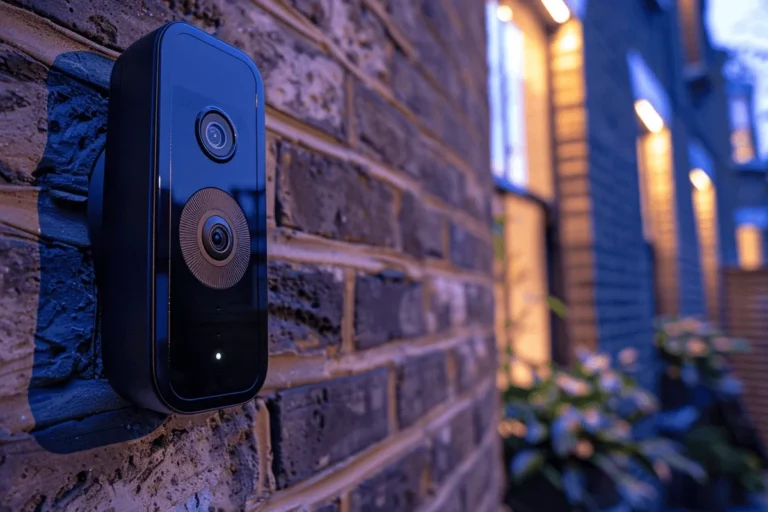
How Good Is Blink Video Doorbell for Home Security
The Blink Video Doorbell is a good fit for basic home security, especially if you want simple alerts and easy setup. It is less compelling for buyers who need advanced detection or premium smart-home features.
If you want a simple, affordable video doorbell for basic home security, the Blink Video Doorbell can be a solid fit. It is best for shoppers who care more about easy setup, motion alerts, and remote visitor screening than advanced smart detection or premium extras.
- Best use case: Motion alerts, live view, and quick visitor screening.
- Main strength: Low-friction setup and budget-friendly entry into smart security.
- Main trade-off: Advanced features and subscription value may be limited compared with premium rivals.
- What matters most: Wi-Fi strength, placement, and the exact model’s power options.
How Good Is Blink Video Doorbell for Home Security? Quick Verdict Up Front
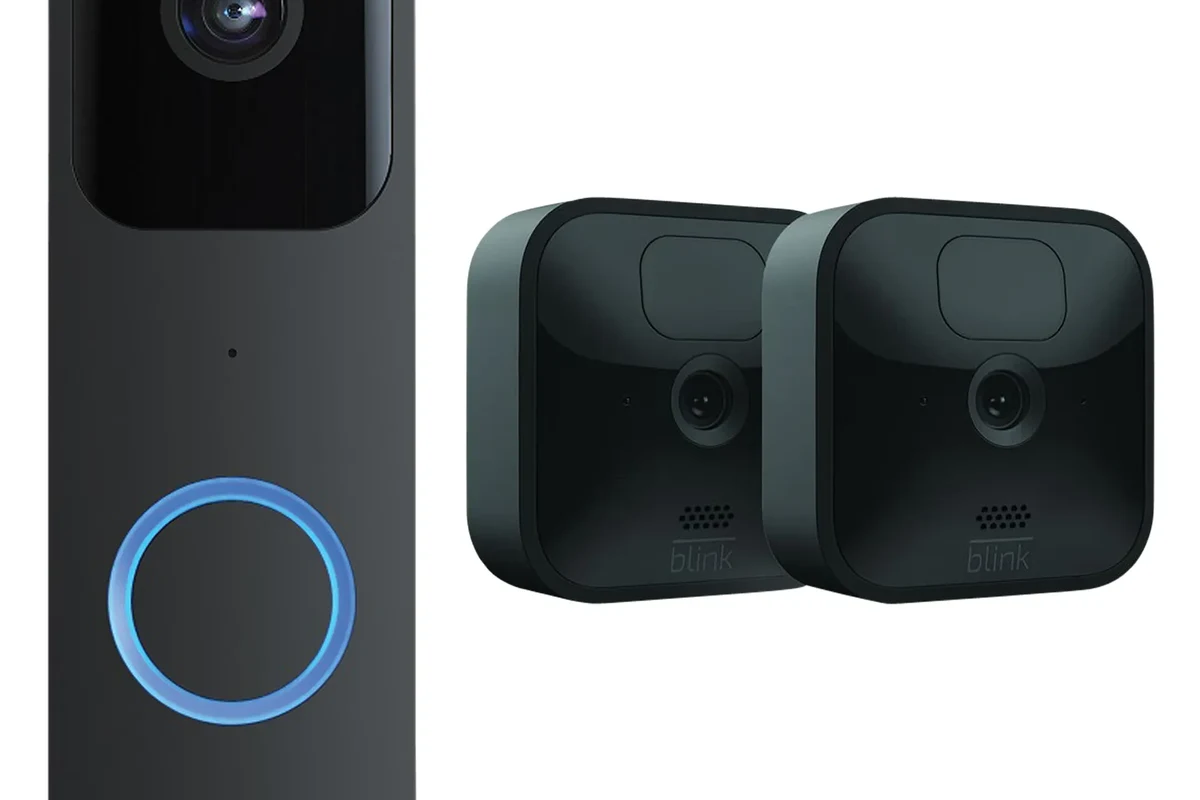
The Blink Video Doorbell is good at the essentials: letting you see who is at the door, getting motion alerts, and checking activity from your phone. Its value depends on how much security detail you expect, because the experience can be limited by subscription choices, Wi-Fi quality, and how you place the device.
If you are comparing options, it helps to read a broader guide on whether video doorbells are worth it for home security before deciding. You may also want to compare it with other value-focused video doorbells and see how Ring compares for everyday use.
How the Blink Video Doorbell Works in Daily Use
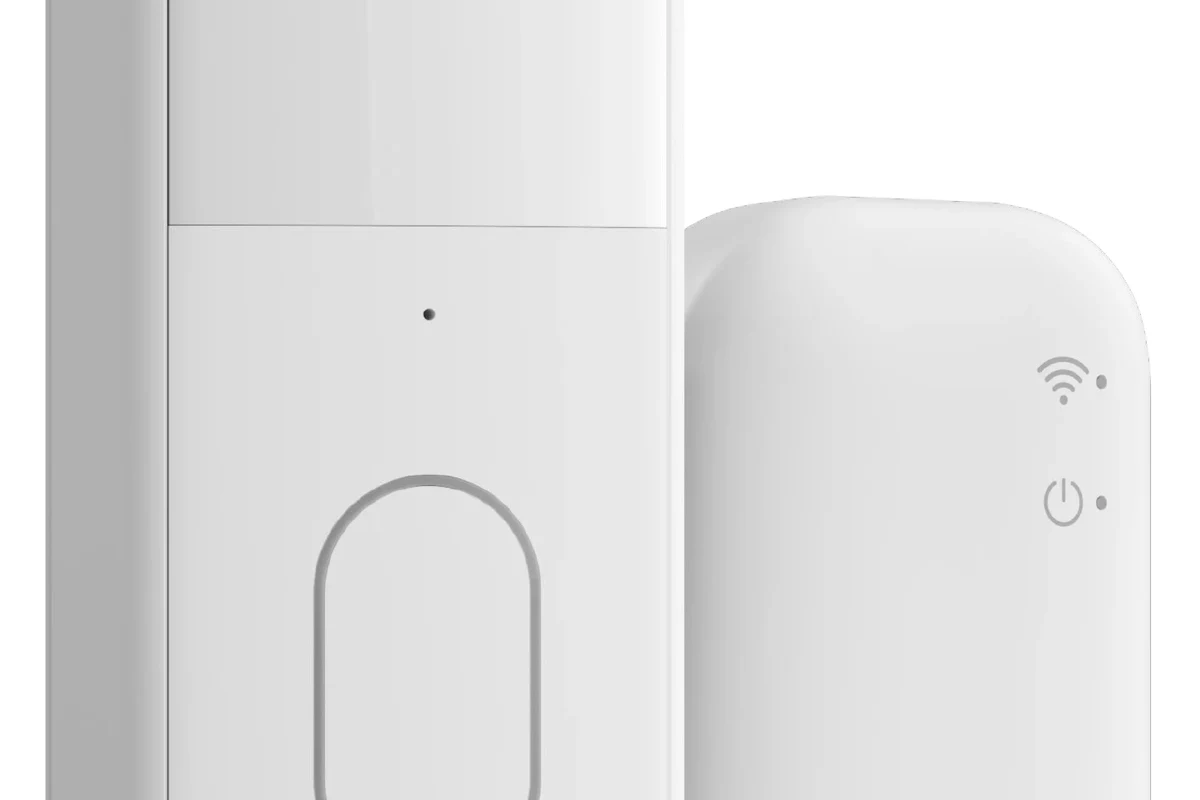
In everyday use, a video doorbell like Blink is meant to do three things well: notify you when someone approaches, show you a live view when needed, and let you speak through the app. The exact experience depends on your internet connection, mounting location, and whether you choose a wired or battery-powered setup.
Wired vs. battery-powered setup options
Blink doorbells are commonly discussed in terms of flexibility, and that is one of the main reasons people consider them. Depending on the exact model and package, you may be able to use battery power, existing doorbell wiring, or both, but you should verify the installation method for the version sold in your region.
Doorbell wiring, transformer compatibility, and included hardware can vary by model and retailer bundle. Always confirm the official installation guide before assuming a setup will work with your home.
Battery-powered use is attractive for renters or homes without an easy doorbell wire. Wired use can reduce charging interruptions, but it still depends on having compatible power and following the manufacturer’s instructions for safe installation.
App alerts, live view, and two-way audio basics
The app is the center of the Blink experience. You can expect motion alerts, access to live video, and two-way talk, but the speed and reliability of those features depend on your phone, app version, Wi-Fi strength, and account settings.
- Turn on only the alerts you actually need so your phone does not get noisy.
- Test live view at the door location, not just near the router.
- Check microphone and speaker permissions in your phone settings if talkback does not work.
For people who mainly want to answer the door from another room, at work, or while traveling, this basic app flow is usually enough. If you want deeper event history, richer detection, or more automation options, you may need to compare it with other brands that offer more advanced plans and features.
Key Specs and Decision Criteria to Check Before You Buy
Because specs and bundles can change, the smartest way to judge Blink is to focus on the features that matter most for your home. Check the video quality, field of view, power method, app requirements, and smart home compatibility before you buy.
- Check compatibility, model number, app requirements, dimensions, ports, wattage, and intended use
- Confirm safety guidance, warranty, return policy, privacy settings, and update support
Video quality, field of view, and night vision
Video quality is one of the biggest factors in whether a doorbell camera feels useful or frustrating. Official specifications may list resolution and viewing angle, but what you actually see depends on porch lighting, distance from the door, rain, glare, and how high the camera is mounted.
Night vision matters as much as daytime clarity for most homes. If your entryway is dark, confirm how the camera handles low light and whether nearby porch lights, motion lights, or reflective surfaces will affect image quality.
Doorbell cameras often look very different in real homes than they do in product photos because porch height, weather, and lighting can change the usable field of view.
Power requirements, battery expectations, and cable quality
Battery life is one of the most variable parts of owning any video doorbell. Motion frequency, temperature, video length, Wi-Fi strength, and alert settings can all affect how often you need to recharge.
If you plan to wire the device, confirm the required voltage and compatible transformer details in the official manual. Do not guess on power compatibility, and do not modify wiring if you are unsure.
Only use the power method approved by the manufacturer. If a cable, connector, battery, or mount looks damaged, stop using it and follow the official replacement guidance.
Connectivity, app requirements, and smart home compatibility
Wi-Fi reliability can make or break a video doorbell. If your front door is far from the router, behind thick walls, or near heavy interference, alerts may lag and live view may struggle.
Also check which mobile operating systems and smart home platforms are supported. Compatibility with Alexa or other ecosystems can vary by model, region, and app version, so confirm the current list before buying.
Who the Blink Video Doorbell Fits Best in 2026
Blink is not trying to be the most advanced doorbell camera on the market. It is trying to be one of the easier and more approachable options, which makes it a better match for some homes than others.
Best for renters, first-time smart home users, and budget shoppers
If you are a renter, first-time smart home user, or someone who just wants a practical front-door camera without a complicated setup, Blink is appealing. Its lower-friction approach can be especially useful if you want to keep installation simple and avoid a steep learning curve.
Renters, casual smart home users, and budget-conscious buyers who mainly want motion alerts, remote viewing, and easy setup.
It can also suit families who want a straightforward way to screen visitors, delivery drivers, or package activity. For shoppers who are still comparing price tiers, this breakdown of video doorbell costs can help set realistic expectations.
Less ideal for users needing advanced AI detection or premium features
If you want advanced person, package, or activity detection, deeper event history, or a premium app experience, Blink may feel limited. Some of those features may be subscription-dependent, while others may simply not be as robust as on higher-end systems.
That does not make Blink a bad product. It just means the value case is strongest when your needs are basic and your expectations are realistic.
Real-World Benefits That Make Blink Worth Considering
The strongest argument for Blink is not that it does everything. It is that it covers the most common doorbell-camera needs in a fairly simple package.
Simple installation and flexible placement
Many buyers choose a Blink-style doorbell because they want a relatively low-stress install. That matters if you do not want to hire help, if you are moving soon, or if your front door does not already have a convenient wired setup.
Flexible placement also helps when you are trying to find the best angle. A camera placed too high, too low, or too far off-center can miss faces, packages, or motion paths, so the ability to rethink placement is valuable.
Helpful motion alerts and remote visitor screening
For everyday home security, the most useful feature is often not recording every possible detail. It is knowing that someone is at the door and being able to decide whether to answer, ignore, or check in later.
That is why motion alerts and live view matter so much. They let you screen visitors, confirm deliveries, and get a quick look at what is happening without opening the door.
Low-cost entry point for home security
For many households, the biggest reason to consider Blink is that it lowers the barrier to entry. You are not buying a full security system; you are adding a front-door layer of awareness.
If you want a broader look at the category, compare it with our video doorbell buying guide and battery-operated alternatives before settling on one model.
Limitations, Trade-Offs, and Common Mistakes to Avoid
No video doorbell is perfect, and Blink has trade-offs that matter more once you start using it every day. The biggest issues usually come from expectations, placement, and network conditions rather than from the concept of the device itself.
Subscription feature limits and evidence limitations
Many video doorbells reserve certain features for paid plans, and Blink is no exception in the broader category. Before buying, check which functions are included, which require a subscription, and how long clips or event history are stored.
Also remember that any camera is only one piece of evidence. A doorbell camera can help document activity, but it is not a guarantee of identification, prevention, or recovery if something goes wrong.
Motion sensitivity, Wi-Fi reliability, and placement errors
Motion alerts can become annoying if the camera faces a busy sidewalk, a waving tree, or a street with constant movement. Good placement matters more than most first-time buyers expect.
Wi-Fi issues are equally common. If the signal is weak at the front door, the camera may miss events, delay notifications, or make live view unreliable. A stronger network or better router placement may help more than changing the doorbell itself.
Stop using damaged electronics, swollen batteries, frayed cables, overheating chargers, or unstable mounts and follow the manufacturer’s guidance.
Heat, weather exposure, and safe power use
Outdoor electronics need to be matched to the environment. Direct sun, heavy rain, freezing temperatures, and humidity can all affect performance and durability, so verify the product’s outdoor rating and operating limits in the official documentation.
If the doorbell is battery-powered, extreme weather may change charging and runtime behavior. If it is wired, make sure the electrical setup is safe, stable, and within the manufacturer’s requirements.
Setup, Maintenance, and Long-Term Care Guide
A doorbell camera lasts longer and works better when it is installed correctly and checked periodically. Most long-term issues come from loose mounting, weak Wi-Fi, dirty lenses, or ignored app and firmware updates.
Installation checklist, app pairing, and connectivity checks
Start by confirming your exact model, reading the manual, and checking the app requirements. Then verify that your Wi-Fi signal is strong enough at the front door before you mount the device permanently.
Check whether your unit is battery-only, wired, or hybrid before you begin installation.
Set up the account, permissions, and notifications before mounting outside.
Check live view and motion detection from the actual front-door location.
Battery replacement, charging guidance, and inspection intervals
If your Blink doorbell uses batteries, follow the official charging guidance and avoid mixing battery types unless the manual explicitly allows it. Recharge or replace batteries on a schedule that matches your usage, not just when the camera stops working.
A quick monthly inspection is usually smart: check the mount, look for water intrusion, confirm the lens is clean, and review whether notifications still arrive normally. If performance changes suddenly, investigate the app, Wi-Fi, and power source before assuming the device has failed.
Cleaning, storage, and warranty details to verify
Clean the lens and housing gently with a soft, dry or lightly damp cloth, and never use harsh cleaners that could damage seals or coatings. If you remove the doorbell for storage or a move, keep it in a dry place with the original accessories if possible.
Before purchase, verify the warranty terms, return window, and support process with the seller and manufacturer. That matters because smart-home products can have different coverage depending on region, bundle, and retailer policy.
Final Recommendation: Is the Blink Video Doorbell Good Value for Your Home?
Yes, the Blink Video Doorbell can be good value if you want a straightforward, budget-friendly way to add front-door awareness. It is strongest when your needs are simple: motion alerts, live viewing, and easy visitor screening.
If you need richer detection, more advanced smart home features, or the most polished premium experience, you should compare it with alternatives before buying. A good next step is to read battery-life-focused alternatives and other top video doorbells that compete with Ring so you can match the device to your actual home security needs.
Best alternatives to compare before deciding
Look at battery-life leaders if you want less charging, wired models if you want steadier power, and privacy-focused options if you care more about local control and fewer cloud dependencies. The right alternative depends on whether your priority is cost, image quality, smart home integration, or privacy.
Transparent verdict based on budget, features, and security needs
My bottom-line recommendation is this: Blink is a good buy for basic home security, but only a fair choice for advanced users. If your goal is affordable convenience with minimal setup friction, it earns a strong look; if you want premium detection and deeper control, keep shopping.
Frequently Asked Questions
Yes, it is a practical choice for motion alerts, live viewing, and remote visitor screening. It is best for buyers who want simple protection rather than advanced smart detection.
Some features may depend on a subscription, but the exact package and plan details can vary by model and region. Check the current product page and app details before buying.
Some Blink doorbell setups support battery power, while others may also work with wiring. Confirm the exact model and installation guide before assuming your home is compatible.
Wi-Fi is very important because it affects alerts, live view, and clip reliability. A weak signal at the front door can cause delays or missed events.
Verify the power method, app requirements, smart home compatibility, and included features. Also confirm warranty, return policy, and whether the subscription terms fit your needs.
Users who want advanced AI detection, premium features, or very deep event history may want to compare other brands first. It is more appealing to budget shoppers and first-time smart home users.