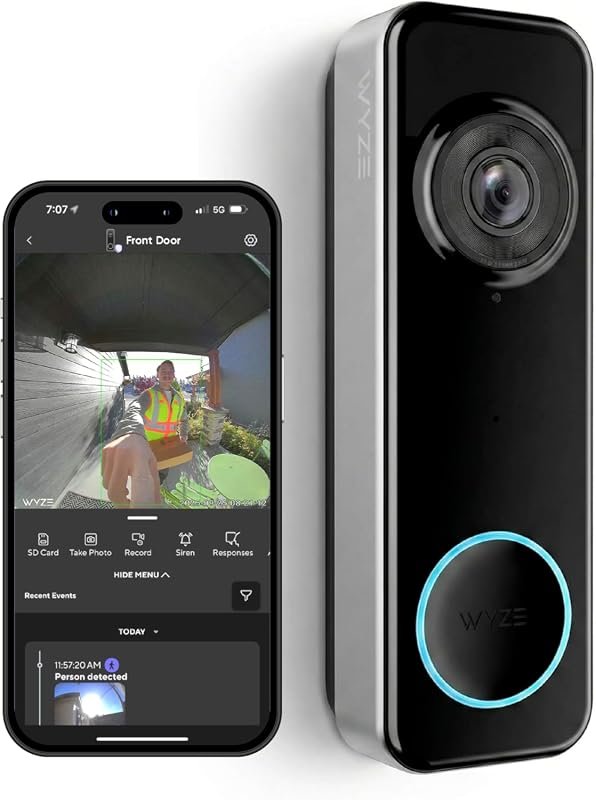
Which Video Doorbells Are Compatible with Alexa in 2026
Ring is the most straightforward Alexa-compatible video doorbell for most homes. Arlo, Blink, and Eufy can also work well, but compatibility and features vary by exact model.
If you’re asking which video doorbells are compatible with Alexa, the shortest answer is: Ring is the most seamless option, Arlo works well with Alexa for many models, and several other brands offer partial support through the Alexa app or skill-based integration. Compatibility usually means you can see a live feed on an Echo Show, get motion alerts on Echo devices, or use voice commands—but the exact features depend on the doorbell model, app, and subscription plan.
- Best compatibility: Ring usually offers the smoothest Alexa integration.
- Model matters: Alexa support can differ even within the same brand.
- Check features: Live view, announcements, and two-way talk are not always included.
- Watch for extras: Subscriptions may be required for recorded video or advanced alerts.
Which Video Doorbells Are Compatible with Alexa? Quick Answer for 2026
In practical terms, the best-known Alexa-compatible video doorbells come from Ring, Arlo, and some Eufy and Blink models, while Google Nest Doorbell support is more limited and often not as feature-complete inside Alexa. If you want the smoothest Alexa experience, focus on models that explicitly list Alexa integration in the manufacturer’s compatibility page and confirm whether live view, announcements, and two-way talk are supported.
For readers who want a broader smart-home context, it can help to compare this with other Alexa devices you already own, such as smart lighting compatible with Alexa and other connected accessories. The same rule applies here: the platform label matters less than the specific feature set and app support.
How Alexa Compatibility Works with Video Doorbells
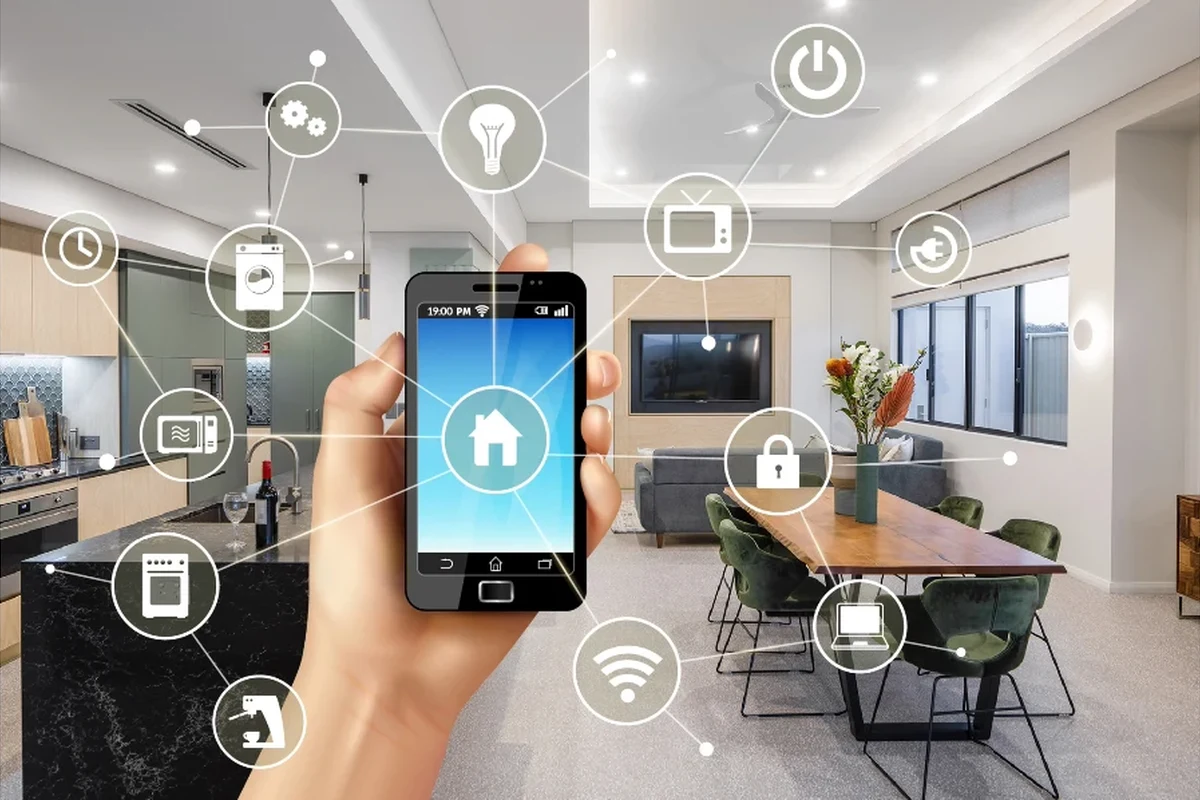
Alexa compatibility is not one single standard. In most cases, the doorbell connects to its own brand app first, then links to Alexa through a skill, account connection, or native integration. Once connected, Alexa can surface certain events and video views on supported Echo devices and Fire devices.
Alexa-enabled features: live view, motion alerts, two-way talk, and door chimes
The most common Alexa features are live view on an Echo Show or Fire TV, motion announcements on Echo speakers, and doorbell ring alerts. Some models also support two-way talk through the doorbell app, though that interaction may happen on your phone rather than through Alexa itself.
Alexa integration often works best for alerts and viewing, while deeper settings like motion zones, activity history, and package detection usually stay inside the doorbell maker’s app.
Door chime behavior can vary too. Some doorbells trigger an Echo device announcement, while others still rely on the original mechanical chime or a separate accessory. If a product page says “Alexa support,” check whether that means viewing, announcements, or full control, because those are not always the same thing.
What you need: Alexa app, smart display, Echo device, Wi‑Fi, and doorbell app
At minimum, you usually need the Alexa app, a compatible Echo device or smart display, a stable Wi‑Fi network, and the doorbell’s own app. Some models also need a subscription for cloud video history or advanced motion alerts, even if basic Alexa notifications work without one.
Compatibility can change after firmware updates, app changes, or regional feature rollouts. Always confirm the current support list on the manufacturer’s website and in the Alexa app store listing before buying.
Best Alexa-Compatible Video Doorbells to Consider in 2026
Rather than chasing a single “best” answer, it helps to choose by ecosystem. If you already use Echo speakers, an Echo Show, or other Alexa routines, the right doorbell is usually the one that fits your wiring, budget, and alert preferences—not just the one with the longest feature list.
Ring Video Doorbell lineup
Ring remains the most straightforward Alexa choice because it is part of the Amazon ecosystem. Many Ring video doorbells offer Alexa announcements, live view on Echo Show devices, and easy routine integration, which makes them a strong fit for households that already rely on Echo speakers and displays.
Ring is usually the easiest pick for Alexa-first homes because setup and feature matching are typically simpler. The tradeoff is that some useful functions may depend on Ring’s app and subscription ecosystem, so buyers should confirm what is included before assuming full access.
Ring is also a good reference point if you’re comparing smart-home compatibility across categories, similar to how readers might evaluate what smart lights work with Alexa or other connected devices. The benefit is convenience; the limitation is that more features often mean more app dependencies.
Arlo Video Doorbell options
Arlo doorbells are often worth a look for buyers who want a more platform-neutral security setup but still want Alexa support. Depending on the model, you may get live view, motion alerts, and voice assistant integration, though the exact feature set can vary significantly by hardware generation and subscription tier.
- Works with Alexa on many models
- Good option for users who want broader smart-home flexibility
- Often includes strong app-based security controls
- Feature support can vary by model
- Some functions may require a paid plan
- Not as Alexa-native as Ring
Google Nest Doorbell compatibility through Alexa limitations
Google Nest Doorbells are not typically the first choice for Alexa households. Some users can still access limited functionality through workarounds or broad smart-home integrations, but Alexa support is usually more restricted than with Ring or Arlo, especially for live video and seamless voice announcements.
If you already use Google Home devices, it may be worth comparing platform fit before buying. For Alexa-first homes, Nest is usually a “check carefully first” option rather than a default recommendation.
Eufy, Blink, and other major brands with partial Alexa support
Eufy and Blink both appear on many shortlists because they can offer useful Alexa support, but the level of integration depends heavily on the exact model. Some units support live view or basic announcements, while others are better understood as app-first products that happen to work with Alexa in a limited way.
For readers comparing ecosystem fit across the home, the same compatibility mindset applies to other connected devices like smart lights for Google Home or cross-platform accessories. The brand name alone is never enough; the model number matters.
Key Specs and Buying Criteria Before You Choose
Before choosing a doorbell, compare the practical details that affect daily use: power, camera quality, alerts, storage, and app requirements. These matter more than marketing language because they determine whether the doorbell will actually fit your home and your Alexa setup.
Power source: battery vs wired vs hybrid
Battery-powered doorbells are usually easier for renters and people who want a less invasive install. Wired models can offer more consistent uptime and may be better for frequent live-view users, while hybrid designs can provide flexibility if your home supports both options.
Follow the manufacturer’s wiring and charging instructions exactly. If a battery swells, a cable frays, or a device overheats, stop using it and follow the official replacement guidance.
Video quality, field of view, and night vision
Higher resolution can help you identify faces, packages, and movement more clearly, but it also depends on Wi‑Fi strength and the viewing angle. A wide field of view is helpful for porches and walkways, while night vision matters if your entryway is dim or covered.
Motion detection, person alerts, and package detection
Motion zones and person detection help reduce false alerts from cars, trees, and passing pedestrians. Package detection can be useful for frequent deliveries, but it is often model-specific and sometimes tied to subscription tiers or app settings.
Storage, subscription costs, and app requirements
Many video doorbells work with Alexa for alerts and live view but still rely on the vendor’s app for recorded clips, motion history, and advanced notifications. Before buying, check whether cloud storage is required for the features you care about and whether local storage is available.
Read the app store listing and the manual before you buy. That is often the fastest way to confirm whether Alexa support is native, limited, or dependent on a paid plan.
Who Each Alexa-Compatible Doorbell Fits Best
The right choice depends on how you live with your front door, not just what the spec sheet says. A renter, a homeowner with existing wiring, and a smart-home power user will all value different things.
Best for renters and easy installation
Battery-powered Ring, Blink, and some Eufy models are often the easiest starting point for renters because they avoid complex wiring. They are also easier to move later if your lease changes or you relocate.
Best for homeowners wanting wired reliability
If you already have doorbell wiring and want fewer charging interruptions, a wired Ring or Arlo model may be a better fit. Wired power can be more convenient for homes that rely on frequent live view, long recording windows, or heavy family use.
Best for budget shoppers
Budget shoppers should look for a model that supports the Alexa features they actually need instead of paying for extras they will never use. Sometimes a simpler doorbell with motion alerts and Echo announcements is a better value than a feature-heavy model with a recurring subscription.
Best for smart home heavy users with Echo devices
If your home already runs on Echo speakers, Echo Show displays, and Alexa routines, Ring is usually the least frustrating choice. It is the most likely to feel integrated rather than patched together, especially for alerts, live view, and voice-based convenience.
Setup Guide: Getting a Video Doorbell Working with Alexa
Most setup problems come from rushing the basics. If you install the doorbell carefully, connect the app in the right order, and verify Wi‑Fi before mounting permanently, you can avoid many of the common headaches people run into later.
Installation basics: mounting, wiring, and battery charging
Start by following the manufacturer’s installation guide for your exact model. Battery units usually need a full charge before setup, while wired units should only be connected to the voltage and wiring configuration approved by the manufacturer.
- Doorbell unit
- Mounting plate and screws
- Charging cable or wiring accessories if included
- Quick-start guide and safety paperwork
Connecting the doorbell to the Alexa app and enabling skills
In most cases, you set up the doorbell in the manufacturer’s app first, then link it to Alexa. After the account connection is complete, open the Alexa app, enable the relevant skill or integration, and confirm that the device appears correctly in your device list.
Finish the manufacturer setup first so firmware, permissions, and account pairing are complete.
Use the Alexa app’s skill or smart-home connection flow, then sign in with the same doorbell account.
Trigger a motion event or press the doorbell to confirm that Echo announcements and live video work as expected.
Checking Wi‑Fi strength, notifications, and live view settings
Weak Wi‑Fi is one of the most common reasons video doorbells feel unreliable. If your router is far from the front door, consider a mesh system, a better access point location, or a model that is known to handle marginal signal better.
Also review notification permissions on your phone and in Alexa. If the app cannot send alerts or your Echo devices are muted, the doorbell may be working correctly even though it appears silent.
Real-World Benefits, Limitations, and Common Mistakes
Alexa integration is most useful when you want quick awareness without opening an app every time. It is less useful if you expect every feature to work the same way across all brands, because doorbell ecosystems are still uneven.
Why Alexa integration is useful for daily convenience and security
For families, remote workers, pet owners, and frequent delivery recipients, Alexa announcements can make front-door activity easier to notice. Live view on an Echo Show can also be handy when your hands are busy or your phone is elsewhere.
If you’re building a broader Alexa home, you may also want to read about whether smart lights work with Alexa so your alerts, lighting, and doorbell routines can work together more smoothly. That kind of ecosystem planning often improves the day-to-day experience more than chasing the newest model.
Common setup mistakes: weak Wi‑Fi, incorrect permissions, and outdated firmware
Many “compatibility” complaints are actually setup issues. Common mistakes include weak Wi‑Fi at the door, not granting notification permissions, skipping firmware updates, or pairing the doorbell with the wrong account.
Before troubleshooting compatibility, confirm the doorbell is powered, updated, and connected to the correct home account. If the hardware is damaged or the battery is failing, follow the manufacturer’s support instructions instead of forcing repeated resets.
Limitations to know: subscription lock-ins, delayed alerts, and device compatibility gaps
Some features may be locked behind a subscription, and some alerts may arrive with a delay depending on signal quality, server load, or app settings. Alexa support can also differ between Echo speakers, Echo Show displays, Fire TV devices, and mobile apps, so don’t assume every Amazon device behaves the same way.
- Confirm whether live view, announcements, and two-way talk are supported on your exact model.
- Check whether the doorbell needs a subscription for recorded clips or smart alerts.
- Test the setup before finalizing the mount so you can adjust Wi‑Fi, angle, or placement if needed.
Final Recommendation: Which Alexa-Compatible Video Doorbells Are Worth It in 2026
If you want the most straightforward Alexa experience, Ring is still the safest starting point for most households. If you want broader smart-home flexibility and are comfortable checking model-specific details, Arlo and selected Eufy or Blink doorbells can also be good fits.
Best overall pick
Ring is the best overall pick for most Alexa users because it usually offers the most consistent integration and the least confusing setup path. It is especially appealing if you already own Echo devices and want doorbell alerts to feel native to the rest of your home.
Best value pick
Blink or a simpler Eufy model can be a better value if your main goal is basic Alexa alerts and live view without paying for a more complex ecosystem. Just verify the exact model’s Alexa support before you buy, because partial compatibility is common.
Best for advanced smart home setups
Arlo is often the best fit for users who want a more flexible security setup and are willing to compare app features, subscriptions, and compatibility details carefully. It can be a strong choice for homes that already mix different smart-home brands.
Transparent verdict based on compatibility, value, and ease of use
For most people asking which video doorbells are compatible with Alexa, the practical answer is to start with Ring, then compare Arlo, Blink, and Eufy if you want different price or ecosystem tradeoffs. The best choice is the one that clearly lists the Alexa features you need, fits your power setup, and does not rely on hidden subscription requirements for basic use.
- Ring is usually the easiest Alexa-compatible choice.
- Arlo, Blink, and Eufy can work well, but support varies by model.
- Always confirm live view, announcements, and subscription requirements before buying.
- Wi‑Fi quality and app setup matter as much as brand compatibility.
Frequently Asked Questions
Ring is usually the easiest and most reliable choice for Alexa households. It tends to offer the smoothest setup and the broadest native integration.
No, live view depends on the exact model and the Echo or Fire device you use. Always confirm that live view is listed in the manufacturer’s compatibility details.
No, announcements are not universal across brands or models. Some doorbells only support alerts through the brand app, while others can announce motion or ring events on Echo devices.
Some do, especially for recorded video history, package detection, or richer motion alerts. Basic Alexa integration may still work without a plan, but features vary by model.
Check the exact model number, supported Alexa features, power type, Wi‑Fi requirements, and whether the app needs a subscription. It is also smart to review the current manual and compatibility list.
The most common causes are weak Wi‑Fi, incomplete app setup, missing permissions, outdated firmware, or using the wrong account. Recheck the manufacturer app first, then relink the skill in Alexa.