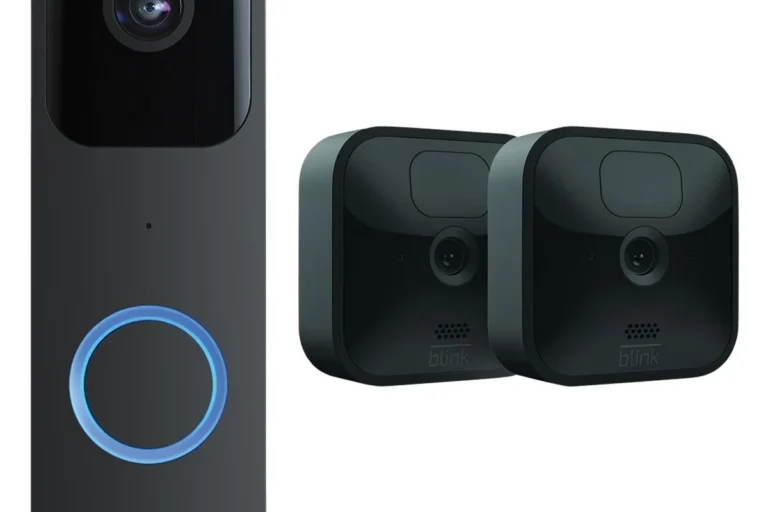
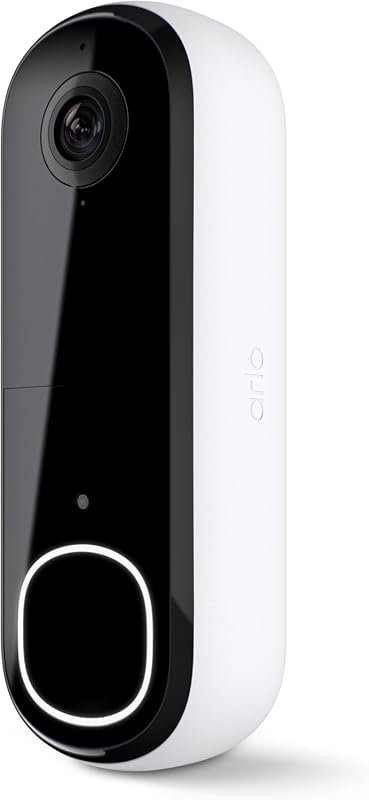
Automated Camera Systems Europe for Smarter Security
Automated camera systems in Europe are worth considering if you want smarter alerts, remote monitoring, and better visibility than a basic camera setup. The best choice depends on storage preferences, app support, privacy controls, and whether you need a simple indoor camera or a scalable PoE system.
Automated camera systems in Europe can make home and small-business security easier to manage by combining video, motion detection, app alerts, and remote viewing in one setup. They are worth considering if you want faster awareness of activity, but the best choice depends on your layout, privacy needs, internet reliability, and whether you prefer cloud or local recording.
- Best fit: Homes, rentals, shops, and home offices that need alerts and recorded evidence.
- Key choice: Decide early between cloud storage and local recording.
- Setup risk: Poor placement and weak Wi‑Fi cause many performance problems.
- Privacy matters: Verify consent rules, app permissions, and footage access controls.
Automated Camera Systems Europe for Smarter Security: What They Are and Whether They’re Worth It in 2026
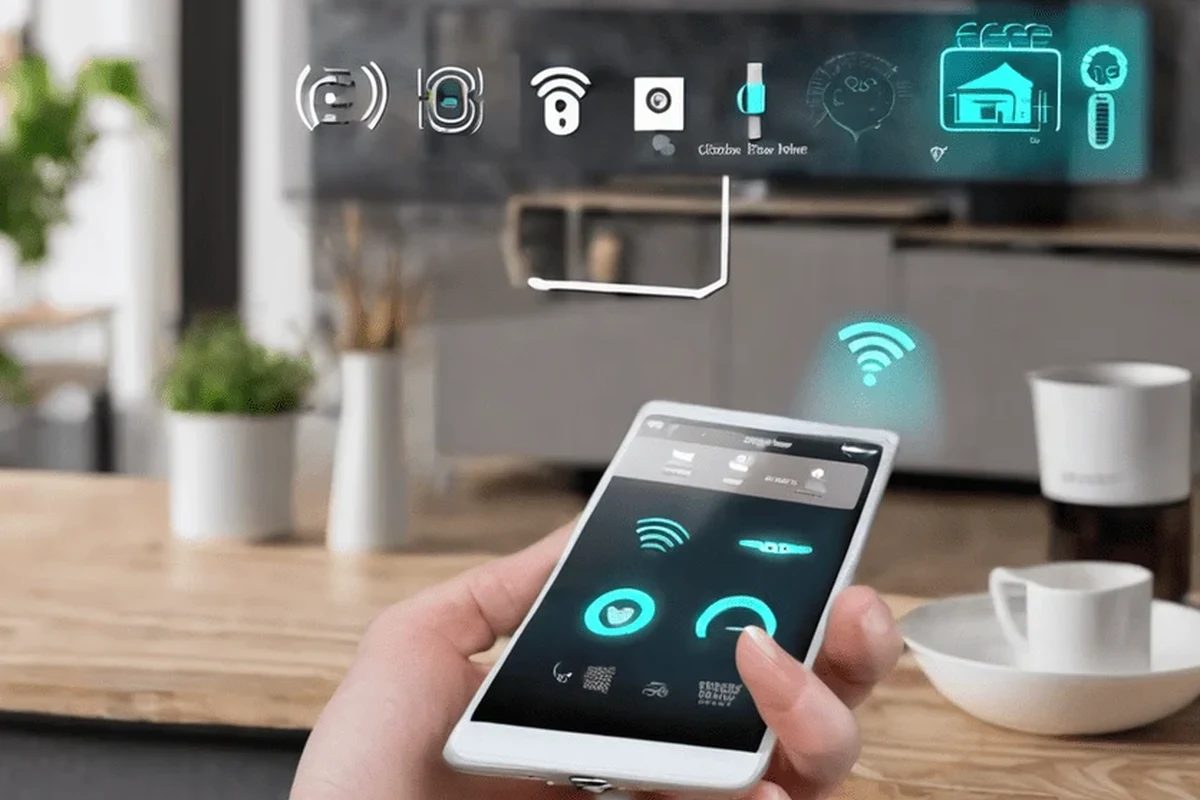
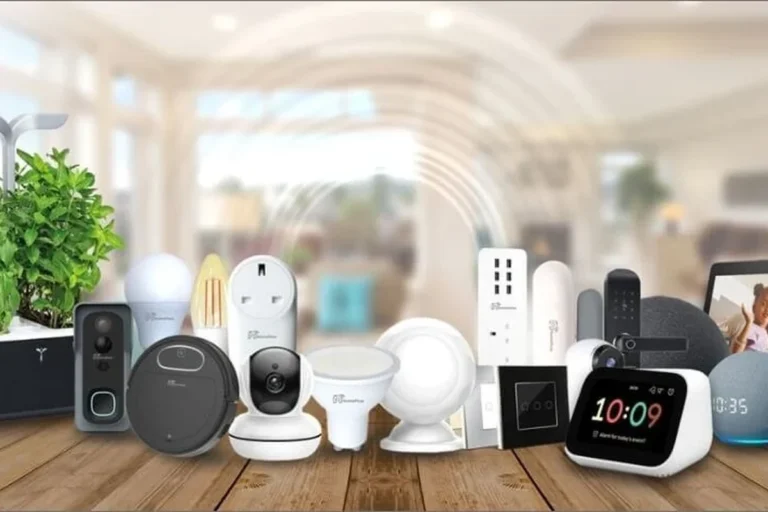
An automated camera system is more than a basic security camera. It usually adds motion sensing, smart alerts, app controls, and sometimes AI-based event detection so the system can flag people, vehicles, packages, or unusual activity without requiring constant manual checking.
For many European homes and small businesses, the appeal is convenience and faster response. A good setup can help you notice a delivery, check on a rental entryway, monitor a shop after hours, or keep an eye on a home office when you are away.
Whether it is worth it comes down to fit. If you only need a simple visible deterrent, a single camera or an alarm may be enough. If you want smarter alerts, multiple viewing angles, and easier remote monitoring, an automated system is usually the better long-term choice.
How Automated Camera Systems Work in European Homes and Small Businesses
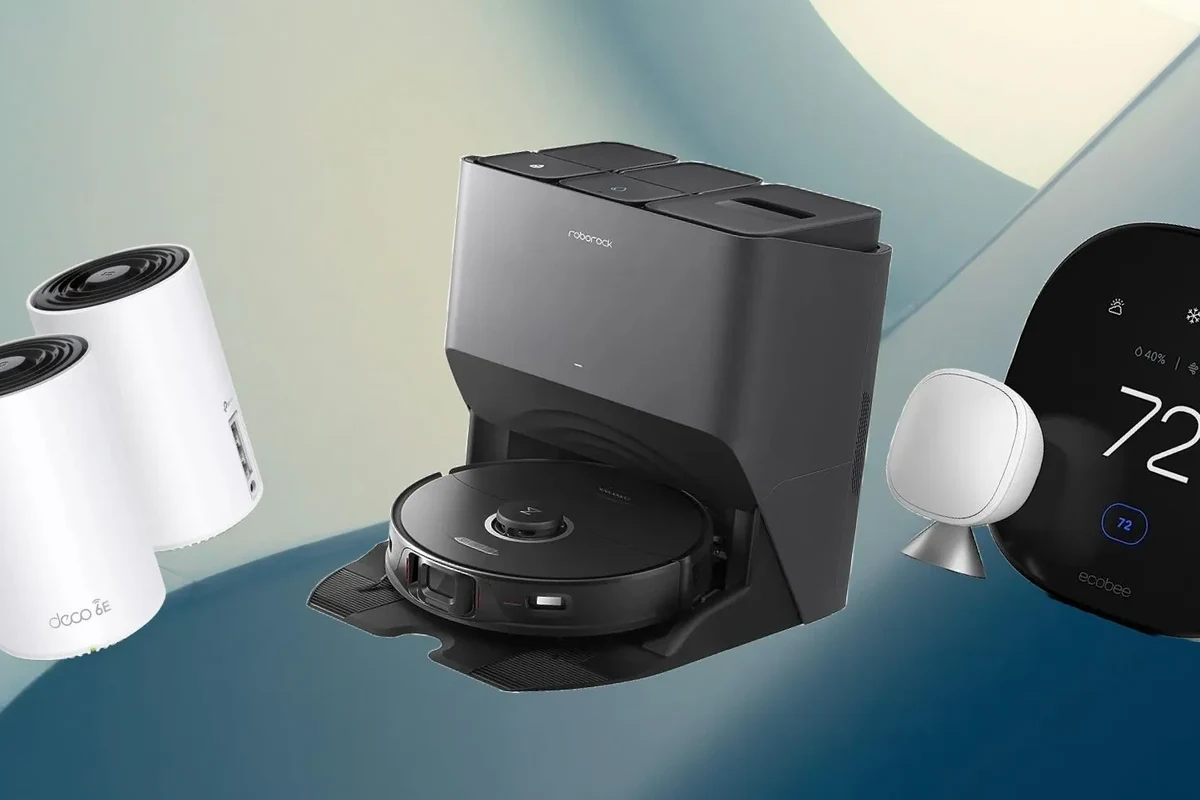
These systems typically combine one or more cameras with a software platform that records video, sends notifications, and lets you review events from a phone or computer. Some models rely on cloud services, while others store clips locally on a memory card, hard drive, or network video recorder.
Core components: cameras, sensors, storage, and AI alerts
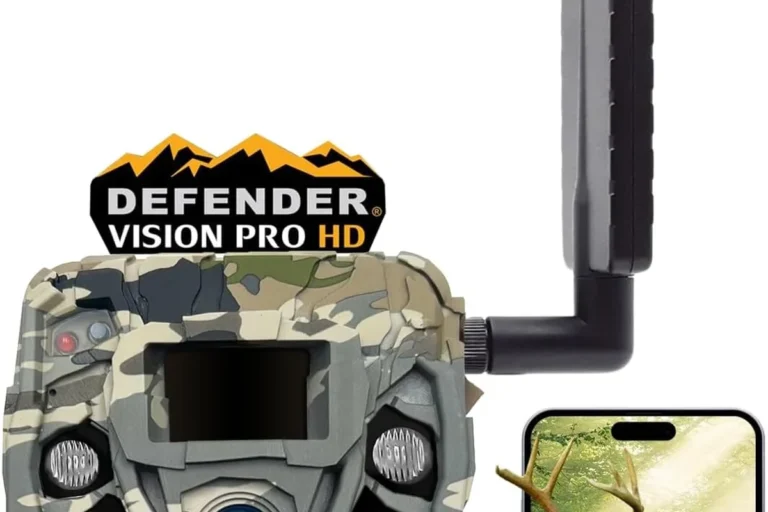
The camera is only part of the setup. Many systems also use motion sensors, infrared night vision, microphones, sirens, or AI filters that try to distinguish people from pets, trees, shadows, or passing cars.
Storage is another major piece. Local storage can reduce recurring fees and keep footage on your network, while cloud storage can make remote access easier and may simplify backup if a device is stolen or damaged. Which option is better depends on your comfort with subscriptions and your privacy preferences.
AI detection quality varies by model, firmware, camera angle, and scene complexity. A feature advertised as “smart” may still need sensitivity tuning to reduce false alerts.
Connectivity essentials: Wi‑Fi, Ethernet, PoE, and cloud vs local recording
Most consumer systems use Wi‑Fi for convenience, but wired Ethernet is often more stable for fixed locations. Power over Ethernet, or PoE, is especially useful for outdoor or business installations because it sends power and data through one cable, which can simplify cable management and reduce dependence on nearby outlets.
For European homes, it is also worth checking whether the camera app, cloud service, and power adapter are intended for your region. If you are comparing devices that may travel or be imported, a related guide like Do iPhone Chargers Work in Europe can help you think through plug and voltage compatibility for other smart devices too.
Before buying, confirm the camera’s app requirements, power input, and whether it supports your router band, wired network, or PoE switch. These details matter more than marketing claims.
Who This Security Setup Fits Best
Automated camera systems are most useful when you want visibility, records, and alerts in the same place. They are less useful if your main concern is only loud deterrence or if you cannot provide a stable power and network connection.
Best use cases for apartments, houses, rentals, shops, and home offices
In apartments, a compact indoor camera can help monitor entry doors, pets, or package deliveries, as long as building rules allow it. In houses, systems often make more sense when you want coverage for front doors, driveways, side gates, and back entrances.
For rentals and vacation properties, remote access and scheduled arming can be useful, but owners should be careful about privacy rules and tenant consent. Shops and home offices often benefit from cameras that can record after-hours activity and send instant alerts if motion is detected near entrances or stock areas.
When a simpler camera or alarm system may be the better choice
If you only need one room covered, a single plug-in camera may be enough. If you mainly want to scare off intruders, a siren-based alarm or floodlight camera may give you more immediate deterrence than a full multi-camera platform.
A simpler setup can also be easier to maintain. Fewer devices mean fewer apps, fewer firmware updates, and fewer points of failure when the internet goes down.
- Combines alerts, recording, and remote viewing
- Can scale from one camera to a full property layout
- Useful for homes, rentals, and small businesses
- Can create false alerts if placement or settings are poor
- May depend on internet, subscriptions, or vendor apps
- Privacy and consent rules can complicate installation
Key Buying Criteria for Automated Camera Systems in Europe
When comparing models, focus on the parts that affect daily use: image quality, alert accuracy, installation method, app support, and storage costs. The best system is the one that fits your space and your comfort level with software and maintenance.
Video quality, night vision, field of view, and motion detection accuracy
Video resolution matters, but it is only one part of the picture. A camera with a wide field of view, usable night vision, and reliable motion detection is often more helpful than a high-resolution model with poor placement or weak low-light performance.
Motion detection should be evaluated carefully because sensitivity varies widely. Some systems do a good job with people and vehicles while others trigger on curtains, pets, rain, or headlights. If the manufacturer offers customizable activity zones or detection categories, that can improve real-world usefulness.
Dimensions, power needs, cable quality, and weather resistance for indoor vs outdoor use
Indoor cameras usually prioritize size, appearance, and simple power options. Outdoor models need stronger weather resistance, more secure mounting, and cabling that can handle exposure, bends, and long runs without becoming a hazard.
Check the camera’s dimensions if you plan to mount it in a narrow doorway, under an eave, or near a window frame. Also verify what power source it needs, whether the cable is included, and whether replacement cables are easy to find from the manufacturer.
Do not install outdoor cameras with damaged cables, unstable mounts, or unprotected power connections. Follow the manufacturer’s instructions for weather exposure, outdoor-rated accessories, and safe routing away from trip hazards.
App requirements, smart home compatibility, and privacy controls to verify
App support can be a deciding factor. Some cameras work best only inside the vendor’s app, while others integrate with broader smart home platforms, voice assistants, or automation routines. Compatibility can vary by region, firmware, and account type, so always check the official support page before buying.
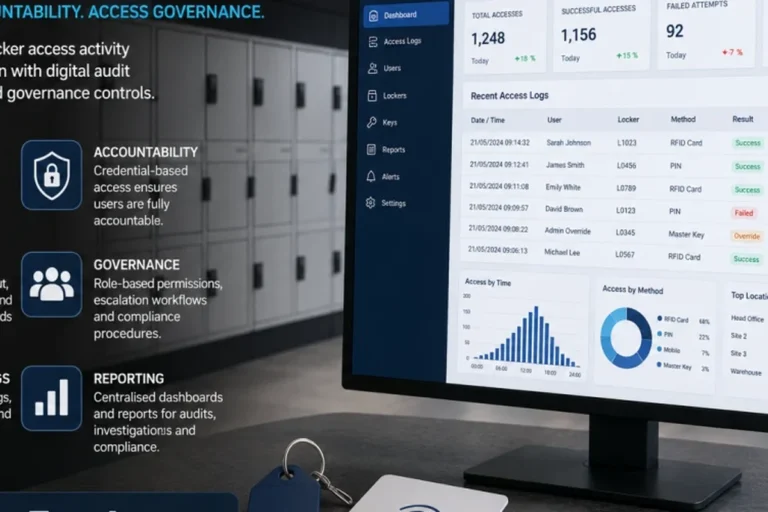
Privacy controls deserve close attention in Europe, where users often expect stronger data handling transparency. Look for two-factor authentication, adjustable permissions, activity logging, encrypted connections where documented, and the ability to disable features you do not want, such as audio recording or cloud sharing.
- Check model compatibility, app requirements, and supported smart home platforms
- Confirm power input, cable length, mounting method, and intended indoor or outdoor use
- Review privacy settings, storage options, warranty terms, and update support
Storage options, subscription costs, warranty terms, and expected maintenance
Storage can be local, cloud-based, or a mix of both. Local storage often appeals to privacy-focused buyers, while cloud plans may offer longer retention, richer event history, or easier sharing. Since subscription pricing and features change often, confirm current terms before making a decision.
Warranty details also matter because camera systems involve both hardware and software. Check how long support lasts, whether firmware updates are included, and what the manufacturer says about replacement parts, app changes, and service availability in your country.
Real-World Benefits and Practical Trade-Offs
In everyday use, automated camera systems are valued less for technical specs and more for how they reduce uncertainty. The right setup can help you know what happened, when it happened, and whether you need to act.
Faster alerts, deterrence value, and remote monitoring convenience
Fast alerts are one of the biggest advantages. If the system is tuned correctly, you may get notified about a person at the door, movement near a garage, or activity in a shop after hours before the situation becomes a larger problem.
Visible cameras can also deter casual trespassing. Even when they do not stop an event entirely, they often provide a record that can help with follow-up, insurance claims, or simply confirming that a package arrived safely.
Limitations: false alerts, internet dependence, data privacy, and ongoing fees
The trade-offs are real. False alerts can become annoying, especially in windy areas, busy streets, or homes with pets. If the internet drops, cloud-based features may stop working, and some systems become far less useful until the connection returns.
Privacy is another major consideration. Review who can access footage, where data is stored, and whether the vendor’s policies fit your expectations. Ongoing fees can also change the total cost of ownership, especially for multi-camera setups with advanced event history or AI features.
Common Setup Mistakes and How to Avoid Them
Many camera problems are caused by installation choices rather than the hardware itself. Good placement, stable connectivity, and proper legal awareness matter as much as the camera model.
Poor placement, weak Wi‑Fi coverage, and blind spots
One common mistake is mounting a camera too high, too low, or at the wrong angle. That can leave blind spots or make faces and license plates harder to identify. It is usually better to test the view from the app before finalizing the mount.
Weak Wi‑Fi coverage is another frequent issue. If the signal is poor where the camera sits, consider a wired connection, a mesh node, or a different location closer to the router. A strong signal is especially important for live view and timely push notifications.
Before drilling or fastening anything permanently, temporarily place the camera and review the feed at different times of day. That helps you catch glare, shadows, and blind spots early.
Ignoring local regulations, consent rules, and recording signage requirements
Privacy and recording rules vary by country, building type, and use case. In many situations, you may need to avoid filming public areas more than necessary, inform visitors that recording is taking place, or get consent where required.
Because rules can differ across Europe, check local guidance before installation rather than relying on general internet advice. When in doubt, consult the manufacturer’s documentation, property manager rules, or a qualified local professional familiar with surveillance and privacy requirements.
Overlooking heat, power limits, cable routing, and safe installation practices
Outdoor enclosures, attic spaces, and direct sun can create heat stress for electronics. Make sure the camera is rated for the conditions where it will sit and that its power adapter, battery pack, or PoE setup matches the manufacturer’s guidance.
Cable routing should avoid sharp edges, pinch points, and places where moisture can collect. Safe installation is especially important around ladders, ceilings, and exterior walls, where a rushed setup can damage the device or create a fall risk.
Maintenance, Safety, and Long-Term Care
Camera systems do not need constant attention, but they do need periodic checks. A few minutes of maintenance can prevent missed recordings, poor image quality, and avoidable hardware wear.
Cleaning lenses, checking mounts, inspecting cables, and replacing worn parts
Dust, fingerprints, rain spots, and insect residue can reduce image clarity. Clean lenses gently with appropriate materials recommended by the manufacturer, and avoid harsh cleaners that could damage coatings or seals.
Also inspect mounts and cables from time to time. If a bracket loosens, a cable frays, or a housing cracks, address it promptly rather than waiting for a failure.
Stop using damaged electronics, swollen batteries, frayed cables, overheating power supplies, or unstable mounts and follow the manufacturer’s guidance before reinstalling the device.
Updating firmware, testing alerts, and reviewing battery or backup power limits
Firmware updates can improve security, fix bugs, and sometimes change app behavior. Install updates from the official app or manufacturer instructions, and review release notes when they are available so you know what changed.
It is also smart to test alerts after setup and after major network changes. If your system uses battery backup or a wireless camera with rechargeable power, confirm how long it actually lasts under your own usage pattern, since battery life varies with temperature, motion frequency, and streaming habits.
Final Recommendation: Which Automated Camera System Makes Sense for Different Buyers
The best automated camera system is the one that matches your space, your privacy comfort level, and your willingness to manage software and storage. Buyers should think less about flashy features and more about reliability, installation simplicity, and long-term support.
Best value pick, best privacy-first pick, and best scalable pick for 2026
Best value pick: a straightforward indoor or outdoor system with local storage, dependable app alerts, and basic smart detection is usually the best choice for most homeowners who want useful security without recurring complexity.
Best privacy-first pick: a system with local recording, strong account protection, clear privacy controls, and minimal cloud dependence is ideal for users who want tighter control over footage and fewer subscription ties.
Best scalable pick: a PoE or hybrid system is often the best fit for larger homes, shops, or home offices that may add more cameras later and want a more stable, expandable setup.
Choose a scalable PoE or hybrid system if you expect to expand coverage over time; choose a privacy-first local-storage model if you want simpler data control; choose a basic app-based camera if you only need one-room monitoring.
Before you buy, verify the exact model’s app support, storage terms, power requirements, and warranty details. Those practical details matter more than broad category labels and will determine whether the system is genuinely smarter security or just another connected device to manage.
Frequently Asked Questions
They can be, especially if you want package monitoring or entryway visibility. Check building rules and local privacy requirements before installing any recording device.
Local storage is often better for privacy-focused buyers and can reduce subscription costs. Cloud storage may be easier for remote access and backups, but it can add ongoing fees.
Focus on image quality, night vision, motion detection accuracy, power options, app support, and storage. Those features affect day-to-day use more than marketing claims.
Yes, especially for live viewing and fast alerts. If Wi-Fi is weak, consider Ethernet, PoE, a mesh network, or a better camera location.
Use activity zones, adjust sensitivity, and avoid pointing the camera at busy streets, trees, or reflective surfaces. Pet movement and changing light are common causes of false alerts.
Confirm the model number, app requirements, power input, mounting method, warranty terms, and privacy settings. Also check local recording and consent rules for your property type.