Which Video Doorbells Work with Google Home Best in 2026
The best answer is usually Google Nest Doorbell for the smoothest Google Home experience, with Arlo, Wyze, and eufy as strong alternatives depending on budget and installation type. Always verify the exact model’s Google Home features, power requirements, and subscription terms before buying.
If you’re asking which video doorbells work with Google Home, the short answer is that the best options are usually Google Nest Doorbell, Arlo Video Doorbell, Wyze Video Doorbell Pro, and several eufy models that support Google Home integration. The right choice depends on whether you want the smoothest Nest Hub experience, the lowest monthly cost, or the best fit for a wired or battery setup.
- Best overall: Google Nest Doorbell usually offers the cleanest Google Home and Nest Hub integration.
- Best wired alternative: Arlo is a solid choice if you want wired power and broad smart home.
- Best budget pick: Wyze can work well if you want lower upfront cost and basic Google Home.
- Best flexibility: eufy models may suit buyers who want storage options and broader ecosystem compatibility.
- Always verify: Exact model support, live view, announcements, subscriptions, and power requirements can vary.
Which Video Doorbells Work with Google Home Best in 2026? Quick Answer and Top Picks
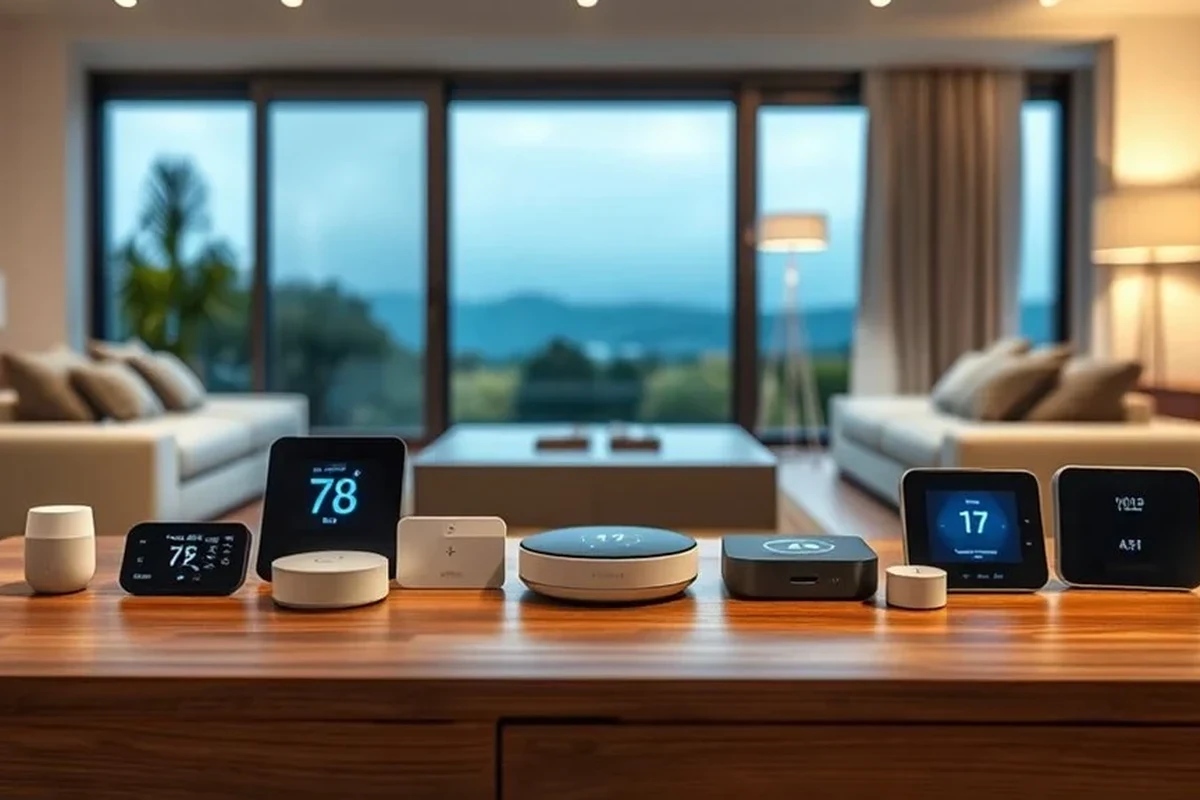
Google Home compatibility is strongest when the doorbell is designed to work natively with Google’s ecosystem. In practice, that means you can often see alerts, launch live view, and sometimes interact with the doorbell through a Nest display or the Google Home app, but the exact features vary by brand, model, and firmware.
For most households, Google Nest Doorbell is the easiest match because it tends to offer the most seamless experience with Nest speakers and displays. If you want a strong alternative, Arlo is a solid wired option, Wyze is usually the budget-friendly pick, and eufy is worth a look if you care about broader smart home flexibility and storage choices.
- Native Google/Nest support usually gives the cleanest Google Home experience.
- Some third-party doorbells connect through the Google Home app, but feature depth can differ.
- Subscription needs, wiring, and device placement matter as much as compatibility.
How Google Home Compatibility Works with Video Doorbells
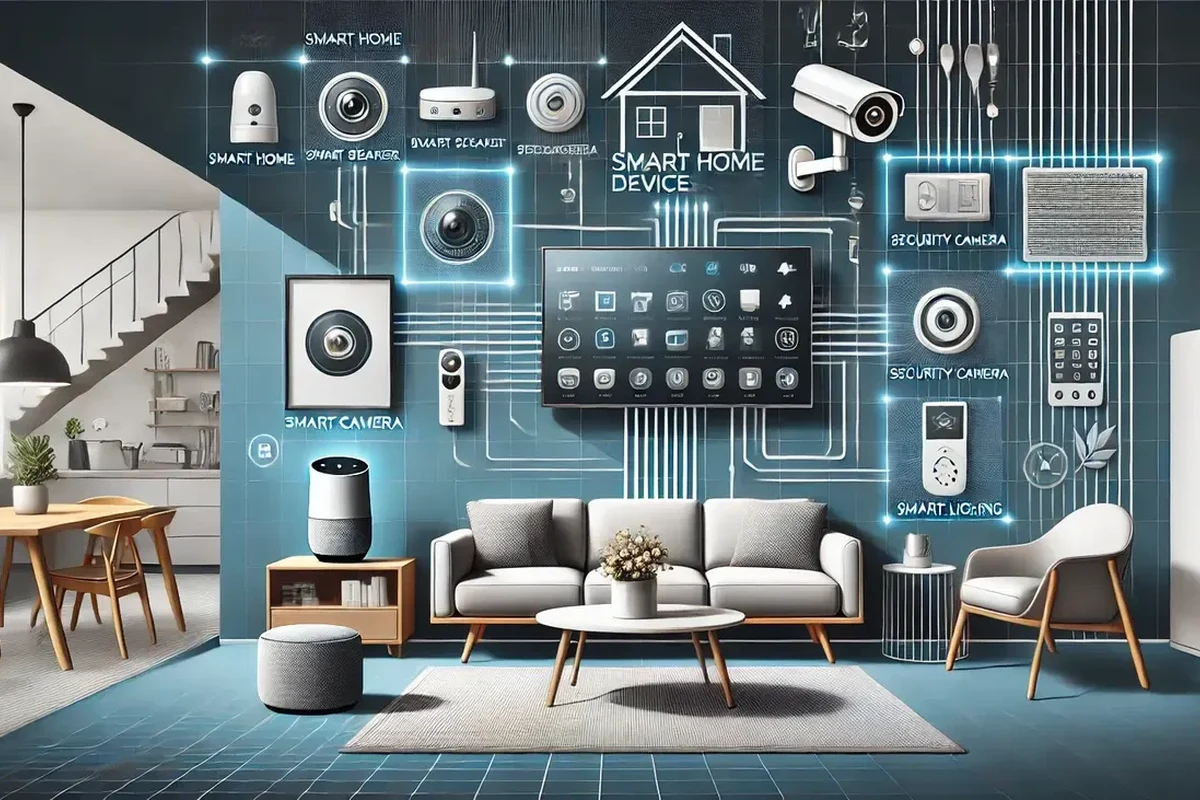
Before buying, it helps to understand that “compatible” does not always mean “fully integrated.” Some doorbells only send alerts to Google Home, while others can also show live video on supported displays or let you use voice commands to check the front door.
What “Works with Google Home” Actually Means
When a doorbell works with Google Home, it typically means the manufacturer has enabled an official connection between its app and Google’s smart home platform. That connection may allow announcements on Nest speakers, camera access in the Google Home app, and display support on Nest Hub devices, depending on the model.
Compatibility can also depend on region and account setup. A doorbell listed as Google Home compatible in one market may have different feature availability in another, so it is smart to confirm the current support page before buying.
How Live Video, Motion Alerts, and Two-Way Talk Appear in Google Home
Live video is the feature most buyers care about, but not every supported doorbell handles it the same way. Some models open a camera feed in the Google Home app or on a Nest Hub, while others may only provide notification banners or doorbell chimes through Google speakers.
Motion alerts are usually more reliable than advanced video actions because they depend less on display support. Two-way talk often happens inside the manufacturer’s app, though some setups also let you open a live view and speak through a Google-connected display.
Google Home behavior can change with app updates, firmware updates, and device generation. Always verify the current feature list on the manufacturer’s compatibility page and in the Google Home app before purchase.
Google Home App, Google Assistant, and Nest Hub Requirements to Verify
To avoid disappointment, check three things: whether the doorbell is supported in the Google Home app, whether it works with Google Assistant routines or announcements, and whether your Nest Hub model supports live view for that doorbell. Some older displays or older firmware versions may not support the same features as newer hardware.
- Check the exact model number and supported Google Home features.
- Confirm whether live view, announcements, and two-way talk are included.
- Verify app requirements, firmware support, and Nest Hub compatibility.
Best Video Doorbells for Google Home Users in 2026
These picks focus on practical Google Home use, not just brand popularity. Because features can vary by model and software version, treat this as a buying guide and confirm current specifications before checkout.
Best Overall for Most Homes: Google Nest Doorbell
Google Nest Doorbell is usually the safest recommendation for anyone who wants the most straightforward Google Home experience. It is the most natural fit for Nest Hub users, and it tends to reduce setup friction because the hardware and platform come from the same ecosystem.
Homes already using Nest speakers, Nest Hubs, or the Google Home app as the center of the smart home. The main limitation is that model features and subscription requirements can vary, so check the current version carefully.
This is the pick for families who want simple voice control, front-door announcements, and less app juggling. It is also a strong choice if you want the least guesswork when pairing a doorbell with Google Home routines or displays.
Best Wired Alternative: Arlo Video Doorbell
Arlo’s video doorbells are often a good wired alternative for buyers who want a polished app experience and Google Home support without moving fully into the Nest ecosystem. Wired installation can also be appealing for users who do not want to recharge a battery on a schedule.
- Often a strong fit for steady, always-on front-door use
- Good choice when you prefer wired power over battery maintenance
- Can work well in mixed smart home setups
- Feature access may depend on the exact model and subscription plan
- Wiring compatibility should be checked before purchase
- Google Home integration may not be as seamless as Nest on some setups
If you are comparing broader smart home options, it can help to read a separate guide on integrating smart speakers with home lighting systems because the same platform planning issues often show up in doorbell setups too.
Best Budget-Friendly Option: Wyze Video Doorbell Pro
Wyze is often attractive to shoppers who want a lower upfront cost and Google Home support without paying for a premium ecosystem. It is a practical option for renters, first-time smart home buyers, and anyone who wants basic front-door monitoring.
The trade-off is that budget doorbells can be more sensitive to Wi-Fi quality, placement, and subscription differences. If you choose Wyze, verify which features work locally, which require cloud services, and whether the current model supports the Google Home functions you need.
Best for Broader Smart Home Ecosystems: eufy Video Doorbell Models
eufy doorbells are often appealing to users who want more flexibility in storage and a broader smart home setup. Depending on the model, they may offer local storage options, battery or wired versions, and varying levels of Google Home support.
That flexibility can be useful if you want to avoid locking your front door into one ecosystem. It also makes eufy worth considering for households that care about minimizing recurring fees, though you should still confirm exactly which model supports which Google Home features.
What to Look for Before Buying a Google Home-Compatible Video Doorbell
The best doorbell is not just the one that appears in Google Home. It is the one that fits your wiring, Wi-Fi, storage preferences, and how much maintenance you are willing to handle.
Wired vs Battery-Powered: Installation, Reliability, and Maintenance Trade-Offs
Wired doorbells are usually better for users who want dependable power and fewer charging interruptions. Battery-powered models are easier to install in apartments, rentals, or homes without existing doorbell wiring, but they need periodic recharging and may behave differently depending on motion frequency and weather.
If you expect heavy foot traffic, frequent motion events, or long live-view sessions, wired power is often easier to live with. If you rent or cannot access the transformer, battery power may be the more realistic choice.
Video Quality, Field of View, HDR, and Night Vision
Look beyond resolution alone. Field of view affects whether you can see a visitor’s face, a package on the ground, or both, while HDR can help when your porch has strong backlight or shade changes. Night vision matters too, especially if your entryway is dim or faces a dark sidewalk.
Because specs vary, check the manufacturer’s published lens angle, night vision mode, and video format instead of assuming all Google Home-compatible doorbells perform similarly.
Motion Detection, Person Alerts, and Package Detection
Smarter detection can reduce false alerts from cars, trees, or passing pets. Person alerts are common, but package detection may be limited to certain models or subscription tiers, and performance can change based on camera angle and porch layout.
Camera placement can matter more than sensor specs for detection accuracy. A slightly lower angle or better porch lighting often improves alert quality more than a minor feature difference on paper.
Subscription Costs, Cloud Storage, and Local Storage Options
Many doorbells work with Google Home but still rely on a separate subscription for event history, smart alerts, or cloud video storage. Others offer local storage, which can reduce monthly costs but may require more attention to device setup and backup habits.
If monthly fees matter to you, read the plan details carefully before buying. Features such as person detection, package alerts, and longer video history are often the first things to move behind a paywall.
Weather Resistance, Operating Temperature, and Build Quality
Doorbells live outside, so build quality matters. Check the weather rating, the manufacturer’s temperature range, and whether the unit is meant for covered porches, direct rain, or colder climates.
Use only the manufacturer-approved power method, cable, and adapter. If a battery swells, a cable frays, or the unit overheats, stop using it and follow the maker’s safety guidance.
Who Each Type of Doorbell Fits Best
Different buyers need different strengths. A renter, a busy parent, and a homeowner with multiple Nest devices will not all want the same doorbell.
Best for Apartments and Renters
Battery-powered models are usually the easiest fit for renters because they avoid wiring changes. Look for a compact mount, easy removal, and clear app support so you can take the device with you later if needed.
Best for Families Wanting Easy Voice Control
Families who want to ask a Nest Hub who is at the door, hear announcements in the kitchen, or check the porch without opening a phone app should prioritize native Google support. That is where Nest Doorbell usually has the clearest advantage.
Best for Users Who Want Fewer Monthly Fees
Shoppers focused on reducing subscriptions should compare local storage support, event history limits, and whether advanced alerts require a paid tier. eufy is often considered in this category, but the exact value depends on the model and the current software policy.
Best for Homes Already Using Nest Hubs and Google Speakers
If your home already runs on Google speakers, displays, and routines, a Nest-compatible doorbell is usually the least frustrating path. It tends to simplify setup, reduce account switching, and make front-door alerts more consistent across devices.
Setup Guide: Getting a Video Doorbell Working with Google Home
Most setup problems come from power, Wi-Fi, or app pairing rather than the doorbell itself. A few careful checks before installation can save a lot of frustration later.
Checking Transformer Power, Wi-Fi Strength, and Doorbell Wiring
For wired models, confirm that your transformer and wiring meet the manufacturer’s requirements. If you are unsure, consult the manual or a qualified electrician rather than guessing, because underpowered wiring can lead to unstable operation or missed chimes.
Stop using damaged electronics, swollen batteries, frayed cables, overheating chargers, or unstable appliances and follow the manufacturer’s guidance.
Wi-Fi matters just as much. A strong 2.4 GHz or dual-band connection near the front door usually improves live view, notifications, and upload reliability, especially if walls or metal doors weaken the signal.
Connecting the Manufacturer App to Google Home
Most doorbells require you to complete setup in the manufacturer’s app first, then link that account to Google Home. After linking, check whether the doorbell appears as a camera, a chime device, or both, because that determines what you can control from each screen.
Create or sign into the vendor account and finish device registration before trying Google Home.
Use the official integration path inside the Google Home app and grant only the permissions the setup requires.
Check announcements, live video, and motion notifications from both the phone app and any Nest display you plan to use.
Placing the Doorbell for Better Detection and Fewer False Alerts
Mounting height and angle can change everything. If the camera points too high, it may miss packages; too low, and it may capture only the ground or trigger unnecessary motion events from passing feet.
Try to keep the lens clean, avoid aiming directly into strong sunlight when possible, and make sure porch lights do not create glare at night. These small adjustments often improve performance more than changing settings alone.
Common Problems, Safety Considerations, and Maintenance
Even a compatible doorbell can have occasional issues. The good news is that many problems are solvable with basic checks before you assume the device is defective.
Connection Drops, Delay in Notifications, and Live View Issues
Notification delays often point to weak Wi-Fi, overloaded home networks, or app permission problems on your phone. If live view stutters, check signal strength, router placement, and whether other devices are using a lot of bandwidth at the same time.
Firmware updates can also help, but they may temporarily change behavior. If a problem starts after an update, review the app’s release notes and support page before changing hardware.
Battery Charging, Cable Quality, and Safe Power Limits
Battery models should be charged using the manufacturer’s recommended cable and power source. Avoid damaged cables, hot charging surfaces, and third-party adapters that exceed the device’s stated limits.
Cleaning the Lens, Checking Mounting Hardware, and Replacing Worn Parts
A dirty lens can make even a good camera look blurry at night or in rain. Wipe the lens gently with a soft, dry microfiber cloth and inspect the mount, screws, and weather seal periodically so the doorbell stays secure.
If the bracket loosens, the angle can drift and motion detection can become less reliable. Replace worn hardware with approved parts when possible, and consult the manual if you are unsure about compatibility.
Privacy, Shared Access, and Smart Home Security Best Practices
Use a strong password, turn on two-factor authentication, and review who has access to the doorbell account. If you share the device with family or roommates, give each person only the access they need and remove old accounts when they no longer belong on the system.
It is also wise to keep the app updated and review notification settings occasionally. Small privacy checks are part of owning any internet-connected camera, especially one that faces a public area.
Final Verdict: Which Video Doorbells Work with Google Home Best for Different Needs
If you want the simplest, most reliable Google Home experience, Google Nest Doorbell is the best starting point for most homes. If you want a wired alternative, Arlo is a strong option; if you want to spend less, Wyze is worth comparing; and if you want flexibility with storage and ecosystem choices, eufy deserves a close look.
The smartest buying move is to confirm the exact model’s Google Home features, power requirements, and subscription terms before you order. That matters more than brand name alone, because compatibility is often model-specific and can change with firmware or app updates.
Frequently Asked Questions
No. Compatibility depends on the exact model, region, and firmware, and some doorbells only support alerts while others also support live view or announcements. Always verify the manufacturer’s current Google Home support page before buying.
For many homes, yes, because it usually offers the smoothest Google Home and Nest Hub experience. It is especially appealing if you already use Google speakers and displays, but model features and subscription terms still need to be checked.
Yes, many battery-powered models work with Google Home. The trade-off is that you will need to recharge them periodically, and performance can depend on Wi-Fi strength, motion frequency, and placement.
Sometimes. Many brands offer basic compatibility without a fee, but event history, smart alerts, or longer cloud storage may require a paid plan, so check the current plan details before purchase.
Usually you set up the doorbell in the manufacturer’s app first, then link that account inside Google Home. After linking, test live view, announcements, and notifications on the devices you plan to use.
Check the exact model number, supported Google Home features, power method, Wi-Fi requirements, weather rating, and any subscription limits. It is also smart to confirm warranty terms and current software support.