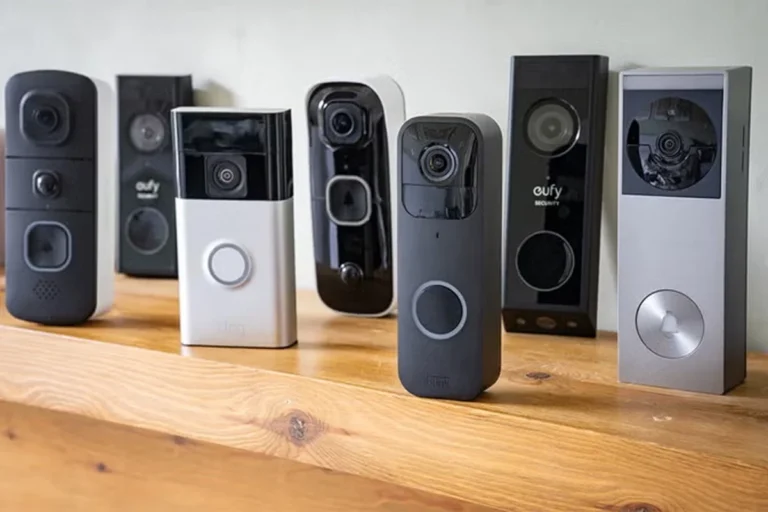
Can Ring Video Doorbell Work with Alexa Easily
Yes, most Ring video doorbells can work with Alexa when you link the accounts and use compatible devices. The best experience depends on your Ring model, Alexa hardware, and Wi‑Fi quality.
Yes—most Ring video doorbells can work with Alexa, as long as you connect the Ring account to the Alexa app and use compatible devices. The real question is not just whether it connects, but which Alexa features you want and how well your home network supports them.
- Compatibility matters: Most Ring models connect to Alexa, but feature support can vary by device and.
- Best use case: Echo Show and other supported Alexa devices make doorbell alerts and live view more.
- Network quality counts: Weak Wi‑Fi or unstable internet can delay alerts and live video.
- Check the fine print: App permissions, subscription terms, and warranty details can affect long-term value.
Can Ring Video Doorbell Work with Alexa? Quick Answer and What “Works” Really Means
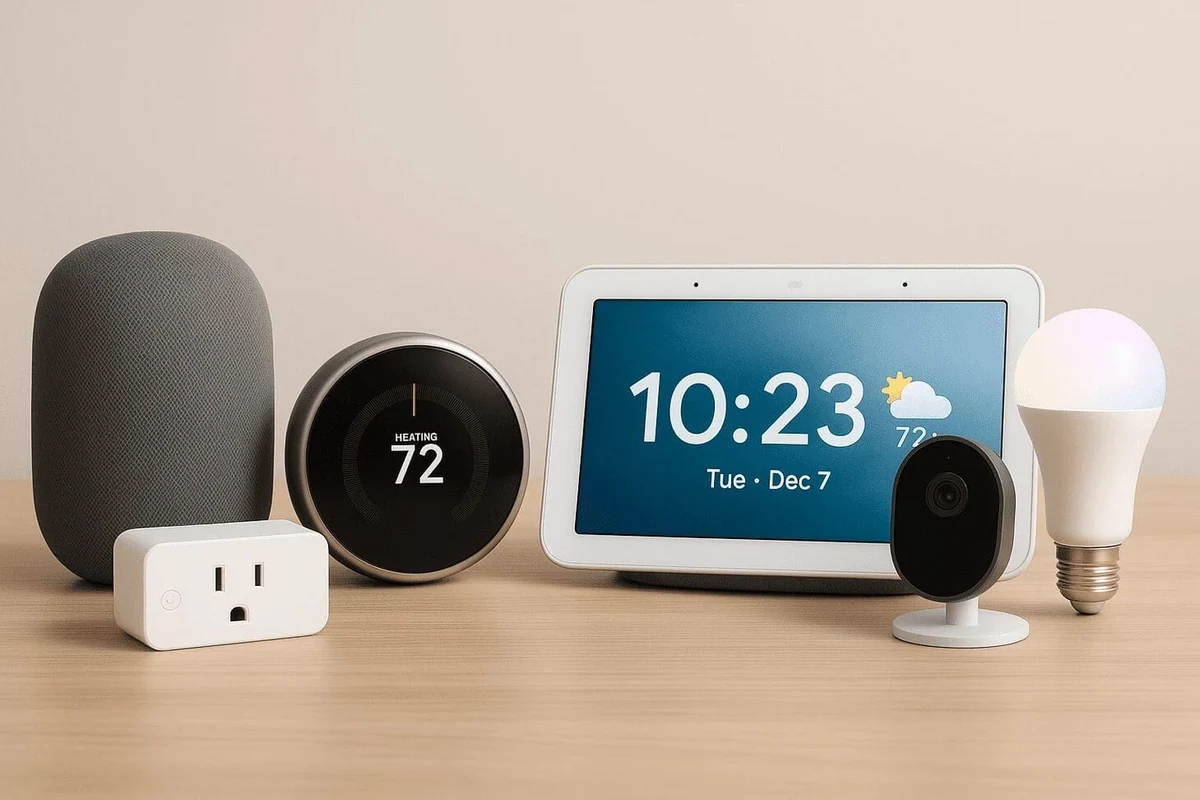
In practical terms, “works with Alexa” usually means you can get doorbell announcements, motion alerts, and live video on supported Echo devices. For many households, that’s enough to make the setup feel seamless; for others, the value depends on whether they already live in the Amazon ecosystem.
If you are comparing smart-home options, it helps to think about ecosystem fit first. A Ring doorbell is often easiest to use with Alexa, while other homes may prefer a different platform if they rely more heavily on Google or Apple devices. For a broader look at platform matching, see our guide on whether smart devices work with Alexa and our breakdown of smart lighting compatibility with Alexa.
How Ring Video Doorbells Connect to Alexa in 2026
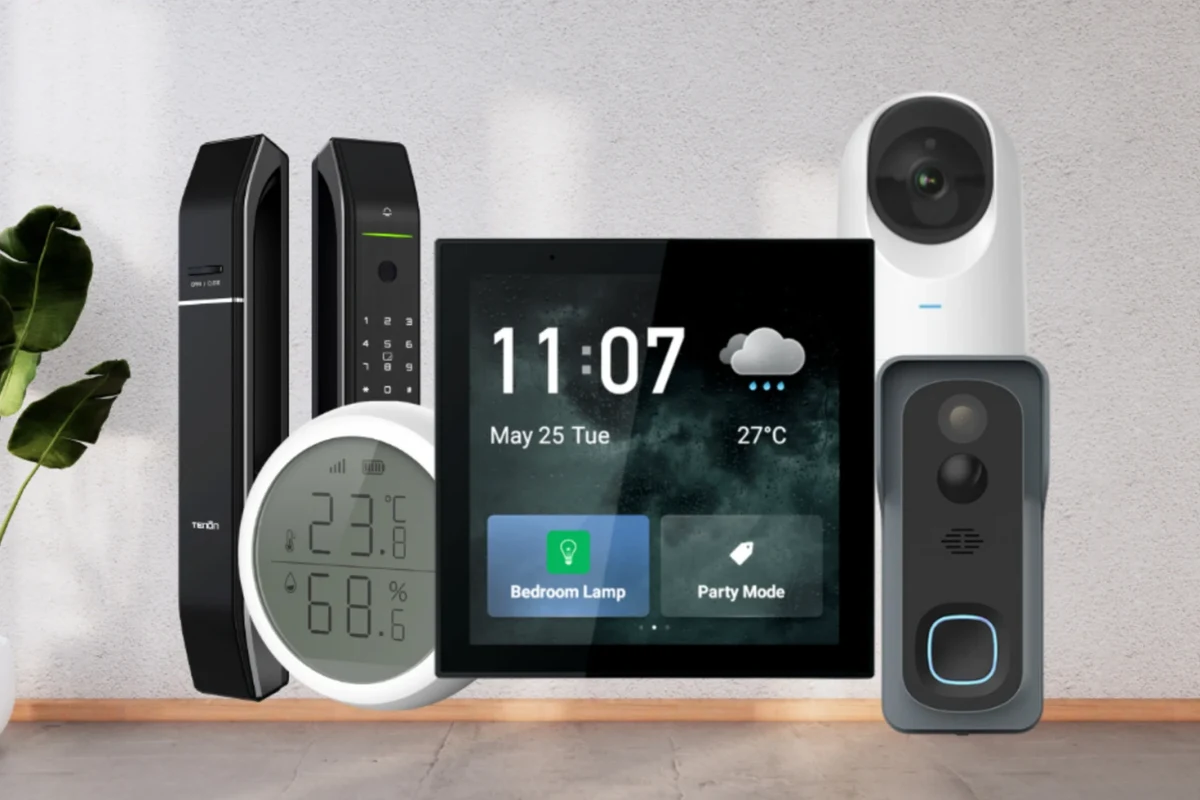
The connection is usually handled through the Ring skill in the Alexa app. Once the accounts are linked, Alexa can treat the doorbell like a connected smart-home device and surface events on supported speakers, displays, and streaming devices.
Device compatibility: which Ring models and Alexa devices support the link
Most current Ring video doorbells are designed to work with Alexa, but exact feature support can vary by model, region, and firmware. Likewise, not every Alexa device offers the same experience. Echo speakers can provide audio announcements, while Echo Show devices and some Fire TV setups can provide live video views.
Connection type, app requirements, and account setup
To connect Ring and Alexa, you generally need the Ring app, the Alexa app, and signed-in accounts that can be linked through the official skill or device discovery flow. The exact prompts can change with app updates, so it is best to follow the current instructions in the app and the manufacturer’s help pages.
Make sure the Ring app and Alexa app are current before linking accounts, because outdated versions can cause discovery or permission issues.
Use the official skill or account-linking prompt, then grant the permissions needed for alerts and device discovery.
After setup, check whether the doorbell appears in Alexa and confirm that the announcement or live-view behavior matches your expectations.
If Alexa cannot find the doorbell, unlink and relink the account after confirming the Ring device is online. Small permission or sync issues are common and often easier to fix in the app than on the hardware itself.
Connectivity basics: Wi‑Fi, bandwidth, and home network stability
Ring and Alexa features depend heavily on stable Wi‑Fi. Even when the account link is correct, weak signal strength, router congestion, or inconsistent internet service can cause slow alerts, delayed live view, or missed notifications.
For the smoothest experience, think about where the doorbell sits relative to your router and whether your home has thick walls, metal siding, or other signal blockers. If your network is already strained by cameras, streaming devices, and smart speakers, adding a video doorbell can expose those limits quickly.
Smart-doorbell delays are often caused by network conditions rather than the doorbell itself, especially when motion events, cloud processing, and speaker announcements all happen at once.
What You Can Do with Ring and Alexa Together
The biggest reason people connect Ring to Alexa is convenience. Instead of checking your phone every time someone approaches, you can hear alerts around the house and, on supported devices, bring up the camera feed with a voice command or a tap.
Live view on Echo Show and Fire TV
With compatible hardware, Alexa can display the Ring doorbell’s live video on Echo Show screens and some Fire TV setups. That makes it easier to see who is at the door while cooking, working, or relaxing in another room.
Live-view behavior can vary by device generation, app version, and privacy settings. Some features may also require additional permissions or a subscription depending on the Ring model and region.
Motion alerts, doorbell announcements, and two-way talk
Alexa can announce when the doorbell is pressed or when motion is detected, which is useful in larger homes or for people who do not keep their phones nearby. Two-way talk is usually handled through the Ring app or supported devices, and the exact experience can depend on the doorbell model and the Alexa hardware you use.
This is especially helpful for families, remote workers, pet owners, and anyone who wants faster awareness without constantly checking a phone. If your home already uses voice assistants for reminders, timers, and lights, a doorbell announcement can fit naturally into that routine.
Routine automations and smart home triggers
Alexa routines can sometimes use Ring events as triggers, such as turning on compatible lights or sending a notification when motion is detected. That said, the availability and reliability of routines can depend on your account settings, device permissions, and the current support level for your specific Ring model.
- Use a simple routine first, such as a motion announcement, before building more complex automations.
- Keep your device names clear so Alexa does not confuse the front door with other cameras or sensors.
- Review privacy settings if multiple household members share the same Alexa system.
Who This Setup Is Best For
Ring plus Alexa is not just a technical match; it is a lifestyle match. The setup works best when you want quick voice-based awareness and already use Amazon devices in the home.
Ideal users: renters, families, busy households, and smart home beginners
Renters often like video doorbells because they add visibility without requiring a full security system overhaul, though installation still depends on the building rules and the power option you choose. Families and busy households benefit from shared alerts, while smart-home beginners usually appreciate that the Alexa connection is relatively straightforward once both accounts are set up.
It can also be a strong fit for people who spend time in the kitchen, home office, or garage and want to know who is at the door without stopping what they are doing. That convenience is one of the main reasons the Ring and Alexa pairing remains popular.
When Alexa integration is less useful
If you do not use Echo devices, the Alexa link may not add much value. The same is true if your home is built around Google Home or Apple Home, or if you prefer to manage everything from a single phone app rather than a voice assistant.
It is also less compelling if your Wi‑Fi is unreliable, because poor connectivity can turn a convenient feature into a delayed one. In that case, improving the network may matter more than choosing a different doorbell model.
Key Specs and Decision Criteria to Check Before Buying
Before buying a Ring doorbell for Alexa use, focus on the hardware and support details that affect everyday reliability. The best choice is not always the one with the most features; it is the one that fits your door, power setup, and home network.
- Check the exact Ring model, Alexa device compatibility, and region support.
- Confirm power requirements, Wi‑Fi strength, app setup steps, and subscription needs.
- Review privacy settings, warranty terms, return policy, and update support before committing.
Power options: battery, hardwired, and hybrid models
Ring video doorbells come in different power configurations, and that choice affects installation and maintenance. Battery-powered models are often easier for renters and quick setups, while hardwired options may offer more continuous power and fewer charging interruptions. Some models support multiple power methods, but the exact behavior varies by product.
Follow the manufacturer’s installation instructions carefully, especially for wired setups. If you are unsure about doorbell wiring, transformer compatibility, or mounting safety, use a qualified professional rather than improvising.
Video quality, field of view, night vision, and motion detection range
For Alexa users, the camera still needs to be good enough on its own. Video quality, field of view, night vision, and motion detection range all affect how useful the live view and alerts will be. A wide field of view can help capture visitors and packages, while stronger night vision can improve low-light visibility at dusk or after dark.
Motion detection range matters too, especially for homes with sidewalks near the front door or porches close to the street. Too narrow, and you may miss people approaching; too broad, and you may get too many alerts from passing traffic or pedestrians.
App features, subscription needs, and storage considerations
Ring’s app experience is a major part of the product, because Alexa integration does not replace the Ring app. Features such as event history, video storage, and advanced alerts may depend on the current app settings and, in some cases, a subscription plan. Since these details can change, confirm them before you buy.
Storage, event review, and notification features can vary by model, app version, and subscription tier. Always verify the current plan details directly with the manufacturer before relying on a specific feature set.
Warranty details, support expectations, and long-term value
Warranty coverage and support policies matter because doorbells live outdoors and are exposed to weather, heat, and daily use. Check the official warranty terms, return window, and support channels before buying, especially if you are choosing between battery and wired models or comparing different Ring generations.
Benefits, Limitations, and Common Setup Mistakes
Most people who ask whether Ring video doorbells work with Alexa are really asking whether the setup is worth the effort. The answer is yes for many homes, but only if you understand what the integration can and cannot do.
Real-world benefits: convenience, faster awareness, and hands-free access
The biggest benefit is convenience. You can hear the doorbell through multiple rooms, see who is there on a smart display, and sometimes trigger routines without touching your phone. That can be a meaningful improvement for households with kids, pets, or frequent deliveries.
- Hands-free announcements on supported Alexa devices
- Live view on compatible screens and displays
- Useful for busy homes and multi-room awareness
- Depends on strong Wi‑Fi and app permissions
- Some features vary by model or subscription
- Voice integration does not solve poor camera placement
Common mistakes: weak Wi‑Fi, wrong permissions, outdated apps, and Alexa skill issues
Many setup problems come from simple oversights. Weak Wi‑Fi near the front door, disabled permissions in the Alexa app, outdated Ring or Alexa software, and a failed account link are all common reasons a doorbell seems “incompatible” when it is not.
If a device is damaged, overheats, has a swollen battery, or shows unstable behavior, stop using it and follow the manufacturer’s guidance before reinstalling or charging it.
Limitations to understand: delays, privacy trade-offs, and subscription dependence
Even when everything is set up correctly, there can still be delays between motion detection, cloud processing, and Alexa announcements. Privacy is another trade-off, since any connected camera system requires careful permission management, strong account security, and a clear understanding of who can access the feed.
Some features may also depend on subscriptions or current app policies, so avoid assuming every function is included forever. If a specific feature matters to you, verify it before purchase rather than after installation.
Safe Use, Maintenance, and Reliability Tips
Video doorbells are outdoor electronics, so long-term satisfaction depends on placement, weather exposure, and basic upkeep. A little maintenance helps preserve both the camera and the Alexa connection.
Placement, privacy zones, and safe mounting practices
Mount the doorbell where it can clearly see visitors without pointing unnecessarily into neighboring windows or public areas. Use privacy zones and motion settings when available, and make sure the camera angle is appropriate for your porch layout, stairs, and package drop area.
Safe mounting matters too. Use the included hardware and follow the official installation guide so the unit is secure and the wiring, if present, is handled correctly.
Battery care, charging habits, and inspection guidance for powered models
If you choose a battery model, plan for periodic charging based on your actual usage pattern, motion activity, and temperature conditions. Heavy traffic, frequent live views, and cold weather can all affect how often charging is needed.
Set a routine reminder to check battery level, clean the lens, and confirm that alerts still work after app updates. Small maintenance habits can prevent “mystery” reliability issues later.
Cleaning, weather exposure, and routine maintenance
Keep the camera lens, button area, and mounting surface free of dirt, spider webs, and moisture buildup. Use only manufacturer-approved cleaning guidance and avoid abrasive materials or excess liquid, especially around seals and charging contacts.
Because the doorbell sits outdoors, inspect it after storms, extreme heat, or freezing conditions. If you notice loose mounting, cracked housing, persistent moisture, or unusual battery behavior, check the manual and contact support before continuing to use it.
Final Verdict: Is Ring Video Doorbell with Alexa Worth It in 2026?
For households already using Echo speakers or Echo Show displays, the Ring-and-Alexa combination is a practical, convenient setup that makes front-door awareness easier. It is especially appealing if you want hands-free alerts, quick live view, and simple smart-home routines without building a more complex system.
Best-fit recommendation and alternatives if Alexa is not your main ecosystem
Choose Ring with Alexa if you value easy voice integration, use Amazon devices often, and are comfortable managing a subscription-aware smart camera through the Ring app. If your home centers on Google Home or Apple Home, or if you want a platform-agnostic setup, it may be smarter to compare other doorbells that fit your ecosystem better.
Transparent conclusion on value, convenience, and trade-offs
So, can Ring video doorbell work with Alexa? Yes, and in many homes it works very well. The best results come when the model, apps, Wi‑Fi, and permissions are all aligned—and when you buy with realistic expectations about delays, privacy, and feature differences by model.
Frequently Asked Questions
Most Ring video doorbells can connect with Alexa, but exact features vary by model, region, and firmware. Check the official compatibility list before buying if live view or announcements matter to you.
Alexa can usually announce motion or doorbell presses and show live video on supported Echo Show or Fire TV devices. Some routine automations may also be available, depending on your setup.
Common causes include outdated apps, missing permissions, weak Wi‑Fi, or a failed account link. Try updating both apps, relinking the Ring skill, and confirming the doorbell is online.
Basic Alexa linking may work without a subscription, but storage, event history, and some advanced features can depend on current Ring plan terms. Verify the latest plan details before you buy.
Echo Show devices are often the most useful because they can display live video, while Echo speakers can handle voice announcements. Fire TV support may also be available on some setups.
Check power type, Wi‑Fi requirements, app support, subscription needs, and the exact Alexa features supported by that model. Also review warranty terms, installation requirements, and privacy settings.