Monster Smart Lighting Setup Guide for a Stunning Home
A Monster smart lighting setup is a good choice for easy app-controlled ambient lighting in bedrooms, living rooms, offices, and gaming spaces. The key is to verify compatibility, power safety, and mounting surfaces before you buy or install it.
A Monster smart lighting setup can be a practical way to add app-controlled color, dimming, and scene-based lighting to a living room, bedroom, gaming corner, or home office. The best results come from matching the right light type to the room, checking app and ecosystem compatibility first, and planning the installation so cables, power, and adhesive mounts stay safe and tidy.
- Best use: Accent lighting for rooms where mood and flexibility matter more than maximum brightness.
- Buy first: Confirm app, Wi‑Fi, hub, and voice assistant compatibility before installation.
- Install carefully: Clean surfaces, plan cable routes, and keep power parts away from heat and moisture.
- Expect limits: Color effects and adhesive performance vary by room size, wall finish, and layout.
- Long-term value: Good for convenience and atmosphere, but not always the simplest or brightest lighting option.
Monster Smart Lighting Setup Guide: What It Is, How It Works, and Whether It’s Worth It
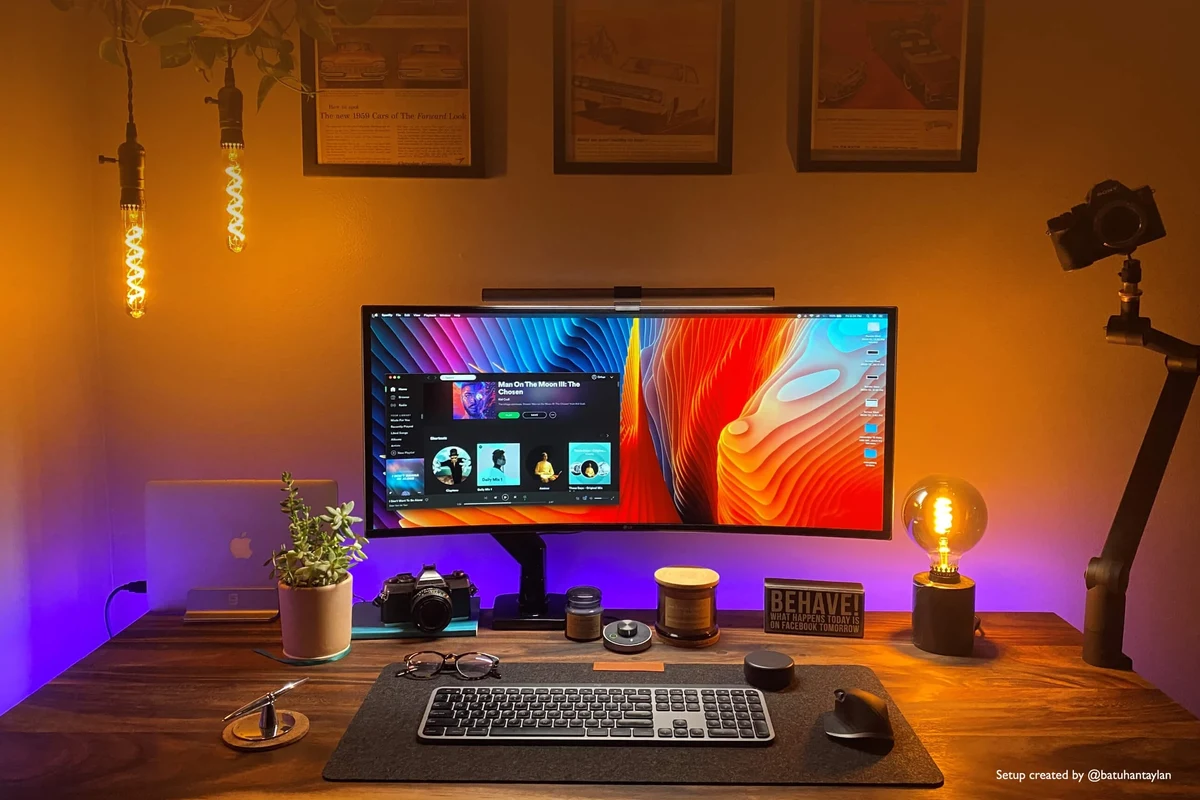
Monster smart lighting usually refers to connected lighting products such as LED strips, bulbs, or other app-controlled accent lights sold under the Monster name. In most setups, the lights connect to Wi‑Fi, Bluetooth, or a hub, then respond to a phone app, voice assistant, schedules, and custom scenes.
Quick answer: who the Monster smart lighting setup is best for in 2026
It is best for homeowners and renters who want flexible ambient lighting without rewiring a room or installing complex fixtures. It also makes sense for gamers, students, remote workers, and creators who want easy scene changes for work, relaxation, or entertainment.
If you want a simple on/off lamp replacement, smart bulbs may be enough. If you want room-edge accent lighting, TV backlighting, or layered color effects, a Monster-style kit is often a better fit than a single bulb.
How smart lighting systems work with app control, voice assistants, and automations
Most smart lighting systems work by pairing the light or controller with a companion app. From there, you can usually adjust brightness, color temperature, RGB color, timers, and preset scenes, though the exact feature set depends on the model and firmware.
Voice assistant support can add convenience, but it is only useful if the product is officially compatible with your platform. For broader ecosystem guidance, see our guide on smart lighting compatibility with Alexa and our roundup of best smart lighting systems for home.
Before buying, confirm whether the lights need 2.4 GHz Wi‑Fi, Bluetooth, a bridge, or a specific app account. That one detail often determines whether setup feels easy or frustrating.
Key Components and Specifications to Check Before You Buy
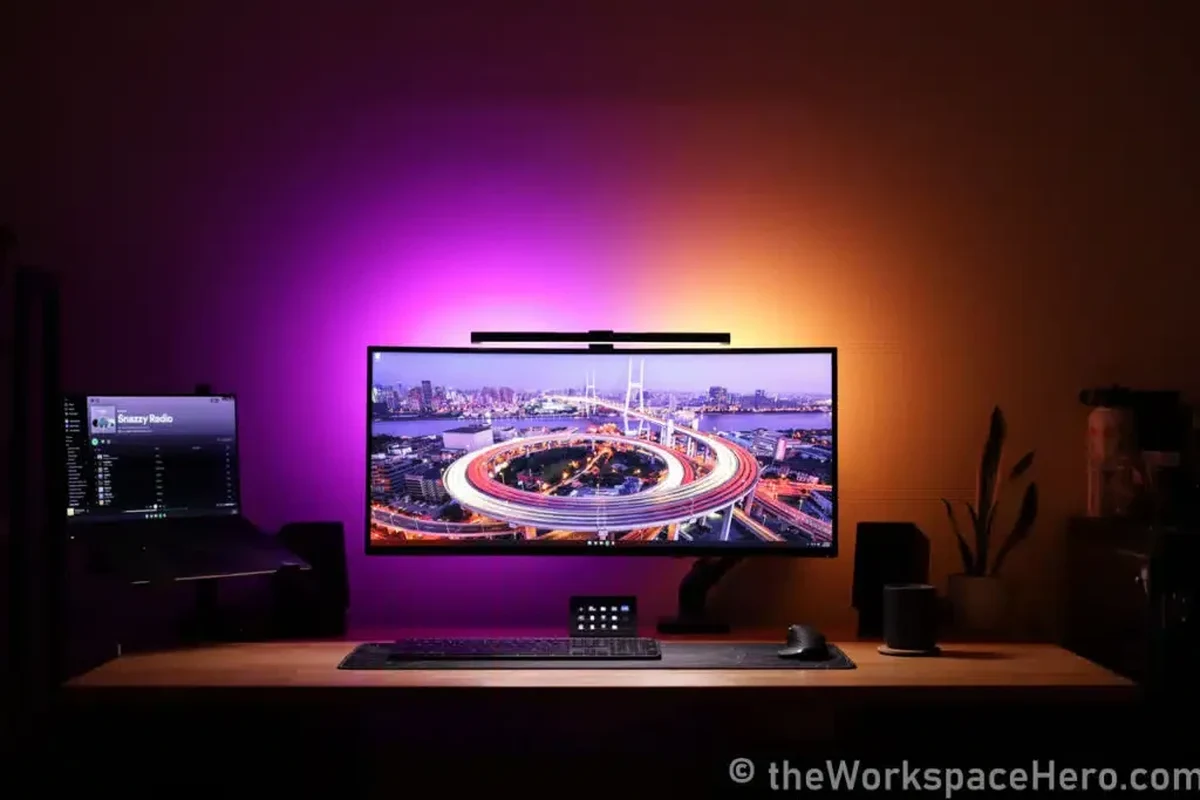
Smart lighting looks simple on the box, but compatibility and installation details matter more than most shoppers expect. The right choice depends on room size, mounting surface, power access, and the control platform you already use.
Light types, room coverage, and placement needs
Start by deciding whether you need LED strips, bulbs, light bars, or another accent-light format. Strips are usually best for under-cabinet edges, desks, shelves, and TV backlighting, while bulbs work better for standard lamps and ceiling fixtures.
Coverage matters because a kit that looks bright in a small bedroom may feel weak in a large living room. Measure the area you want to light, then compare that against the product’s stated strip length, bulb count, or coverage guidance in the manual.
App requirements, Wi‑Fi compatibility, and smart home ecosystem support
Check whether the product requires its own app, a third-party app, or a hub. Also confirm support for Alexa, Google Home, Apple Home, or Home Assistant if you plan to use voice control or broader automations.
Not every smart light works with every platform, and support can vary by model or region. If you want help comparing ecosystem options, our article on what smart lights work with Google Home is a useful companion read.
Power, cable quality, adapter ratings, and heat limits to verify
Smart lighting depends on safe power delivery. Verify the adapter rating, cable length, connector type, and any stated heat limits before mounting the lights near insulation, fabric, or enclosed shelves.
For strip lights and controllers, look for clear instructions on maximum daisy-chain length, indoor-only use, and allowed mounting surfaces. If the power brick or cable feels underbuilt for the setup you want, choose a different configuration rather than stretching the kit beyond its intended limits.
Do not place lighting controllers, adapters, or plug-in modules where they can be covered, pinched, overheated, or exposed to moisture. Stop using any cable, plug, or controller that shows fraying, discoloration, or unusual heat.
Warranty, replacement parts, and what the box should include
Before buying, check the warranty terms, return window, and whether replacement strips, remotes, adapters, or controllers are sold separately. These details matter because smart lighting often fails in one section rather than all at once.
Note
What comes in the box varies by model and retailer. Confirm whether you are getting the light itself, a controller, mounting clips or adhesive, a power adapter, and a manual before you plan the install.
- Light strips, bulbs, or other light modules
- Controller, power adapter, and any required hub
- Mounting adhesive, clips, or brackets
- Printed or digital setup instructions
Monster Smart Lighting Setup Step by Step
A smooth installation starts with planning, not plugging everything in right away. The safest and cleanest setups usually come from measuring the space, testing the app first, and only then attaching the lights permanently.
Unboxing, inspection, and planning your layout
Lay out every part and confirm that nothing is missing or damaged. Inspect the strip, connectors, adapter, and controller for bent pins, cracked plastic, or adhesive that has already dried out.
Then map the room. Decide where the power source will sit, where the controller will be hidden, and where the light path should turn corners or avoid heat sources.
- Check compatibility, model number, app requirements, dimensions, ports, wattage, and intended use
- Confirm safety guidance, warranty, return policy, privacy settings, and update support
Installing strips, bulbs, hubs, or controllers safely
For adhesive-backed strips, clean and dry the surface first so the mount can bond properly. Avoid textured paint, dusty trim, damp areas, and places that get hot, since those conditions often cause early peeling or stress on the adhesive.
For bulbs, switch the fixture off before installation and confirm that the socket type matches the bulb base. For hub-based systems, keep the hub in an open area with stable power and decent router access rather than hiding it inside a metal cabinet.
Dry-fit the strip or light placement before removing adhesive backing or fixing any mounts.
Connect the adapter and controller in the order listed in the manual, then keep cords loose enough to avoid strain.
Press adhesive sections firmly and use clips where the cable needs extra support or turns.
Pairing the lights with the app and connecting to Alexa, Google Home, or other platforms
Open the manufacturer app, create or sign into the required account, and follow the pairing mode instructions exactly. If the light does not appear, confirm that your phone is on the supported network band and that location or Bluetooth permissions are enabled when the app asks for them.
After pairing, connect the light to your voice platform only after the app shows it as online. If you want more platform-specific background, our guides on what smart lights work with Alexa and smart light bulbs for Google Home can help you compare expectations.
Creating scenes, schedules, and room-specific automations
Once the lights are online, create scenes for common use cases such as movie night, reading, wake-up light, or late-night low brightness. Room-specific automations can reduce friction by turning the lights on at a set time, dimming them after sunset, or switching them off when you leave.
Keep automations simple at first. A few reliable schedules are usually better than a complicated chain of triggers that becomes hard to troubleshoot later.
- Label rooms clearly in the app so voice commands are easier to manage.
- Save one neutral white scene for everyday tasks and one warmer scene for evenings.
- Leave a little slack in cables so connectors are not pulled tight behind furniture.
- Update firmware through the official app when prompted, especially after pairing issues.
Real-World Benefits for Home Use
The biggest advantage of smart lighting is not just color. It is control: better mood lighting, easier routines, and the ability to tune a room without changing the fixture itself.
Ambient lighting for living rooms, bedrooms, gaming spaces, and home offices
In living rooms, accent lighting can make TV viewing more comfortable and reduce the need for harsh overhead light. In bedrooms, dimmable warm scenes can help create a calmer nighttime routine, while home offices benefit from brighter, more neutral lighting for video calls and focused work.
Gaming spaces and creator setups often gain the most visual impact because RGB effects are most noticeable in darker rooms. Still, the best setup is one that supports the room’s function instead of distracting from it.
Convenience, energy use, and everyday usability
Smart lights are convenient because they can be controlled from a phone, voice assistant, or schedule. That can be especially useful for people with busy routines, mobility limits, or rooms that are hard to reach with a wall switch.
Energy use depends on the exact product and brightness setting, so avoid assuming that all smart lighting saves power by default. The practical benefit is usually better control, not automatic savings.
How Monster lighting compares with standard smart bulbs and generic LED kits
Compared with a standard smart bulb, a Monster-style lighting setup often offers more dramatic accent effects and more flexible placement. Compared with generic LED kits, the advantage is usually clearer app guidance, a more polished ecosystem, or better brand support, though that varies by model.
If you are still deciding between strips, bulbs, and switches, our overview of smart light switches can help you decide whether to control the fixture or replace the bulb itself.
Limitations, Drawbacks, and Common Setup Mistakes
Smart lighting can be excellent, but the weak points are usually setup-related. Most complaints come from connectivity issues, poor placement, or expectations that do not match the product’s actual brightness and mounting style.
Connectivity issues, app friction, and range problems
Wi‑Fi range, router settings, and app permissions can affect whether the lights pair reliably. If the light repeatedly drops offline, the issue may be the network rather than the hardware.
App friction is also common when an update changes menus or when the device only supports certain network bands. That is why checking the current app store listing and setup notes before purchase is worth the extra minute.
Brightness expectations, color accuracy, and adhesive failures
Accent lighting is not the same as room-filling task lighting. A strip that looks vivid in photos may appear softer in a bright kitchen or a large open-plan room.
Color accuracy can also vary by model, wall color, and viewing angle. Adhesive failure is another common issue, especially on dusty, humid, textured, or recently painted surfaces.
Stop using damaged electronics, swollen batteries, frayed cables, overheating chargers, or unstable appliances and follow the manufacturer’s guidance.
Overloading outlets, poor cable routing, and unsafe placement near heat or moisture
Do not overload a power strip with multiple lighting adapters and other high-draw devices. Keep cables out of walkways, away from pinch points, and clear of heaters, radiators, sinks, aquariums, and other moisture-prone areas unless the product is specifically rated for that environment.
For more room-specific shopping ideas, our guide to smart lights for bedroom use can help you think through placement and comfort.
Safety, Maintenance, and Long-Term Care
A smart lighting setup should stay safe and reliable for years, not just work on day one. Routine inspection and basic cleaning go a long way toward preventing adhesive failure, overheating, and cable damage.
Safe use limits, ventilation, and inspection for wear or overheating
Follow the manufacturer’s indoor/outdoor rating, maximum run length, and ventilation guidance. If a controller, adapter, or plug feels unusually warm, unplug it and inspect the setup before using it again.
Check the system periodically for cracked insulation, loose connectors, peeling adhesive, and signs of discoloration near the power components. Those are all reasons to pause use and verify the manual’s guidance.
Cleaning, storage, and keeping adhesive or mounting surfaces in good condition
Dust the lights gently with a dry microfiber cloth and avoid harsh cleaners unless the manual explicitly allows them. For mounted strips, keep the surface clean so the adhesive and clips continue to hold.
If you remove the lights seasonally or during a move, store them in a dry place with the cables loosely coiled. Sharp bends and tangled storage can stress the connectors over time.
When to replace cables, controllers, or failed light sections
Replace any cable or power adapter that shows fraying, bent pins, or heat damage. If a section of strip fails repeatedly, the controller or that segment may be the problem, and replacement is usually safer than repeated reattachment.
Use the warranty and official replacement-part options before improvising with mismatched accessories. That is especially important when the system depends on a proprietary connector or controller.
Who Should Choose Monster Smart Lighting and What to Consider Instead
Monster smart lighting makes the most sense when you want a visually flexible setup that is still approachable for everyday use. It is less compelling if you need maximum brightness, very advanced automation, or a fixture-style solution that blends in with the room.
Best-fit users by room size, budget, and smart home experience
Choose this type of setup if you want accent lighting for a medium-size room, already use a major voice assistant, and are comfortable working through an app-based setup. It is also a good fit for renters because many strip-light installations are reversible if the adhesive is removed carefully.
If your room is large or has lots of daylight, you may need a stronger or more layered lighting plan than a single strip kit can provide. In that case, combine accent lighting with bulbs or a switch-based solution.
Alternatives for buyers who want simpler setup, higher brightness, or premium app features
If you want the simplest possible installation, smart bulbs may be easier than strips. If you want wall-level control for an entire room, a smart switch may be more practical than controlling each light individually.
For more premium app experiences or ecosystem-specific support, compare current options carefully before deciding. Our roundups of best smart lights and best smart light strips can help you narrow the field without overcommitting to one format.
Transparent verdict: value, trade-offs, and final recommendation for 2026
A Monster smart lighting setup is worth considering if your priority is atmosphere, app control, and flexible room styling rather than raw illumination. The main trade-offs are app dependence, compatibility checks, and the need to install it carefully so the adhesive, cables, and power components stay safe.
Choose Monster smart lighting if you want an approachable way to add smart ambient light to a bedroom, living room, office, or gaming space and you are willing to verify compatibility before buying. If you want the brightest possible room lighting, the cleanest whole-house control, or the least app friction, a smart bulb or smart switch may be the better alternative.
Frequently Asked Questions
It is best for people who want flexible accent lighting in bedrooms, living rooms, offices, or gaming spaces. It also suits buyers who are comfortable using an app and checking compatibility before installation.
That depends on the exact model. Some use Wi‑Fi or Bluetooth, while others may require a hub or controller, so confirm the setup method in the manual before buying.
Some models do, but compatibility varies by product and region. Check the current app listing and manufacturer specifications to confirm support before you rely on voice control.
Check the power adapter rating, cable length, mounting surface, and maximum recommended run length. Also make sure the strip is intended for the room and environment where you plan to install it.
Adhesive can fail on dusty, textured, humid, or recently painted surfaces. Cleaning and drying the mounting area first usually improves hold, but some surfaces may still need clips or a different mounting method.
Replace it if you see fraying, bent pins, unusual heat, discoloration, or repeated connection problems. If a part seems damaged, stop using it and follow the manufacturer’s replacement guidance.