Nose Room Camera Shot Example for Better Framing
Nose room means leaving space in front of a subject’s face or gaze line so the frame feels balanced. It matters most for portraits, video calls, and smart home cameras used for communication.
If you want a cleaner, more natural-looking frame, a nose room camera shot example is simple: leave a little open space in front of the subject’s face, in the direction they are looking. That small adjustment can improve portraits, video calls, and smart home camera views without needing special gear.
- Framing rule: Leave open space in front of the direction the subject is facing.
- Smart home use: Nose room helps indoor cameras, doorbells, and monitors look clearer and more natural.
- Setup matters: Mounting height, field of view, and low-light performance affect composition.
- Trade-off: More nose room can reduce coverage, so prioritize the camera’s main job first.
What “Nose Room” Means in a Camera Shot and Why It Matters
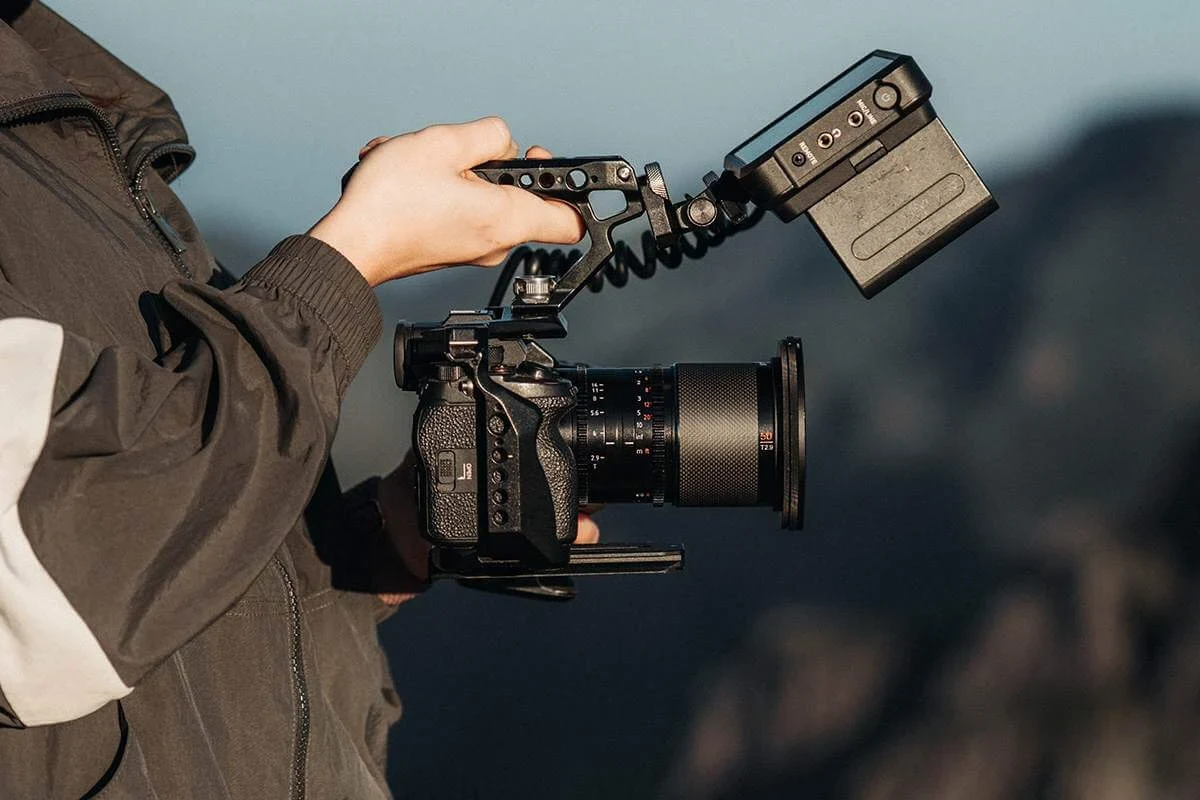
Nose room is the open space in front of a person’s face or gaze line. If someone is turned slightly to the left, the frame usually looks better when there is more space on the left side of the image than on the right.
Quick answer: how to frame a subject with proper nose room
Keep the subject’s face away from the edge of the frame on the side they are looking toward. The goal is not to create a huge empty area, but to give the viewer a sense of direction and breathing room.
Why the term matters for portraits, video calls, and smart home cameras
In portraits, nose room helps a subject feel less cramped. In video calls, it can make eye contact and body language feel more natural. In smart home cameras, it can help you see where a person is moving, which is useful for doorbell footage, indoor monitoring, and baby monitor views.
Nose room is closely related to “lead room,” a composition rule used when a person, pet, or object is moving or looking in one direction.
Nose Room Camera Shot Example: The Basic Rule for Better Framing
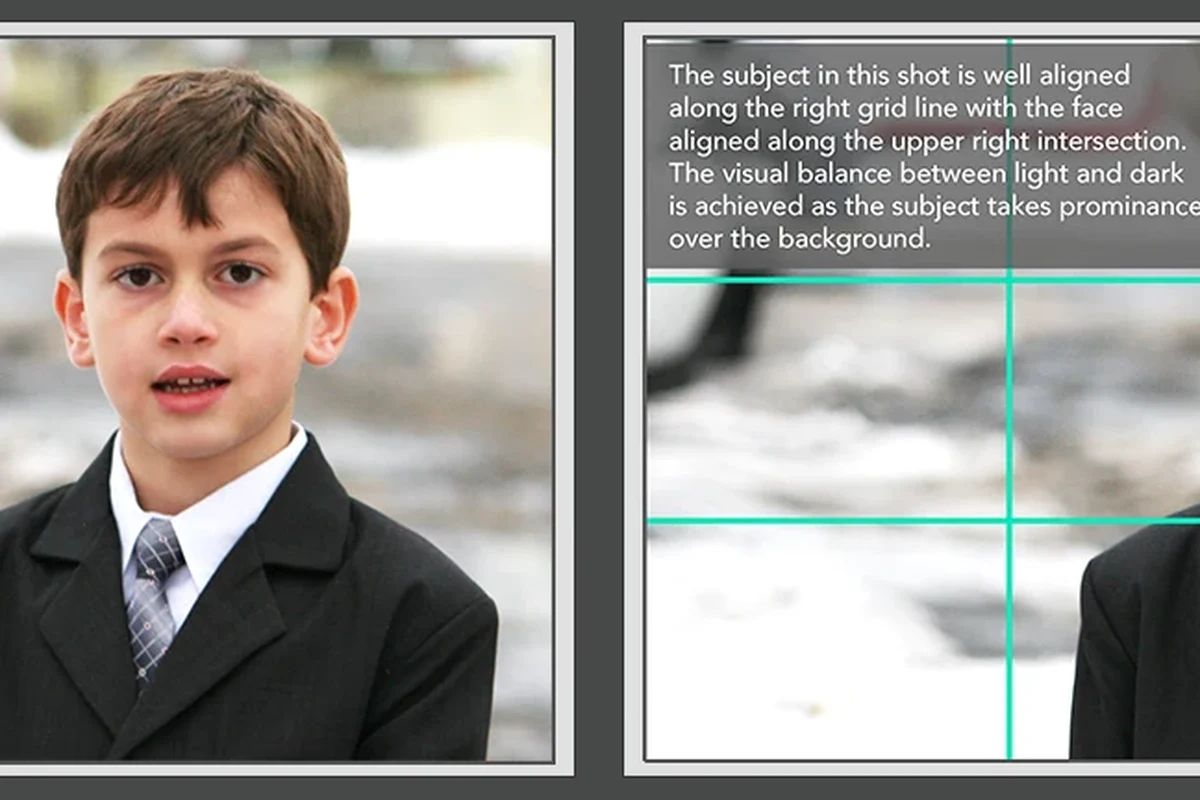
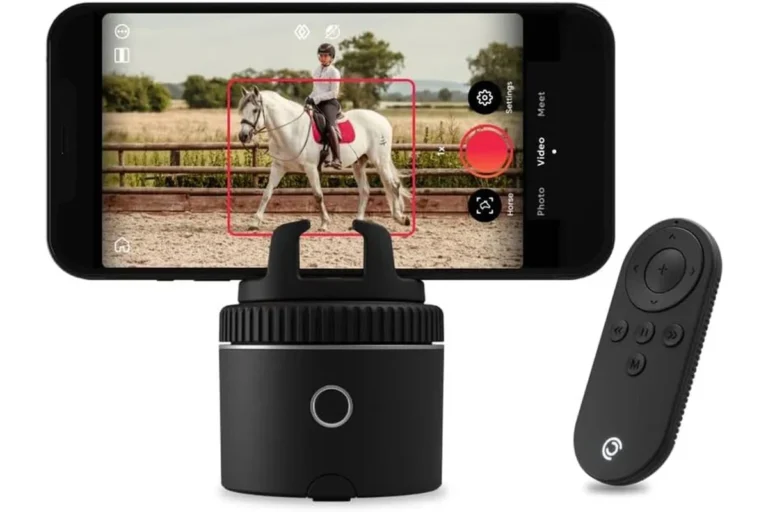
A practical nose room camera shot example is a head-and-shoulders frame where the subject looks slightly off-center, with open space in front of their face. That space can be subtle in a tight portrait or more generous in a conversational shot.
How much space to leave in front of the subject’s face
There is no universal number because framing depends on lens, distance, and purpose. A good rule is to leave enough room that the subject does not appear pressed against the edge, while still keeping their face large enough to read clearly.
Start by centering the eyes, then nudge the subject slightly toward the side opposite their gaze. That usually creates a balanced frame without making the shot feel overly staged.
When to use more nose room versus a tighter crop
Use more nose room when you want a relaxed, conversational feel or when the subject is speaking to someone off-camera. Use a tighter crop when the goal is emphasis, detail, or a more formal portrait style.
Common framing mistakes that make shots feel unbalanced
The most common mistake is placing the subject too close to the side they are facing, which makes the image feel cramped. Another issue is leaving too much empty space, which can distract from the face and weaken the shot’s focus.
How Nose Room Works Across Smart Home Camera Setups
Smart home cameras are not all framed the same way. A compact indoor camera, a wide-angle video doorbell, and a baby monitor each create different composition challenges, so the right amount of nose room depends on how the camera is mounted and what it needs to capture.
Indoor security cameras, video doorbells, and baby monitors
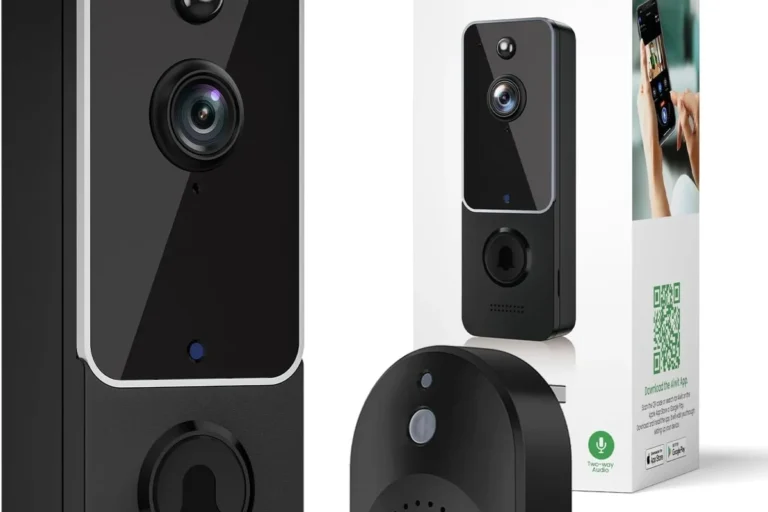
Indoor security cameras often benefit from a little extra nose room when they are used for two-way communication or pet monitoring. Video doorbells may need less nose room because the main goal is often to capture faces and packages in a narrow entryway. Baby monitors usually prioritize coverage and clarity over perfect composition, so practical visibility matters more than artistic framing.
Lens angle, field of view, and mounting height considerations
Wide-angle lenses can make nose room harder to judge because they include more of the room and can stretch faces near the edges. Mounting height also matters: a camera placed too high can flatten facial features, while one placed too low can create awkward angles that make nose room less useful.
Camera placement, field of view, and distortion vary by model. Check the manufacturer’s mounting guide and sample images before assuming a wide-angle view will frame faces naturally.
Resolution, zoom, and low-light performance that affect framing
Higher resolution can make it easier to crop slightly without losing too much detail, but digital zoom usually reduces image quality. Low-light performance also matters because a dim room can make it harder to judge whether the subject is centered well or drifting too close to the edge.
Who This Framing Technique Fits Best in 2026
Nose room is useful for people who care about communication, not just surveillance. It matters most when the camera is part of daily life rather than a device you only check during alerts.
Homeowners using smart cameras for monitoring and communication
Homeowners often want a camera that can capture a person approaching a door, talking near an entryway, or moving through a common room. In those cases, better nose room can make the footage easier to interpret and the live view easier to use during a quick check-in.
Content creators, remote workers, and families on video calls
Creators and remote workers usually want a frame that feels intentional and comfortable. Families using smart displays or room cameras for quick calls may also prefer a composition that keeps the subject from looking boxed in.
People who use cameras for both visibility and conversation, especially in entryways, home offices, and shared rooms. It is less important if the camera’s main job is broad coverage or motion alerts.
When nose room is less important than coverage or automation
If your camera is primarily there to detect motion, watch a hallway, or trigger automations, broad coverage can matter more than perfect composition. In those cases, it is often better to prioritize reliable detection, app alerts, and placement than to chase a textbook frame.
Key Specs and Setup Criteria to Check Before You Buy
For smart home cameras, the best framing often starts with the hardware and app features. A camera that looks good in a product image may still be hard to position in a real room if the mount, cable, or app controls are limited.
Dimensions, mounting options, and placement flexibility
Check the camera’s physical size, swivel range, and whether it supports wall, ceiling, shelf, or magnetic mounting. Flexible placement makes it easier to adjust nose room later without moving furniture or running a new cable.
App requirements, connectivity, and smart home compatibility
Review which app is required, whether it supports your phone or tablet, and whether the camera works with your smart home platform. Connectivity can affect live framing too, since lag or dropouts make it harder to fine-tune the view in real time.
Power source, cable quality, and safe installation limits
Battery-powered cameras are easier to move, while wired models usually support longer continuous use. Either way, follow the manufacturer’s power guidance, use the correct adapter or cable, and avoid routing cords where children, pets, or foot traffic can damage them.
Stop using damaged cables, loose power adapters, or units that run unusually hot. For powered smart-home devices, always follow the manufacturer’s installation limits and keep electrical components away from water exposure unless the product is rated for that environment.
Warranty details, firmware support, and replacement guidance
Before buying, confirm warranty terms, firmware update support, and how the manufacturer handles replacements or discontinued accessories. These details matter because a camera that works well today still needs app support, security updates, and replacement parts over time.
- Check compatibility, model number, app requirements, dimensions, ports, wattage, and intended use
- Confirm safety guidance, warranty, return policy, privacy settings, and update support
Real-World Benefits, Limitations, and Trade-Offs
Nose room is a composition tool, not a technical requirement. The main benefit is a frame that feels easier to read and more comfortable to watch, but the trade-off is that you may need to sacrifice a little coverage to get it.
Better eye contact, clearer communication, and more natural composition
When the subject has enough space in front of their face, the image often feels less cramped and more conversational. That can improve remote calls, casual home videos, and live camera views where the person is expected to speak or interact.
Limitations with wide-angle distortion and fixed-position cameras
Wide-angle lenses can stretch the sides of the frame, which may make nose room look uneven even when the subject is centered correctly. Fixed-position cameras can also be frustrating if the ideal framing point is just outside the mount’s adjustment range.
Evidence limits: why results vary by room layout and lighting
Results vary because rooms are different. Ceiling height, hallway width, window glare, furniture placement, and nighttime lighting all affect how much room appears in front of a face and whether the shot feels balanced.
If your camera image looks distorted, blurry, or unstable, check the mount, lens cleanliness, power connection, and app settings before assuming the device is faulty. If the hardware is damaged or overheating, follow the manufacturer’s guidance and stop using it.
Common Mistakes to Avoid When Framing Nose Room
Most framing problems come from trying to make the subject look centered at all costs. The better approach is to balance the subject’s gaze, the available space, and the camera’s real-world limitations.
Placing the subject too close to the edge of the frame
When the face is pushed too far toward the side they are looking at, the image can feel cramped or accidental. This is especially noticeable in video calls, where viewers expect a relaxed and stable composition.
Ignoring headroom, eye line, and camera height
Nose room works best when headroom is also reasonable and the camera sits near eye level. If the camera is too high or too low, the frame can feel awkward even if the side-to-side spacing is correct.
Overcorrecting with digital zoom or excessive cropping
It is tempting to zoom in or crop heavily to “fix” the frame, but that can reduce detail and make the shot less useful for smart home monitoring. If possible, adjust the camera position first and use cropping only when the model and resolution can handle it well.
- Move the camera before using digital zoom when the frame feels cramped.
- Use the app’s grid or preview lines, if available, to check face placement.
- Recheck framing at day and night because lighting can change the apparent balance.
Safe Use, Maintenance, and Long-Term Value
Good framing is easier to maintain when the camera stays clean, secure, and up to date. That also helps preserve image quality and reduces the chance of avoidable problems over time.
Cleaning lenses, checking mounts, and storing spare cables safely
Use a soft, manufacturer-approved cleaning method for the lens and housing. Periodically check mounts for looseness and store spare cables where they will not be pinched, bent sharply, or exposed to heat.
Inspecting heat, power adapters, and wear on powered gadgets
Any powered smart home device should be inspected for wear, unusual warmth, fraying, or unstable connections. If you notice swelling, cracking, or repeated power issues, stop using the device and follow the maker’s replacement guidance.
Noise, privacy settings, and routine app/firmware maintenance
For cameras with microphones, review privacy settings, notification behavior, and recording permissions in the app. Keep firmware and app updates current through official channels, and revisit settings after major updates in case defaults change.
Final recommendation: when nose room framing is worth prioritizing
Prioritize nose room when the camera is part of a conversation, a live check-in, or a room where people are frequently visible on screen. If the camera’s main job is broad security coverage, focus first on placement, reliability, and detection, then refine the composition as a secondary step.
Frequently Asked Questions
Nose room is the open space in front of a person’s face or gaze line. It helps the frame feel more natural and less cramped.
There is no single number because it depends on lens, distance, and purpose. Leave enough space that the subject does not feel pressed against the edge of the frame.
Yes, especially when the camera is used for video calls, entryway views, or communication. For pure security coverage, broader visibility may matter more than perfect composition.
A high or low mounting angle can make framing feel awkward even if the subject is centered well. Field of view and lens distortion also change how much space appears in front of the face.
Sometimes, but digital zoom can reduce image quality. It is usually better to adjust the camera position first and use cropping only when the resolution can support it.
Check mounting options, app requirements, compatibility, power source, update support, and warranty terms. Also confirm the camera’s field of view and whether the manufacturer provides placement guidance.