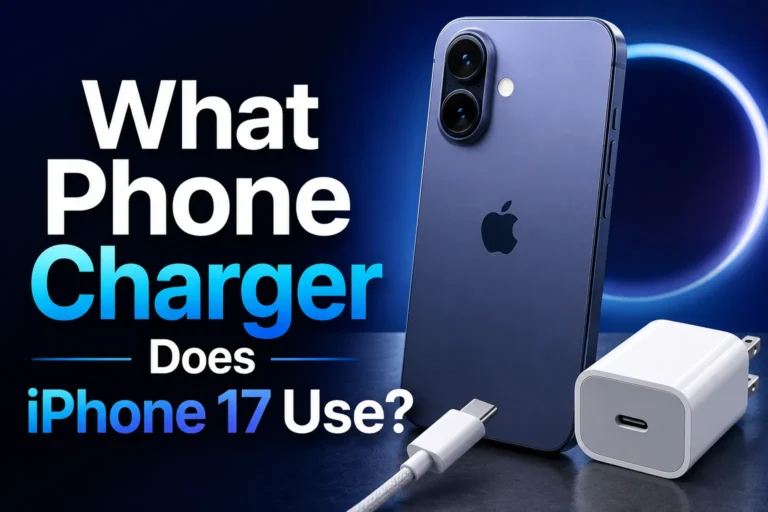
Best iPhone Chargers for Seniors Easy Safe and Fast
The best iPhone chargers for seniors are simple, safe, and easy to connect, with a clear fit for the phone model. For most people, a stable wall charger or charging stand is the most practical choice.
If you want the best iPhone chargers for seniors, focus on simple plug-in designs, clear visibility, safe heat levels, and the right cable for the iPhone model. In most homes, a reliable wall charger or an easy-placement wireless stand will be the most practical choice.
- Ease first: Choose a charger that reduces fumbling, especially for low vision or arthritis.
- Match the model: Confirm whether the phone needs USB-C or Lightning before buying.
- Safety matters: Replace frayed, loose, or overheating charging gear right away.
- Moderate power is enough: Fast charging helps, but maximum wattage is usually unnecessary.
- Best all-around option: A simple wall charger or bedside stand fits most senior routines.
Best iPhone Chargers for Seniors: Quick Answer and What to Look For
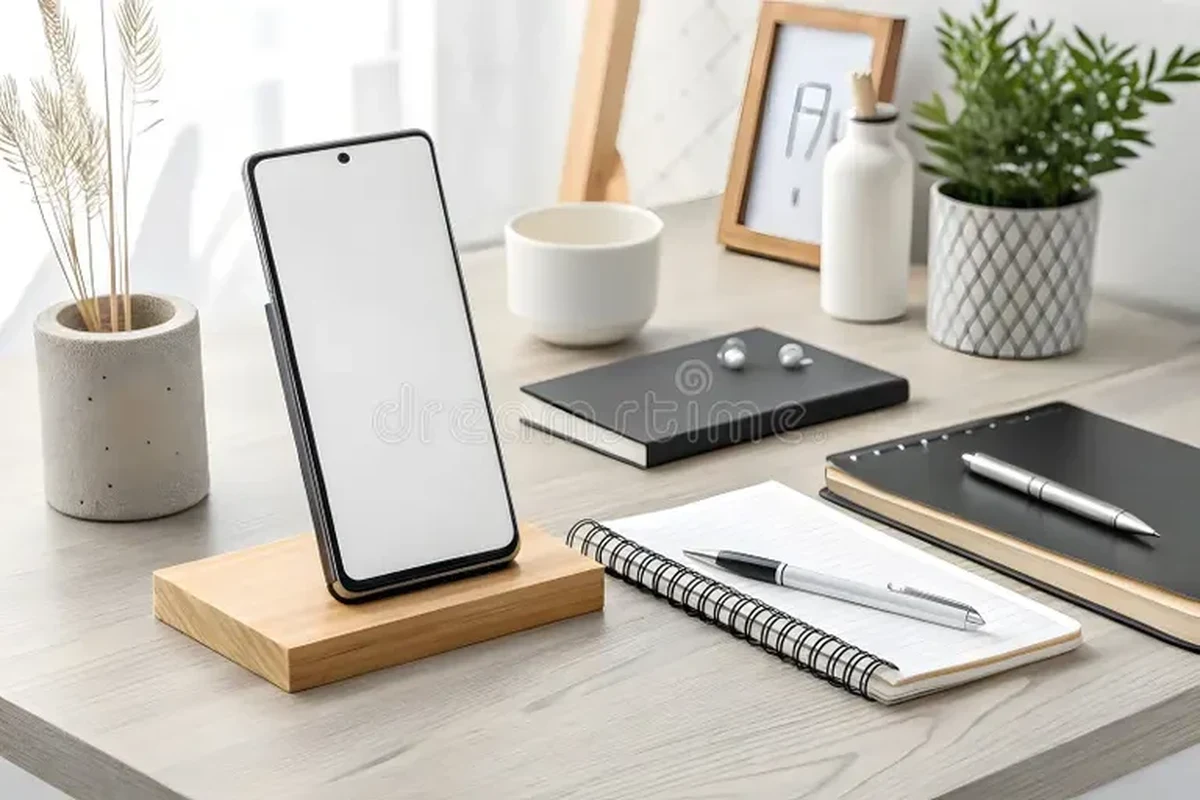
The best charger for an older adult is usually the one that reduces effort, confusion, and the chance of cable damage. That often means a charger with a stable plug, a cable that is easy to grip, and enough power to top up the phone without creating extra heat.
For many families, the decision comes down to three things: how easy it is to connect, how safely it manages heat, and whether it fits the iPhone model in use. If you are also comparing general options, our guide to the best chargers for iPhone can help narrow the field before you choose a senior-friendly setup.
Why Seniors Need a Different Charging Setup in 2025
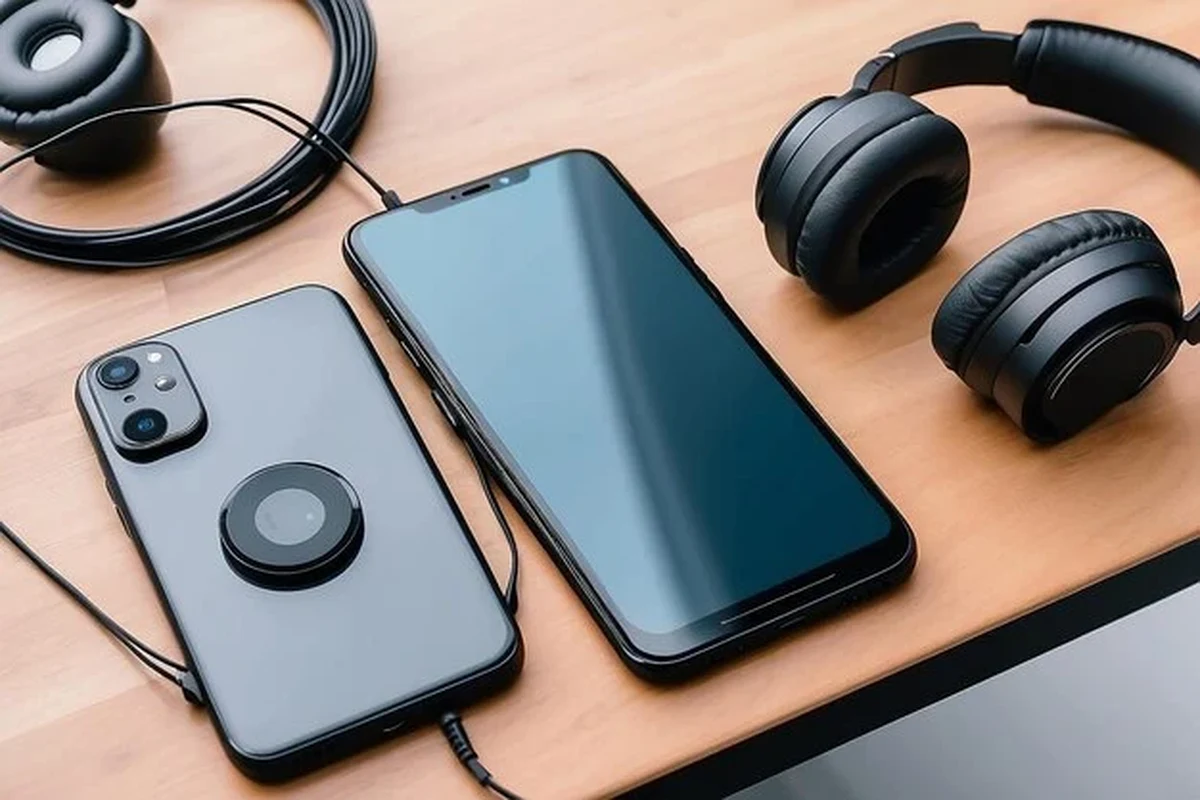
Older adults often benefit from chargers that are simpler to see, easier to handle, and less likely to be dropped behind furniture or plugged in at an awkward angle. A charging setup that works well for a teenager or remote worker may still be frustrating for someone with arthritis, reduced vision, or limited hand strength.
Comfort, visibility, and reduced hand strain
Small cables, tight ports, and low-contrast accessories can make everyday charging annoying. A larger charging block, a longer cable, or a stand that holds the phone in place can reduce the need to bend, twist, or aim carefully.
For seniors, a bedside charger with a fixed home base often works better than a loose cable that gets moved around every day.
Safety concerns: heat, frayed cables, and overpowered adapters
Charging gear should stay within the phone maker’s guidance and the adapter’s rating. Heat, cracked insulation, and bent connectors are all signs that the charger or cable may need replacement.
Stop using any charger that gets unusually hot, has exposed wiring, feels loose in the port, or shows visible damage. Use manufacturer-approved or well-specified accessories and keep them away from bedding, water, and pets.
How iPhone Charging Works: Cable, Wattage, and Compatibility Basics
iPhone charging depends on three parts working together: the wall adapter, the cable, and the phone’s own charging support. Faster charging is possible on many models, but the phone controls how much power it accepts, so a bigger charger does not always mean a better result.
USB-C vs Lightning for older iPhone models
Older iPhones may still use Lightning, while newer models use USB-C. That means the cable type matters just as much as the charger itself, and the wrong cable simply will not fit the phone.
If you are unsure which charger style matches a specific model, our article on which charger for iPhone 17 is useful for understanding the newer USB-C direction, while older devices may still need Lightning-compatible accessories.
Recommended wattage range for safe, practical charging
For most seniors, a moderate-power charger is usually the smartest choice. In practice, that means enough wattage to charge efficiently without chasing the highest number on the box, since the iPhone will only draw what it can use.
Apple’s own guidance and accessory specs can change by model, so confirm the phone’s charging support before buying. If you want a broader comparison of power levels, see 30W vs 65W charger for iPhone for a simple explanation of when extra wattage matters and when it does not.
What “fast charging” really means for seniors
Fast charging is helpful when someone wants a quick top-up before leaving the house, but it is not always necessary for overnight charging. For many older adults, the best result is a charger that is fast enough to be convenient and gentle enough to remain simple and predictable.
Fast charging performance can vary by iPhone model, battery condition, cable type, and even temperature, so real-world results are not identical for every user.
Best Charger Types for Seniors and Who Each One Fits
There is no single best charger style for every older adult. The right choice depends on whether the user wants the easiest plug-in experience, the least cable handling, or the most travel flexibility.
Wall chargers with large plugs and simple one-piece designs
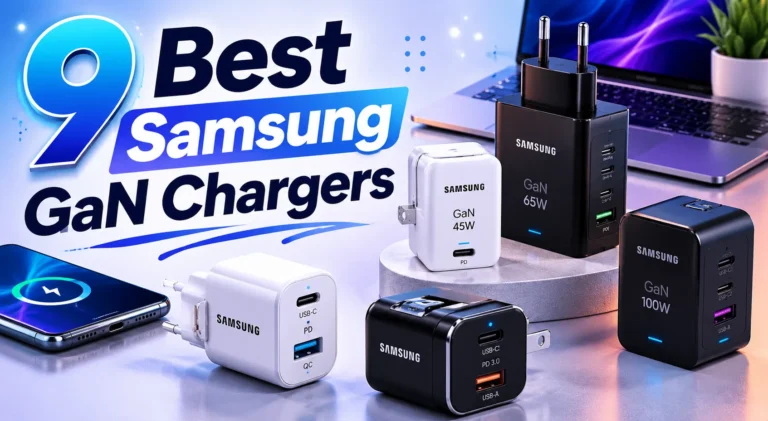
These are usually the easiest to understand because they work like a traditional plug-and-go accessory. A sturdy wall adapter with a clearly labeled port and a cable that stays attached can be especially helpful for users who do not want to manage a separate charging dock.
For readers comparing value-focused options, our roundup of best budget chargers for iPhone is a good companion guide, especially if the goal is dependable charging without unnecessary extras.
Magnetic wireless chargers for easier placement
Wireless magnetic chargers can reduce the need to line up a cable tip every time. That can be a big advantage for seniors with limited dexterity, though the phone still needs to sit in the correct position for charging to start.
These are convenient, but they are not always the easiest option for every case or every desk setup. If you are wondering about the trade-offs, our guide on whether wireless chargers are bad for your phone explains the main practical concerns without overstating the risks.
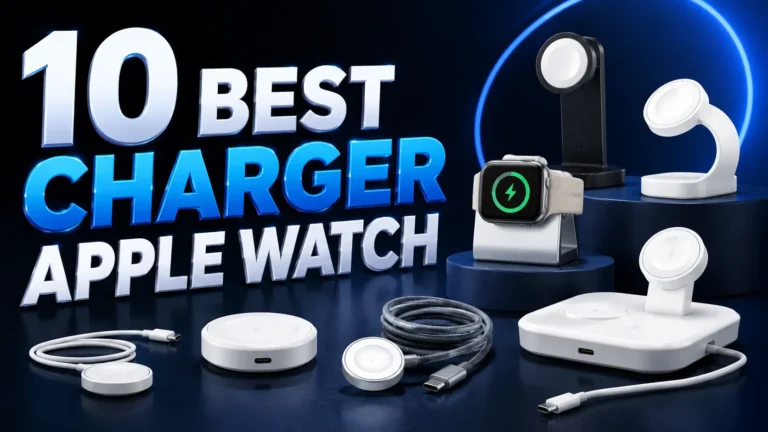
Charging stands and docks for bedside or desk use
A stand can make charging feel more like placing the phone in a home base than plugging in a device. This is useful for bedside tables, reading chairs, and desks where the phone should remain visible and easy to grab.
Charging stands are often the easiest pick for seniors who want a fixed spot, clear visibility, and less fumbling at night.
Portable power banks for travel and emergencies
Power banks are best for seniors who travel, spend time away from outlets, or want a backup during outages. The trade-off is that they add one more item to carry and may require more attention when charging them up at home.
If portability matters, you may also want to compare options in our travel-focused guide to multi-port chargers for travel, especially for households that charge a phone plus another device.
Key Buying Criteria: Safety, Cable Quality, and Ease of Use
When buying iPhone chargers for seniors, the best choice is rarely the fanciest one. The most useful accessories are the ones that stay cool, feel sturdy, and make everyday use less frustrating.
Heat management, certification, and inspection habits
Look for chargers and cables from reputable brands, then verify the model details, safety markings, and compatibility claims on the product page or packaging. If a charger runs hot during normal use, that is a reason to inspect it more carefully and consider replacement.
Check cords, plugs, and adapters regularly for discoloration, cracking, bent pins, or loose fits. If anything looks damaged or unstable, stop using it and follow the manufacturer’s guidance.
Cable length, thickness, and bend resistance
A cable that is too short can force awkward reaching, while one that is too thin may feel flimsy or wear out faster. Many seniors do better with a medium or longer cable that has enough thickness to feel easy to hold and route.
Grip, port alignment, and low-vision-friendly design
Large, easy-to-see ports and simple shapes reduce mistakes. For users with low vision, a charging dock or stand can be easier than trying to aim a cable into a tiny port in dim light.
- Choose a charger with a stable base if the phone is often charged at night.
- Pick a cable color that contrasts with the desk, wall, or bedding.
- Keep one dedicated charging spot so the cable is easy to find.
Replacement guidance: when to retire a charger or cable
Retire a charger or cable if it becomes loose, frayed, intermittently charges, or starts requiring unusual pressure to connect. It is better to replace a questionable accessory than to keep using one that could overheat or fail.
Real-World Benefits and Trade-Offs for Seniors
A good charger should make daily life easier, not just fill the battery. The best setups reduce stress, fit the person’s routine, and work reliably without repeated adjustment.
Faster top-ups and fewer battery anxiety issues
A practical charger can keep the phone ready for calls, medication reminders, rideshare apps, photos, and emergency contacts. That helps reduce battery anxiety, especially for seniors who do not want to think about charging all day.
Less fumbling vs. more precise placement requirements
Wireless and dock-style chargers reduce cable handling, but they may require the phone to be placed more precisely than a simple wired connection. That trade-off is worth considering if hand tremors, vision issues, or case thickness affect alignment.
Travel convenience, bedside use, and daily routine fit
The best charger is the one that fits the user’s life. A bedside stand may be ideal at home, while a compact wall adapter or power bank may be better for appointments, vacations, or family visits.
Safe Setup, Daily Use, and Common Mistakes to Avoid
Even a good charger can become inconvenient or unsafe if it is placed poorly or used carelessly. A few simple habits can make the setup safer and easier to live with.
Correct outlet placement, cable routing, and heat checks
A bedside table, desk edge, or wall outlet with easy reach is usually better than a hidden outlet behind furniture.
Avoid tight bends, chair legs, and spots where the cord can be trapped in drawers or under rugs.
Warmth can be normal, but excessive heat is not. If the adapter or phone feels unusually hot, stop and inspect the setup.
What not to do: damaged cords, loose adapters, and covered chargers
Do not use a cable with exposed wire, a plug that falls out easily, or a charger buried under blankets or pillows. Covering charging gear can trap heat and make a minor problem worse.
Simple maintenance and storage tips for longer life
Wrap cables loosely rather than tightly, keep connectors clean and dry, and store backup chargers in a labeled drawer or pouch. If the charger is for an older adult, a simple label can help family members recognize the right cable at a glance.
Final Recommendation: Best Charger Style by Senior Need
The best iPhone chargers for seniors are the ones that match the person’s routine, vision, hand strength, and phone model. In general, a bedside stand or a simple wall charger is the easiest starting point, while a power bank is the best backup for travel or outages.
Best for ease of use
A charging stand or dock is usually the easiest option for seniors who want a fixed place to set the phone down without hunting for a cable.
Best for safety and reliability
A well-made wall charger with the correct cable is the most straightforward choice for users who want predictable charging and fewer alignment issues.
Best for travel and backup power
A compact power bank is the most flexible option when outlets are not guaranteed, but it works best as a secondary accessory rather than the main daily charger.
Transparent verdict and value guidance
If you are buying for a parent, grandparent, or older neighbor, prioritize ease of handling, clear visibility, and verified compatibility over flashy features. For many households, the smartest purchase is the simplest one that fits the iPhone model, stays cool, and can be used without frustration.
Frequently Asked Questions
A charging stand or a simple wall charger is usually easiest because it reduces fumbling and keeps the phone in a fixed place. The best choice depends on hand strength, vision, and where the phone is charged most often.
Most seniors do well with a moderate-power charger that matches the phone’s charging support. More wattage is not always better, because the iPhone controls how much power it accepts.
Wireless chargers can be easier to place, while wired chargers are often simpler and more consistent. The better option depends on whether the user prefers convenience, stability, or the least alignment effort.
Check the iPhone model, cable type, safety guidance, and whether the charger has the right port and wattage. It also helps to confirm return policy, warranty terms, and whether the setup is easy to see and handle.
Replace it if the cable is frayed, the adapter feels loose, charging is inconsistent, or the gear runs unusually hot. Damaged accessories should be taken out of use right away.
Yes, power banks are useful for travel, appointments, and outages when outlets are not available. They are best as a backup option and should be recharged regularly so they are ready when needed.