Best Back to School iPhone Chargers for Students
The best back to school iPhone charger for most students is a compact USB-C wall charger with a matching durable cable. Add a power bank only if you spend long days away from outlets or commute often.
Back-to-school charging is mostly about convenience, speed, and not forgetting a cable when you leave the dorm or house. For most students, the smartest setup is a compact USB-C wall charger, one durable cable, and a small power bank for long days on campus.
- Best all-around pick: Compact USB-C wall charger plus a quality matching cable.
- Best for busy days: Add a portable power bank for campus, commuting, or travel.
- Best for dorms: Multi-port chargers help when outlets are limited or shared.
- Most important checks: Confirm connector type, wattage, build quality, and safety labeling.
Best Back to School iPhone Chargers for Students: What to Buy First
If you only want the essentials, start with a charger that fits your routine rather than the biggest wattage on the shelf. Students usually get the most value from something small enough for a backpack, reliable enough for daily use, and compatible with the charging cable that matches their iPhone model.
Quick answer: the best student charger setup in 2025
The best all-around setup for most students is a 20W to 30W USB-C wall charger, a high-quality USB-C cable, and a portable power bank for travel or long class days. If you study at a desk or bedside, MagSafe can be a useful second charger, but it is usually more of a convenience choice than the most efficient one.
How to choose based on dorm life, commuting, and class schedules
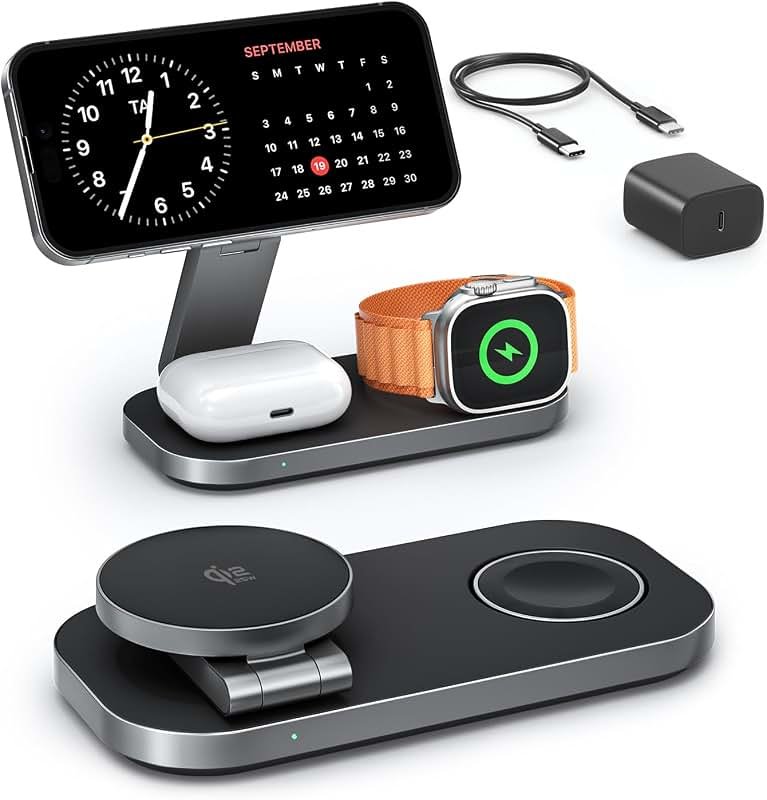
Dorm residents often benefit from a multi-port charger or a second cable for a shared room, since outlets are usually limited. Commuters and students who move between classes should prioritize a compact wall charger and a power bank, while students who spend long hours in one place may prefer a desk-friendly MagSafe stand or a multi-device charging hub.
- Keep one charger in your backpack and one at your desk so you are not moving gear every day.
- Pick a cable length that fits your setup instead of buying the shortest option by default.
- If you share a room, look for a charger with more than one port to reduce outlet clutter.
How iPhone Charging Works in 2025: USB-C, MagSafe, and Power Delivery
Charging advice gets easier once you understand the connection type. iPhones now commonly charge through USB-C accessories, while MagSafe remains a wireless option that can be especially handy for desks and nightstands.
Why USB-C is the most practical choice for most students
USB-C is the most flexible option because it works with many chargers, cables, laptops, tablets, and power banks. It is also easier to pack: one USB-C wall charger can often support a phone, earbuds, and other school gear without needing a separate adapter for each device.
Compatibility can vary by iPhone model and cable type. If you are unsure which connector your phone needs, confirm it in the official Apple specifications or the charger manufacturer’s compatibility list.
For students who are still using older accessories, it may help to compare options in guides like what iPhone charger you need or what charger the iPhone 15 uses before buying extra cables.
When MagSafe makes sense for desks, nightstands, and study sessions
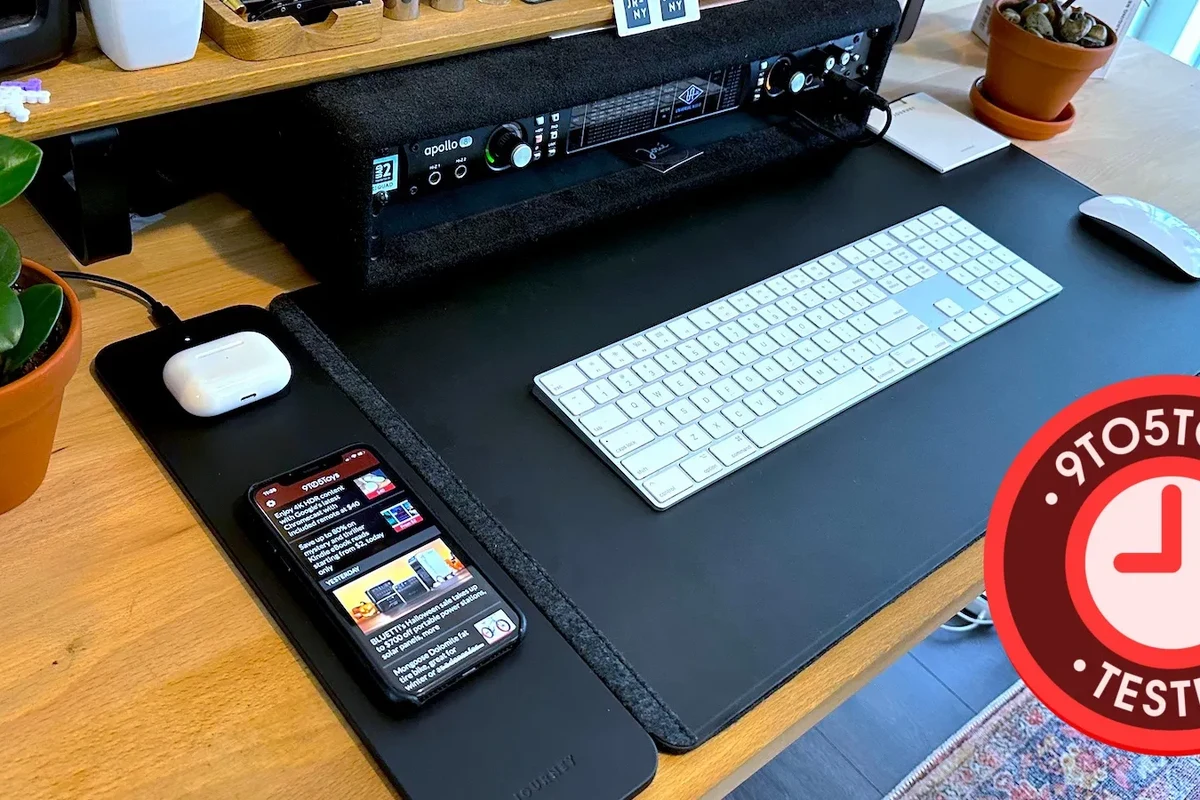
MagSafe is best when you want a simple place to set your phone during homework, video calls, or overnight charging. It can be a good fit for a dorm desk or bedside table because the phone snaps into place more easily than a loose cable.
Wireless charging is often more about convenience than maximum efficiency, so it can be a smart desk solution even when a wired charger is still the faster everyday option.
If you are comparing wireless options, it is worth reviewing safety and setup basics in are wireless chargers safe before choosing a pad or stand.
Rated wattage explained: 20W, 30W, and higher-power chargers
Wattage tells you the charger’s output capacity, but the phone decides how much power it actually draws. For many students, 20W is enough for a fast top-up, while 30W can be a comfortable middle ground if you also charge accessories or want a little extra headroom.
Higher-wattage chargers are not automatically better for iPhones. They can be useful if you also charge a laptop or tablet, but the phone will only take what it can safely use, so the bigger number is not always the better student buy.
Best Charger Types for Students: Wall Chargers, Power Banks, and Multi-Port Options
Different student lifestyles need different gear. The best charger type depends on whether you spend most of your day at a desk, moving across campus, or sharing a room with other people and devices.
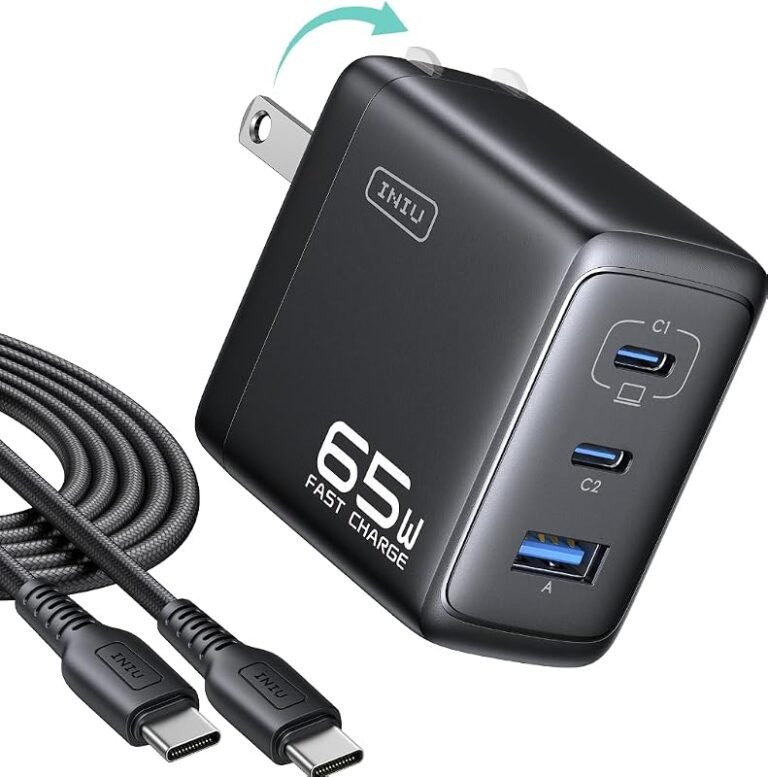
Compact wall chargers for backpacks and everyday carry
Small wall chargers are the easiest to live with because they take up little space and can stay in a backpack pocket. They are the best first purchase for most students who want something simple, dependable, and easy to replace if they later upgrade their setup.
Students who want one reliable charger to carry every day, with the least bulk and the fewest setup steps. The main limitation is that a single-port charger may not handle multiple devices at once.
If budget matters most, it can also help to read a dedicated guide like best budget chargers for iPhone so you can compare value without guessing which low-cost model is worth considering.
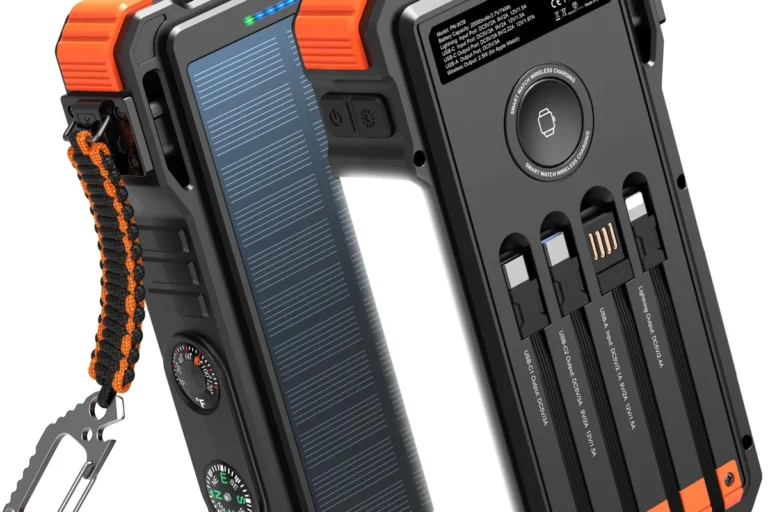
Portable power banks for long campus days and travel
Power banks are especially useful for students with long lecture blocks, clubs, sports, or commuting between campus and home. They are also a smart backup during travel, when outlets may be crowded or hard to reach.
Only use power banks and charging cables that are in good condition and follow the manufacturer’s instructions. Stop using any battery pack that swells, overheats, smells unusual, or behaves unpredictably.
Students who want a battery backup should also check whether the power bank supports the cable type their iPhone needs. If you are comparing portable options, our guide to MagSafe power banks for iPhone can help frame the decision, even if you choose a non-MagSafe model.
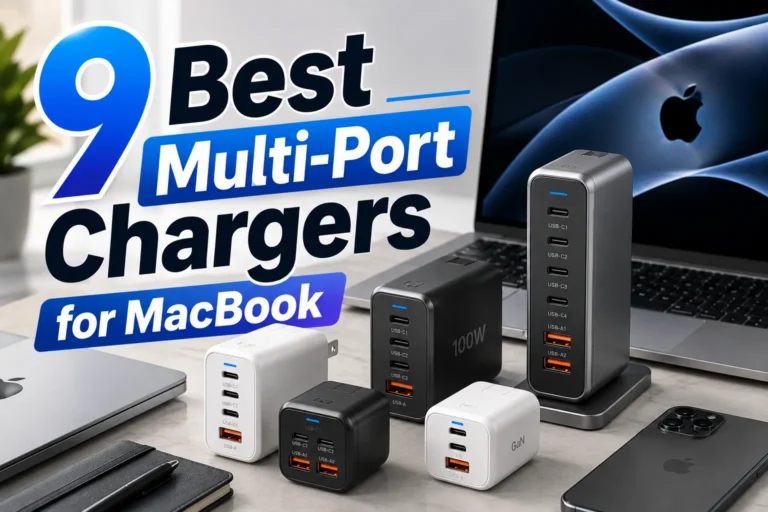
Multi-port chargers for shared dorm rooms and device-heavy setups
Multi-port chargers are useful when one outlet needs to handle a phone, earbuds, tablet, and maybe a smartwatch or another person’s device. They can reduce outlet clutter and make a dorm desk feel less chaotic, but total output is shared across ports, so charging speed may drop when several devices are connected.
For shared spaces, it is also worth checking whether the charger is designed for simultaneous use and whether the manufacturer explains how power is divided. If you want a deeper look at this category, see can multi-port chargers work with iPhone and are multi-port chargers safe to use.
Key Buying Criteria: Compatibility, Cable Quality, and Portability
Before buying any charger, students should check three things: whether it works with the phone, whether the cable is built well enough for daily use, and whether the size fits the way they actually move around campus.
Matching charger output to your iPhone model and charging speed goals
Fast charging varies by device, cable, and charger design, so the safest approach is to match the charger to the phone model and the speed you actually need. If you only want a quick charge between classes, a modest USB-C charger may be enough; if you often forget to plug in overnight, a slightly higher-wattage option can provide more flexibility.
- Check your iPhone model and connector type.
- Confirm the charger’s output wattage and port type.
- Make sure the charger and cable are intended for daily carry if you plan to pack them often.
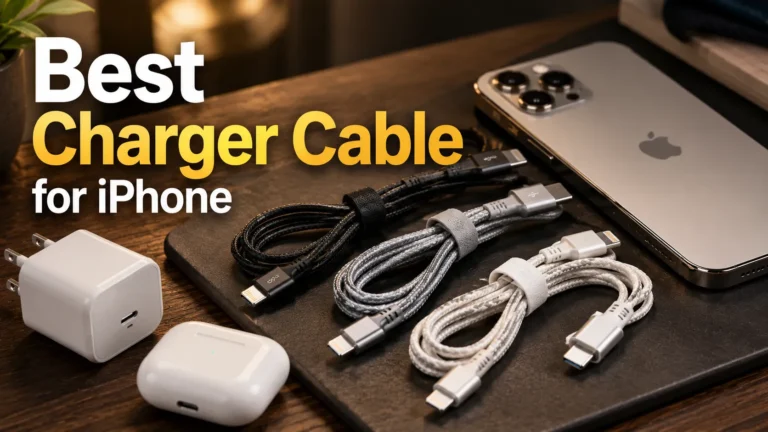
Choosing the right cable: USB-C to USB-C, USB-C to Lightning, and build quality
Cable quality matters more than many students expect. A cheap cable may work at first but become loose, fray quickly, or create intermittent charging problems that are frustrating when you are late for class.
Buy one cable that is clearly rated for your phone’s connector and daily use, then keep a backup in your dorm or bag if your schedule is busy.
USB-C to USB-C is the simplest choice for newer iPhones and many modern chargers. USB-C to Lightning may still matter for older accessories or older iPhone models, so check the model number rather than assuming every cable will work the same way.
Size, weight, foldable plugs, and storage in a student bag
Students should think about chargers the way they think about notebooks or headphones: if it is annoying to carry, it will probably stay in the dorm and not help when needed. Foldable prongs, short cables, and compact bodies are all useful when backpack space is limited.
| Option | Best For | Key Consideration |
|---|---|---|
| Compact wall charger | Daily carry | Easy to pack, usually single-device focused |
| Power bank | Long campus days | Needs regular recharging itself |
| Multi-port charger | Dorm rooms | Shared power may reduce charging speed |
Real-Use Benefits and Trade-Offs for Students
The right charger can make a student’s day smoother, but every charging setup has trade-offs. Understanding those trade-offs helps you spend money on the features that matter instead of paying extra for specs you may never use.
Faster top-ups between classes and during commutes
A good charger can turn a short break into a useful battery boost. That matters when you rely on your phone for campus maps, transit apps, class schedules, notes, or messaging classmates.
Fast top-ups are most helpful when you have short charging windows rather than long overnight sessions. If that sounds like your routine, a compact USB-C charger usually delivers more practical value than a bulky all-in-one kit.
Battery health considerations and heat during fast charging
Fast charging creates more heat than very slow charging, and heat is one of the main things that can affect long-term battery health. That does not mean fast charging is bad, but it does mean students should avoid stacking a phone under blankets, in direct sun, or on other heat-trapping surfaces while charging.
Stop using damaged electronics, swollen batteries, frayed cables, overheating chargers, or unstable appliances and follow the manufacturer’s guidance.
Limits of safe use: overloading outlets, cheap accessories, and worn cables
Students often run into charging problems because of the environment, not the phone. Overloaded outlets, cheap adapters, or worn-out cables can create unreliable charging and unnecessary risk, especially in older dorms or shared rooms.
When in doubt, choose accessories with clear manufacturer information and avoid mystery products that do not explain their output, compatibility, or safety standards. If you are considering lower-cost gear, the article on whether budget chargers are safe to use is a useful companion read.
Safety Guide: How to Use iPhone Chargers Without Risk
Safe charging is mostly about inspection, placement, and replacement. A charger does not need to be expensive to be safe, but it should be intact, clearly labeled, and used the way the manufacturer intended.
What to inspect before buying: certifications, cable condition, and connector wear
Before buying, check the charger label, cable ends, and product documentation for clear compatibility information. If the manufacturer lists required certifications or standards, verify them through the official product page or manual rather than relying on a seller listing alone.
Connector wear matters too. A cable that feels loose, bends oddly, or only charges at certain angles is a sign to replace it rather than keep wiggling it into place.
How to reduce heat, avoid damaged ports, and charge safely overnight
Keep chargers on hard, open surfaces when possible so heat can dissipate more easily. Avoid charging under pillows, inside tightly packed bags, or in places where the cable can be sharply bent.
Overnight charging is usually fine when the equipment is in good condition and used according to the manufacturer’s instructions. If a charger or cable gets unusually hot, disconnect it and inspect the gear before using it again.
Replacement guidance for frayed cables, loose plugs, and aging power banks
Replace frayed cables as soon as the outer jacket is damaged. Loose plugs and aging power banks should also be replaced if they no longer hold a stable connection, charge unpredictably, or show signs of swelling, heat, or physical damage.
For students who travel internationally, it is also smart to confirm outlet compatibility before packing. Related guides like do iPhone chargers work in Europe can help you check the basics before a trip.
Maintenance, Storage, and Troubleshooting for Student Charging Gear
Good charging gear lasts longer when it is stored cleanly and handled consistently. That is especially important for students, because chargers often get tossed into backpacks, desk drawers, and travel kits.
How to store chargers in backpacks, dorm drawers, and travel kits
Store cables loosely coiled rather than tightly wrapped around the charger body. Tight bends can stress the cable over time, especially near the connector ends where wear usually starts.
- Use a small pouch or cable tie so the charger does not rub against keys, pens, or metal objects.
- Keep power banks partially charged if you will not use them for a while, and follow the manufacturer’s storage guidance.
- Do not pack a charger that still feels warm after use.
Cleaning ports and cables without damaging the hardware
Dust and pocket lint can cause charging interruptions. Clean ports gently and only with methods recommended by the device maker; avoid metal tools or anything that can scratch the connector or push debris deeper inside.
If your iPhone has had moisture exposure, follow the official drying guidance before charging again. For more on that topic, see how to get water out of an iPhone charging port.
Common charging problems: slow charging, intermittent connection, and overheating
Slow charging is often caused by a weak cable, a low-output adapter, or a phone that is busy running apps in the background. Intermittent connection usually points to a worn cable, lint in the port, or connector damage.
Overheating can come from heat-trapping placement, a failing accessory, or heavy phone use while charging. If the problem keeps happening after you change the cable and charging location, stop using the accessory and check the manufacturer’s support guidance.
Final Recommendation: The Best Back to School iPhone Charger Setup by Student Type
The best charger setup is the one that matches your schedule and reduces daily friction. Most students will be happiest with one compact USB-C wall charger, one reliable cable, and a power bank only if they regularly spend long hours away from an outlet.
Best for budget shoppers, commuters, dorm residents, and heavy phone users
Budget shoppers should focus on a simple, well-labeled compact charger and a durable cable rather than a complicated kit. Commuters need portability first, dorm residents usually benefit from multi-port flexibility, and heavy phone users should consider adding a power bank for backup.
Value verdict: when to buy one charger versus a full charging kit
Buy one charger if your schedule is predictable and you mostly charge in one place. Choose a full kit only if you need multiple charging locations, shared-room convenience, or all-day battery backup; otherwise, extra accessories can add cost without much real benefit.
For most students, the best back to school iPhone chargers are compact USB-C options paired with a quality cable, plus a power bank only if long days away from outlets are common. If you want the simplest and most practical setup, prioritize compatibility, safety, and portability over the highest wattage on the box.
Frequently Asked Questions
A compact USB-C wall charger is usually the easiest to carry and use every day. Pair it with a durable cable that matches your iPhone model.
For many students, 20W is enough for a practical fast top-up between classes. If you also charge other devices, 30W can offer more flexibility.
Wired charging is usually the most practical and efficient choice for everyday use. MagSafe is a good desk or bedside option when convenience matters more than speed.
Choose USB-C to USB-C for newer iPhone charging setups, or USB-C to Lightning if your model or accessory still requires it. Always confirm connector type before buying.
Replace frayed cables, loose plugs, swollen power banks, or accessories that overheat or charge inconsistently. Stop using damaged gear and follow the manufacturer’s guidance.
Charge on a hard, open surface and avoid covering the phone or adapter with bedding. If a charger or cable becomes unusually hot, disconnect it and inspect the gear before using it again.