Best 100w Usb-c Cable
The best 100W USB-C cable is a clearly rated USB-C to USB-C cable with solid build quality and the right length for your setup. Verify both charging wattage and data speed before you buy.
If you need one cable that can handle modern laptops, tablets, phones, and power banks, the best 100W USB-C cable is usually a USB-C to USB-C cable with e-marker support, solid build quality, and the right length for your setup. For most buyers, the best choice is the cable that is clearly rated for 100W USB Power Delivery, comes from a reputable brand, and matches your charging and data needs without unnecessary extras.
- 100W rating: Look for explicit USB Power Delivery support, not just a USB-C connector.
- Device match: Make sure your charger and device can actually use the cable’s power level.
- Data matters: Charging speed and data speed are separate specs.
- Durability: Reinforced connectors and strain relief help with daily use.
- Safety: Replace cables that fray, loosen, overheat, or charge inconsistently.
Best 100W USB-C Cable: What It Is, Who It’s For, and the Best Choice for 2026
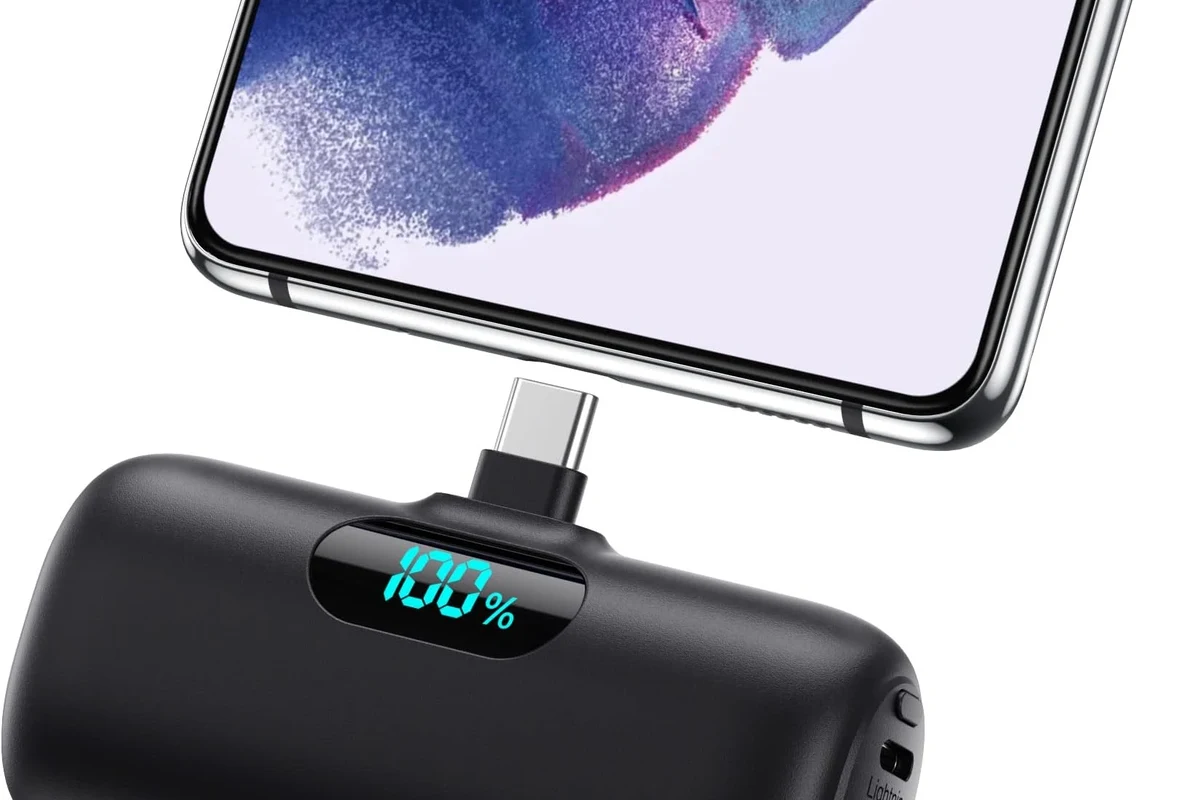
A true 100W USB-C cable is designed to carry enough power for many USB-C laptops, tablets, handheld gaming devices, and high-capacity power banks. It is especially useful if you want one cable for a desk, bag, or travel kit instead of carrying separate cables for different devices.
The best 100W USB-C cable for most people is not automatically the thickest or most expensive one. It is the cable that is properly rated, clearly labeled, well built, and matched to the devices you actually charge.
How a 100W USB-C Cable Works and Why Wattage Matters
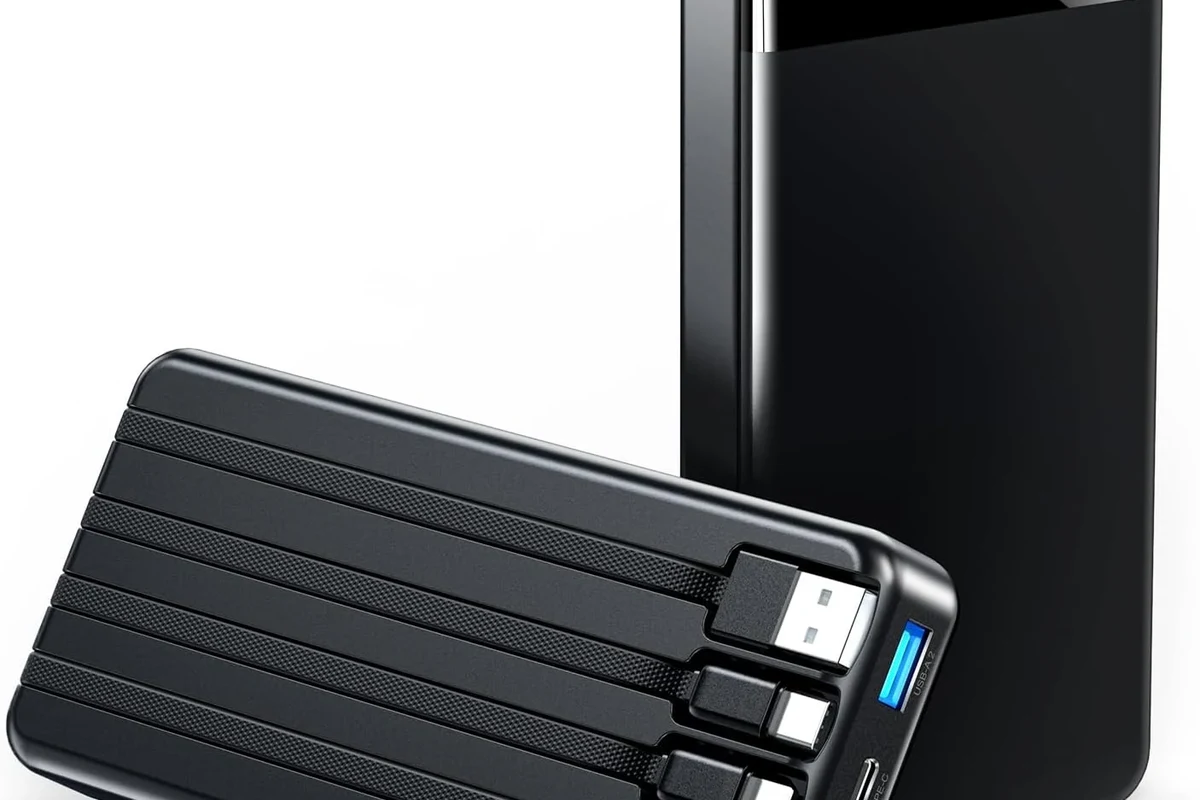
USB-C is the connector shape. USB Power Delivery, often shortened to USB PD, is the charging standard that lets compatible devices and chargers negotiate how much power to send. A cable rated for 100W helps the charger and device safely deliver higher power when both ends support it.
Power delivery basics: USB-C, USB PD, and e-marker support
Not every USB-C cable is built the same. Some are designed mainly for low-power phone charging, while others include an e-marker chip that helps identify the cable’s capabilities to compatible chargers and devices.
For 100W charging, e-marker support is often an important spec to look for. It helps confirm that the cable is intended for higher-power use and can reduce confusion when you are charging a laptop or other power-hungry device.
USB-C describes the connector, but charging speed depends on the cable, charger, device, and the power protocol they all support.
Why 100W is the practical ceiling for many laptops and tablets
Many thin-and-light laptops, tablets, and accessories can charge within the 100W range, even if they do not always draw that much power in daily use. That makes 100W a practical sweet spot for people who want broad compatibility without moving into more specialized high-wattage gear.
Still, a 100W cable does not force a device to charge at 100W. The device only draws what it can accept, and the charger must also support the needed output.
Key Specs to Check Before You Buy
Before buying, focus on the specs that affect safety, compatibility, and convenience. A cable can look premium and still be the wrong fit if the wattage, data speed, or length does not match your use case.
- Check compatibility, model number, app requirements, dimensions, ports, wattage, and intended use
- Confirm safety guidance, warranty, return policy, privacy settings, and update support
Cable quality: wire gauge, connector build, and strain relief
Heavier internal wire gauge can help a cable handle higher power more reliably, though manufacturers do not always publish full construction details. Connector housings, molded ends, and strain relief are also worth checking because they affect how well the cable holds up to daily bending and unplugging.
Look for tidy connector fit, a firm but not overly stiff jacket, and reinforcement where the cable meets the plug. Those details often matter more than flashy packaging.
Length, portability, and everyday convenience
Short cables are easier to pack and often better for power banks, travel, and desk setups. Longer cables can be more convenient for couches, hotel rooms, and awkward outlets, but extra length can add clutter and make storage harder.
If you travel often, a shorter cable may be the most practical choice. If you keep a charger under a desk or behind furniture, a longer cable may be worth the tradeoff.
Data speed vs charging speed: don’t assume they are the same
A cable rated for 100W charging is not automatically a fast data cable. Some 100W cables are built mainly for power and may support only basic data transfer, while others support higher USB data rates.
If you move files, connect docks, or use external displays, check the data specification separately. Do not assume a charging cable can replace a high-speed data cable.
Manufacturer listings may describe charging wattage and data speed in separate terms. Confirm both if you plan to use the cable for syncing, docking, or video output.
Best Use Cases: Laptops, Tablets, Phones, Power Banks, and Travel Gear
A 100W USB-C cable makes the most sense when you want one dependable cable for several kinds of devices. It is especially helpful in mixed-device households where one person may charge a laptop while another uses the same style of cable for a tablet or phone.
Which devices benefit most from a true 100W cable
Devices that often benefit most include USB-C laptops, larger tablets, handheld gaming systems, and high-output power banks. These products are more likely than basic phones to take advantage of stronger charging capability.
That said, a 100W cable is still useful for phones because it can serve as a universal cable across your gear. It simply means you are prepared for higher-power devices later.
Compatibility limits and when a lower-watt cable is enough
If you only charge a phone, earbuds, or a low-power accessory, a lower-watt cable may be enough. In those cases, buying a 100W cable is more about future-proofing and convenience than immediate necessity.
Compatibility also depends on the charger and device. A 100W cable cannot make an incompatible charger or device work beyond its own limits.
- Match the cable to your most demanding device, not just your smallest one.
- Keep one short cable for travel and one longer cable for desk or bedside use.
- Verify whether your dock, monitor, or hub needs more than simple charging support.
Safety, Heat, and Real-World Limitations
Charging cables are simple accessories, but they still deserve careful inspection. Heat, wear, poor-quality connectors, and damaged insulation can all reduce performance or create risk.
How to spot overheating, wear, and connector damage
Normal charging can feel slightly warm, but a cable or connector that becomes uncomfortably hot deserves attention. Also watch for fraying, bent connector tips, looseness at the plug, discoloration, or intermittent charging.
If a cable only works when held at a certain angle, that is a warning sign. Do not keep using a damaged cable just because it still works sometimes.
Stop using damaged electronics, swollen batteries, frayed cables, overheating chargers, or unstable appliances and follow the manufacturer’s guidance.
Safe-use limits: charger output, device input, and cable rating
The charger, cable, and device all have their own limits. The safe charging setup depends on the lowest supported level among them, not on the highest number printed on one accessory.
For example, a 100W cable is only useful if the charger and device can also negotiate the needed power. Always check the official specs for the laptop, tablet, or charger before assuming full-speed charging is possible.
Common mistakes that reduce performance or create risk
Using a cheap cable with unclear labeling is one of the most common problems. Another mistake is assuming every USB-C cable supports the same wattage, data speed, and video features.
Mixing up charging-only and full-feature cables can also cause frustration. If you need docking, display output, or fast file transfer, verify those features separately.
How to Choose the Right 100W USB-C Cable for Value and Longevity
Good value is not just the lowest price. It is the cable that lasts, works with your devices, and does not force you to replace it early because of weak connectors or missing features.
Durability features that matter in daily use
Look for reinforced strain relief, snug connector fit, and a jacket material that feels suited to your environment. Braided cables can be helpful for daily wear, but braid alone does not guarantee quality.
If you carry a cable in a backpack or use it on a crowded desk, durability becomes more important than a minimal design. If the cable will stay plugged in most of the time, flexibility and connector stability may matter more.
When premium pricing is worth it, and when it isn’t
Paying more can make sense when you need better build quality, clearer certification or specification labeling, or a longer warranty from a reputable brand. It can also be worth it if the cable will be used heavily every day.
Premium pricing is less useful when you only need a spare cable for light charging. In that situation, a straightforward, clearly rated cable from a trustworthy seller may be enough.
Evidence limits: what specs can prove, and what they can’t
Specs can confirm wattage ratings, connector type, and sometimes data speed or compatibility claims. They cannot fully predict long-term durability, how a cable feels in your hands, or how well it will hold up to your specific charging habits.
That is why official product pages, manuals, warranty terms, and return policies matter. If a listing is vague, verify the details before buying.
Care, Storage, and Replacement Guidance
Even a good cable lasts longer with simple care. Proper storage reduces stress on the connectors and helps prevent the kind of hidden damage that appears after repeated bending or tangling.
How to coil, store, and inspect the cable properly
Coil the cable loosely rather than wrapping it tightly around a charger brick or stuffing it into a pocket. Avoid sharp bends near the connectors, and keep the cable away from heat, moisture, and heavy objects that can crush the jacket.
Grip the plug, not the cable, when disconnecting it from a device or charger.
Use a soft loop or cable tie without pinching the cable too tightly.
Check for fraying, bent ends, looseness, or unusual heat before important trips or workdays.
When to replace a cable and what warning signs to watch for
Replace the cable if it shows visible damage, gets unusually hot, charges inconsistently, or no longer fits securely. If you rely on the cable for a laptop or other high-value device, replacing it early is usually better than waiting for a failure.
Also replace it if the product documentation no longer matches your needs, such as when you upgrade to a device that requires a different data or power standard.
Final Recommendation: The Best 100W USB-C Cable for Most Buyers
For most people, the best 100W USB-C cable is a well-built USB-C to USB-C cable with clear 100W USB PD support, solid connector reinforcement, and the right length for your setup. The best choice is the one that matches your charging needs, your travel habits, and any data or docking requirements you have.
Ideal user profile and transparent verdict
This cable type is ideal for students, remote workers, travelers, and anyone who wants one dependable cable for a laptop, tablet, phone, and power bank. The main limitation is that you still need to confirm charger compatibility, device input limits, and whether you need data or display support.
Most buyers who want a single reliable cable for charging laptops and other USB-C devices, provided they verify 100W USB PD support and the needed data features.
Best alternatives for budget, travel, and heavy-duty setups
If you want the lowest cost, a simpler cable may be enough for phones and small accessories. If you travel often, a shorter and more flexible cable may be better than a long one.
For heavy daily use, prioritize reinforced connectors, a reputable brand, and clear warranty support over cosmetic extras. If you are unsure, compare the official specs side by side before buying.
- Choose a cable explicitly rated for 100W USB Power Delivery.
- Verify data speed separately if you need syncing, docks, or displays.
- Inspect regularly for heat, fraying, looseness, and connector damage.
- Match cable length and build quality to your daily use and travel habits.
Frequently Asked Questions
People who charge USB-C laptops, larger tablets, handheld gaming devices, or high-output power banks benefit most. It is also useful if you want one cable that works across several devices.
No. USB-C describes the connector, but wattage depends on the cable’s design and rating. Always check for explicit 100W USB Power Delivery support.
No. The charger and device also have to support that power level, and the device will only draw what it can accept. The cable does not override those limits.
Check the product listing or manual for a separate data-speed specification. Charging wattage and data speed are not always the same feature.
Replace it if you see fraying, bent connectors, looseness, inconsistent charging, or unusual heat. A damaged cable should not be kept in regular use.
Confirm the wattage rating, connector type, data speed if needed, cable length, warranty terms, and compatibility with your charger and device. If any detail is unclear, check the official manual or product page before buying.