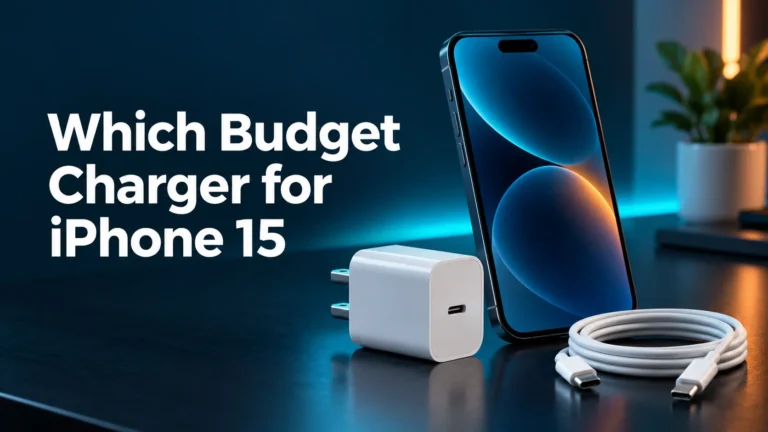
What Charger Does iPhone 15 Use? A Simple USB-C Charging Guide
Best Chargers for iPhone 15
Apple 20W USB-C Power Adapter
Dependable fast charging for iPhone 15.
Check Apple 20W PriceAnker Nano 30W USB-C Charger
Compact GaN charging with extra headroom.
Check Anker PriceXIVORA 3-in-1 Charging Station
Convenient multi-device charging.
Check XIVORA on AmazonThe iPhone 15 uses a USB-C cable and a USB-C power adapter. For fast charging, choose a 20W or higher USB-C Power Delivery charger. Apple says the phone can reach about 50% in around 30 minutes under suitable conditions.

Want one charging station for multiple Apple devices? The XIVORA 3-in-1 is a convenient wireless option for a desk, nightstand, or travel setup, especially for readers who prefer fewer separate charging pads and cables.
The official compact option for fast iPhone 15 charging. Use it with the cable supplied in the box.
This compact three-port charger can power an iPhone, tablet, accessories, and many USB-C notebooks.
A trusted USB-C PD charger from an iPad, MacBook, Android phone, or power bank may already work.
The iPhone 15 has a USB-C port. It does not use Lightning. Apple includes a USB-C charge cable, but the wall adapter is sold separately.
For wired charging, use:
- A USB-C to USB-C cable. The cable in the box works.
- A 20W or higher USB-C adapter. This supports fast charging.
- A trusted USB Power Delivery charger. Look for USB-PD or PD.
| Item | Included? | What it means |
|---|---|---|
| iPhone 15 | Yes | The phone has a USB-C charging and data port. |
| USB-C charge cable | Yes | Connect it to a USB-C adapter, computer, or power bank. |
| USB-C wall adapter | No | Reuse a safe adapter or buy one separately. |
| MagSafe charger | No | Wireless charging accessories are sold separately. |
| Lightning cable | No | Old Lightning cables do not fit the iPhone 15. |

This is the easiest charger to recommend for one iPhone 15. It is small, official, and supports Apple’s fast-charge requirement.
A 20W USB-C charger is the best simple choice for most people. Higher wattage is useful when the same adapter also charges other devices.
| Charger | Will it work? | Best use | Buying advice |
|---|---|---|---|
| 5W or 12W USB-A | Yes, with the right cable | Slow backup charging | Use only when speed does not matter. |
| 20W USB-C | Yes | Fast everyday charging | Best simple new purchase. |
| 30W USB-C | Yes | Phone, iPad, and travel | Good when you want more flexibility. |
| 45W–65W USB-C | Yes | Phone, tablet, and laptop | Best for several devices. |
| 100W USB-C | Yes, if compatible | Higher-power laptops | Safe but unnecessary for the phone alone. |
Yes, but check the port and cable. An old USB-A adapter can charge the iPhone 15 with a USB-A to USB-C cable. Apple says USB-A charging on iPhone 15 models is limited to 7.5W, so it is much slower than USB-C fast charging.
An old Lightning cable will not fit. An older iPad or MacBook USB-C adapter can work if it is in good condition.
- Check the adapter port. USB-C is the best choice for fast charging.
- Check the cable ends. The included cable is USB-C on both ends.
- Look for USB-PD. Power Delivery helps the phone and charger choose a safe power level.
- Inspect for damage. Stop using loose, cracked, burnt, or frayed parts.
- Use a known brand. Avoid fake chargers with missing power details.
Yes. Many USB-C MacBook, iPad, Samsung, Google, Anker, Belkin, and UGREEN chargers can charge the iPhone 15.
The charger should support USB-C Power Delivery. The iPhone requests the power it needs. A 65W laptop charger does not send 65W into the phone.

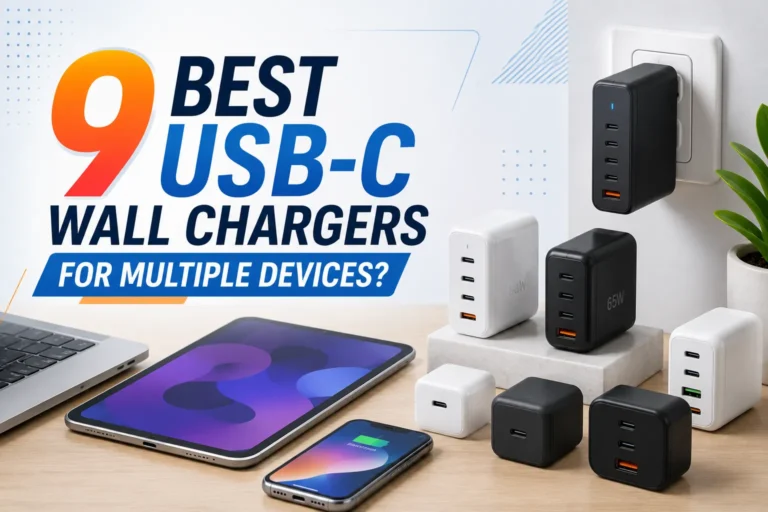
This three-port charger can replace several adapters in a travel bag. A single USB-C device can receive up to 65W. Power is shared when several devices are connected.
Apple says the iPhone 15 can reach up to 50% in around 30 minutes. This needs a 20W or higher adapter and a USB-C charging cable.
Real speed can change. Heat, background tasks, battery condition, and phone use all matter. Charging also slows as the battery becomes full.
The cable and wall adapter do different jobs. The cable carries power to the phone. The adapter takes power from the wall and controls its output.
| Part | What it does | What to buy |
|---|---|---|
| USB-C cable | Connects the phone to a power source | Use the included cable or a trusted replacement. |
| USB-C adapter | Plugs into the wall and supplies power | Choose 20W or higher with USB-PD. |
| Wattage | Shows the adapter’s maximum power | 20W is enough for fast phone charging. |
The iPhone 15 supports several charging methods. Wired USB-C is usually the best mix of speed, efficiency, and low heat.
| Charging method | Maximum listed speed | Best use |
|---|---|---|
| USB-C wired | Fast charge with 20W or higher | Quick and reliable charging |
| MagSafe | Up to 15W | Easy magnetic charging |
| Qi2 | Up to 15W | Compatible magnetic wireless chargers |
| Qi | Up to 7.5W | Basic wireless charging |
| USB-A wired | Up to 7.5W | Slow backup charging |
The iPhone controls charging to protect the battery. It may reduce power when the battery is nearly full or the phone becomes warm.
Optimized Battery Charging and charge-limit settings can also change when the phone finishes charging. This is normal behavior.
| Problem | Likely cause | What to try |
|---|---|---|
| No charging response | Bad outlet, cable, or adapter | Test another trusted cable and adapter. |
| Very slow charging | USB-A or low-power adapter | Use a 20W-or-higher USB-C charger. |
| Charging starts and stops | Loose cable, debris, or heat | Inspect the cable and port. Let the phone cool. |
| Phone gets hot | Heavy use, sunlight, case, or poor charger | Stop heavy tasks and move to a cooler place. |
| Only charges at an angle | Damaged cable or port | Stop forcing the cable and arrange an inspection. |
- Buying a Lightning cable: The iPhone 15 uses USB-C.
- Using a damaged cable: Frayed or loose cables can create heat.
- Buying a fake charger: Poor adapters may have weak safety controls.
- Charging under a pillow: This traps heat.
- Using the phone heavily: Gaming and video can slow charging.
- Assuming more watts always means more speed: The phone controls its power draw.
What charger does iPhone 15 use?
It uses a USB-C cable and a USB-C power adapter. Use a 20W-or-higher USB-C charger for fast charging.
Does iPhone 15 use Lightning?
No. The iPhone 15 uses USB-C. Old Lightning cables do not fit.
Does the iPhone 15 come with a wall charger?
No. The box includes a USB-C charging cable, but the wall adapter is sold separately.
Is a 20W charger enough?
Yes. Apple lists a 20W-or-higher adapter for fast charging the iPhone 15.
Can I use a 30W or 65W charger?
Yes. A trusted USB-C Power Delivery charger is safe. The phone takes only the power it needs.
Can I use a MacBook charger?
Yes. A working USB-C MacBook adapter can charge the iPhone 15.
Can I use a Samsung charger?
Yes. Many Samsung USB-C chargers work when they support USB Power Delivery and use a good cable.
How fast can iPhone 15 charge?
Apple says it can reach about 50% in around 30 minutes with a 20W-or-higher adapter.
What wireless charging speed does it support?
It supports MagSafe and Qi2 up to 15W, and standard Qi up to 7.5W.
Why is my iPhone 15 charging slowly?
You may be using USB-A, a low-power adapter, a weak cable, or charging in hot conditions.
Pick Apple 20W for a simple official setup. Pick Anker 65W when one charger must power several devices.
Check Apple 20W Price