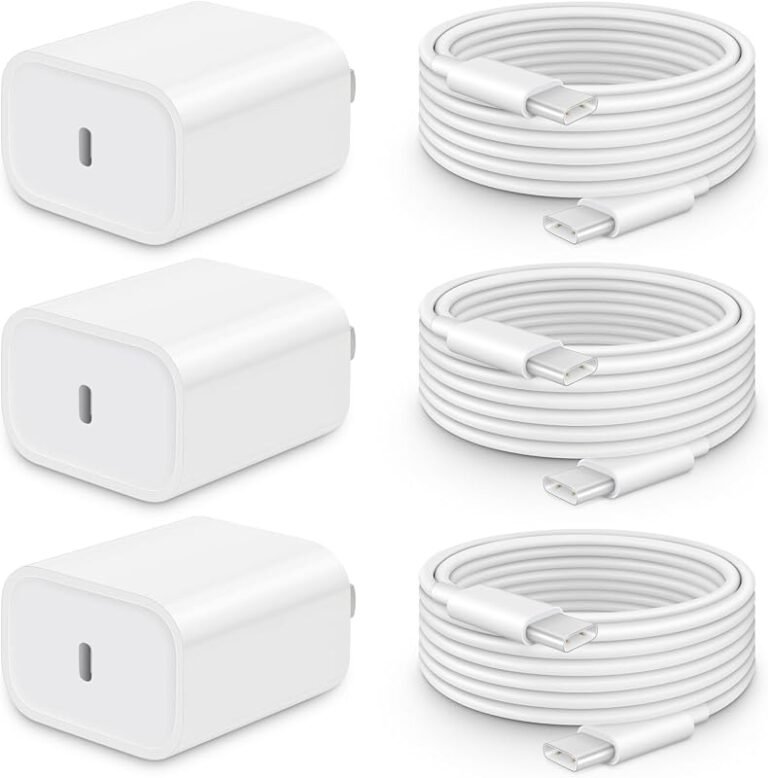
Are Cheap Usb-c Cables Safe
Cheap USB-C cables can be safe for basic charging if they are clearly rated and used within their limits. For laptops, fast chargers, and high-speed data or video setups, a better-specified cable is the safer choice.
Cheap USB-C cables can be safe, but only when they are built to the right standard and used within their rated limits. The risk rises fast when a low-cost cable is paired with a high-wattage charger, a laptop, or a device that needs reliable data or video support.
- Connector shape isn’t enough: USB-C describes the plug, not the cable’s safety or performance.
- Ratings matter: Check wattage, data speed, and support for USB Power Delivery or higher-speed standards.
- Low-power use is lower risk: Budget cables are usually best for phones, earbuds, and backup charging.
- High-power use needs better quality: Laptops, docks, and fast chargers deserve clearer specs and stronger build quality.
- Replace damaged cables quickly: Fraying, looseness, heat, and intermittent charging are warning signs.
Are Cheap USB-C Cables Safe? The Short Answer for 2026
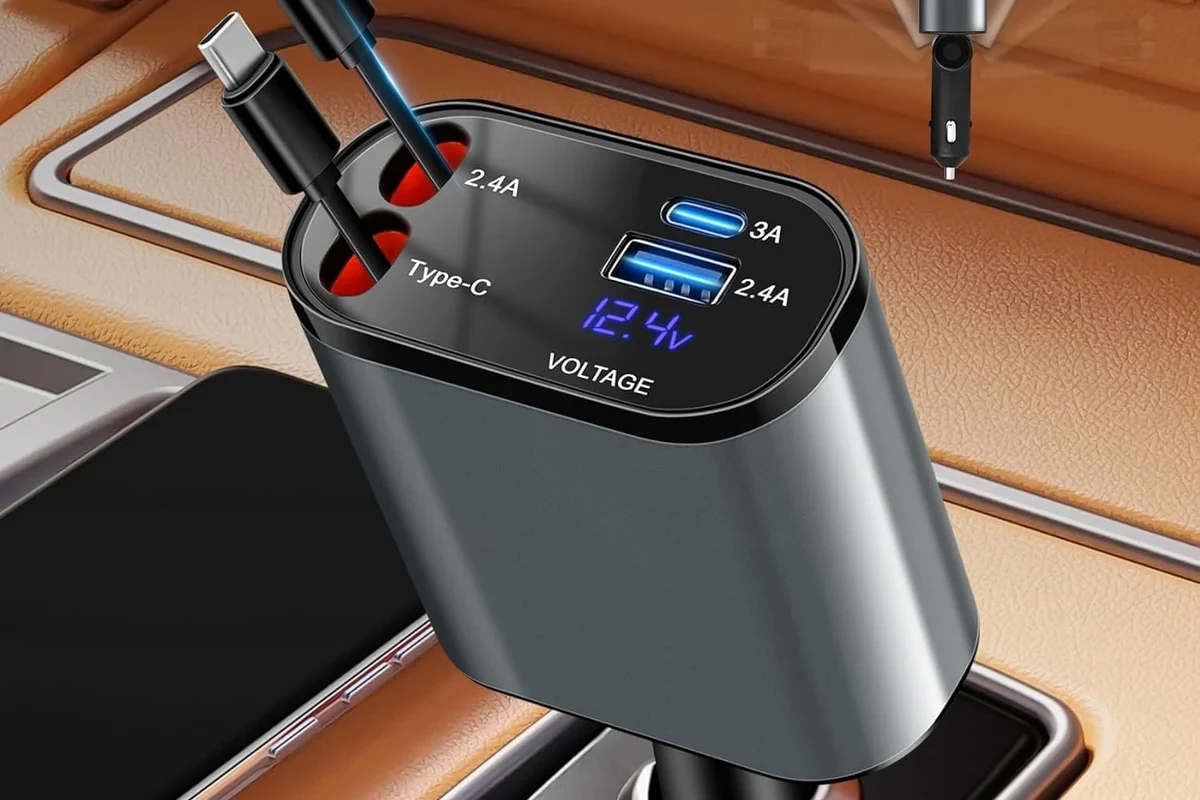
For basic charging and simple syncing, a budget USB-C cable is often fine if it comes from a reputable seller, clearly lists its power and data limits, and feels well made. The problem is that “USB-C” describes the connector shape, not the cable’s quality, charging capability, or safety level.
If the listing is vague, the connector feels loose, or the cable is being used for a phone charger, tablet, or laptop with fast charging, it is worth spending more on a better-documented option. Safety is less about price alone and more about whether the cable can handle the current, data speed, and heat it will face.
How USB-C Cables Work and Why Cable Quality Matters
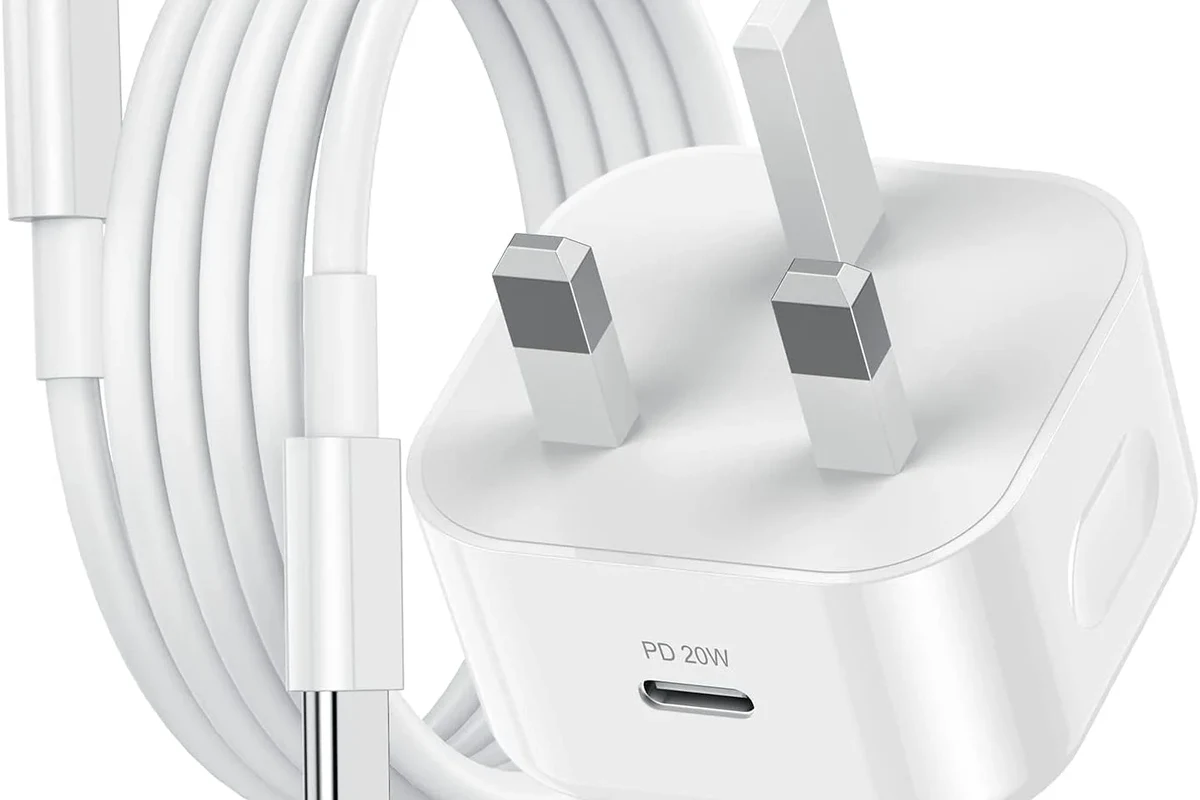
USB-C cables do more than move electricity from a charger to a device. Depending on the cable, they may also carry data, support device-to-device communication, and help the charger and device agree on how much power to deliver.
What the cable actually carries: power, data, and device negotiation
When you plug in a USB-C cable, the charger and device communicate before higher power is delivered. That negotiation helps prevent unsafe power delivery, but only if the cable is designed correctly and the connected devices follow the standard.
Actual charging speed depends on the charger, the cable, the device, the battery state, and the device’s own charging limits. A cable alone does not guarantee fast charging.
Some USB-C cables are power-only or low-speed data cables. Others support higher data rates, video output, or USB Power Delivery. If you need more than basic charging, the cable specification matters as much as the connector shape.
Where cheap cables fail: wire gauge, shielding, connectors, and e-marker chips
Budget cables can cut corners in several places. Thin internal wiring may create more resistance, which can mean slower charging and more heat. Weak shielding can make data transfer less reliable, and poorly molded connectors can loosen or wear out faster.
For higher-power USB-C cables, an e-marker chip is often part of the design. That chip helps devices identify what the cable can safely handle. If a cable lacks the right identification for high-wattage charging, the system may fall back to a lower speed or behave unpredictably.
USB-C is a connector standard, while USB 2.0, USB 3.x, USB4, and Thunderbolt describe different performance levels that may or may not be supported by the same cable.
Who Cheap USB-C Cables Fit Best—and When They Don’t
The best budget cable is usually the one used for low-stress jobs. Once the cable needs to support a laptop, fast charging, a docking setup, or a high-bandwidth accessory, the margin for error gets much smaller.
Best use cases: low-power charging, backups, travel spares, and basic data syncing
Cheap USB-C cables can make sense for phone charging at modest power levels, overnight charging when speed is not critical, and simple tasks like transferring photos or syncing a device. They are also useful as backup cables for travel bags, office drawers, and car kits.
- Use budget cables for low-power devices first, such as earbuds, smartwatches, or standard phones.
- Keep one spare cable in a bag, but label it so you know its rated power and data limits.
- Match the cable to the task: charging-only for charging, data-rated for file transfers, and certified high-speed cables for docks or displays.
Higher-risk use cases: laptops, fast chargers, high-wattage devices, and USB4/Thunderbolt gear
Laptops, gaming handhelds, tablets with rapid charging, and USB-C docks ask more from a cable. If the cable is underspecified, it may run warmer, charge more slowly, disconnect under load, or fail to support the needed data or display features.
USB4 and Thunderbolt accessories are especially sensitive to cable quality. If you need video output, multi-device docking, or very fast data transfer, a vague bargain cable is usually not the safest choice.
Do not assume a USB-C cable is safe for a laptop or high-wattage charger just because the plug fits. If the cable’s rating is unclear, choose a clearly specified alternative.
Key Specs to Check Before Buying a Cheap USB-C Cable
Before buying, read the cable listing like a compatibility checklist, not a marketing blurb. The most useful details are power rating, data speed, and any mention of certification or supported standards.
Power rating and wattage limits: 15W, 60W, 100W, and beyond
USB-C cables are commonly sold with power limits such as 15W, 60W, or 100W, though the exact labeling can vary by brand and standard. A cable that is fine for a phone may not be suitable for a laptop charger.
As a general rule, the higher the wattage, the more important the build quality becomes. If you are charging a laptop, tablet, or high-power phone, it is smart to choose a cable with a clearly stated rating rather than a mystery bargain option.
Data speed, USB version, and whether you need video support
If you only charge your device, data speed may not matter much. But if you move files, connect a hub, use an external drive, or want display output, the USB version matters a lot.
Some cheap cables are limited to basic USB 2.0 data rates even though they have a USB-C connector on both ends. That is fine for charging and simple syncing, but it can be frustrating for large backups, media workflows, or dock-based setups.
Build quality signals: connector fit, jacket material, strain relief, and certification marks
A cable’s physical design often reveals more than the product title. A snug but not overly tight connector, a durable jacket, and reinforced strain relief at the plug ends are all good signs. Very flimsy connectors, sharp molding edges, or inconsistent fit are warning signs.
- Check the cable’s wattage, data speed, and supported standards before pairing it with a charger or device.
- Confirm whether you need video, docking, or only charging.
- Look for clear seller information, warranty terms, and return policy in case the cable arrives with poor fit or performance.
Real-World Benefits and Trade-Offs of Budget USB-C Cables
Budget cables are popular for good reasons. They are easy to replace, easy to keep around as spares, and often good enough for everyday charging when the device is not demanding much from the cable.
Value advantages: price, availability, and easy replacement
For households with multiple phones, tablets, and accessories, a low-cost cable can be practical. It is often easier to keep extras in a drawer, a car, or a travel kit when the cable does not cost much.
Cheap cables also make sense for temporary needs, like a guest room charger, a short-term setup at a desk, or a backup for a forgotten cable. In those cases, convenience may matter more than premium materials.
Common limitations: slower charging, heat buildup, unreliable data transfer, and shorter lifespan
The trade-off is that a bargain cable may age faster and perform less consistently. Slower charging can happen when the internal conductors are thin, while heat buildup can show up when a cable is pushed near its limit for long periods.
Data transfer may also be inconsistent, especially with moving cables, tight bends, or lower-quality connectors. For people who rely on stable transfers, a slightly better cable can save time and reduce frustration.
- Low upfront cost
- Easy to replace or keep as a spare
- Fine for basic charging when properly rated
- More variation in quality
- May run warmer or charge more slowly
- Often weaker for data, video, or high-wattage use
Safety Risks, Warning Signs, and Common Mistakes
The biggest safety issue with cheap USB-C cables is not that every low-cost cable is dangerous. It is that poor quality control can make one cable safe and the next one unreliable, even if they look nearly identical.
Heat, melting, intermittent charging, and damaged ports
Warning signs include unusual warmth near the connector, charging that cuts in and out, visible discoloration, a bent plug, or a loose fit in the port. These symptoms can point to a bad cable, a damaged port, or a charger that is not compatible with the device.
Stop using damaged electronics, swollen batteries, frayed cables, overheating chargers, or unstable appliances and follow the manufacturer’s guidance.
Mistakes to avoid: mixing unknown cables with high-wattage chargers, daisy-chaining adapters, and ignoring device limits
One common mistake is pairing an unknown cable with a powerful wall charger and assuming the device will regulate everything safely. Another is using adapter chains or hubs without understanding the total power and data limits of the setup.
It is also important to respect the device’s own charging limit. A cable rated for high wattage does not force a phone or tablet to charge faster than its internal design allows, and that is a good thing.
How to inspect a cable before and after use
Look for bent shells, loose connectors, exposed metal, or wobble when the cable is plugged in.
Inspect the full length for cuts, kinks, crushed sections, or fraying near stress points.
If the cable gets unusually warm, disconnect it and compare it with a known-good cable or consult the device manual.
How to Use, Store, and Replace Cheap USB-C Cables Safely
Good habits can make a budget cable last longer and reduce risk. Most problems come from stress, heat, moisture, or using the wrong cable for the job.
Safe-use habits: keep wattage within rated limits and match the cable to the device
Use the cable within its stated wattage and data limits. If the cable is only rated for basic charging, do not assume it will handle a laptop or a high-speed dock safely.
Keep one cable dedicated to low-power charging and another clearly labeled for higher-power or data-heavy tasks. That reduces mix-ups when you are in a hurry.
Care and storage: bending, coiling, travel packing, and moisture protection
Avoid tight bends right at the connector, which is where many cables fail first. Loosely coil cables for storage, and keep them away from sharp edges, heavy objects, and wet surfaces.
For travel, a small pouch or cable organizer helps prevent crushed connectors and tangled strain. If a cable gets wet, let it dry fully before using it again, and do not charge a device with a damp connector.
When to replace a cable: fraying, loose ends, discoloration, or excess heat
Replace a cable if the jacket is frayed, the connector feels loose, the cable charges intermittently, or you notice discoloration near the plug. Heat is another reason to retire a cable early, especially if the warmth is new or localized.
If a cable works only when held at a certain angle, that is usually a sign of internal damage. At that point, replacement is the safer option.
Best Buying Guidance and Final Verdict: Should You Trust a Cheap USB-C Cable?
Cheap USB-C cables are worth considering when the use case is simple and the specifications are clear. They are much less appealing when the cable is doing heavy lifting for a laptop, dock, or fast charger.
What to prioritize for the best value: reputable brands, clear ratings, and warranty support
The safest value choice is usually a budget cable from a brand or seller that clearly states wattage, data speed, and supported standards. A reasonable warranty and straightforward return policy matter too, because cable quality can vary from batch to batch.
Before buying, check the manufacturer’s specifications, compatibility notes, and any current safety notices. If the listing is vague, treat that as a warning sign rather than a bargain.
Transparent recommendation: when cheap is fine, when to spend more, and the safest overall choice
Cheap USB-C cables are generally fine for low-power charging, casual use, and backup duty when the ratings are clear and the build looks solid. Spend more when the cable must support a laptop, fast charging, video output, USB4, Thunderbolt, or frequent daily wear.
A cheap USB-C cable can be safe, but only if it is properly rated and matched to the device. For the best balance of safety and value, choose the clearest specifications you can find and avoid no-name cables for high-wattage or high-speed setups.
Frequently Asked Questions
They can be safe for everyday charging if the cable has clear wattage and data ratings and comes from a reputable seller. The risk rises when the listing is vague or the cable is used with a high-wattage charger.
A poorly made cable can cause intermittent charging, excess heat, or unreliable data transfer, and that can stress ports over time. Use a cable that matches the device’s power needs and stop using any cable that feels loose or gets unusually warm.
Choose a cable rated for the power your device and charger may use, such as 15W for basic accessories, 60W for many tablets and laptops, or 100W for higher-power setups. Always confirm the exact device requirements before buying.
Some do, but fast charging depends on the cable, the charger, and the device all supporting the same standard. A cheap cable without the right rating may charge more slowly or fall back to basic speeds.
Warning signs include vague specs, loose connectors, thin or flimsy jackets, poor strain relief, and no clear warranty or return policy. Heat, flickering charging, and visible wear are also signs to replace it.
Replace it if you see fraying, discoloration, bent connectors, intermittent charging, or unusual heat near the plug. If a cable only works at certain angles, it is safer to stop using it.