What Is a Great Camera for Beginners in 2026
A great camera for beginners is usually a mirrorless model with easy controls, reliable autofocus, and a kit lens that leaves room to grow. If you want the simplest choice, prioritize usability and portability over the biggest spec sheet.
If you’re asking what is a great camera for beginners, the best answer is usually a camera that is simple to learn, has dependable autofocus, and leaves room to grow with better lenses or settings later. For most people, that means a beginner-friendly mirrorless camera, though a compact camera or entry-level DSLR can still make sense depending on your budget and goals.
- Best starting point: A beginner-friendly mirrorless camera is the most balanced option for most people.
- Most important features: Autofocus, sensor size, lens options, and comfortable handling matter more than megapixels.
- Hidden costs: Add lenses, batteries, memory cards, and a charger to your budget.
- Common mistake: Don’t buy a camera that is too advanced, too bulky, or too limited for.
What Is a Great Camera for Beginners in 2026? Start Here
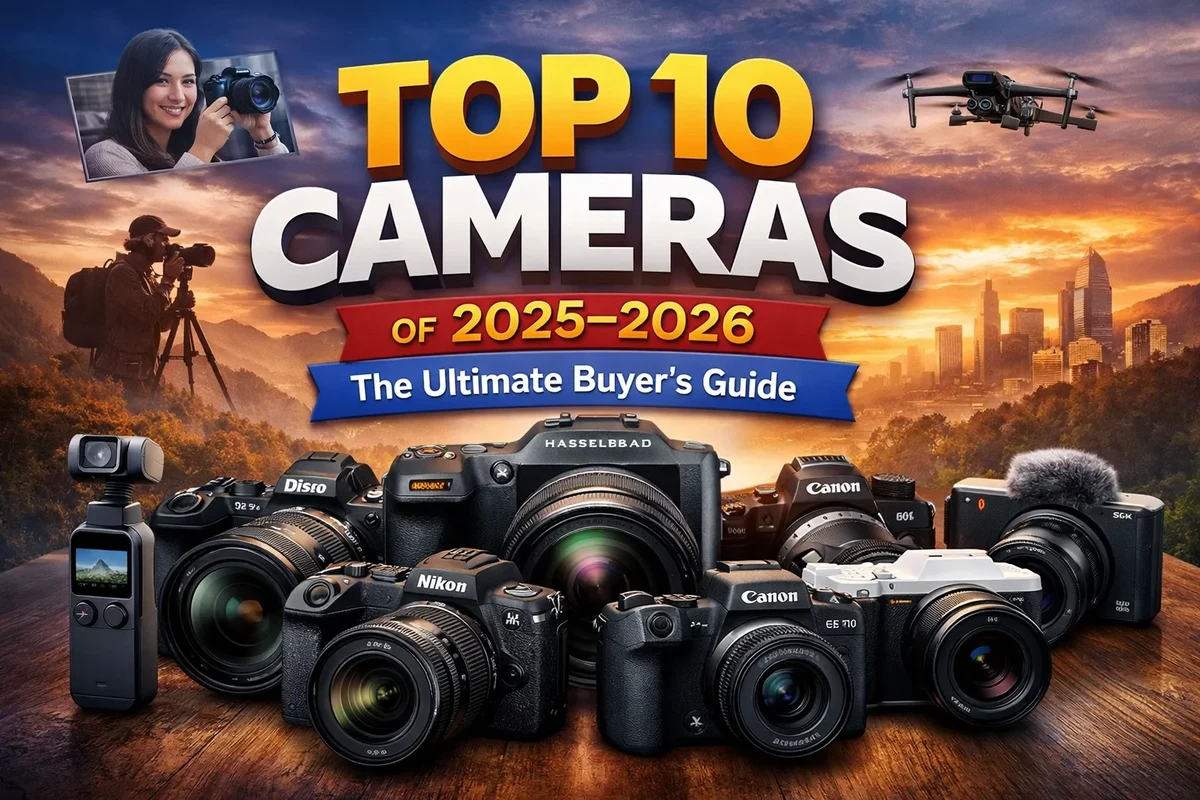
“Great” for a beginner is less about chasing the biggest spec sheet and more about getting a camera that helps you take sharp, usable photos without frustration. The right choice should feel approachable on day one and still be useful as your skills improve.
The short answer: the best beginner camera is easy to use, has reliable autofocus, and gives you room to grow
That usually means a camera with a clear automatic mode, a comfortable grip, a responsive shutter, and autofocus that can keep up with people, pets, and everyday motion. If you want better results than a phone and a path into photography or video, an interchangeable-lens camera is often the most flexible starting point.
What “beginner-friendly” really means in today’s camera market
Beginner-friendly does not always mean the cheapest or the simplest camera. It usually means a model with sensible menus, helpful guides, good battery behavior, and features that reduce mistakes while you learn exposure, focus, and composition.
How Beginner Cameras Work and Which Type Fits Your Goals
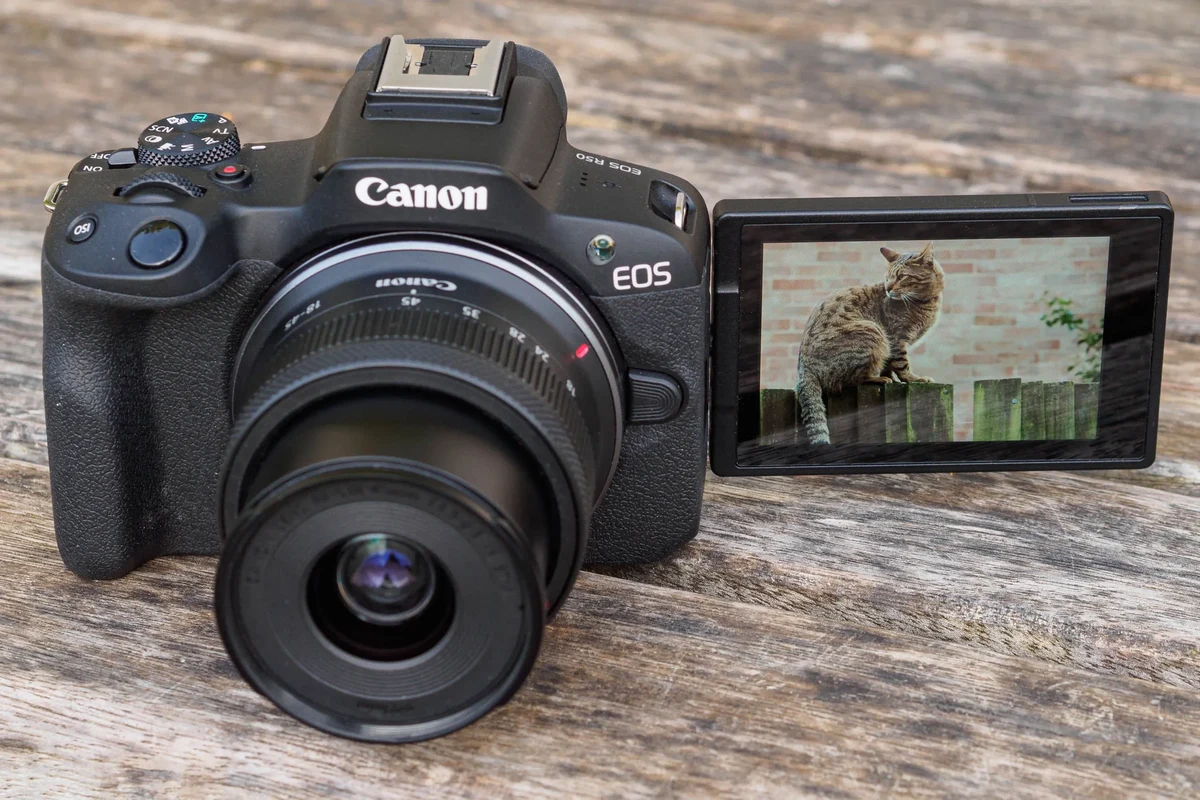
Before comparing models, it helps to understand the three main camera families. Each one can work well for a beginner, but the trade-offs are different.
DSLR vs mirrorless vs compact cameras: the practical differences
DSLRs use a mirror and optical viewfinder, while mirrorless cameras send the image directly to an electronic viewfinder or rear screen. Compact cameras are smaller and simpler, often with a fixed lens, which can make them easy to carry but less flexible over time.
For most new buyers, mirrorless is the easiest place to start because the market is moving in that direction, lens support is broad, and autofocus and video features are often stronger in newer entry-level bodies. DSLRs can still be a good value if you find a well-priced kit, but lens ecosystems and future updates may be less attractive depending on the brand and region.
Why sensor size, lens options, and autofocus matter more than megapixels
Megapixels matter only up to a point. Sensor size affects low-light performance, background blur, and overall image quality more noticeably than a small jump in resolution for most beginners.
Lens choice also matters because a good lens can improve sharpness, brightness, and creative flexibility far more than extra megapixels. Autofocus is equally important: if the camera locks onto faces, eyes, or moving subjects reliably, you’ll get more keepers and learn faster.
Who each camera type fits best: students, creators, travelers, and family users
Students often benefit from an affordable mirrorless body with a kit lens because it balances learning and growth. Creators may want a model with a flip screen, clean HDMI or strong video options, and solid microphone support, while travelers usually prefer something lightweight with dependable battery life.
Family users and casual shooters may be happiest with a compact camera or a simple mirrorless kit that turns on quickly and stays out of the way. If you mainly want convenience, portability can matter more than advanced controls.
- Mirrorless cameras usually offer the best mix of modern features and room to grow.
- Compact cameras are easy to carry and less intimidating.
- DSLR kits can be budget-friendly if you find the right bundle.
- Interchangeable-lens systems cost more once you add lenses and accessories.
- Compact cameras may limit upgrade options.
- Older DSLR systems may have a shorter future path for new buyers.
Key Specs to Compare Before You Buy
Specs only help if you know which ones affect real use. Focus on the features that change image quality, ease of learning, and day-to-day convenience.
Image quality basics: sensor size, resolution, and low-light performance
Sensor size is one of the biggest factors in image quality. Larger sensors generally handle dim rooms better and give you more control over depth of field, though the exact result still depends on the lens and camera processing.
Resolution matters when you want to crop heavily or print large photos, but for most beginners, a well-balanced sensor and lens matter more than chasing the highest number. If you often shoot indoors, at night, or in mixed lighting, low-light performance should be a priority.
Autofocus, burst speed, and video features that make learning easier
Reliable autofocus reduces missed shots and makes the camera feel more forgiving. Face and eye detection are especially useful for portraits, pets, and family photos, while burst shooting helps with sports, kids, and action.
If you plan to shoot video, look for features that support stable handheld clips, such as image stabilization, a flip screen, and a microphone input if you need better audio. Video specs vary widely by model, so check the manufacturer’s current specifications and app notes before buying.
Ergonomics, weight, battery life, storage, and portability trade-offs
A camera can look great on paper and still be unpleasant to carry. Weight, grip shape, button layout, and menu clarity all affect whether you keep using it.
Battery life varies by model and by how much you use the screen, viewfinder, Wi‑Fi, or video modes. Storage is another practical issue: some cameras use one card slot, some use faster card formats, and memory card speed requirements can vary depending on photo burst or video settings.
Connectivity: Wi‑Fi, Bluetooth, USB-C, and app support in 2026
Most beginner cameras now lean on wireless transfer and mobile apps for quick sharing. Wi‑Fi and Bluetooth can make it easier to move photos to a phone, but app quality, login requirements, and feature availability can vary by brand, firmware, and phone operating system.
USB-C is increasingly common, but the exact use can differ: some cameras support charging, some support data transfer, and some support both. Always confirm the current manual and compatibility list before relying on a port for power or file transfer.
Best Beginner Camera Features That Deliver Real-World Value
Some features are more valuable to a beginner than they first appear. They reduce confusion, help you learn faster, and make the camera more useful in daily life.
Simple controls, guided auto modes, and helpful in-camera tutorials
Good beginner cameras often include scene modes, guided menus, or on-screen explanations that make exposure and focus less intimidating. These features are especially useful if you are moving beyond a smartphone and want to understand manual settings gradually.
Look for a camera that lets you start in auto mode, then slowly add control over aperture, shutter speed, and ISO as you learn.
Flip screens, image stabilization, and built-in mic support for content creation
A flip screen helps with selfies, vlogging, and framing shots from awkward angles. Image stabilization can reduce blur from hand movement, and microphone support is helpful if you plan to record talking videos or tutorials.
These features are not required for every beginner, but they can make a camera much more versatile if you are also creating social content, home videos, or smart-home walkthrough clips for your own projects.
Why interchangeable lenses can be a long-term advantage
If you expect photography to become a hobby, interchangeable lenses can matter more than a slightly cheaper body. A kit lens is a good starting point, but a wider prime lens or a telephoto zoom later can dramatically change what the camera can do.
That flexibility is one reason many buyers compare beginner mirrorless systems with other gear choices on GadgetMakersBlog, including other upgrade-friendly tech picks that reward long-term planning.
Common Beginner Mistakes to Avoid When Choosing a Camera
The wrong camera often looks appealing in a listing but becomes frustrating after a few weeks. Avoiding a few common mistakes can save money and disappointment.
Buying for megapixels instead of usability
Many beginners focus on resolution because it is easy to compare, but usability affects your results more often than raw pixel count. A camera with clumsy autofocus or a confusing interface can produce worse photos than a simpler model with better handling.
Ignoring lens costs, memory cards, and extra batteries
The body is only part of the system. Lenses, spare batteries, charger quality, and memory cards can add to the real cost quickly, especially if the camera needs a faster card for video or burst shooting.
If portability matters, remember that a camera plus lens can be much bulkier than a phone. That is why some buyers also compare travel-friendly accessories, such as portable power options for travel, when planning a full kit.
Overlooking size, grip comfort, and menu complexity
A camera should feel comfortable enough that you want to take it out often. If the grip is too small, the menus are too deep, or the buttons are too cramped, even a technically good camera can become annoying.
Choosing a camera that is too advanced or too limited for your goals
Beginners sometimes buy a professional-level body they do not need, or a very limited camera they outgrow too fast. The best choice is the one that fits your learning curve, your budget, and the type of content you actually want to make.
- Check the exact model number, lens mount, and included kit lens.
- Confirm memory card type, battery type, and charger compatibility.
- Review the current manual, firmware notes, and warranty terms.
- Make sure the size and weight fit your carry habits.
How to Set Up and Start Using a Beginner Camera Safely
Good setup habits protect the camera, the battery, and your photos. They also help you avoid avoidable problems like card errors or interrupted charging.
Initial setup: charging, inserting the battery, formatting the card, and updating firmware
Start by charging the battery with the manufacturer-approved charger or a compatible charger listed by the brand. Insert the battery and memory card according to the manual, then format the card in the camera before first use so the file system is ready for that model.
If the manufacturer offers a firmware update, read the release notes and follow the official instructions carefully. Firmware can improve autofocus, compatibility, or stability, but the process and benefits vary by model.
Use the approved charger and check the battery, cable, and contacts for damage before powering up.
Install the memory card correctly and format it in-camera to reduce file issues.
Use the manufacturer’s app or website and follow the exact model instructions.
Essential accessories to verify: battery type, charger quality, strap, and memory card speed
Confirm that replacement batteries are the correct model and that any third-party charger is compatible with the camera’s battery specifications. A comfortable strap or hand grip can make a bigger difference than many new buyers expect, especially for travel or all-day use.
Memory card speed matters if you shoot burst photos or video. Check the camera’s recommended card class or speed rating in the manual rather than guessing based on brand alone.
Safe use and care: handling, storage, cleaning the lens, and protecting the sensor
Store the camera in a dry place, keep the lens cap on when not shooting, and use a clean microfiber cloth or blower for light dust on the lens. Sensor cleaning is more delicate than lens cleaning, so follow the manufacturer’s guidance and avoid touching the sensor unless the official manual explicitly explains how.
Stop using a battery, charger, or cable that runs unusually hot, shows swelling, has frayed insulation, or smells burnt. Follow the manufacturer’s instructions and replace damaged power accessories instead of trying to repair them yourself.
Heat, battery, and cable inspection guidance for chargers and powered accessories
Heat is normal during charging, but excessive heat is not. Check cables for bent connectors, damaged insulation, or loose plugs, and avoid using powered accessories that do not match the camera’s rated input or approved charging method.
Stop using damaged electronics, swollen batteries, frayed cables, overheating chargers, or unstable accessories and follow the manufacturer’s guidance.
Value, Limitations, and What to Expect in Everyday Use
A beginner camera can be a big step up from a phone, but it is still a tool with trade-offs. Knowing those trade-offs helps you buy with realistic expectations.
Where beginner cameras outperform smartphones
Beginner cameras usually offer better zoom flexibility, more control over depth of field, and stronger image quality in challenging light. They also give you better handling for long sessions, especially if you care about manual control or lens upgrades.
Limitations to accept: learning curve, lens swaps, and added bulk
Unlike a phone, a camera asks you to learn settings, manage batteries, and sometimes swap lenses. It is also bulkier, which means you may not carry it everywhere unless you truly enjoy using it.
Warranty details, return policies, and what to verify before purchase
Before you buy, confirm warranty length, what is covered, and whether the seller is authorized. Return windows, restocking fees, and region-specific warranty terms can vary, so it is smart to verify those details on the retailer page and the manufacturer’s official site.
If you are comparing camera value against other gadgets, it can help to think the same way you would when choosing a household device or accessory: check support, compatibility, and long-term usefulness, not just the sticker price.
Alternatives worth considering if your budget or needs are different
If your budget is tight and you mostly want casual photos, a good smartphone may still be the most practical option. If you want a dedicated camera but do not want to manage lenses, a compact camera can be a cleaner choice than a full interchangeable-lens system.
Final Recommendation: The Best Camera for Beginners Depends on Your Use Case
The best beginner camera is the one that matches your shooting style, your comfort level, and how much gear you are willing to carry. If you choose based on usability first, you are more likely to keep using it and improving.
Best overall pick for most beginners
A beginner-friendly mirrorless camera with a kit lens is the safest all-around choice for most people. It usually offers the best mix of image quality, autofocus, upgrade potential, and modern connectivity.
Best budget option for casual users
If you want the lowest-cost path into dedicated photography, look for a simple entry-level DSLR or a compact camera with strong automatic modes. Just make sure the system still has affordable lenses, replacement batteries, and current support before committing.
Best choice for travel, video, or future upgrades
Travelers and creators should prioritize lightweight bodies, reliable autofocus, a flip screen, and strong app or USB-C support. If you plan to grow into the system, interchangeable lenses and a healthy accessory ecosystem matter more than flashy specs.
Transparent verdict: the right camera is the one you’ll actually carry and use
For most beginners, a compact, easy-to-handle mirrorless camera is the best balance of simplicity and long-term value. If you need something smaller, cheaper, or more specialized, choose the option that fits your habits instead of the one with the biggest spec sheet.
A great beginner camera is easy to learn, dependable in autofocus, and practical to carry often. The best model for you depends on whether you value simplicity, budget, portability, or future lens upgrades most.
Frequently Asked Questions
A beginner-friendly mirrorless camera is usually the best all-around choice because it balances ease of use, autofocus, and upgrade potential. A compact camera can be better if portability matters more than lens flexibility.
No. Sensor size, autofocus, lens quality, and usability usually matter more than megapixels for everyday results.
Mirrorless is the safer long-term bet for most new buyers because it offers modern features and strong lens ecosystems. A DSLR can still be a good value if you find a well-priced kit and understand the trade-offs.
At minimum, you should verify the correct battery, charger, memory card, and a comfortable strap. A spare battery and a card with the right speed rating can also help.
Look for a flip screen, reliable autofocus, image stabilization, and microphone support if audio matters. Also confirm the current video specs and firmware support for the exact model.
Confirm the model number, lens mount, battery type, warranty terms, return policy, and current compatibility details. It is also smart to check the manual and firmware notes before you buy.