Camera on iPhone 4 Review Features and Performance
The iPhone 4 camera is still usable for simple daylight shots and basic video, but it is far behind modern phones in low light and speed. It makes the most sense for collectors, retro users, or as a very basic backup device.
The camera on iPhone 4 was a major step forward for its time, but in 2026 it makes sense mainly for retro users, collectors, and people who need a very basic backup phone camera. It can still take usable daylight photos and 720p video, but it falls far behind modern phones in low light, speed, and image processing.
- Legacy value: The iPhone 4 camera is more useful as a retro device than as a.
- Best conditions: Bright daylight gives it the most acceptable photo and video results.
- Main weakness: Low light, motion, and modern social media quality are its biggest limitations.
- Buyer fit: Collectors and backup-phone owners are the best match; most others should buy newer hardware.
Camera on iPhone 4: What It Is, How It Works, and Who It Still Makes Sense For
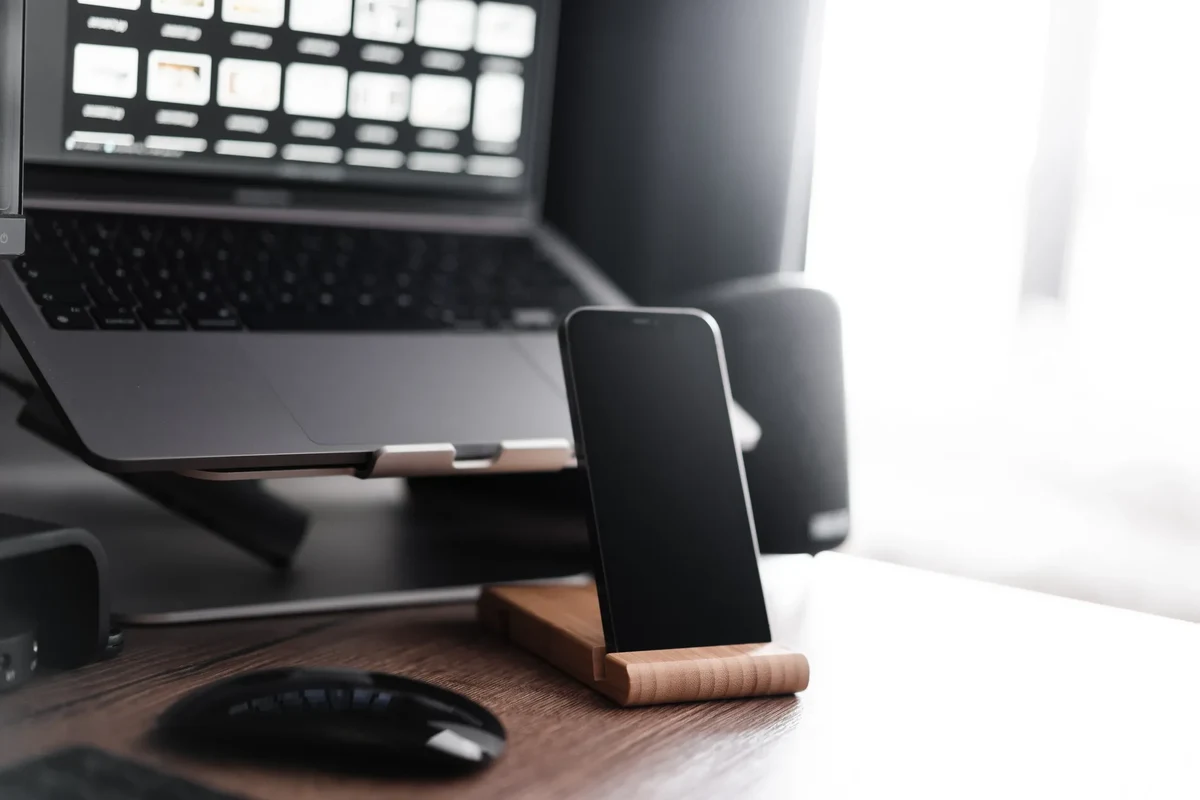
The iPhone 4 camera is a rear-facing, fixed-focus smartphone camera built around Apple’s early-generation imaging hardware and software processing. In practical terms, that means it is simple to use, but it does not offer the computational photography, autofocus flexibility, or low-light strength that people expect from modern phones.
For most buyers, the right question is not whether it is “good” in an absolute sense, but whether it is useful for a specific job. That could mean documenting notes, snapping casual outdoor shots, preserving a retro-tech collection, or keeping an older phone alive as a spare device.
If you are comparing it with current devices, it helps to separate nostalgia from function. For readers who are also thinking about battery behavior on older iPhones, our guide on whether iPhone charges faster on low power mode may be useful for general battery-management context.
iPhone 4 Camera Specs at a Glance: Sensor, Resolution, Lens, and Video Limits

Apple listed the iPhone 4 with a 5-megapixel rear camera and 720p HD video recording. Those numbers were strong for its era, but they are modest by today’s standards and should be interpreted as baseline capability rather than a sign of modern image quality.
5MP still photos and 720p video: what those numbers mean in 2026
A 5MP image can still look fine on a phone screen or for small prints, especially in bright light. The limitation shows up when you crop heavily, zoom digitally, or compare the file side by side with modern 12MP, 48MP, or higher-resolution phone cameras that preserve far more detail.
720p video is similarly serviceable for casual clips, but it lacks the crispness, stabilization, and low-light quality of current smartphone video. If you are sharing to modern social platforms, the camera can still work, but the footage will often look soft and dated.
Fixed-focus basics, LED flash behavior, and exposure constraints
The rear camera’s fixed-focus design keeps the system simple, but it also limits how well it handles close subjects and changing scene distances. In real use, that means you need to hold the phone at a sensible distance and avoid expecting the camera to “lock on” like a newer autofocus system.
The LED flash can help in dark rooms or for close subjects, but it is not a substitute for strong ambient light. Like many older phone flashes, it can flatten faces, create harsh shadows, and produce uneven results when the subject is too far away.
Exact camera behavior can vary if you are using a replacement part, an older iOS version, or a refurbished device with wear on the lens cover or sensor assembly.
Camera on iPhone 4 Review Criteria: Image Quality, Speed, Ease of Use, and Value
Because no verified first-hand testing evidence is available here, the right way to review the iPhone 4 camera is by using known specifications, long-term user expectations, and the limits of older hardware. That means focusing on how it should perform in common scenes rather than pretending it can compete with current flagship cameras.
What to judge in real-world use: daylight, indoor shots, low light, and motion
For an older camera like this, daylight performance matters most. Good outdoor light can hide many weaknesses, while indoor light and motion reveal them quickly. The key questions are whether details remain recognizable, whether colors stay acceptable, and whether shutter delay makes everyday snapshots frustrating.
Motion is especially important because older phones often struggle with moving kids, pets, and active scenes. If you need reliable action capture, a newer phone is the better fit. If you mostly shoot still objects, documents, or scenery in bright light, the iPhone 4 camera can still be workable.
Evidence limits: why modern comparisons need context
Comparing the iPhone 4 camera directly with today’s phones can be misleading unless the context is clear. Modern devices use larger sensors, better lenses, faster processors, stronger image stabilization, and advanced software that improves exposure and noise handling automatically.
That is why a fair review should treat the iPhone 4 as a historical baseline. Its value is in simplicity, legacy use, and affordability on the used market, not in matching current camera standards.
- Simple camera app and straightforward operation
- Usable in bright daylight for casual snapshots
- Lightweight option for retro-tech collectors
- Weak low-light performance by modern standards
- No modern autofocus or computational photography
- Video and still quality feel dated today
How the iPhone 4 Camera Performs in Everyday Scenarios
In everyday use, the iPhone 4 camera is most comfortable in simple, well-lit situations. It is less convincing when the scene gets darker, faster, or more demanding in terms of image quality.
Best-case results: outdoor photos, simple portraits, and casual video
Bright outdoor light is where the camera has the best chance to produce clean, usable images. Landscapes, parked cars, pets sitting still, and basic portraits can all look acceptable if you keep expectations realistic and avoid heavy zooming.
Casual video also makes sense when you are recording a moment rather than trying to produce polished content. For example, a quick clip of a room, a product label, or a memory from a trip can be fine if the lighting is good and the subject is not moving too fast.
The iPhone 4 was one of Apple’s early phones to make HD video recording feel mainstream for everyday users.
Where it struggles: low light, fast action, and modern social media expectations
Low light is the biggest weakness. Noise, blur, and softer detail become much more visible indoors or at night, especially without a strong lamp or flash. Fast-moving children, pets, or sports scenes can also look smeared because the camera is not built for fast subject tracking.
Modern social platforms also raise the bar. If you expect bright, stabilized, high-detail images that can survive heavy cropping and editing, the iPhone 4 will feel limiting. If you want simple, nostalgic, or documentary-style capture, it can still serve a purpose.
Setup and Basic Use Guide for the iPhone 4 Camera
Using the camera is straightforward, but older iOS behavior and device wear can affect the experience. If the phone has been stored for a long time, check the battery, lens cover, and camera app behavior before relying on it.
Launch the built-in Camera app from the home screen or lock screen shortcut if available on the installed iOS version.
Switch to stills or video using the on-screen controls, then frame your subject before tapping the shutter or record button.
Use daylight or steady indoor lighting whenever possible to reduce blur and improve detail.
Opening the Camera app, switching modes, and using the rear camera
The rear camera is the one most people will want for general photography. The interface is basic, so the main habit to develop is framing carefully before you take the shot, since the camera does not offer the same level of intelligent correction found in newer phones.
If the app feels sluggish, that may be due to age, storage pressure, or battery condition rather than the camera alone. Older devices often benefit from a restart, updated maintenance habits, and a clean storage environment.
Settings to check: focus, exposure, HDR, and video capture options
Because the camera is limited, settings matter more than they would on a modern phone. Tap to set focus and exposure where available, and use HDR only when it improves a high-contrast scene rather than every shot. For video, keep expectations modest and verify that the recording setting matches your intended use.
If your iPhone 4 is mainly for occasional photos, keep the camera lens clean and avoid storing the phone in a pocket or bag with keys, coins, or grit that can scratch the glass.
Compatibility and Fit: Who the iPhone 4 Camera Is Best Suited For
The iPhone 4 camera is not a universal recommendation. It fits a few specific use cases well, but it is a poor match for buyers who want current camera performance, long-term software support, or reliable social content creation.
Collectors, retro-tech users, backup-phone owners, and budget buyers
Collectors may value the iPhone 4 because it represents an important step in smartphone photography history. Retro-tech users may also appreciate the physical design, simple interface, and nostalgic image character.
For a backup-phone owner, the camera can still cover emergency snapshots, basic reference photos, or simple note capture. Budget buyers should be careful, though, because a low purchase price does not always mean a good value if the battery, lens, or software condition is poor.
Choose the iPhone 4 camera if you want a legacy device for casual daylight photos, retro collecting, or a very basic spare phone. It is not the best choice if you need dependable low-light photography, modern video quality, or strong app support.
When a newer iPhone or modern budget phone is the better choice
If you care about portraits, social media uploads, indoor family photos, or better video stabilization, a newer iPhone is the smarter move. Even an entry-level modern phone will usually outperform the iPhone 4 in focus speed, dynamic range, and low-light detail.
For readers comparing older iPhone accessories and device choices, it is also worth checking whether an older phone is still worth the maintenance cost. If you are evaluating related hardware like cases or protection for newer phones, a guide such as the best iPhone case with kickstand may be more relevant for current devices than legacy-camera use.
Common Mistakes, Troubleshooting, and Safe Care for an Older iPhone 4 Camera
Older phones often develop camera issues that are easy to confuse with “bad camera quality.” Before assuming the sensor is the problem, inspect the lens, battery condition, and software behavior.
Stop using damaged electronics, swollen batteries, frayed cables, overheating chargers, or unstable devices and follow the manufacturer’s guidance.
Blur, yellow tint, cracked lens covers, and app glitches
Blur can come from motion, low light, or a dirty lens cover. A yellow tint may be caused by lighting, display settings, or aging components, so it is worth checking the same scene in different light before blaming the camera itself.
Cracked lens covers are a serious issue because they can reduce sharpness and let dust or moisture in. If the camera app opens slowly, freezes, or crashes, that may point to broader software or storage problems rather than the camera module alone.
Cleaning, storage, battery health, and inspection before use
Use a soft, dry microfiber cloth to clean the lens area and avoid harsh chemicals. Store the phone in a cool, dry place, and do not keep it in a hot car, near water, or under pressure in a crowded bag.
Battery health matters because unstable power can make an older phone behave unpredictably. If the battery is swollen, the phone gets unusually hot, or the device shuts down often, stop using it and follow safe disposal guidance from the manufacturer or local electronics recycling rules.
Do not continue charging or using any phone that shows swelling, overheating, or physical damage. Use only appropriate chargers and cables, and keep old devices away from moisture and direct heat.
Final Verdict: Is the Camera on iPhone 4 Still Worth It in 2026?
The camera on iPhone 4 is still worth considering only if you understand exactly what it is: a basic, legacy camera with enough capability for bright-light snapshots and simple video. For most people, it is no longer a practical everyday camera, but it can still be meaningful for collectors, retro-tech fans, and ultra-light backup use.
Best alternatives, value considerations, and the transparent recommendation
If your goal is better photos, better video, or dependable low-light performance, a newer iPhone or a modern budget smartphone is the better value. If your goal is nostalgia, a compact spare device, or a historical piece of Apple hardware, the iPhone 4 can still make sense as long as you verify battery condition, lens health, and software stability before relying on it.
The iPhone 4 camera is a legacy tool with limited but real usefulness in bright light. Choose it for retro value or simple backup tasks, and choose something newer if camera quality is a priority.
Frequently Asked Questions
Yes, it can still work for casual daylight photos and simple video. It is not a strong choice for low light, fast action, or modern social media quality.
The iPhone 4 rear camera is a 5MP shooter with 720p video recording. It also uses a fixed-focus style design and an LED flash.
Collectors, retro-tech users, and people needing a very basic backup phone are the best fit. Most everyday buyers should choose a newer phone instead.
Older sensors and simple processing make noise and blur more noticeable in dim scenes. The LED flash helps only at close range and can look harsh.
Keep the lens clean, store the phone in a dry place, and inspect for cracks or battery swelling. Stop using the device if it overheats or shows physical damage.
Only if you want the retro experience or a collector piece. A modern budget phone will usually deliver much better photos, video, and app support.


One Comment