Best Drone with Thermal Imaging Camera for 2026
The best drone with thermal imaging camera is the one that balances clear thermal detail, stable flight, and dependable app support for your specific job. For most buyers, that means choosing practical inspection performance over the highest spec sheet number.
If you need a drone with thermal imaging camera for home inspection, roof checks, HVAC work, or security monitoring, the best choice is usually the model that balances thermal resolution, flight stability, app reliability, and support. For most buyers, that means prioritizing usable thermal detail and dependable flight behavior over flashy extras.
- Thermal detail matters: Resolution, range, and accuracy should match your inspection needs.
- App support matters: Confirm compatibility, updates, and transmission reliability before buying.
- Battery planning matters: Real flight time is often shorter than the advertised best case.
- Safety matters: Inspect batteries, propellers, and chargers before every flight.
Best Drone with Thermal Imaging Camera in 2026: Quick Answer and Top Picks
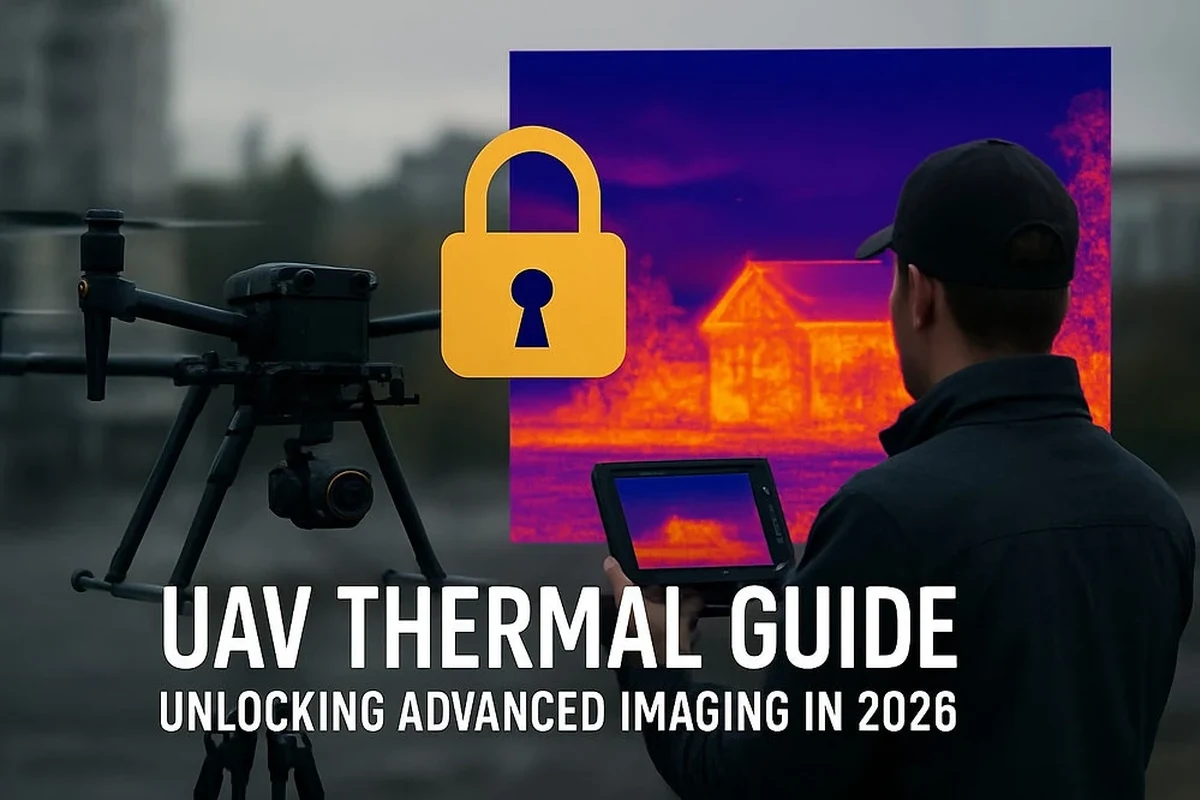
What this guide covers and which buyer it is for
This guide is for homeowners, property managers, inspectors, and smart-home users who want a practical way to see heat patterns from the air. It focuses on what matters before you buy: image quality, battery life, app experience, portability, and the limits of thermal data.
Why a thermal drone is worth it for smart home, property, and inspection use
A thermal drone can help spot heat loss, roof moisture concerns, overloaded equipment, and other issues that are hard to see with a standard camera. It can also reduce the need to climb ladders or walk risky surfaces, which makes it especially useful for routine property checks.
For smart-home users, a thermal drone can complement indoor sensors and camera systems by adding a broader view of exterior conditions. If you already use connected lighting or security gear, it can be a helpful part of a larger monitoring setup, similar to how smart lighting compatibility questions matter before expanding a home system.
How a Drone with Thermal Imaging Camera Works
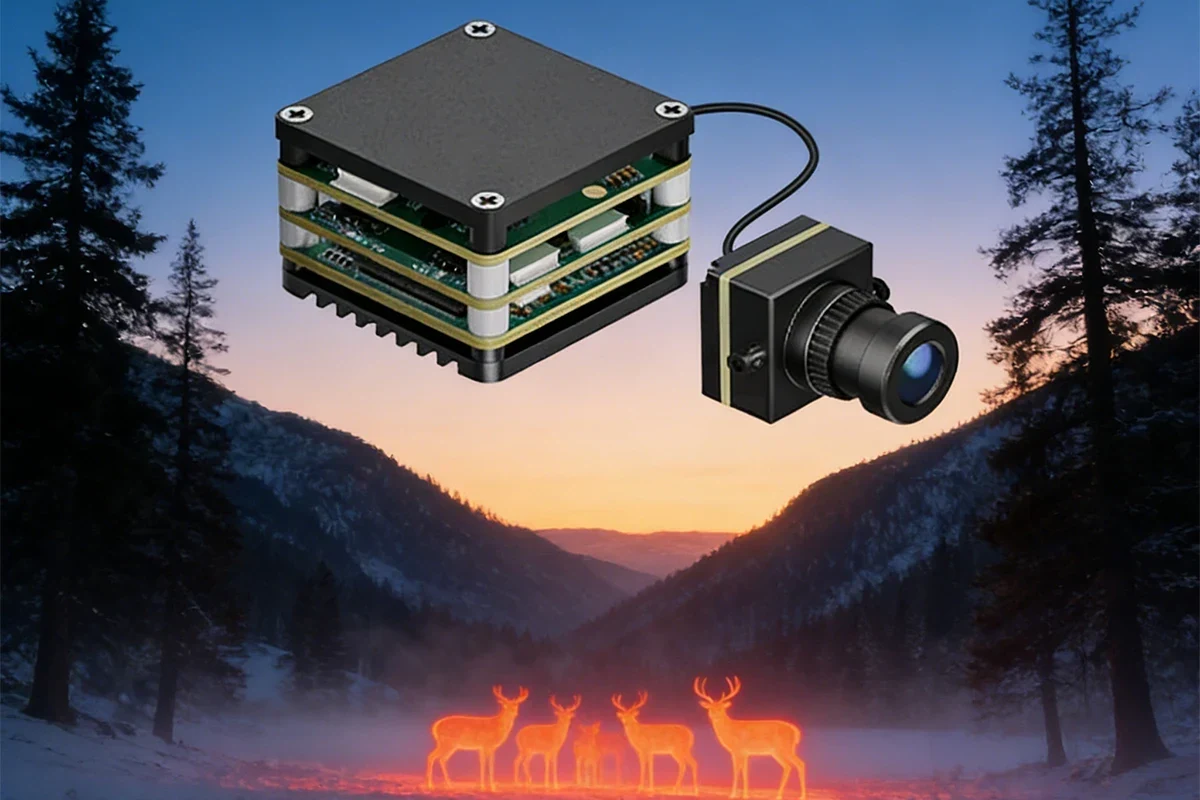
Thermal sensor basics: heat signatures, resolution, and frame rate
A thermal sensor detects infrared energy and converts it into a visual image based on temperature differences. Higher thermal resolution usually means finer detail, but the final result also depends on lens quality, processing, and how far the drone is from the subject.
Frame rate matters too, especially if you are scanning moving equipment or trying to keep a smooth live view. For many buyers, the practical question is not whether the sensor sounds advanced, but whether it can show enough detail to identify a hot spot, cold area, or unusual pattern.
Visual camera pairing, zoom, and low-light performance
Many thermal drones pair the heat camera with a standard visible-light camera. That combination helps you compare what the drone sees in thermal mode with the actual structure, roofline, or equipment in normal view.
Optical zoom can be useful for inspection work because it lets you stay farther away from the target. Low-light performance also matters, since thermal work often happens early in the morning, at dusk, or in shaded areas where a regular camera needs help.
App control, live view, storage, and transmission range
Most thermal drones rely on a phone or controller app for live view, settings, and media storage. Before buying, check whether the app is available for your device, whether it requires a specific operating system version, and whether firmware updates are still supported by the manufacturer.
Transmission range is another practical factor, but real-world performance can vary with interference, buildings, weather, and local rules. If you care about using the drone as part of a broader home system, it helps to think about connectivity the same way you would when comparing smart lights that work with Google Home or other platform-based devices.
Key Specs to Compare Before You Buy
Thermal resolution, temperature range, and accuracy
Thermal resolution affects how much detail you can see, while temperature range tells you what the sensor can detect. Accuracy is equally important, but it can vary depending on distance, emissivity settings, ambient conditions, and whether the subject reflects heat differently than expected.
Do not assume a higher number automatically means better results in every situation. For inspection work, a drone that gives clear, stable images and sensible temperature readings may be more useful than one that looks impressive in marketing material.
Flight time, battery capacity, charging time, and spare battery value
Flight time affects how much area you can inspect before landing. In practice, real battery life is often shorter than the best-case number because wind, cold weather, payload, and aggressive flying all reduce runtime.
Spare batteries are often more valuable than a small spec bump, especially if you plan to inspect a larger roof or multiple HVAC units. If you also care about charging habits for other devices, the same basic principle applies to safe, verified power delivery, which is why readers often ask questions like whether wall chargers work with all devices before buying accessories.
Payload, wind resistance, stabilization, and obstacle sensing
A thermal drone should stay stable enough to hold a clear view while hovering or moving slowly along a structure. Wind resistance and gimbal stabilization matter because shaky footage can make thermal interpretation harder and may hide small anomalies.
Obstacle sensing can help, but it is not a substitute for careful piloting. Sensors may not detect every wire, branch, or reflective surface, so you should still fly conservatively and follow the official manual.
Dimensions, foldability, portability, and carry case fit
Thermal drones are often used in the field, so portability matters more than many buyers expect. A foldable frame, compact controller, and a case that actually fits the drone, batteries, and charger can make the difference between a tool you use regularly and one that stays on a shelf.
Check the full travel setup, not just the drone body. Batteries, prop guards, controller, tablet mount, and charger can change the real footprint a lot.
Best Use Cases and Who Each Type Fits
Home inspection, roof checks, and insulation leak detection
For home inspection work, the best thermal drone is usually one that shows clear contrast at practical distances and stays steady in hover. Roof checks benefit from better zoom and reliable app control, while insulation leak detection benefits from accurate temperature comparison and repeatable image capture.
These are the kinds of jobs where a drone can reduce ladder use and speed up documentation, but it should still be treated as a screening tool rather than a final diagnosis.
HVAC, electrical, and emergency response applications
HVAC technicians often need fast thermal comparisons across vents, ducts, compressors, and exterior lines. Electrical use cases can include spotting abnormal heat in safe, non-contact situations, though the exact workflow depends on your training and local safety rules.
Emergency response work demands stronger reliability, better transmission, and more durable hardware. If that is your use case, look closely at weather resistance, battery management, and how quickly the drone can be deployed.
Security monitoring, wildlife observation, and outdoor search tasks
Thermal drones can help monitor large outdoor areas where standard cameras struggle at night or in low contrast conditions. They may also be used for wildlife observation and search tasks, but those uses require extra care around privacy, local laws, and safe flight practices.
Thermal imaging can reveal heat patterns, but it does not identify a person, animal, or object with certainty on its own. Use visible-light images, context, and on-site verification when possible.
Top Buying Criteria for 2026
Thermal image quality versus price
The best value often comes from a model that offers clear thermal separation without pushing you into a much more expensive tier. If you only need occasional roof or HVAC checks, a midrange option may be enough; if you need frequent professional documentation, image quality becomes more important.
Range, connectivity, and app requirements
Range is only useful if the connection stays stable and the app is easy to trust. Verify the supported phone or tablet models, required app permissions, update history, and whether the manufacturer still maintains the software.
For buyers who already depend on smart-home apps, this matters a lot because a clunky app can ruin an otherwise capable device. That is also why compatibility questions matter across categories, including products like smart lights that work with Alexa.
Regulatory compliance, geofencing, and remote ID considerations
Drone rules vary by country and region, so you should confirm registration, Remote ID, no-fly zones, and any licensing requirements before purchase. Some models include geofencing or flight restrictions that may be helpful for safety, but they can also limit where and how you operate.
Always check the official regulations and the drone manufacturer’s current support documents before relying on any feature for compliance.
Warranty length, repair support, and parts availability
Long-term value depends on more than the camera. Look for clear warranty terms, easy access to replacement propellers, batteries, gimbals, and repair support, especially if the drone will be used for work.
Buyers who want the strongest long-term value should prioritize a model with stable app support, available replacement parts, and a warranty they can actually use. That matters more than a small spec advantage that may not improve real inspection results.
Real-World Benefits, Trade-Offs, and Limitations
Where thermal drones save time and reduce risk
Thermal drones can shorten inspection time by covering large surfaces quickly and helping you narrow down areas that need a closer look. They also reduce physical risk by letting you inspect roofs, tall exteriors, and equipment from a safer distance.
Common drawbacks: cost, learning curve, and weather sensitivity
The biggest drawback is usually cost, followed by the learning curve. Thermal drones also perform worse in rain, heavy wind, fog, and extreme temperatures, and those conditions can affect both flight safety and image quality.
Evidence limits: why thermal readings need context and verification
Thermal images are useful, but they are not magic. A hot spot may come from sunlight, reflection, airflow, or the material itself, so readings should be interpreted with context and, when needed, verified by a qualified professional or another measurement method.
Stop using damaged electronics, swollen batteries, frayed cables, overheating chargers, or unstable accessories and follow the manufacturer’s guidance before flying again.
Safe Use, Setup, and Maintenance Guide
Pre-flight checks, battery inspection, propeller condition, and firmware updates
Before each flight, inspect the battery, propellers, arms, camera housing, and controller connection. Confirm the firmware is current enough for stable operation, but only update through the official app or manufacturer instructions.
Look for cracks, loose parts, swollen batteries, or damaged propellers before powering on.
Use the official app, verify compatibility, and install updates only from trusted sources.
Start with a low-risk location to confirm stable GPS, live view, and camera response.
Safe charging practices: rated wattage, cable quality, heat, and replacement guidance
Use the charger, cable, and battery system specified by the manufacturer whenever possible. If a battery or charger runs unusually hot, smells odd, swells, or behaves unpredictably, stop using it and follow the official replacement guidance.
Do not charge damaged batteries, use frayed cables, or leave charging gear on soft surfaces that trap heat. Keep batteries away from water, direct sun, children, and pets.
Storage, cleaning, sensor care, and battery health over time
Store the drone in a dry case, clean the camera lens and thermal window gently with approved materials, and avoid harsh solvents. For battery health, follow the manufacturer’s storage charge guidance and avoid leaving packs fully depleted for long periods.
Good storage habits also matter for other electronics in the home, including smart accessories and chargers, because heat and poor cable management shorten lifespan over time.
Common mistakes to avoid and troubleshooting basics
Common mistakes include flying with an uncalibrated sensor, ignoring app permissions, skipping compass or GPS checks, and assuming every thermal anomaly is meaningful. If the live view is unstable, start with the basics: battery level, app version, controller pairing, interference, and the official troubleshooting guide.
- Check the exact model number, app requirements, and thermal sensor specs
- Confirm battery, charger, warranty, repair support, and spare parts availability
- Review flight rules, geofencing, Remote ID, and local restrictions
- Verify storage, portability, and whether the carry case fits all accessories
Final Recommendation: Best Value, Best for Beginners, and Best for Professional Use
Transparent verdict based on performance, safety, and long-term value
The best drone with thermal imaging camera is the one that gives you dependable thermal detail, stable flight, and software support you can count on. For most homeowners and light inspection users, best value usually means a midrange model with solid app support and enough thermal quality for roof, insulation, or HVAC screening; beginners should favor simpler controls and good obstacle sensing; professionals should prioritize stronger image quality, battery flexibility, and repair support.
In other words, buy for the job, not the headline spec. If you need a broader smart-home setup, compatibility and support matter just as much here as they do with connected devices like power accessories and lighting systems.
What to verify before purchase in 2026
Before you buy, confirm the current thermal sensor specs, app compatibility, battery and charger details, warranty terms, regional flight rules, and spare part availability. If any of those pieces are unclear, check the official manual, app store listing, and manufacturer support page before making a final decision.
A thermal drone is a smart purchase when you need safer, faster visual screening of roofs, equipment, or large outdoor areas. The best choice is the model that balances thermal clarity, flight stability, software support, and repairability for your specific use case.
Frequently Asked Questions
The best choice is usually the model that balances thermal clarity, stable flight, and reliable app support. Most buyers should focus on practical inspection needs rather than the highest spec sheet number.
That depends on your job, distance, and how much detail you need to identify heat patterns. Higher resolution helps, but image processing, zoom, and flight stability also affect the final result.
A thermal drone is best used as a screening tool, not a final diagnosis. It can help spot likely problem areas, but results should be verified with context and, when needed, a qualified professional.
Verify thermal specs, battery life, app compatibility, warranty terms, repair support, and local flight rules. Also confirm that spare parts and official software support are still available.
Some are beginner-friendly, but thermal drones still require practice and careful setup. Wind, app learning curves, and sensor settings can make them more demanding than basic camera drones.
Inspect batteries, propellers, and cables before use, charge only with approved gear, and store the drone in a dry case. Clean the lens and sensor area gently and stop using any damaged battery or charger.