

Are Video Doorbells Worth It for Home Security Today
Yes, video doorbells are worth it for many homes because they add convenience, visitor screening, and package visibility at the front door. They are not worth it for everyone, especially if your Wi‑Fi is weak, you want no subscription, or your building limits camera use.
Short answer: yes, video doorbells are worth it for many homes, but only if you want better visitor screening, package visibility, and quick motion alerts more than a full security system. They are most useful when your Wi‑Fi is stable, your placement is good, and you are comfortable with possible subscription costs or battery upkeep.
- Best fit: Homes and renters that want front-door alerts, live view, and easy visitor screening.
- Key trade-off: Subscription fees, battery charging, and privacy settings can affect long-term value.
- Most important specs: Power type, Wi‑Fi support, storage method, night vision, and field of view.
- Setup matters: Placement, motion zones, and signal strength often determine real-world performance.
Are Video Doorbells Worth It in 2026? The Short Answer for Home Security Buyers
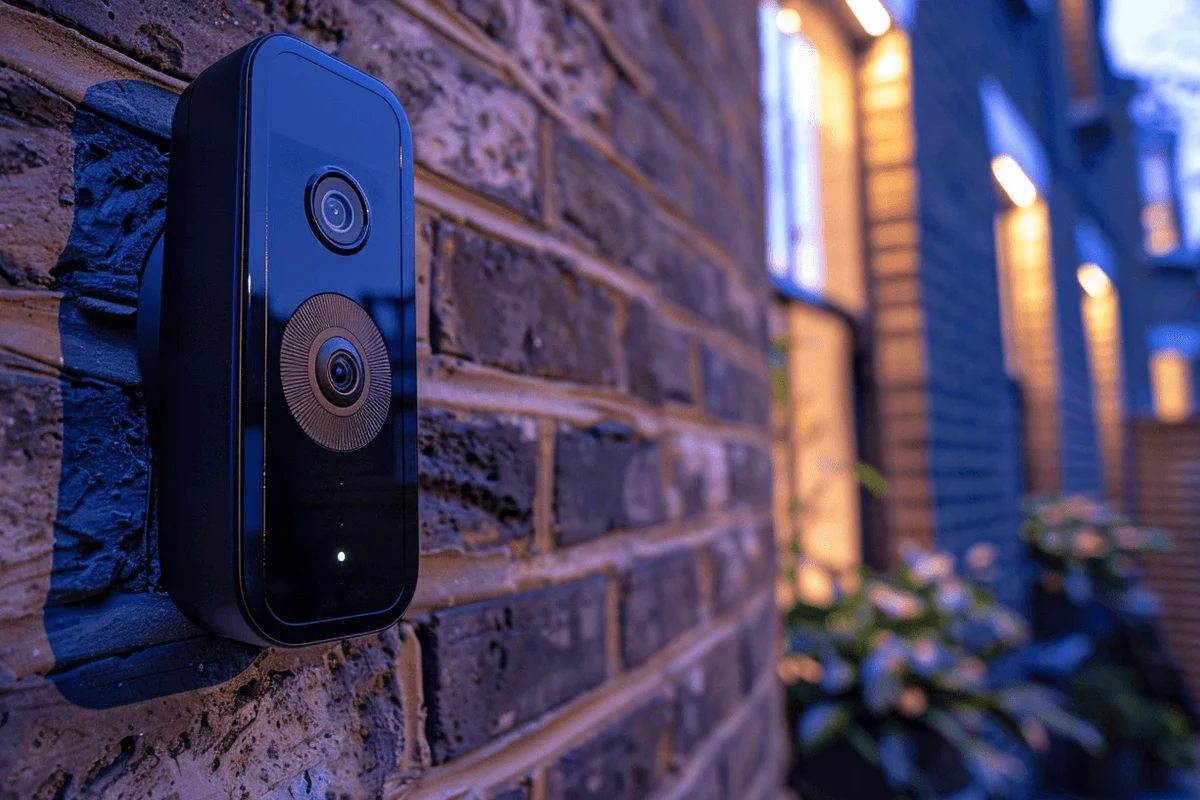
For most everyday buyers, a video doorbell is worth considering because it adds a camera, motion detection, and remote communication right at the front door. That makes it a practical upgrade for renters, homeowners, frequent travelers, and anyone who wants to see who is there before opening the door.
Still, “worth it” depends on your setup and expectations. A video doorbell can improve awareness and convenience, but it does not replace locks, lighting, neighborhood habits, or a monitored alarm system if you need broader protection.
How Video Doorbells Work: Cameras, Motion Alerts, Two-Way Audio, and Smart Notifications
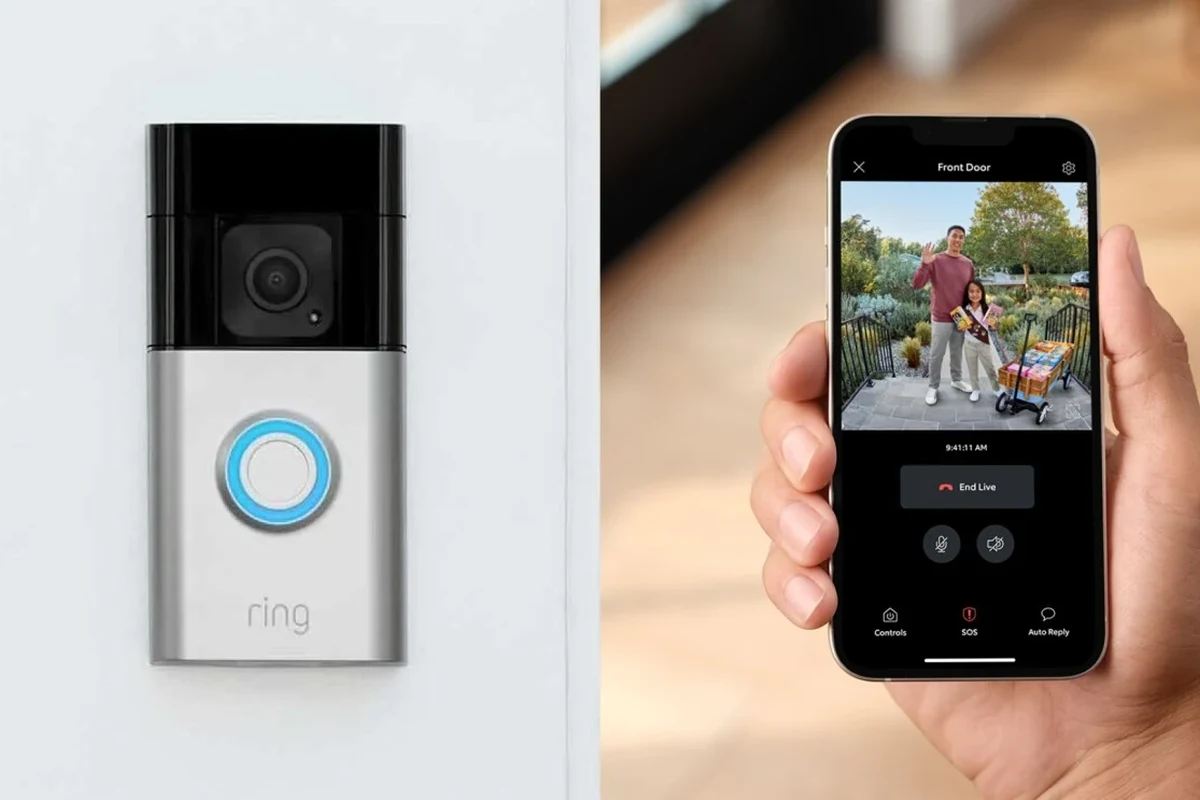
At a basic level, a video doorbell combines a camera, microphone, speaker, motion sensor, and app connection. When the device detects movement or someone presses the button, it sends a notification to your phone so you can view live video, review clips, and speak through the doorbell if the model supports two-way audio.
Most of the value comes from the combination of visibility and speed. Instead of wondering who rang the bell, you can check the alert, decide whether to answer, and keep a record of the event if the doorbell stores video locally or in the cloud.
Core Components to Verify: Resolution, Field of View, Night Vision, and Storage
Do not shop by camera marketing alone. Resolution affects how clearly you can identify faces or packages, field of view affects how much of the porch you see, and night vision matters if most activity happens after dark.
Storage is just as important. Some models save clips locally, some require a subscription for cloud history, and some offer both. Before buying, confirm whether the device stores motion events, how long clips are retained, and whether you can review footage without paying extra.
Camera quality, recording history, and detection features can vary by model, firmware, and subscription tier. Always check the current spec sheet and app listing before you buy.
Connectivity and App Requirements: Wi‑Fi Bands, Phone Compatibility, and Smart Home Integration
Video doorbells depend on a reliable network more than many buyers expect. Check whether the model supports 2.4 GHz Wi‑Fi, 5 GHz Wi‑Fi, or both, and make sure your router coverage reaches the front door with a strong signal.
Also verify app compatibility with your phone’s operating system and any smart home platform you plan to use. If you want the doorbell to work with smart displays, voice assistants, or automations, confirm the exact integration list from the manufacturer rather than assuming every feature is available everywhere.
If you are still comparing home gadgets that rely on app ecosystems, it can help to understand how platform support affects daily use, similar to what buyers consider in smart light bulb value and compatibility.
Who Benefits Most: Best Use Cases for Apartments, Houses, Families, and Frequent Travelers
Video doorbells are especially helpful for people who want to manage the front door without physically opening it every time. That includes families, remote workers, pet owners, students in shared housing, and travelers who want a quick way to check activity at home.
When a Video Doorbell Is a Strong Fit
A video doorbell is a strong fit if you receive packages often, want to screen visitors, or need a simple way to see motion near the entryway. It is also useful for households with kids or older adults because it can reduce uncertainty about unexpected knocks or deliveries.
Apartment residents may like battery-powered models because they are often easier to install and remove. Homeowners with existing doorbell wiring may prefer wired models because they can avoid regular recharging and may get more consistent uptime, depending on the device.
When a Video Doorbell May Not Be Worth the Cost
If your front door is hidden, your Wi‑Fi is weak, or your building does not allow visible cameras, the value drops quickly. In those cases, the device may create more frustration than convenience because motion events, lag, and missed clips become more likely.
It may also be a poor fit if you do not want a subscription and the model you want limits important features behind a paywall. Buyers who only need basic doorbell chime functionality may be better off with a standard smart doorbell or no camera at all.
Key Buying Criteria: Specs That Matter Before You Choose a Model
The best way to judge whether a model is worth it is to focus on the details that affect daily reliability, not just headline features. Power, build quality, mounting, weather resistance, and privacy controls matter more than flashy app extras for most homes.
Power Options and Safe Use: Wired vs Battery, Rated Voltage, Charging Limits, and Heat Management
Wired video doorbells can be convenient if your home already has compatible doorbell wiring, but compatibility should be checked carefully in the manual. Battery models are easier to place in more locations, though they require periodic charging and may behave differently depending on temperature, motion settings, and usage.
Before buying, verify the rated voltage or power requirements listed by the manufacturer and confirm that your existing wiring matches those requirements. If a model uses a removable battery, follow the charging instructions exactly and avoid using damaged cables, swollen batteries, or unsupported adapters.
Do not keep using a device that overheats, has a damaged battery, shows cable wear, or behaves unpredictably during charging. Follow the manufacturer’s instructions and stop using any damaged power accessory immediately.
Build Quality and Installation Factors: Dimensions, Weather Resistance, Mounting, and Cable Quality
Doorbell size matters because some porches and frames only allow limited clearance. Check the dimensions, the mount angle options, and whether the included bracket helps the camera face the walkway instead of the wall or ceiling.
Weather resistance should also be verified in the official product materials, especially if the doorbell will face rain, dust, or direct sun. Cable quality matters for wired setups, and the installation guide should explain whether the included hardware is suitable for your surface type or whether you need an adapter or wedge kit.
- Check compatibility, model number, app requirements, dimensions, ports, wattage, and intended use
- Confirm safety guidance, warranty, return policy, privacy settings, and update support
Security and Privacy Features: Encryption, Local Storage, Subscription Rules, and Data Controls
Privacy is one of the biggest reasons people hesitate to buy a video doorbell, and that concern is reasonable. Look for clear information on encryption, account security, two-factor authentication, clip retention, and what data the company can access or share.
Local storage can reduce reliance on cloud plans, but it is not automatically better unless it fits your needs and is easy to manage. Review the vendor’s privacy policy, app permissions, and subscription rules so you know which features are included and which require ongoing payment.
For buyers who care about ecosystem control, comparing app-based features is similar to evaluating whether a device works cleanly with your preferred platform, as discussed in which smart lights work with Google Home.
Real-World Benefits: Convenience, Deterrence, Package Monitoring, and Visitor Screening
In daily use, the biggest benefit is not dramatic security footage. It is convenience: knowing who is at the door, checking on deliveries, and getting a quick alert when something happens at the entrance.
How Video Doorbells Improve Daily Home Security Routines
Video doorbells can reduce the number of times you open the door blindly. That helps when you are working from home, handling deliveries, or simply want to avoid interruptions from strangers or sales visits.
They also make it easier to review activity later. If a package is left in the wrong spot, a visitor arrives while you are away, or a motion event happens overnight, the recorded clip can help you decide what happened and when it occurred.
Some buyers also pair a doorbell with other smart-home gear to improve visibility and convenience at the entryway. If you are comparing the overall value of connected devices, the trade-offs are similar to those in wireless charger value comparisons: convenience is real, but only if the setup fits your habits.
What Evidence Can and Cannot Prove: Limits of Footage, Motion Alerts, and Crime Deterrence
Footage can show what happened at the door, but it does not always prove intent, identity, or what happened outside the camera’s view. Motion alerts are useful, yet they can miss events if placement, sensitivity, lighting, or Wi‑Fi performance is poor.
As for deterrence, many buyers hope a visible camera will stop theft or unwanted visitors. That may happen in some situations, but results vary and cannot be guaranteed, so it is better to treat the doorbell as one layer of security rather than a complete solution.
Limitations and Trade-Offs: Subscription Costs, False Alerts, Battery Maintenance, and Privacy Concerns
Video doorbells are not hassle-free. The most common trade-offs are recurring subscription fees, app notifications that can become noisy, battery charging routines, and privacy decisions about who can access footage.
False alerts are another common frustration. Passing cars, trees, pets, shadows, and street traffic can all trigger motion detection if the settings or placement are not tuned well enough for your entryway.
Common Mistakes Buyers Make: Poor Placement, Weak Wi‑Fi, Wrong Settings, and Overreliance on Alerts
Placement mistakes are very common. If the camera points too low, too high, or at a busy sidewalk, you may get useless clips instead of clear visitor views.
Weak Wi‑Fi is just as problematic because it can cause delays, dropped live views, or missed uploads. Buyers also sometimes leave motion zones, notification sensitivity, or privacy settings at defaults, then blame the device when the real issue is configuration.
Before deciding a model is “bad,” check the placement, motion zones, and notification settings in the official app. Many performance complaints come from setup issues rather than a defective device.
Care and Maintenance: Cleaning the Lens, Inspecting Cables, Recharging Batteries, and Replacing Worn Parts
Basic maintenance helps a lot. Clean the lens gently when dust, pollen, or rain spots reduce image clarity, and inspect mounts or cables periodically so the device stays secure.
If your model uses a battery, recharge it according to the manual and avoid letting it sit in extreme heat or cold for long periods if the manufacturer warns against that. Replace worn accessories, damaged brackets, or frayed cables instead of trying to keep them in service.
Stop using damaged electronics, swollen batteries, frayed cables, overheating chargers, or unstable mounts and follow the manufacturer’s guidance.
Setup Guide and Troubleshooting: Getting Reliable Performance After Installation
Good setup has a bigger effect on results than many buyers expect. A well-placed, well-connected doorbell with the right app permissions usually performs better than a pricier model installed poorly.
Installation Checklist: Doorbell Height, Chime Compatibility, App Setup, and Connectivity Checks
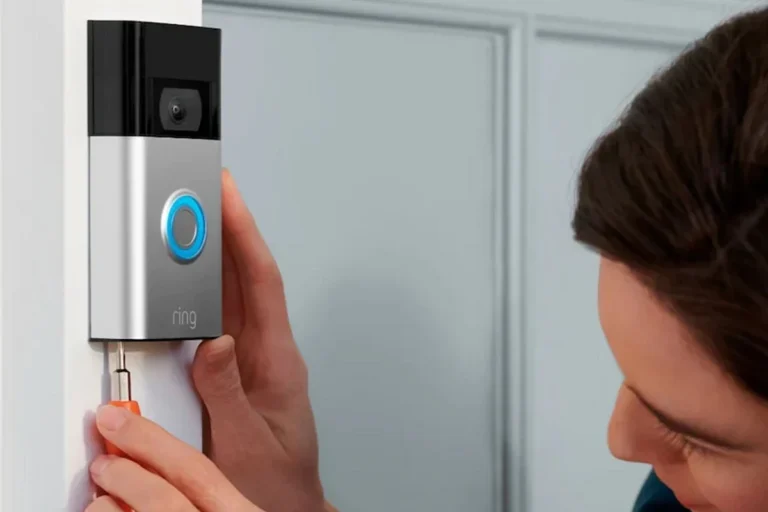
Start by checking the recommended mounting height in the manual so the camera captures faces and packages clearly. Then confirm whether the doorbell works with your existing chime, requires a bundled chime accessory, or relies entirely on phone alerts.
After mounting, complete the app setup, update firmware if prompted, and test live view, motion alerts, and audio. Also confirm that your router signal is strong at the front door, since poor coverage can affect both video quality and notification speed.
Verify wiring, battery type, voltage, and app support before mounting.
Use the bracket, wedge, or angle kit so the camera sees the walkway and doorway.
Walk through the detection area, check notification timing, and confirm two-way talk quality.
Fixing Common Problems: Lag, Offline Devices, Missed Motion Events, and Audio Issues
If the doorbell feels slow or offline, the first checks are usually Wi‑Fi strength, router placement, and app permissions. Rebooting the router or reconnecting the device may help, but persistent issues should be handled through the manufacturer’s support steps and current firmware guidance.
Missed motion events often point to weak signal, poor placement, or sensitivity settings that are too low. Audio problems can come from app permissions, microphone settings, background noise, or compatibility limits between the phone and the doorbell app.
When troubleshooting feels broader than one device, it can help to compare the value of connected home tech more generally, such as how buyers weigh features in other connected gadgets that depend on setup, ecosystem support, and ongoing updates.
Final Verdict: Are Video Doorbells Worth It for Your Home Security Budget?
Video doorbells are worth it if you want a practical front-door upgrade that improves visibility, convenience, and visitor screening without installing a full security system. They are less compelling if your Wi‑Fi is unreliable, your building restricts cameras, or you do not want to manage subscriptions and battery upkeep.
Transparent Recommendation by User Type: Best Value, Best Convenience, and Best Skip Cases
Best value: homeowners or renters with strong Wi‑Fi who want package monitoring and quick visitor checks without overcomplicating setup. Look for a model with the storage option, power type, and privacy controls that match your routine.
Best convenience: frequent travelers, busy families, and remote workers who will actually use the alerts and live view features every day. The value is highest when the app is reliable and the placement is good.
Best skip cases: homes with weak network coverage, strict building rules, or buyers who only want a basic doorbell and are unlikely to maintain the device. If that sounds like you, a simpler entryway solution may be the better purchase.
For many households, video doorbells are a smart, useful upgrade rather than a must-have. Choose one only after verifying power, Wi‑Fi, app support, privacy controls, and storage terms so the device fits your home instead of creating extra hassle.
Frequently Asked Questions
They are often worth it if you want front-door visibility, package monitoring, and quick visitor screening. They are less useful if your Wi‑Fi is weak, your building restricts cameras, or you do not want subscription fees.
Wired models are best if your existing doorbell wiring is compatible and you want less charging. Battery models are easier to install in more places, but they need regular recharging and may vary more with usage and temperature.
Check resolution, field of view, night vision, storage options, Wi‑Fi support, app compatibility, and privacy controls. Power requirements and installation fit matter just as much as camera quality.
Some models offer basic features without a subscription, while others limit video history, smart alerts, or advanced detection behind a paid plan. Confirm the current storage and subscription rules before you buy.
Adjust motion zones, sensitivity, and placement so the camera focuses on the doorway instead of sidewalks, trees, or traffic. Strong Wi‑Fi and correct mounting also help reduce missed or delayed events.
Stop using the device if you see swelling, overheating, frayed cables, or unstable charging behavior. Follow the manufacturer’s instructions and replace damaged parts instead of trying unsafe repairs.





One Comment