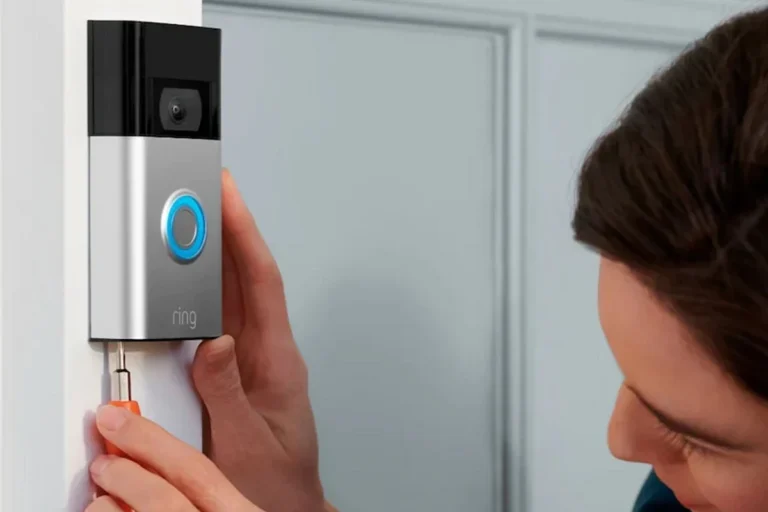
What Is the Best Value Video Doorbell for Your Home
The best value video doorbell is the one that gives you clear video, reliable motion alerts, and low ongoing costs without unnecessary extras. For most homes, that usually means a well-supported wired or battery model with strong app reliability and sensible subscription terms.
If you want the best value video doorbell, look for a model that gives you dependable 1080p-or-better video, accurate motion alerts, simple installation, and reasonable ongoing costs. In most homes, the best value is not the cheapest doorbell—it is the one that stays useful without locking key features behind a subscription.
- Value means total cost: Compare upfront price, subscription fees, installation effort, and long-term reliability.
- Core features matter most: Prioritize clear video, accurate motion detection, two-way talk, and dependable app alerts.
- Power choice affects maintenance: Wired models reduce charging, while battery models are easier to install and remove.
- Subscriptions can change the deal: Check which features require a paid plan before you buy.
- Compatibility is essential: Verify Wi-Fi, chime, transformer, and smart home support in the official specs.
What Is the Best Value Video Doorbell for Your Home?
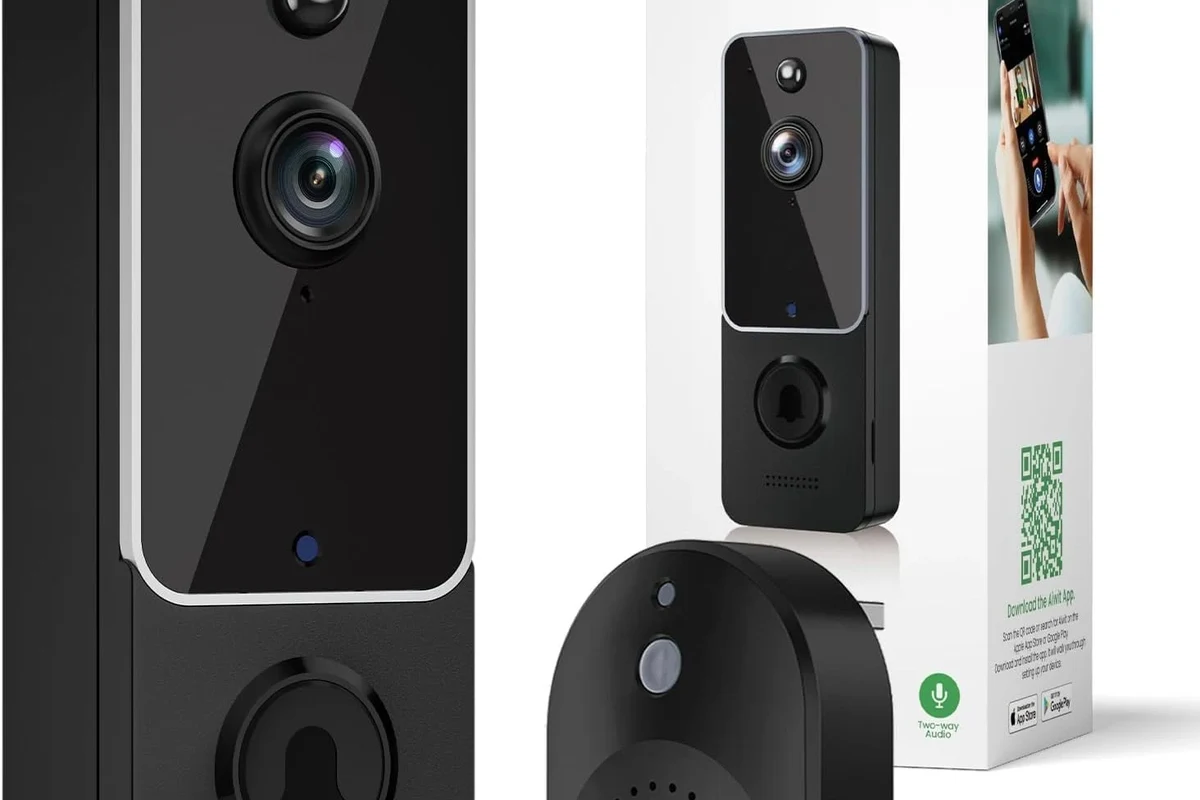
“Best value” depends on how you plan to power the doorbell, whether you want cloud storage, and how much privacy control you need. A strong value pick should feel easy to live with every day, not just look good on the spec sheet.
Quick answer: the best value video doorbell balances reliable 1080p or better video, solid motion alerts, easy installation, and low ongoing costs
The best value video doorbell is usually the one that covers the basics well: clear video, dependable alerts, two-way talk, and a setup that fits your home. If a cheaper model saves money upfront but adds monthly fees or weak motion detection, it may cost more over time.
What “value” means in 2026: upfront price, subscription fees, wiring needs, and long-term reliability
Value is a mix of purchase price, installation effort, and what you must pay to keep features working. It also includes reliability, app support, firmware updates, and whether the doorbell still makes sense after a year or two of use.
How Video Doorbells Work and What Makes Them Worth Buying
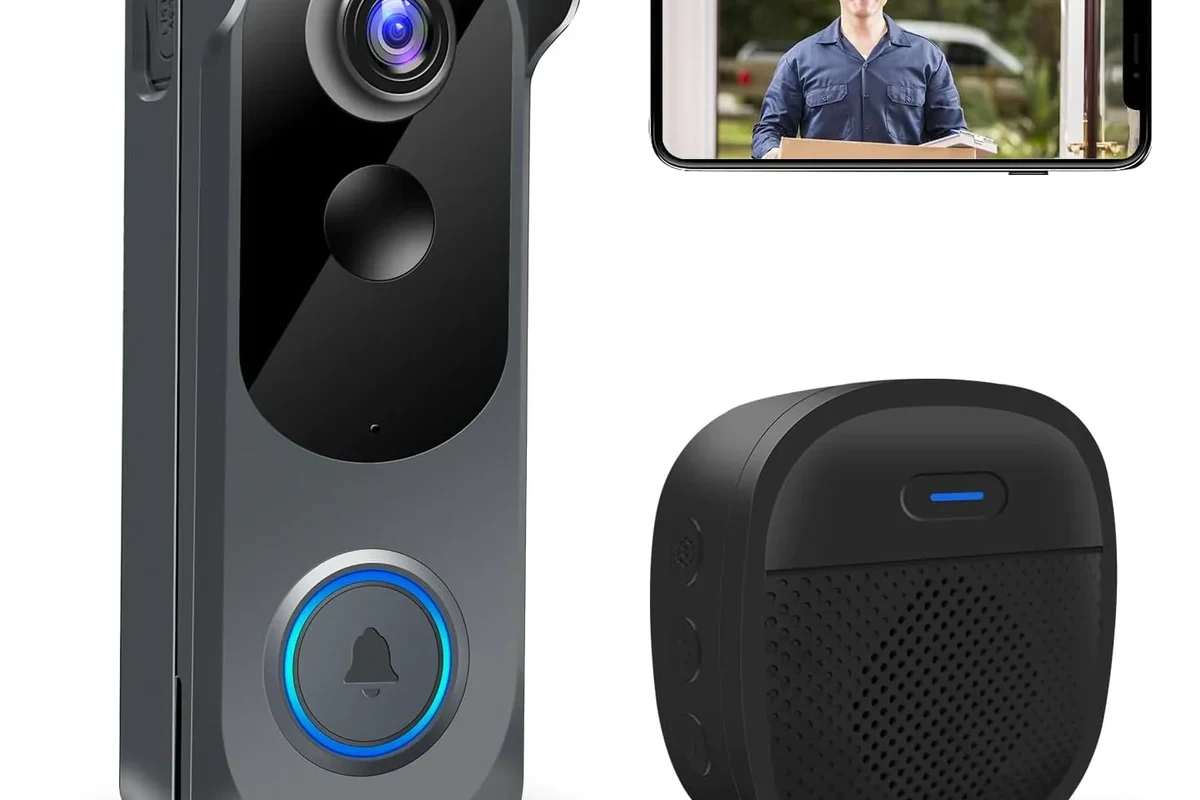
Video doorbells combine a camera, microphone, speaker, motion sensor, and phone app so you can see and talk to visitors remotely. They are worth buying when they reduce missed deliveries, improve front-door awareness, and fit your home’s wiring or battery setup.
Core features: camera, microphone, speaker, motion detection, and app notifications
The camera captures live and recorded video, while the microphone and speaker support two-way talk. Motion detection sends alerts when movement is seen, and the app is where you review clips, adjust settings, and manage shared access.
Many video doorbells work best when motion zones are carefully adjusted, because that can reduce alerts from sidewalks, cars, and passing pets.
Wired vs. battery-powered models: convenience, maintenance, and installation trade-offs
Wired models usually offer continuous power and can be better for frequent activity, but they may require existing doorbell wiring and a compatible transformer. Battery-powered models are easier to install and remove, which helps renters and people who want a drill-light setup, but they need regular charging.
Smart home compatibility: Alexa, Google Home, Apple Home, and app requirements to verify
Compatibility varies by model and firmware, so always check the manufacturer’s current support list before buying. If you want voice announcements, live view on a smart display, or automation with other devices, confirm the exact platform support in the official app listing and manual.
Smart home features can change after firmware updates or regional app changes, so verify compatibility before you rely on a specific platform.
Best Value Criteria: The Specs That Matter Most
Specs matter most when they improve daily use instead of just boosting marketing claims. For value shoppers, the best doorbell is the one that gets the essentials right and avoids hidden costs or frustrating limitations.
Video quality: resolution, HDR, night vision, and field of view
Higher resolution can help you identify faces, packages, and porch activity more clearly, but only if the app and Wi-Fi connection are stable enough to support it. HDR and good night vision matter just as much, especially for porches with bright daylight, shade, or strong backlighting.
Motion detection: person alerts, package detection, zones, and false alert reduction
Person detection is often more useful than broad motion alerts because it cuts down on unnecessary notifications. Package detection, activity zones, and sensitivity controls can improve usefulness, but the quality of these features varies by model and may depend on a paid plan.
Power and battery life: charging frequency, rated battery performance, and safe use limits
Battery life depends heavily on traffic, temperature, Wi-Fi strength, and how often you view live video. If a model advertises long battery life, treat that as a manufacturer claim that may change in real-world use, especially in busy households.
Use only the charging cable and adapter recommended by the manufacturer, and stop using any battery that swells, overheats, smells unusual, or shows damage.
Storage and subscriptions: local storage, cloud plans, and what features are locked behind paywalls
This is where value often changes the most. Some doorbells save clips locally, some rely on cloud plans, and some reserve features like person alerts, package detection, or longer video history for paid tiers, so read the current plan details carefully.
Build quality and weather resistance: durability, operating temperature, and warranty details to verify
Outdoor electronics should be checked for weather resistance, operating temperature range, and warranty terms before purchase. Because these details can vary by model and region, confirm them on the product page and in the manual rather than assuming all video doorbells are equally rugged.
- Check compatibility, model number, app requirements, dimensions, and whether your home has wiring or needs battery power.
- Confirm safety guidance, warranty, return policy, privacy settings, and update support before installation.
Who Each Type of Video Doorbell Fits Best
The right style depends on your living situation and how much maintenance you want. A good value choice for one household may be a poor fit for another if the power setup, mounting style, or app requirements do not match.
Best for renters and apartments: battery-powered, drill-free, and removable options
Renters usually benefit from battery-powered models with removable mounts or limited drilling. These are easier to take down when moving, but you should still check building rules and make sure the camera angle respects neighbors’ privacy.
Best for homeowners: wired models for continuous power and faster alerts
Homeowners with existing doorbell wiring often get the most convenience from wired models. Continuous power can reduce charging chores and may support faster wake times, though the exact performance depends on the model and the doorbell transformer setup.
Best for families and busy households: shared access, multi-user alerts, and package monitoring
Families often need multiple users, customizable alerts, and easy clip sharing. Package monitoring is especially useful for households that receive frequent deliveries, but it is only helpful if the camera angle covers the porch and the detection feature is dependable.
Best for privacy-conscious buyers: local storage, adjustable motion zones, and stronger data controls
Privacy-focused buyers should look for local storage options, motion-zone controls, and clear account security tools. Review the app permissions, cloud retention settings, and account protection steps before deciding, and prefer brands with transparent privacy documentation.
Top Value Features That Improve Real-World Use
Some features sound minor on a product page but matter a lot once the doorbell is installed. These are the details that separate a practical buy from an expensive annoyance.
Two-way talk quality and noise handling in everyday conversations
Two-way talk is most useful when the microphone and speaker can handle porch noise, traffic, and wind without sounding tinny or delayed. If you often speak to delivery drivers or guests from inside the house, clear audio matters almost as much as video quality.
Fast app alerts and reliable Wi-Fi connection: 2.4GHz vs. dual-band support
Fast notifications depend on both the doorbell and your home network. Many models work on 2.4GHz Wi-Fi, while some support dual-band setups; the best choice is the one that matches your router, porch distance, and signal strength.
If alerts arrive late, check router placement, signal strength at the front door, and whether the app is allowed to send notifications on your phone.
Wide viewing angle, head-to-toe framing, and porch coverage
A wide field of view helps you see both faces and packages, but an overly wide lens can make people look smaller or distort edges. Head-to-toe framing is especially helpful if you want to monitor deliveries and porch activity from a single camera angle.
Night performance, low-light clarity, and tamper alerts
Night vision quality can vary a lot, especially on porches with weak lighting or reflective surfaces. Tamper alerts are useful if the doorbell is exposed to frequent contact, but they should be considered a convenience feature, not a substitute for secure mounting.
Most homes should prioritize a wired or battery-powered model with strong motion controls, useful app alerts, and at least 1080p video, because that combination usually delivers the best everyday value without unnecessary extras.
Common Limitations, Trade-Offs, and Mistakes to Avoid
Even a strong value doorbell can disappoint if the setup or subscription expectations are wrong. The most common problems come from hidden fees, poor placement, and compatibility issues.
Hidden subscription costs and feature limitations without a paid plan
Some models advertise attractive prices but reserve important features for paid plans. Before buying, confirm whether you need a subscription for video history, smart alerts, package detection, or sharing clips with other household members.
Poor placement choices that cause glare, missed motion, or weak Wi-Fi
Installation height and angle affect image quality more than many buyers expect. A doorbell placed too high, too low, or too close to reflective surfaces can create glare, missed motion, or poor face capture, while weak Wi-Fi can delay alerts.
Battery drain from high sensitivity settings and frequent live viewing
Frequent live viewing, high motion sensitivity, and busy streets can shorten battery life quickly. If you choose a battery model, expect to fine-tune settings after installation to balance convenience and battery performance.
Compatibility issues with existing chimes, transformers, and smart home platforms
Wired models can be affected by chime compatibility and transformer requirements, which are easy to overlook. If you want the existing indoor chime to work, verify the doorbell’s electrical requirements and your home’s wiring before purchase.
- Check the manufacturer’s compatibility guide before you buy, not after.
- Reduce false alerts by narrowing motion zones and lowering sensitivity if needed.
- Keep your app updated and review permissions after major firmware changes.
Safe Setup, Maintenance, and Long-Term Care
Good care helps a doorbell last longer and work more reliably. Most maintenance is simple, but it should always follow the manufacturer’s instructions and safety guidance.
Installation basics: mounting height, angle, and wiring checks for safe setup
Mount the doorbell at the height recommended in the manual, since angle and distance affect who appears in view. If your model is wired, confirm the transformer and chime compatibility before connecting anything, and stop if the wiring looks damaged or uncertain.
Choose a spot with a clear view of the walkway and enough Wi-Fi signal for reliable alerts.
Confirm battery fit, wiring requirements, chime support, and app setup before final mounting.
Battery charging and replacement guidance: when to recharge, inspect, or replace
Recharge batteries before they fully deplete, especially if the app gives low-battery alerts. Replace batteries only with manufacturer-approved parts when possible, and inspect for swelling, corrosion, or heat damage before reuse.
Cleaning and weather care: lens cleaning, seal checks, and seasonal inspection
Clean the lens gently with a soft microfiber cloth and avoid harsh cleaners that could damage coatings or seals. It also helps to inspect mounting hardware, weather seals, and the surrounding area after storms or extreme temperature changes.
Storage and downtime: how to store spare batteries or unused units safely
If you store a spare battery or unused unit, keep it in a cool, dry place away from direct sunlight and metal objects. Follow the manufacturer’s storage instructions, and do not store damaged batteries or accessories for later use.
Stop using damaged electronics, swollen batteries, frayed cables, overheating chargers, or unstable devices and follow the manufacturer’s guidance.
Final Verdict: The Best Value Video Doorbell for Different Buyers
The best value video doorbell is the one that fits your power setup, gives you dependable alerts, and avoids expensive feature lockouts. Since pricing, subscriptions, and compatibility can change by model and region, confirm the current specs before you buy.
Best overall value for most homes
The best overall value is usually a model with reliable 1080p-or-better video, useful motion zones, and either wired power or a battery that is easy to maintain. That combination tends to work well for most households without forcing major trade-offs.
Best budget pick if you want the lowest total cost
The best budget choice is typically a simple model that keeps core features usable without a large subscription burden. If a low-priced doorbell requires a paid plan for basic playback or alerts, it may not be a true budget value.
Best premium value if you want the strongest feature set without overspending
A premium value pick makes sense if you want better video, smarter alerts, and stronger smart home support, but still want to avoid paying for features you will never use. The key is paying for practical benefits, not marketing extras.
Transparent recommendation based on features, costs, and evidence limitations
Because no verified first-hand testing evidence is available here, the safest recommendation is to compare current manufacturer specs, app requirements, subscription terms, and warranty coverage before choosing. For most buyers, the best value video doorbell is the one that matches your home’s wiring, delivers dependable alerts, and keeps long-term costs predictable.
Choose a doorbell that balances video quality, motion accuracy, installation ease, and subscription terms. If you want the lowest lifetime cost, prioritize models with strong core features and minimal paywalls; if you want the smoothest daily use, prioritize reliability and compatibility over the cheapest upfront price.
Frequently Asked Questions
A good value video doorbell combines clear video, dependable motion alerts, easy installation, and reasonable long-term costs. Features you will not use do not add value if they increase the price or require a subscription.
Wired models are often better for homes with existing doorbell wiring because they offer continuous power and less maintenance. Battery models are usually easier to install and better for renters or homes without compatible wiring.
It depends on the model. Some doorbells include local storage or basic alerts without a plan, while others lock video history, smart alerts, or package detection behind a paid subscription.
Resolution, HDR, night vision, and field of view matter most because they affect how clearly you can identify people and packages. A strong app and reliable motion detection matter just as much as raw resolution.
Use motion zones, lower sensitivity if needed, and make sure the camera is not aimed at busy sidewalks or reflective surfaces. Good placement and stable Wi-Fi also help reduce unnecessary notifications.
Verify power compatibility, app requirements, smart home support, subscription terms, warranty coverage, and weather resistance. If you are unsure about wiring or transformer compatibility, check the official manual before installation.