Does Eufy Video Doorbell Work with Alexa Find Out Now
Yes, many Eufy video doorbells work with Alexa, but the exact features depend on the model and device pairing. For the best experience, confirm compatibility before buying and expect the Eufy app to handle most advanced controls.
If you’re wondering whether a Eufy video doorbell works with Alexa, the short answer is yes for many models, but the exact experience depends on the specific doorbell, your Alexa device, and the features you want. In most cases, Alexa can help you hear alerts, see a live feed on compatible Echo devices with screens, and use basic smart-home routines.
That means the real question is not only “does it connect?” but also “what can Alexa actually do once it’s connected?” Below, Ethan Walker breaks down setup, limitations, and the buying details that matter before you choose a Eufy doorbell for an Alexa-powered home.
- Compatibility varies: Alexa support depends on the exact Eufy model, firmware, and region.
- Best use case: Alexa is most useful for alerts, live view on supported Echo screens, and routines.
- App still matters: The Eufy app usually handles deeper settings and camera controls.
- Check before buying: Verify power type, Wi-Fi support, and physical fit, not just assistant compatibility.
Does Eufy Video Doorbell Work with Alexa? Quick Answer and What It Means
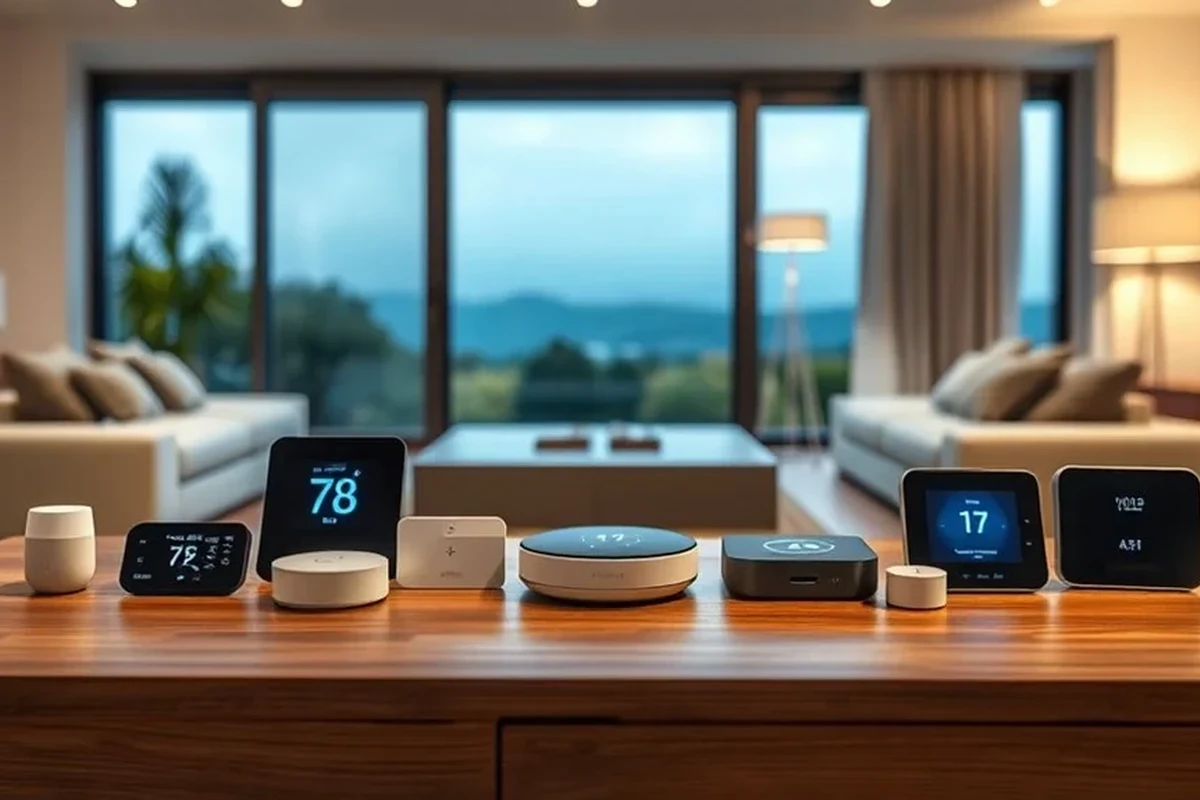
Yes, many Eufy video doorbells can work with Alexa through the Eufy Security skill and the Eufy app, but support varies by model and firmware. In practical terms, Alexa integration is usually best for voice alerts, Echo Show live view, and simple routines rather than full app-level control.
Compatibility can change by model, region, app version, and firmware updates, so confirm the exact doorbell model on Eufy’s current support pages before buying or setting up.
If you want a broader smart-home context, it also helps to compare Eufy against other platform-friendly options like Alexa-compatible smart devices and to understand how video doorbell pricing can vary across categories in our video doorbell cost guide.
How Eufy Video Doorbells Connect to Alexa in 2026
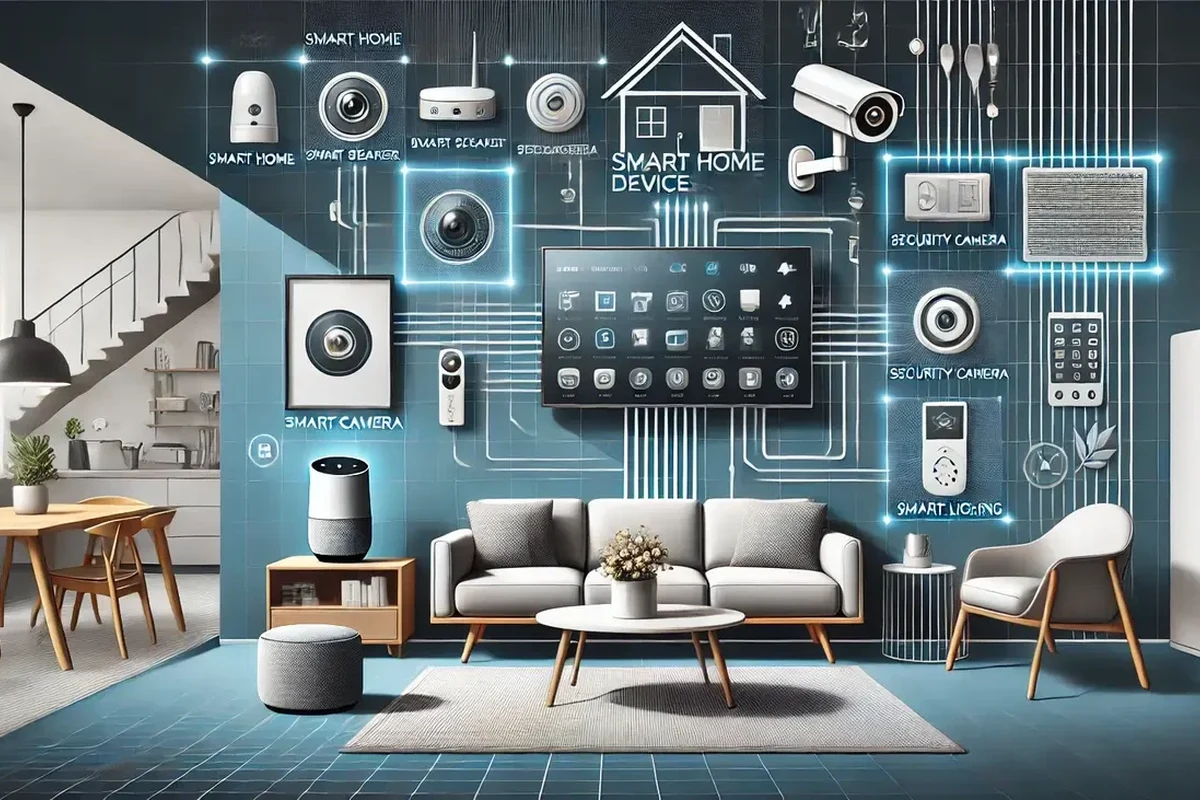
Most Alexa integration starts in the Eufy Security app, where you link your Eufy account to Amazon Alexa and then discover supported devices. Once linked, Alexa can respond to supported events from the doorbell, but the exact commands and display options depend on the hardware you own.
Compatible Eufy doorbell models and Alexa device types
Not every Eufy doorbell behaves the same way. Some wired and battery-powered models support Alexa more completely than others, and the best experience usually comes from pairing the doorbell with an Echo device that has a screen, such as an Echo Show, or with Alexa-enabled speakers for audio alerts.
When comparing models, it may help to review a dedicated model guide such as the best Eufy video doorbell for your home, especially if you care about battery vs wired power, local storage, or camera angle.
What Alexa can and cannot do with Eufy video doorbells
Alexa can typically announce motion or doorbell events, show a live camera view on supported Echo displays, and help trigger routines. It usually cannot replace the Eufy app for detailed settings, advanced notifications, video history controls, or many privacy and camera configuration options.
- Hands-free alerts for doorbell presses and motion events
- Live view on supported Echo Show devices
- Useful for routine-based smart home automation
- Feature depth is usually limited compared with the Eufy app
- Some controls may differ by model or firmware version
- Live view and announcements can depend on network quality
Setup Guide: Linking a Eufy Video Doorbell to Alexa
The setup process is usually straightforward, but it works best when the Eufy doorbell is already stable in the Eufy app before you connect Alexa. If the camera, notifications, or Wi-Fi connection are not reliable first, Alexa integration can feel inconsistent even when the skill is linked correctly.
App requirements, account setup, and connectivity needs
You will generally need a working Eufy account, the Eufy Security app, and an Amazon account signed into the Alexa app. The doorbell should be connected to a stable home Wi-Fi network, and your phone should have the latest app version available for your device.
Make sure the device appears normally in the Eufy app before linking anything to Alexa.
Use the official Eufy Security skill or account linking flow inside the Alexa app.
Check whether Alexa can announce the doorbell or show the live feed on a supported screen device.
If Alexa does not find the doorbell right away, sign out and back in to the Eufy and Alexa apps, then try device discovery again after confirming the doorbell is online.
Common setup mistakes that block Alexa integration
The most common problems are linking the wrong Eufy account, using outdated app versions, weak Wi-Fi at the doorbell, or expecting features that the specific model does not support. Another frequent issue is assuming a doorbell will work with every Echo device when live video usually requires a compatible screen-based Alexa device.
- Check compatibility, model number, app requirements, dimensions, ports, wattage, and intended use
- Confirm safety guidance, warranty, return policy, privacy settings, and update support
Key Features to Check Before You Buy
If Alexa matters to you, do not stop at the “works with Alexa” label. The camera specs, power source, installation fit, and Wi-Fi support often matter more in daily use than the voice assistant connection itself.
Video quality, field of view, and motion detection
Video quality affects how useful Alexa live view really is, especially if you want to identify packages, visitors, or movement at the door. A wider field of view can help capture more of the entry area, while stronger motion detection can improve alerts but may also increase false notifications depending on placement and sensitivity settings.
Video doorbell performance often depends as much on mounting height and angle as on the camera sensor itself.
Wired vs battery-powered models and power considerations
Wired Eufy doorbells may offer more consistent uptime, while battery-powered models can be easier to install in places without existing doorbell wiring. Battery models need regular charging or recharging, and the real battery experience depends on motion frequency, temperature, Wi-Fi strength, and how often you use live view.
Follow the manufacturer’s charging and installation instructions, and stop using any device that shows swelling, overheating, frayed cables, or damaged contacts.
Dimensions, installation fit, and Wi-Fi compatibility
Check the physical size of the doorbell and whether it fits your existing mounting area, doorframe, or wall space. Also verify that your Wi-Fi band, router range, and signal strength match the model’s requirements, because weak connectivity can cause delayed alerts, laggy live view, or dropped connections in both the Eufy app and Alexa.
Real-World Benefits for Smart Home Users
For many households, the main value of Alexa compatibility is convenience. You can hear doorbell events without opening your phone, check the front door from a screen device, and fold the doorbell into routines that fit the rest of your smart home.
Hands-free alerts, live view access, and routine integration
Alexa can be helpful when your hands are busy cooking, working, gaming, or carrying groceries. If you use Echo speakers or displays in common areas, you can get quick alerts and in some cases pull up the camera feed without switching apps.
- Place an Echo Show in a central room if you want faster live-view access.
- Use routine names that are easy to remember so you can test automation clearly.
- Keep motion zones and notification settings tuned to avoid alert overload.
Who gets the most value from Alexa compatibility
Alexa support is most useful for families, roommates, remote workers, frequent package recipients, and anyone who already relies on Amazon’s smart-home ecosystem. It is less important if you mainly want a doorbell for local recording, privacy-focused features, or a platform other than Alexa.
Limitations, Trade-Offs, and Safety Considerations
Alexa integration is convenient, but it is not the whole product. Buyers should think about privacy controls, notification timing, battery upkeep, and whether the doorbell’s feature set still makes sense if Alexa is unavailable or temporarily disconnected.
Privacy settings, notification delays, and feature gaps
Some users prefer to keep the Eufy app as the main control center because it usually offers more detailed settings than Alexa. Depending on the model and network conditions, there may also be delays between motion detection, push notifications, and Alexa announcements, especially during busy Wi-Fi periods or if the router signal is weak.
If privacy is a major concern, compare the doorbell’s local storage, app permissions, and account settings carefully before setup. You may also want to read our guide to the most private video doorbell home security options if local control matters more than voice assistant convenience.
Safe installation, battery care, and maintenance checks
Use the official mounting hardware and installation guide, especially for wired models that connect to existing doorbell circuits. Battery-powered models should be recharged with the recommended cable or adapter, kept dry, and checked periodically for dirt, loose mounts, or weather-related wear.
Stop using damaged electronics, swollen batteries, frayed cables, overheating chargers, or unstable appliances and follow the manufacturer’s guidance.
Comparison: Eufy Video Doorbell with Alexa vs Other Smart Doorbells
Eufy tends to appeal to buyers who want a balance of smart-home compatibility, app-based control, and flexible power options. Compared with some competitors, the biggest question is not just whether Alexa works, but how well the doorbell fits your preferred ecosystem and how much you value local features versus cloud-heavy services.
How it stacks up on value, ecosystem fit, and reliability
In an Alexa-centered home, Eufy can be a strong fit if the specific model supports the features you want and your Wi-Fi is dependable. It may be especially attractive if you want a doorbell that can live comfortably in a mixed smart-home setup without forcing you into one assistant for everything.
| Option | Best For | Key Consideration |
|---|---|---|
| Eufy video doorbell with Alexa | Alexa users who want flexible smart-home integration | Model-specific feature support and app setup matter |
| Other Alexa-first doorbells | Users who want deeper voice-assistant integration | May trade off privacy, storage, or ecosystem flexibility |
| Platform-neutral doorbells | Buyers who want broad compatibility | Alexa support may be basic rather than feature-rich |
When a different doorbell may be the better choice
Choose another doorbell if you need guaranteed advanced Alexa behavior, if your home relies more on Google or Apple ecosystems, or if the Eufy model you are considering does not support the exact camera or notification features you want. For Apple-focused households, our guide to the best video doorbell for Apple users can help you compare platform priorities before you decide.
Final Verdict: Is Eufy Video Doorbell a Good Alexa Choice in 2026?
Eufy video doorbells can be a good Alexa choice if you verify the exact model’s compatibility and you mainly want practical smart-home features like alerts, live view on supported Echo displays, and routine integration. The best choice is the one that matches your power setup, Wi-Fi quality, and privacy expectations—not just the Alexa label on the box.
For Alexa households, Eufy is often worth considering because it can deliver useful everyday convenience without locking you into a single smart-home style. Just confirm the model-specific features first, because the gap between “works with Alexa” and “works the way you want” can be significant.
Frequently Asked Questions
No, Alexa support can vary by Eufy model, firmware, and region. Always confirm the exact doorbell’s compatibility before buying or setting it up.
Alexa can often announce doorbell events, support live view on compatible Echo devices with screens, and help with routines. The Eufy app still handles deeper settings and most camera controls.
An Echo Show or other supported screen-based Alexa device is usually needed for live video viewing. Alexa speakers without screens are more limited and may only provide audio alerts.
Common causes include the wrong account link, outdated apps, weak Wi-Fi, or an unsupported model. Recheck the Eufy app setup, then try device discovery again in the Alexa app.
Either can work, but wired models may feel more consistent if your existing wiring is reliable. Battery models are easier to install but need charging and may depend more on usage patterns.
Check the exact model’s Alexa support, power type, Wi-Fi compatibility, installation fit, and privacy settings. Also confirm firmware and app support on the official product page or manual.