

What Video Doorbell Works Best with Apple in 2026
The best video doorbell for Apple is usually one with strong Apple Home support and, ideally, HomeKit Secure Video. If you want the easiest setup, choose battery; if you want the most reliable everyday performance, choose wired.
If you want the shortest answer to what video doorbell works best with Apple, start with a model that supports the Apple Home app and, ideally, HomeKit Secure Video. For most Apple households, that means choosing a doorbell that gives reliable iPhone notifications, Apple Watch alerts, and smooth HomePod or iPad access without forcing you to live inside a separate app.
- Best Apple fit: Look for Apple Home support first, then check HomeKit Secure Video if privacy matters.
- Power choice: Wired models usually offer steadier uptime; battery models are easier to install and move.
- Buy smart: Verify exact model compatibility, subscription needs, and transformer or Wi‑Fi requirements before purchase.
- Common issue: Weak Wi‑Fi and poor motion-zone setup often cause delayed alerts or missed activity.
What Video Doorbell Works Best with Apple in 2026? Start Here with the Short Answer
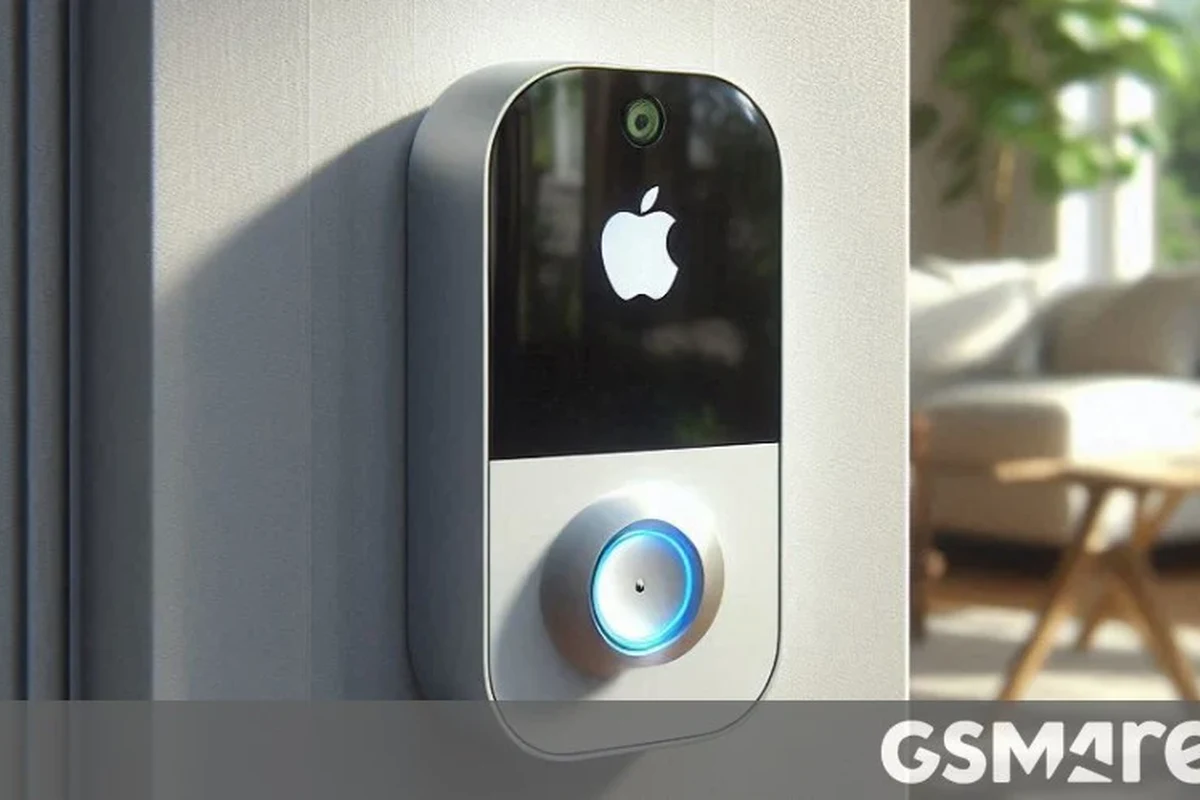
The best video doorbell for Apple users is usually the one that matches your Apple setup, your wiring, and how much privacy you want. If your priority is the cleanest Apple experience, look for HomeKit Secure Video support; if you want broader device support and more flexible features, Matter-compatible options can be worth a look, but they do not replace HomeKit Secure Video in every case.
In practice, the “best” choice depends on whether you want battery convenience, wired reliability, or the tightest integration with the Apple Home ecosystem. Apple users who care most about privacy and simple automation usually benefit from a HomeKit-first doorbell, while renters and first-time smart home buyers often prefer a battery model that is easier to install and move later.
How Apple Compatibility Works: HomeKit, Home, and Matter Explained
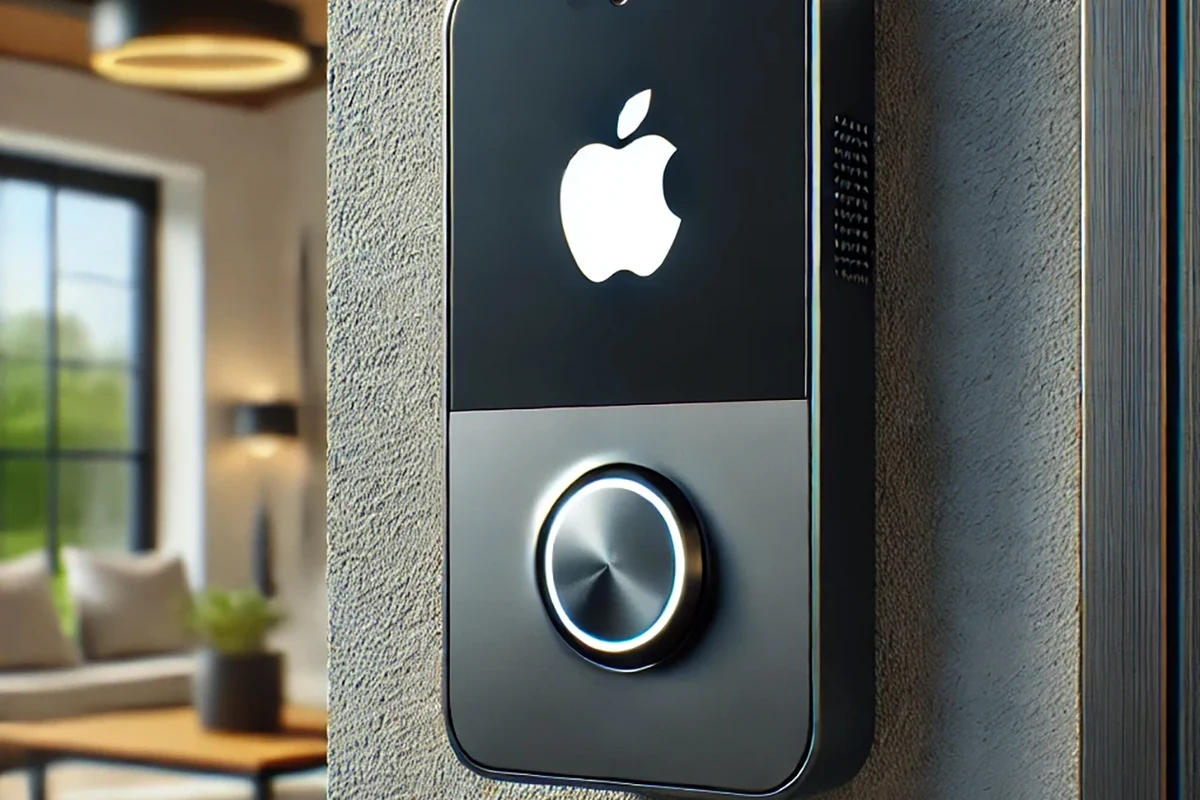
Apple compatibility is not one single feature. A doorbell may work with the Apple Home app, support HomeKit Secure Video, or offer limited control through its own app while still sending alerts to your iPhone. Those differences matter because they affect how you view clips, store recordings, set automations, and share access with family.
What “Works Best” Means for iPhone, iPad, Apple Watch, and HomePod Users
For most people, “works best” means the doorbell feels native to Apple devices. That usually includes alerts on iPhone and Apple Watch, live video in the Home app, Siri voice control on HomePod, and simple automation such as turning on lights when motion is detected.
Apple users who rely on multiple devices tend to value consistency more than raw feature count. If you already use HomePods, iPads, and Apple TVs around the house, a doorbell that appears cleanly in Apple Home can feel easier than juggling a separate app for every alert and recording.
HomeKit Secure Video vs. Matter Support vs. App-Only Control
HomeKit Secure Video is Apple’s camera recording system inside the Home app. It can be a strong fit for users who want recordings managed through Apple’s ecosystem, but the exact experience depends on the doorbell model, your iCloud plan, and the current software support listed by Apple and the manufacturer.
Matter support is useful because it can improve cross-platform compatibility, but it does not automatically mean full-featured video-doorbell support in the way many shoppers expect. App-only control is the least Apple-friendly option: it may still send iPhone notifications, but you will likely lose the smoothest Home app integration and some automation options.
Compatibility can change with firmware updates, app versions, and Apple’s own platform support. Before buying, check the manufacturer’s compatibility page, the Apple Home accessory list, and current app store notes for your region.
Top Video Doorbells for Apple Users in 2026: Best Picks by Use Case
Because Apple support varies so much, the smartest way to shop is by use case rather than by a single universal winner. The categories below reflect the most common needs: overall Apple integration, privacy, budget, and stable wired performance.
Best Overall for Apple Homes
The best overall pick is usually a video doorbell that supports Apple Home well, offers reliable notifications, and keeps the setup straightforward. The ideal model is one that works cleanly with iPhone, Apple Watch, and HomePod, while still giving you enough video quality and motion controls to be useful day to day.
For many households, this type of doorbell is the most balanced choice because it avoids the trade-off of being “Apple-only” in a way that limits features, while also avoiding a cloud-heavy app experience that feels detached from the Home app. If you share access with family members, that balance matters even more.
Best for HomeKit Secure Video Privacy
If privacy is your top concern, the best option is a doorbell that supports HomeKit Secure Video and fits neatly into the Apple Home app. That setup can be appealing because it keeps camera management inside Apple’s ecosystem, where many users already manage smart locks, lights, and scenes.
This category is especially attractive to people who want recordings handled in a familiar interface rather than spread across multiple vendor apps. The main limitation is that not every doorbell with Apple support offers the same recording behavior, so you need to confirm whether the model supports the exact HomeKit Secure Video features you expect.
Best Budget Option for Apple Households
The best budget choice is usually a doorbell that gives iPhone alerts and basic Apple compatibility without demanding a premium subscription just to be useful. Budget shoppers should focus on stable motion alerts, acceptable video quality, and a simple installation path more than on advanced analytics.
For students, renters, and first-time smart home buyers, budget-friendly often means “good enough” rather than feature-packed. Just be careful: a lower upfront price can be offset by subscription costs, accessory needs, or limited Apple support, so compare the full ownership cost before deciding.
Best Wired Option for Reliable Power and Faster Alerts
Wired doorbells are often the best choice when you want fewer charging interruptions and more consistent behavior. They can be a better fit for busy homes, front doors with frequent activity, and users who want the doorbell available all the time without thinking about battery levels.
Wired power can also support faster wake times and reduce the risk of missing a visitor because the unit was offline for charging. The catch is that wired installation depends on your existing transformer, voltage, and doorbell wiring, so compatibility should be checked before you buy.
- Better long-term reliability for heavy use
- No routine battery charging
- Usually a stronger fit for always-on smart home setups
- Installation may require existing wiring
- Transformer compatibility can be confusing
- Not as flexible for renters
Key Specs to Compare Before You Buy
Apple compatibility is only one part of the decision. A doorbell that integrates well with HomeKit can still disappoint if the camera angle is poor, the motion zones are weak, or the subscription plan is too restrictive for your needs.
Wired vs. Battery Models and Power Requirements
Battery models are easier to install and easier to relocate, which makes them a strong fit for renters and people who do not want to deal with electrical checks. Wired models are usually better for consistent uptime, but they depend on your existing doorbell circuit and transformer.
Before buying a wired model, confirm the voltage and transformer requirements in the official manual. If the manufacturer says a model needs a certain power range, treat that as a hard compatibility check rather than a rough suggestion.
Video Quality, Field of View, and Night Vision
Video quality matters most when you need to identify faces, packages, or activity near the threshold. Look for a field of view that covers both the visitor’s face and the ground area where packages are left, because a narrow view can miss the detail you actually need.
Night vision is equally important for evening deliveries and late visitors. The best choice is not always the highest resolution on paper; placement, porch lighting, and lens angle can matter just as much in real use.
Motion Detection, Package Alerts, and Two-Way Audio
Motion detection should be adjustable. If the doorbell is too sensitive, you will get constant alerts from traffic, pets, or passing people; if it is too narrow, you may miss a delivery or visitor.
Package alerts and two-way audio are useful, but they vary a lot by manufacturer and subscription tier. If you often receive deliveries, prioritize clear package detection and a microphone/speaker setup that is easy to understand in the app.
Apple App Support, iCloud Storage, and Subscription Costs
Some doorbells work well with Apple Home but still depend on a separate vendor subscription for advanced recording features. Others lean more heavily on iCloud-based storage through HomeKit Secure Video, which may be more convenient if you already pay for Apple services.
Before buying, compare the app experience, the recording rules, and the ongoing fees. A doorbell that looks inexpensive in the cart can become costly over time if the features you need are locked behind a monthly plan.
- Check the exact model number and Apple compatibility claims
- Confirm wiring, transformer, or battery requirements
- Review app requirements, storage plans, and update support
- Verify warranty terms, return policy, and privacy settings
Who Each Type of Apple-Compatible Doorbell Fits Best
The right doorbell depends less on the brand name and more on how you live. A setup that is perfect for a homeowner with a HomePod may be frustrating for a renter with weak Wi‑Fi and no wiring access.
Apartment Renters and First-Time Smart Home Buyers
Battery models are usually the easiest starting point for renters because they avoid the need to work with existing doorbell wiring. They also make sense for first-time buyers who want a lower-risk way to learn the Apple Home app and smart notifications.
If you are moving soon or do not control the building’s wiring, portability matters more than advanced power options. Just make sure the mount, adhesive, or bracket is allowed by your lease and suitable for the surface.
Families with Multiple Apple Devices
Families often benefit most from a doorbell that appears clearly in Apple Home and supports shared household access. That makes it easier for multiple iPhones and Apple Watches to receive alerts without everyone learning a separate app workflow.
For homes with kids, grandparents, or frequent visitors, the best choice is usually the one with the simplest daily use. A slightly less advanced camera can still be the better family product if it is easier to manage and less confusing.
Privacy-Focused Users and HomeKit-Only Setups
If you want to keep your smart home centered on Apple, prioritize HomeKit Secure Video support and review how the doorbell handles recordings, notifications, and permissions. That approach is often preferred by users who want one main app rather than multiple vendor dashboards.
Privacy-focused buyers should also review the manufacturer’s privacy policy, firmware update history, and account requirements. Even a HomeKit-friendly doorbell may still require a separate account for setup or support.
Users Who Want the Fewest Subscription Fees
Subscription-free or low-subscription use is possible, but it depends on the model. Some doorbells provide the basics in Apple Home, while others reserve useful features like longer event history, smart detection, or package alerts for paid plans.
If minimizing monthly fees matters most, compare the Apple Home features you get without a subscription against the vendor’s paid tier. The cheapest option is not always the one with the lowest lifetime cost.
Setup Guide: Getting the Best Apple Integration from Day One
Good setup makes a bigger difference than many buyers expect. A correctly installed doorbell with a strong Wi‑Fi signal and the right Apple settings will usually feel more reliable than a premium model placed poorly or connected weakly.
Installation Basics, Mounting Height, and Wi‑Fi Requirements
Mount the doorbell at the height recommended by the manufacturer, because angle and distance affect face recognition, package visibility, and motion detection. If the camera points too high or too low, you may get great footage of the porch ceiling or sidewalk and not much else.
Wi‑Fi strength near the front door is also critical. If the signal is weak, consider improving the network with a properly placed access point or mesh node rather than blaming the doorbell for unstable alerts.
Before final mounting, temporarily position the doorbell and check the live view in the app from your usual standing and delivery angles. That simple check can save you from reinstalling it later.
Pairing with the Apple Home App and Setting Automations
Use the manufacturer’s official setup process first, then add the accessory to Apple Home if the model supports it. Once paired, set up automations that match your household, such as turning on entry lights when motion is detected after dark.
Keep notifications realistic. Too many alerts will train you to ignore them, so refine motion zones and notification schedules instead of leaving everything on by default.
Battery Charging, Wired Power Checks, and Safe Installation Limits
Battery models need regular charging, and the frequency depends on motion activity, temperature, Wi‑Fi strength, and how often you view live video. Wired models should be checked against the manufacturer’s power guidance before installation, especially if your existing chime or transformer is older.
Do not modify wiring, bypass safety instructions, or keep using damaged cables, cracked housings, swollen batteries, or overheating power components. If the manual calls for an electrician or a specific transformer range, follow that guidance.
Real-World Benefits, Limitations, and Common Mistakes to Avoid
Apple-friendly doorbells can be excellent, but they are not magic. The real-world experience depends on your Wi‑Fi, your power setup, the app version, and how much video history or automation you expect.
Why Apple Users May Prefer HomeKit Secure Video
Many Apple users like HomeKit Secure Video because it keeps camera management inside the Apple Home app and works naturally with other Apple devices. That can make the overall smart home feel less fragmented, especially if you already control lights, locks, and scenes in Home.
It is also easier to teach a household when everything lives in one familiar app. Still, the best result depends on the specific doorbell model and your current Apple subscription setup, so check the latest support details before buying.
Common Problems: Weak Wi‑Fi, Wrong Transformer, and Missed Motion Zones
Weak Wi‑Fi is one of the most common causes of slow alerts and buffering. Another frequent issue is choosing a wired model without confirming the transformer requirements, which can lead to setup problems or unreliable operation.
Missed motion zones are also common. If the detection area is too narrow, you may not capture the package drop or someone approaching from the side, so spend time tuning the zones after installation.
Trade-Offs: Battery Convenience vs. Constant Power Reliability
Battery convenience is great for flexibility, but it comes with charging maintenance and occasional downtime. Wired power is usually more dependable for frequent use, but only if your home’s existing wiring is compatible and in good condition.
For many Apple households, the right answer is not the most advanced model; it is the one that fits the home’s power situation and everyday habits. A doorbell that is easy to maintain is often the one that gets used consistently.
If a doorbell or charger shows heat damage, corrosion, loose mounting, or battery swelling, stop using it and review the manufacturer’s replacement guidance before reinstalling.
Final Verdict: The Best Video Doorbell for Apple in 2026
For most Apple users, the best video doorbell is the one that supports the Apple Home app cleanly, gives dependable alerts, and fits your power setup without extra hassle. If privacy and ecosystem simplicity matter most, a HomeKit Secure Video model is usually the strongest Apple-first direction; if you want easier installation, a battery model is often the safer starting point.
Transparent Recommendation by Budget, Privacy, and Ease of Use
Choose HomeKit Secure Video if you want the most Apple-native experience. Choose a wired model if you value reliability and frequent-use performance. Choose a battery model if you want the easiest installation and the least commitment up front.
If you are unsure, the best default for many households is a well-reviewed Apple-compatible doorbell with strong Home app support, clear motion controls, and subscription terms you can accept long term.
What to Verify Before Buying: Compatibility, Warranty, and Ongoing Costs
Before checkout, confirm the exact model’s Apple support, whether it needs a subscription for the features you care about, and whether your wiring or Wi‑Fi is suitable. Also review the warranty, return policy, and current manufacturer notes so you are not surprised after installation.
Apple households that want the cleanest mix of Home app integration, reliable alerts, and manageable setup should prioritize HomeKit Secure Video or strong Apple Home support, then choose wired or battery based on the home’s power situation.
Frequently Asked Questions
The best choice is usually a doorbell with strong Apple Home support and, ideally, HomeKit Secure Video. That gives you the smoothest experience across iPhone, iPad, Apple Watch, and HomePod.
For Apple users, HomeKit Secure Video is often better because it keeps recordings and controls inside the Apple Home app. App-only control can still work, but it usually feels less integrated and may rely more on a separate vendor app.
Choose wired if you want more consistent power and fewer charging interruptions. Choose battery if you want easier installation, especially for renters or first-time smart home buyers.
No, but many models reserve advanced features for a paid plan. Always check whether recording history, smart alerts, or package detection require a subscription before you buy.
Confirm the exact model’s Apple Home compatibility, power requirements, Wi-Fi needs, and subscription terms. It is also smart to review the warranty, return policy, and current manufacturer support notes.
Weak Wi-Fi, poor mounting height, or incorrect motion zones are common causes. Check the signal near the front door, review the official installation guide, and adjust detection settings in the app.


3 Comments