Mwir Camera Guide for Clear Thermal Imaging Results
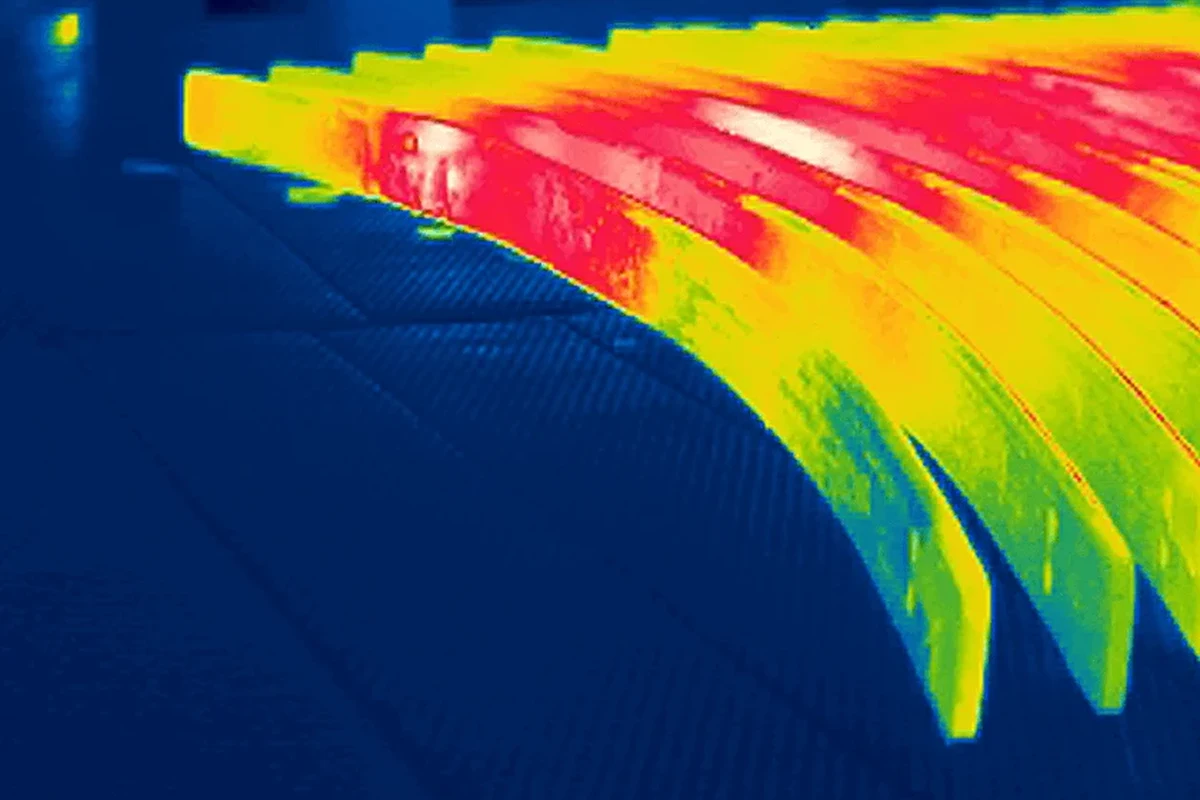
A MWIR camera is a specialized thermal imaging tool that can deliver clearer detail than many basic thermal cameras, especially in demanding conditions. It is best for advanced users who need that performance and are willing to verify compatibility, cooling, and maintenance requirements.
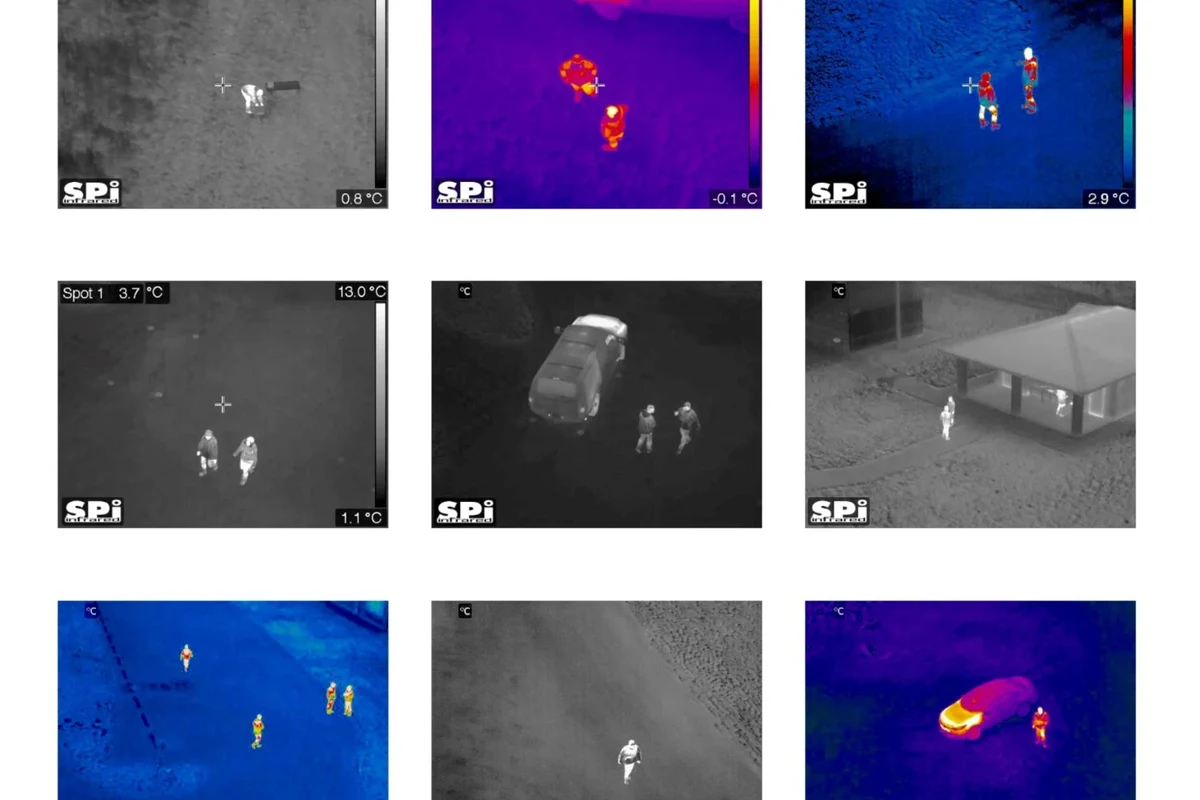
- Best fit: MWIR is strongest for advanced monitoring, inspection, and specialized property use.
- Main trade-off: Better thermal detail usually comes with higher cost and more setup complexity.
- Buy smart: Check resolution, sensitivity, lens choice, cooling, and software compatibility first.
- Use safely: Follow the manual for power, mounting, cleaning, and storage to avoid damage.
Frequently Asked Questions
A MWIR camera fits advanced users who need detailed thermal imaging for monitoring or inspection. It is usually not the best choice for casual smart home buyers who only need basic security or simple heat detection.
Focus on detector resolution, thermal sensitivity, lens options, field of view, cooling requirements, and software support. Those factors affect real image quality and usability more than marketing claims.
Many models need more care than basic thermal cameras because of cooling systems and precision optics. Follow the manufacturer’s cleaning, storage, and inspection instructions to help protect performance.
Sometimes, but compatibility varies a lot by model and software. Check the official software list, app store listing, and integration documentation before buying.
The main drawbacks are higher cost, more complex setup, and possible maintenance needs. Many buyers do not need that level of performance for everyday home use.
Compare the official manual, specifications, compatibility list, warranty terms, and any software notes against your intended use. If any key detail is unclear, confirm it with the manufacturer before purchasing.