Smart Lock Gateway
A smart lock gateway is the bridge that lets a compatible lock connect to your app, network, and automations when direct Wi‑Fi is not built in. It is worth buying only if your lock ecosystem needs one or if it adds reliable remote access and control you will actually use.
Affiliate disclosure: As an Amazon Associate, Gadget Makers Blog earns from qualifying purchases. This does not increase your price. Product availability and listing details can change.
A smart lock gateway is the bridge that lets a compatible smart lock talk to your home network, app, and cloud services when the lock itself does not connect directly to Wi‑Fi. In 2026, it still matters because many homeowners want remote access, better automation, and more reliable control without replacing a perfectly good lock.
- Compatibility first: Match the gateway to the exact lock model, radio type, and smart-home platform.
- Placement matters: Range and interference often affect reliability more than the spec sheet suggests.
- Not always necessary: Direct-to-Wi‑Fi and Matter-based locks can remove the need for extra hardware.
- Maintenance counts: Keep firmware updated, review permissions, and inspect cables and power accessories.
What a Smart Lock Gateway Is and Why It Matters in 2026
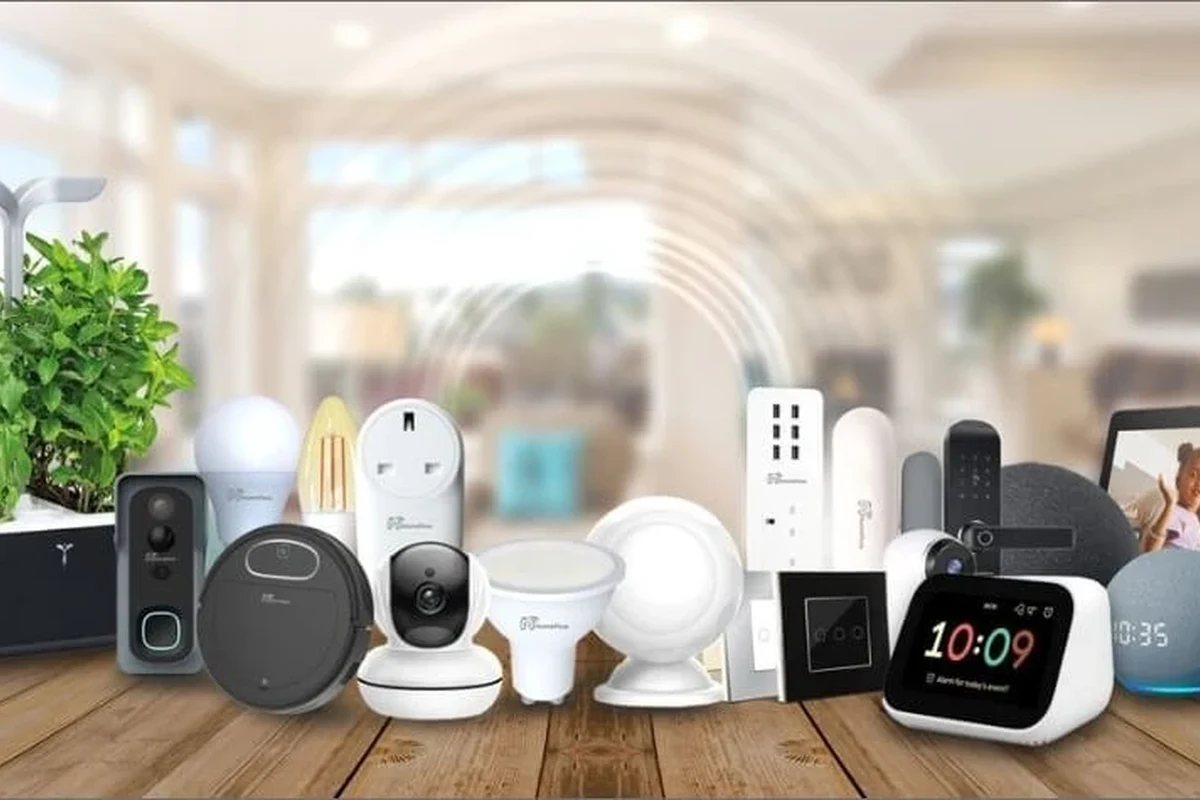
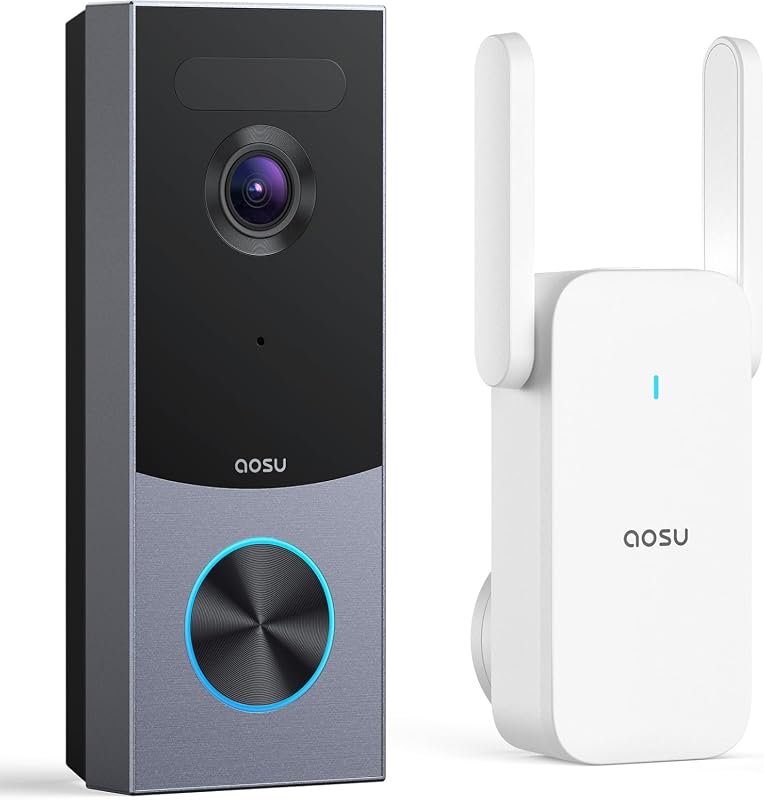
At its simplest, a smart lock gateway is a small hub that sits between your lock and your internet-connected devices. The lock usually communicates with the gateway over a short-range radio such as Bluetooth, Zigbee, Z-Wave, or Thread, while the gateway handles the internet side so your phone can check lock status or send commands from outside the home.
That middle step matters because not every smart lock has built-in Wi‑Fi, and not every household wants the battery drain, setup friction, or signal congestion that can come with direct Wi‑Fi on every device. In 2026, the gateway question is less about novelty and more about fit: some homes benefit from a dedicated bridge, while others are better served by direct-to-Wi‑Fi locks or newer Matter-based setups.
Quick answer: what it does, who needs it, and when you can skip it
You need a smart lock gateway if your lock requires one for remote locking, app notifications, voice assistant control, or automation routines. It is especially useful when the lock uses Bluetooth or another short-range protocol and your router cannot reach it reliably.
You can often skip the gateway if your lock connects directly to Wi‑Fi or supports a modern Matter-based setup that already covers the features you want. If you mainly unlock the door manually and do not care about remote access or smart-home routines, the gateway may add complexity without much benefit.

SwitchBot Smart Lock Pro
Short verdict: A compelling premium choice for shoppers who want smart access while keeping compatible existing door hardware.
- Retrofit approach can reduce the need for a full deadbolt replacement
- Keyless control through the SwitchBot ecosystem
- A practical route to remote features when paired with the correct compatible hub
Best for: Buyers who want to upgrade a compatible existing lock without immediately replacing the full exterior hardware.
Skip it if: You want a complete replacement deadbolt with an exterior fingerprint keypad in one package.
View SwitchBot on Amazon →Verify door compatibility, included components, hub requirements, seller, and current listing details on Amazon.| Product | Best for | Connection approach | Main trade-off | Amazon |
|---|---|---|---|---|
| SwitchBot Smart Lock Pro | Retrofitting an existing lock | SwitchBot ecosystem; hub needs vary | Confirm hub and door compatibility | View listing → |
| Aqara Smart Lock U100 | Apple Home Key users | Apple Home Key plus Aqara ecosystem | Some integrations may require a compatible hub | View listing → |
| Lockly Secure Pro | Wi-Fi and fingerprint access | Wi-Fi-enabled replacement lock | More involved hardware replacement | View listing → |
How a Smart Lock Gateway Works with Your Lock, App, and Wi‑Fi
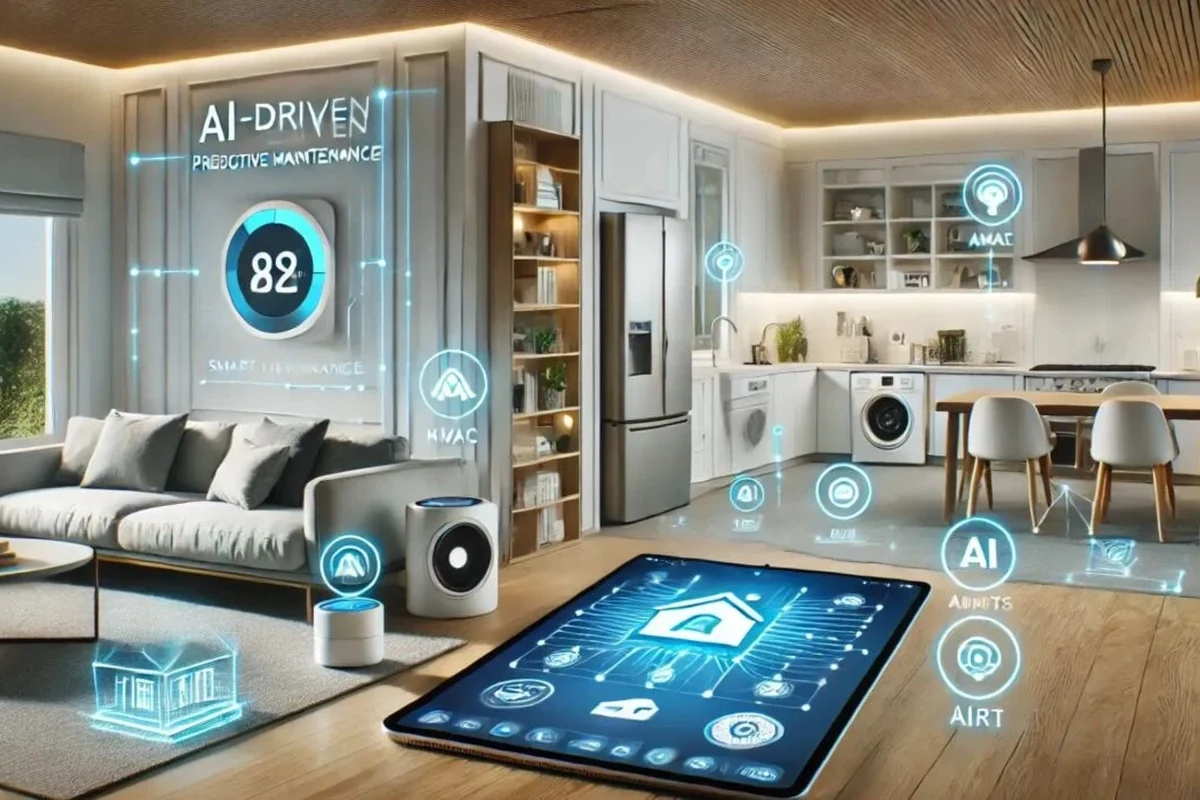
The gateway’s job is to translate between the lock’s local connection and your home network. That lets the manufacturer’s app, and sometimes third-party platforms, send commands or receive status updates without your phone needing to stay near the door.
Bridge roles: Bluetooth, Thread, Zigbee, Z-Wave, and cloud connection
Different locks use different radios, and the gateway must match the lock’s ecosystem. Bluetooth gateways are common for locks that need a nearby bridge for remote access, while Zigbee and Z-Wave hubs may also support locks as part of a broader smart-home system. Thread-based locks may use a border router or hub depending on the ecosystem and platform support.
In many systems, the gateway also maintains a cloud connection. That cloud layer can enable remote control when you are away from home, but it also means app features may depend on the manufacturer’s servers, firmware version, and account setup.
Compatibility can change by lock model, firmware, region, and smart-home platform. Always verify the exact model number and current compatibility list before buying.
What changes in daily use: remote access, status updates, and automations
With a gateway in place, the biggest day-to-day change is convenience. You can often lock or unlock the door when you are away, check whether it is open or closed, and receive activity alerts if the system supports them.
Gateways also enable automations such as locking the door at a certain time, triggering a routine when you leave, or linking the lock to other devices. For readers building a broader setup, our guides to smart light switches and home automation smart lights show how lock routines can fit into a larger smart-home scene.
Key Buying Criteria: Compatibility, Range, Power, and App Support
The best smart lock gateway is not the one with the most features on paper. It is the one that matches your lock, your platform, and the physical layout of your home.
- Check the exact lock model, radio type, and platform support
- Confirm placement limits, power method, app requirements, and warranty terms
- Review firmware update support, privacy settings, and return policy
Lock ecosystem compatibility and supported smart home platforms
Compatibility is the first filter. Some gateways only work with one brand’s locks, while others integrate with Apple Home, Google Home, Amazon Alexa, Samsung SmartThings, Home Assistant, or a proprietary app. The practical question is not just “does it connect?” but “does it connect in the way I need?”
If you want voice control, guest access, or automation with other devices, confirm that the gateway supports those features in your region and app version. If you already use a platform like Home Assistant or a voice assistant ecosystem, check whether the gateway exposes lock status and control in a way that fits your routine.

Aqara Smart Lock U100
Short verdict: A premium full-deadbolt option for Apple-focused homes that want Home Key and fingerprint entry.
- Apple Home Key support stated in the supplied product title
- Fingerprint-based keyless entry
- Designed as a complete deadbolt-style smart-lock upgrade
Best for: iPhone and Apple Home users who want a replacement deadbolt with fingerprint access.
Skip it if: You need a retrofit lock that leaves the existing deadbolt assembly mostly unchanged.
Check Aqara Availability →Confirm door dimensions, current platform support, compatible-hub requirements, finish, and included accessories before ordering.Connectivity specs, placement limits, and signal reliability
Range matters more than many buyers expect. A gateway placed too far from the lock, behind thick walls, inside a metal cabinet, or near interference-heavy electronics may work inconsistently even if the product is technically compatible. Short-range radios are especially sensitive to layout and building materials.
Placement is usually more important than raw specifications. Many setups work best with the gateway in an open spot, not tucked behind a TV, router, or appliance. If the manufacturer provides placement guidance, follow it closely rather than assuming a stronger router will fix the problem.
Power requirements, backup options, and cable quality to verify
Some gateways plug into a wall outlet, while others may use USB power or a bundled adapter. Verify the required power input, the included cable type, and whether the adapter is rated by the manufacturer for your region. If a backup battery or UPS is supported, that can help during brief outages, but it is not universal.
Do not assume any USB cable will do. Cable quality, adapter compatibility, and outlet stability can affect reliability, especially if the gateway reboots frequently or sits in a high-traffic area. If the product includes a cable, inspect it for strain relief and secure connectors before placing the unit permanently.
Who a Smart Lock Gateway Fits Best
Not every household needs a gateway, but certain users benefit more than others. The value is highest when remote control, multiple users, and automation all matter at the same time.
Best for renters, multi-user households, and busy smart home setups
Renters often like gateways because they can add smart access without changing the door hardware again later. Multi-user households also benefit because the gateway can help sync access logs, schedules, and remote permissions across family members, roommates, or caregivers.
Busy smart homes are another strong fit. If you already use smart lights, routines, cameras, or voice assistants, a gateway can help the lock become part of a larger scene rather than a standalone gadget. Readers exploring lighting integration may also find our guides to smart lights that work with Alexa and smart lights that work with Google Home useful for planning a connected home.
When a gateway is unnecessary: direct-to-Wi‑Fi and Matter-based alternatives
If your lock already has dependable direct-to-Wi‑Fi support, a gateway may be redundant. The same is often true when a Matter-based setup gives you the app and platform features you want without another box near the router.
The trade-off is simplicity versus flexibility. Direct-to-Wi‑Fi can be easier for some buyers, but it may use more battery or depend more heavily on home network quality. Matter can reduce brand lock-in, but feature availability still varies by device and platform, so confirm the exact functions before choosing it as your only path.
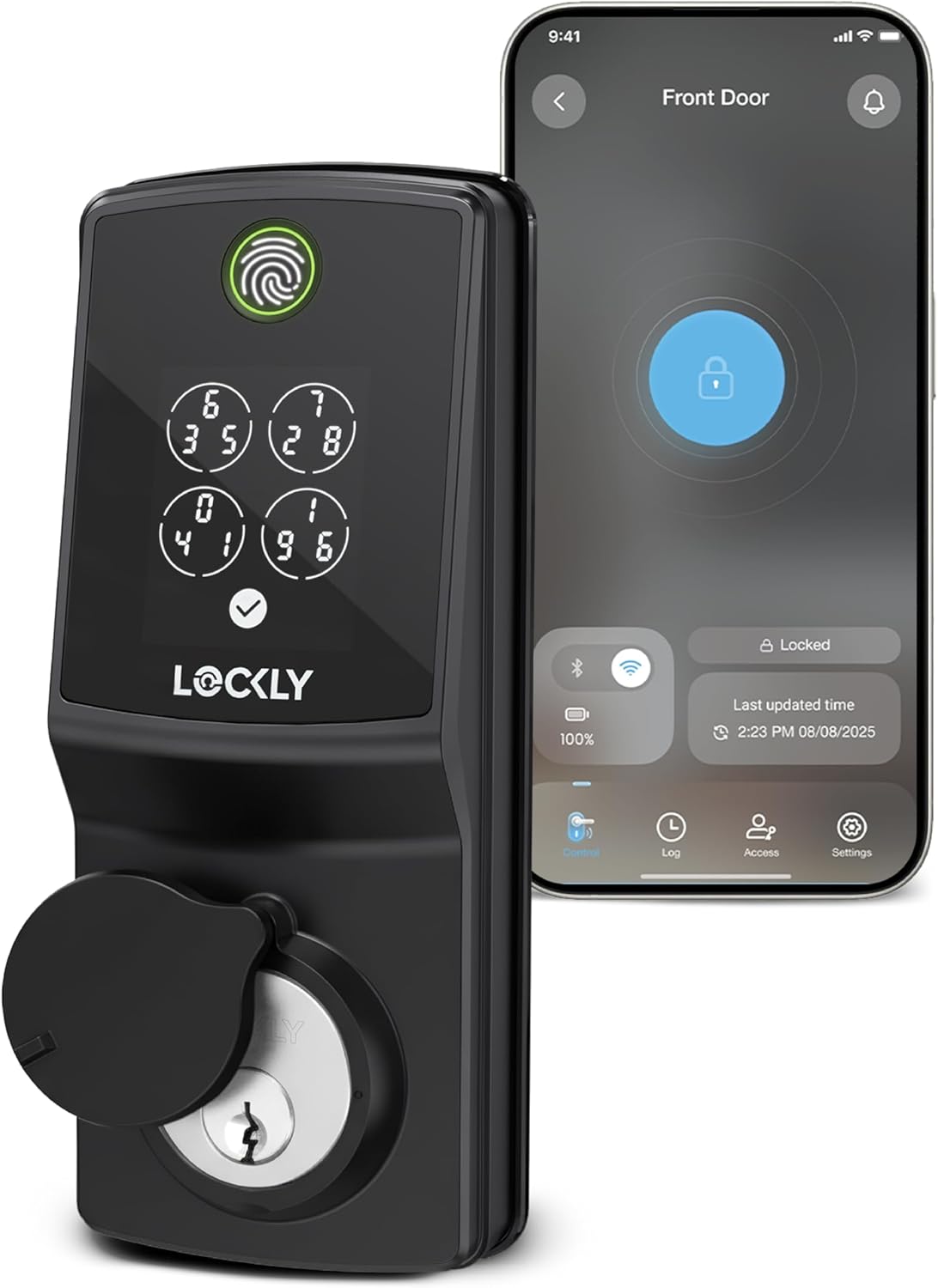
Lockly Secure Pro Wi-Fi Fingerprint Deadbolt
Short verdict: Consider this premium replacement lock when built-in Wi-Fi and fingerprint access are more appealing than adding a separate gateway.
- Wi-Fi connectivity stated in the supplied product title
- Fingerprint access for keyless daily entry
- Complete deadbolt format for buyers replacing existing door hardware
Best for: Homeowners who prefer a Wi-Fi-enabled replacement lock rather than a separate gateway-and-lock combination.
Skip it if: Your lease or door setup does not allow replacing the existing deadbolt hardware.
View Lockly on Amazon →Verify door fit, handedness requirements, finish, Wi-Fi features, included hardware, and current seller details on Amazon.Real-World Benefits and Practical Trade-Offs
A smart lock gateway is usually about improving convenience and control, not adding a flashy new feature. The upside is real, but so are the limitations.
Convenience gains: remote locking, guest access, and activity logs
The most obvious benefit is being able to check and control the lock when you are not home. That can help if you forgot to lock the door, need to let in a guest, or want to confirm that a child, roommate, or service provider arrived safely.
Activity logs can also be useful, though the detail level varies by brand and firmware. For some households, the log is a simple peace-of-mind feature; for others, it becomes part of a broader home-access workflow with temporary codes or scheduled access windows.
Trade-offs: extra hardware, app dependence, and potential latency
Every gateway adds another device to power, place, update, and troubleshoot. That means one more app or account in some ecosystems, plus one more point of failure if the network goes down or the gateway loses power.
Latency is another practical issue. Some commands happen nearly instantly, while others may take a moment depending on the lock, gateway, router, cloud service, and current firmware. The experience can feel seamless in one home and sluggish in another, especially if the network is crowded.
Evidence limits and what spec sheets do not always reveal
Manufacturer specs tell you what a gateway should support, but they do not always show how it behaves in a real house with walls, distance, and competing wireless devices. A spec sheet may promise compatibility, yet the experience can still depend on router placement, lock battery condition, or app version.
That is why it helps to treat compatibility lists as the starting point, not the final answer. Before buying, review the official manual, app-store listing, current firmware notes, and warranty terms so you know what is guaranteed versus what may vary.
Setup Guide: Placement, App Setup, and Common Mistakes
Good setup usually matters more than expensive hardware. A properly placed gateway can feel reliable, while a poorly placed one can make a good lock seem flawed.
Recommended mounting height, distance from the lock, and interference checks
Follow the manufacturer’s placement guidance first, since recommended distance and mounting height vary by model. In general, the gateway should be close enough for a stable lock connection but not buried behind dense objects or squeezed into a corner with poor airflow.
Check for interference from large metal surfaces, thick masonry, Wi‑Fi routers, cordless phone bases, microwaves, and other wireless hubs. If the connection seems unstable, move the gateway a little at a time and test again rather than assuming the issue is the lock itself.
Set up the gateway in the same room as the lock first, then move it gradually only if the manufacturer says that is acceptable. Small placement changes can make a bigger difference than expected.
App requirements, pairing steps, firmware updates, and account setup
Most gateways require the brand’s official app for initial pairing. That usually includes creating or signing into an account, adding the gateway, pairing the lock, and confirming permissions for notifications or remote access. Some systems also require Bluetooth, local network access, or location permissions during setup.
Firmware updates are worth doing early, but only through the official app or the manufacturer’s instructions. Updates can improve stability or compatibility, yet they may also change features, so check release notes when they are available. If you are also building out lighting routines, the article on smart lighting systems for home shows how app-based setup logic often works across categories.
Common setup mistakes that reduce range or break automations
One common mistake is pairing the lock before verifying the gateway has a stable network connection. Another is placing the gateway too far from the lock and then assuming a software issue is to blame.
Other frequent problems include using the wrong app account, skipping firmware updates, leaving permissions disabled, or creating automations that depend on devices not supported by the same platform. If a routine fails, check the platform compatibility chain from lock to gateway to app to voice assistant before changing multiple settings at once.
Safety, Maintenance, and Long-Term Care
Smart lock gateways are low-power devices, but they still deserve basic care. A little maintenance can reduce glitches and extend useful life.
Secure use: permissions, firmware updates, and account hygiene
Use strong passwords and two-factor authentication where available. Review shared access, guest permissions, and connected services periodically so old users or unneeded integrations do not remain active longer than necessary.
Keep firmware current through official channels only, and avoid unofficial apps or workarounds. If the manufacturer issues a security notice, recall, or compatibility update, follow the official guidance rather than relying on forum advice alone.
Stop using any gateway, cable, or adapter that shows heat damage, fraying, loose connectors, or repeated power cycling. Use only the manufacturer’s approved power accessories and placement guidance.
Cleaning, inspection, cable management, and replacement guidance
Cleaning is simple: unplug the unit if the manual allows it, then dust it with a dry microfiber cloth. Avoid liquid cleaners unless the manufacturer specifically approves them, and keep vents or ports clear of dust buildup.
Inspect the cable and plug occasionally for wear, especially if the gateway is in a hallway, near pets, or in a spot where it can be tugged. If the unit becomes unreliable after updates, power issues, or physical damage, replacement may be safer than repeated troubleshooting.
Warranty details to verify before buying
Warranty coverage varies widely by brand, region, and retailer, so verify the length, what is covered, and whether accessories such as cables or adapters are included. Also confirm the return window in case the gateway does not match your lock, app, or home layout.
If the manufacturer offers support articles, keep them handy. The official manual and warranty page are often more useful than product listings when you need exact setup or replacement rules.
Final Recommendation: Is a Smart Lock Gateway Worth It?
A smart lock gateway is worth it when your lock depends on one for the features you actually want: remote access, reliable alerts, app control, or smart-home automations. It is especially sensible for renters, shared homes, and users who already rely on connected devices throughout the house.
If your lock already connects directly to Wi‑Fi or Matter and gives you the same functions with less hardware, the gateway may be unnecessary. The best choice is the one that matches your ecosystem, placement limits, and long-term maintenance tolerance—not the one with the longest feature list.
Choose a smart lock gateway if your lock ecosystem requires one and you want dependable remote control without replacing the lock. Skip it if your current lock already delivers the same features directly and your home setup would only gain extra complexity.
Which Premium Smart Lock Should You Choose?
- Choose SwitchBot Smart Lock Pro when retrofit installation is your priority and you are comfortable confirming the appropriate hub for remote features.
- Choose Aqara Smart Lock U100 when Apple Home Key and fingerprint entry are the deciding features.
- Choose Lockly Secure Pro when you want a Wi-Fi-enabled replacement deadbolt and prefer to avoid a separate gateway where the supported features allow it.
Frequently Asked Questions
It bridges your smart lock to your home network so you can use remote access, status updates, and automations. The exact features depend on the lock, gateway, and app.
No. Some locks connect directly to Wi‑Fi or use Matter-based setups that make a separate gateway unnecessary. Check the exact model’s compatibility list before buying.
Place it where it can maintain a stable connection to the lock without being blocked by thick walls, metal, or heavy interference. Follow the manufacturer’s placement guidance first because it varies by model.
Yes, many gateways enable routines such as auto-locking, guest access, or lock-and-light scenes. Support varies by platform, app version, and firmware.
Confirm lock compatibility, supported platforms, power requirements, range guidance, and warranty terms. Also check the app store listing and current firmware notes for feature changes.
Keep the firmware updated, review shared access, dust the unit occasionally, and inspect cables for wear. Replace damaged accessories or unstable hardware instead of continuing to use them.