Do You Need a Camera in Defold for Better Game Design
No, you do not always need a camera in Defold, but you usually want one for scrolling levels, better framing, and multi-screen support. For fixed-view or very small games, a simpler setup can be enough.
If you are asking do you need a camera in Defold, the short answer is: not always, but most polished games benefit from one. In Defold, a camera helps you control what the player sees, how the world scrolls, and how your game adapts to different screen sizes.
- Best use case: A camera helps most in platformers, top-down games, and projects with moving views.
- Main tradeoff: It improves polish, but it adds scripting, rendering, and debugging complexity.
- Simple projects: Fixed-screen games can often skip a dedicated camera.
- Before shipping: Verify aspect ratio handling, UI layering, and camera behavior on target devices.
Do You Need a Camera in Defold for Better Game Design? The Short Answer
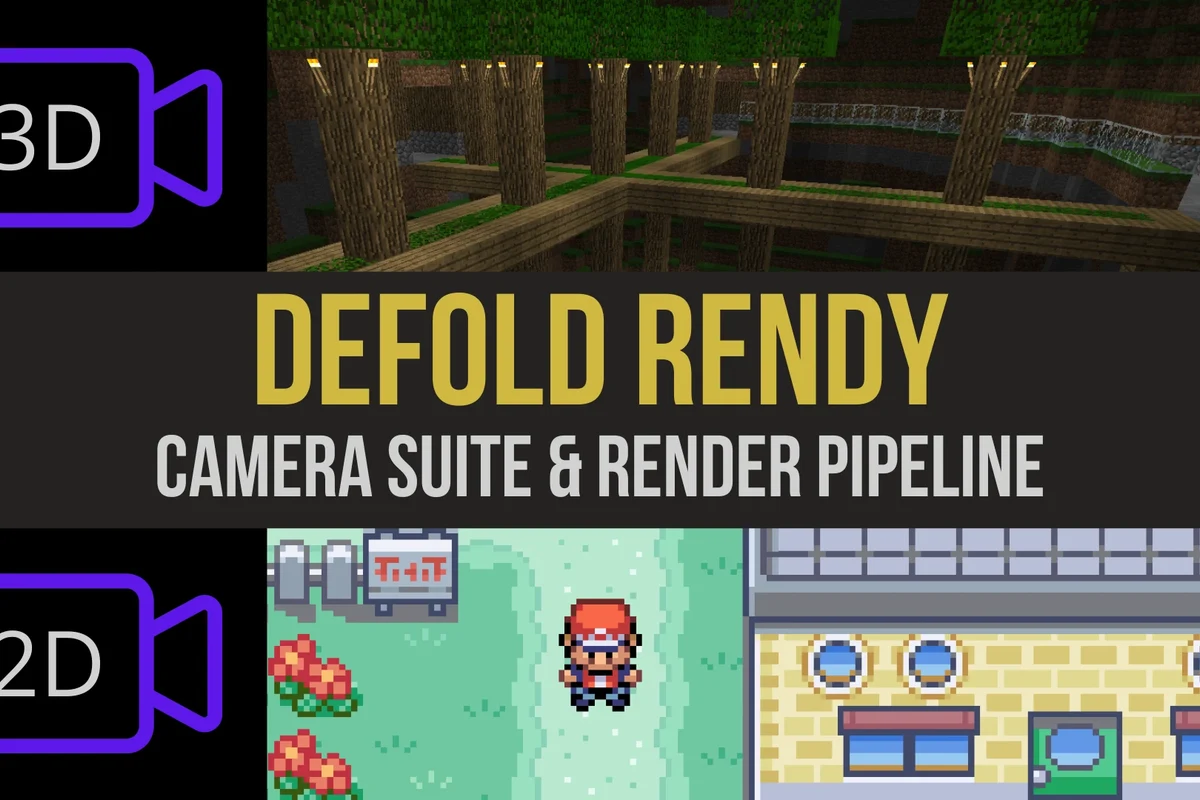
You do not need a camera for every Defold project, especially if your game uses a fixed screen, simple menus, or a very small play area. But if you want smooth movement, better framing, or support for multiple resolutions, a camera is usually the cleaner long-term choice.
What a Camera Does in Defold and Why It Matters
In game design, a camera is not a physical device. It is the system that defines what portion of the game world is visible on screen and how that view changes over time.
That matters because the camera affects player focus, pacing, readability, and the overall feel of your game. A scene can look flat or confusing without good framing, while a well-managed camera can make even simple gameplay feel more intentional.
Core camera functions: framing, scrolling, zoom, and world-to-screen mapping
A camera can keep the player centered, follow a target smoothly, zoom in for tension, or zoom out for awareness. It also helps map world coordinates to screen coordinates, which becomes important when you place UI, aim a weapon, or detect where the player clicked.
In many 2D engines, camera logic and rendering logic are separate concerns, which is why a game can move the view without moving the actual level objects.
When Defold projects can work without a dedicated camera
Some projects are simple enough that a fixed view works better. Examples include one-screen arcade games, puzzle games with minimal movement, or prototype scenes where the whole play area already fits comfortably on screen.
If your game never scrolls and does not need zooming, a dedicated camera may add more complexity than value. In that case, a static render setup can be easier to maintain.
How the Defold Camera System Works
Defold supports camera behavior through its scene and rendering structure, so the view is usually controlled by how you position the camera object and how the render script interprets that view. The exact implementation can vary by project architecture and engine version, so it is worth checking the official Defold manual for the current recommended approach.
Camera components, render targets, and coordinate space basics
At a practical level, you are working with three ideas: the camera object, the render pipeline, and coordinate space. The camera defines the view, the render code decides how that view is drawn, and coordinate space determines where things exist in the world versus where they appear on screen.
That distinction matters for UI-heavy games. A health bar, inventory panel, or pause menu often needs to stay anchored to the screen even while the world camera moves behind it.
Camera movement, follow behavior, and scene composition
Camera follow logic can be as simple as snapping to the player or as refined as smoothing movement with easing. More advanced setups use dead zones, boundaries, or scripted transitions so the camera does not feel twitchy.
Good scene composition also depends on camera placement. If the camera reveals too much empty space, the world feels sparse. If it is too tight, the player may miss hazards, enemies, or important context.
When planning camera behavior, think about what the player must see first: the character, the obstacles, the objective, or the UI. Build the camera around that priority, not the other way around.
Who Actually Benefits from Using a Camera in Defold
The best camera setup depends on the type of game you are building. For some genres, a camera is close to essential. For others, it is mostly optional.
Best fit for 2D platformers, top-down games, and UI-heavy projects
2D platformers usually benefit from a camera because the level extends beyond one screen and the player needs smooth horizontal or vertical scrolling. Top-down games also gain clarity from a camera that follows the player while keeping nearby threats visible.
UI-heavy projects benefit too, especially when you need a stable separation between the game world and overlays. If you are building a project with menus, HUD elements, or dialogue boxes, a camera can help keep the layout organized.
If you are also comparing Defold to other game setup decisions, it can help to think the same way you would when choosing hardware or platform support. For example, a compatibility-first mindset is similar to reading a guide like do wall chargers work with all devices: the real question is not whether the tool exists, but whether it fits the use case.
Cases where a camera is optional or overkill
A camera may be unnecessary for small puzzle boards, static screens, or very early prototypes. It can also be overkill if your entire game is intentionally designed around a fixed composition, such as a single-room challenge or a minimalist arcade loop.
In those cases, adding a follow system, smoothing logic, and boundary handling may create maintenance work without improving the player experience.
Key Decision Criteria Before You Add a Camera
Before you add camera logic, it helps to evaluate the actual needs of your game instead of assuming every project needs the same setup.
Game genre, level size, and player movement style
Large levels almost always push you toward a camera. If the player moves across a space wider or taller than the display, the view has to move too.
Fast movement also matters. A sprinting character, flying enemy, or vehicle game usually needs camera behavior that keeps the action readable without disorienting the player.
Resolution support, aspect ratio handling, and device compatibility
One of the biggest reasons to use a camera is screen consistency. Different devices can have different aspect ratios, and a camera-based design may help you preserve composition across phones, tablets, laptops, and monitors.
That said, the exact result depends on your render setup and scaling rules. Always verify how your project handles letterboxing, cropping, and UI anchoring before shipping.
Defold rendering behavior can vary depending on your project settings, custom render script, and target platform. Confirm current guidance in the official documentation before relying on a specific workflow.
Performance considerations, setup complexity, and maintainability
A camera itself is not usually a major performance burden, but the logic around it can become messy if it is poorly organized. Smoothing, collision-aware boundaries, shake effects, and scene transitions all add code that must be debugged later.
For small teams or solo developers, maintainability often matters more than raw performance. A simple, predictable camera system is usually better than a fancy one that is hard to change.
- Improves framing and player focus
- Helps support multiple screen sizes more cleanly
- Makes scrolling levels feel more polished
- Adds scripting and rendering complexity
- Can cause jitter or clipping if follow logic is weak
- May be unnecessary for fixed-screen games
Real-World Design Benefits and Common Drawbacks
The value of a camera is mostly about design quality, not just technical capability. A good camera can make a game easier to play and easier to understand.
Benefits: polish, pacing control, and better player focus
A camera gives you control over what the player notices first. You can reveal enemies gradually, guide attention toward objectives, or slow the reveal of a new area for dramatic effect.
It also helps with pacing. A tighter camera can create tension, while a wider camera can give players room to plan. That kind of control is one reason camera systems are so common in platformers and action games.
Drawbacks: extra scripting, debugging, and potential camera jitter
The most common downside is implementation overhead. Camera code often touches movement, rendering, and UI, which means more places for bugs to appear.
Jitter can happen when the camera follows a target too aggressively or updates at the wrong time relative to character movement. Clipping can happen if the camera is not constrained to level boundaries.
Evidence limits: why results depend on project scope and implementation
There is no universal answer because the “best” camera depends on your genre, art style, screen targets, and code structure. Two Defold projects can use camera systems very differently and still both be correct.
That is why it is better to treat camera choice as a design decision, not a fixed rule. If the camera improves clarity and control, it is doing its job. If it only adds maintenance, it may not be worth it.
How to Set Up a Camera in Defold the Right Way
If you decide to use a camera, keep the setup simple first. You can always add polish later once the basic view and follow behavior are stable.
Basic setup workflow and recommended project structure
Keep the camera separate from the player so you can adjust view logic without changing gameplay logic.
Make sure the render pipeline uses the correct view and projection path for your project.
Decide what the camera follows, how smoothly it moves, and where it must stop.
For a cleaner project, separate camera scripts from player scripts and UI scripts. That makes it easier to change one system without breaking the others.
Common mistakes to avoid: bad follow logic, clipping, and UI layering issues
One common mistake is making the camera follow every tiny movement frame by frame. That often creates a shaky feel, especially in pixel-art or precision platformers.
Another issue is forgetting about layering. If your UI is drawn in the same space as the world, menus and HUD elements may move when they should stay fixed. It can also help to think about setup discipline the same way you would when reading a compatibility guide like do multi-port chargers work with all devices: the feature only works well if every part of the system is matched correctly.
Safe implementation practices for stable gameplay and clean rendering
Use conservative defaults first. Test a simple follow camera before adding shake, zoom transitions, or cinematic effects.
Keep an eye on edge cases such as respawns, level transitions, and cutscenes. A camera that behaves well during normal play but breaks during loading or menu scenes can still damage the experience.
If your camera setup causes severe jitter, broken UI, or rendering artifacts, pause feature work and review your scene structure, update order, and official Defold documentation before adding more effects.
Value, Alternatives, and Final Recommendation
The right choice is not always “use a camera.” Sometimes the best design is the simplest one that still supports your game’s goals.
Alternatives to a full camera system: fixed view, manual scrolling, and parallax-only setups
A fixed view works well when the whole game fits in one frame. Manual scrolling can be enough for very simple side-scrollers if you only need basic movement across a level.
Parallax-only setups can add depth without a full camera overhaul, but they still need careful coordination with the rest of the scene. If you want to understand how optional features compare in another smart-home-style decision, a related example is do robot vacuums need wifi: some features improve convenience, but not every user needs the connected version.
Maintenance, future-proofing, and what to verify before shipping
Before release, confirm that your camera works across your target devices, aspect ratios, and UI layouts. Also check the official documentation for any engine updates that affect rendering or input behavior.
Plan for future changes too. If you expect to add new levels, cutscenes, split-screen, or accessibility options later, a flexible camera structure will save time.
- Check your game genre, level size, and whether the player needs a moving view
- Confirm render setup, UI layering, and aspect ratio handling
- Review the official Defold manual, update notes, and compatibility guidance
Transparent verdict: when a camera is worth it in Defold and when it is not
A camera is worth it when your game needs scrolling, zooming, better composition, or screen-size flexibility. It is usually not worth the added complexity for tiny, fixed-view projects that already fit comfortably on screen.
If you are building a serious Defold game, start with a simple camera plan early so your level design, UI, and rendering all grow in the same direction. If your project is small and static, a camera can stay optional until you truly need one.
Use a camera in Defold when it improves clarity, scaling, and scene control; skip it when a fixed view already serves the game better. The best choice depends on your genre, screen targets, and how much rendering complexity you want to maintain.
Frequently Asked Questions
Start with the intended use, correct fit or compatibility, official specifications, safety guidance, and the main limitations.
The best fit depends on experience level, body size, activity, terrain, available space, budget, and how often it will be used.
Confirm the exact model, size chart, dimensions, weight or load limits, included parts, warranty, return policy, and official instructions.
A common mistake is choosing by marketing claims alone instead of checking fit, compatibility, safety requirements, and real-use conditions.
Follow the manufacturer’s cleaning, storage, inspection, and replacement guidance. Stop using equipment that is damaged, unstable, cracked, or no longer fits correctly.
No. Results and risk reduction vary by the product, user, fit, setup, skill, environment, and activity. Protective gear cannot eliminate every risk.