Best Camera Words to Know for Stunning Photos
Learn aperture, shutter speed, ISO, autofocus, focal length, sensor size, and field of view first. Those camera words explain most of the quality and smart-home differences buyers actually notice.
If you want better photos, learning a few camera words will help more than memorizing every menu setting. Terms like aperture, shutter speed, ISO, focal length, and field of view explain how a camera behaves in real life, and the same language also shows up on smart home cameras, doorbells, and security specs.
- Exposure basics: Aperture, shutter speed, and ISO control brightness, motion blur, and noise.
- Image quality: Sensor size, dynamic range, and file format affect detail and editing flexibility.
- Smart home relevance: Field of view, night vision, motion detection, and storage matter most for security cameras.
- Buying clarity: Focus on the specs that change real use, not vague marketing language.
Best Camera Words to Know for Stunning Photos: Quick Answer and Why They Matter
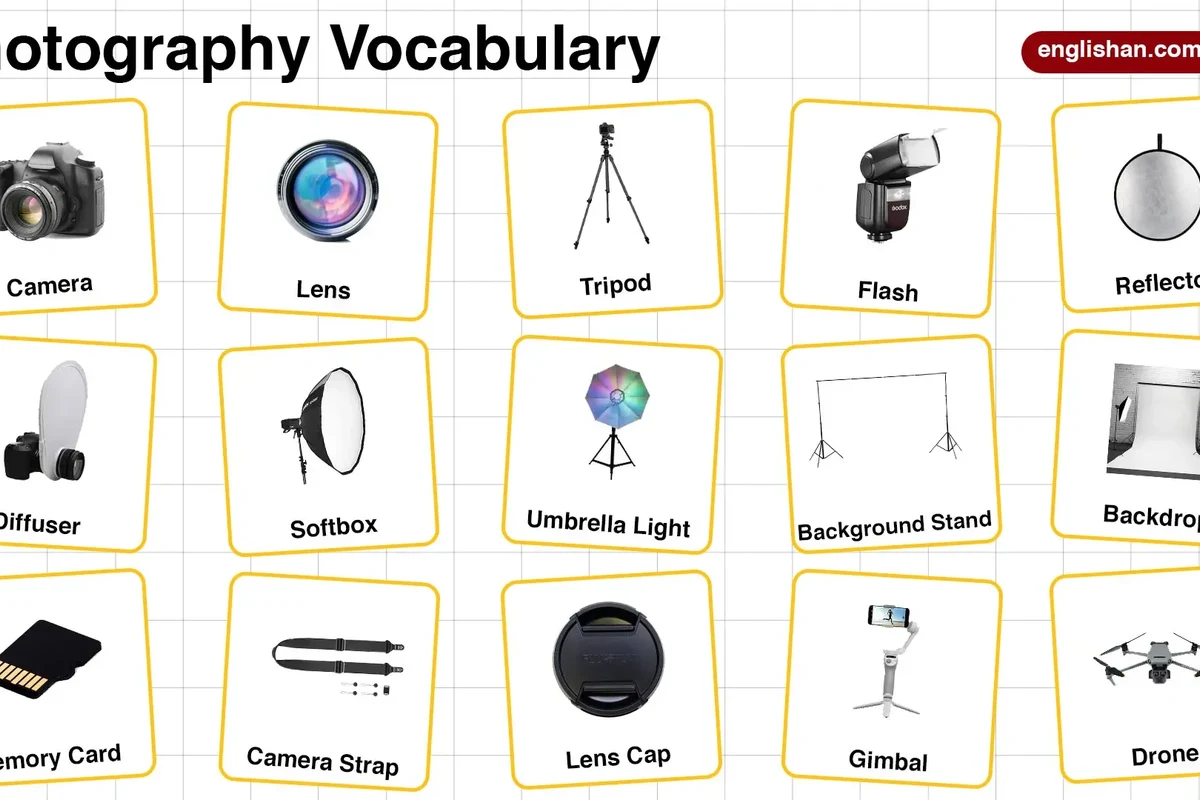
The most useful camera words are the ones that explain brightness, motion, focus, and image quality. Start with aperture, shutter speed, ISO, focal length, autofocus, sensor size, and dynamic range, then add smart home terms like field of view, night vision, motion detection, and storage options.
What “Camera Words” Actually Mean in 2026

“Camera words” is a simple way to describe the photography and imaging terms that manufacturers use to explain how a camera performs. Some terms describe creative controls, some describe hardware, and others describe smart features or security functions that vary by model and app.
How photography terms map to real camera performance
Camera language is basically a shortcut for trade-offs. A wider aperture can brighten an image and blur the background, a faster shutter can freeze motion, and a larger sensor usually gives you more flexibility in low light and editing.
Why beginners, hobbyists, and smart home users should learn them
Beginners avoid confusion when they understand the basics. Hobbyists make better choices when comparing cameras, and smart home users can judge whether a doorbell cam or indoor camera really fits a hallway, porch, nursery, or apartment layout.
When a spec sounds impressive, ask what it changes in daily use. A feature only matters if it improves brightness, focus, coverage, storage, or convenience for your space.
Exposure Basics: The Core Camera Words Every Photographer Needs
Exposure is the foundation of photography because it controls how bright or dark your image looks. The three terms that matter most are aperture, shutter speed, and ISO, and they work together rather than independently.
Aperture, shutter speed, and ISO explained simply
Aperture is the opening inside the lens. A wider opening lets in more light and often creates a softer background, while a narrower opening lets in less light and can keep more of the scene sharp.
Shutter speed is how long the camera sensor is exposed to light. Faster shutter speeds help freeze action, while slower speeds can brighten a scene but make motion blur more likely.
ISO is the camera’s light sensitivity setting. Higher ISO can help in darker rooms, but it often adds more noise or grain, especially on smaller sensors or budget cameras.
How these settings affect brightness, motion, and image noise
These three settings are the main balance points in photography. If you brighten a photo with aperture or ISO, you may reduce motion blur or increase blur in the background; if you use a slower shutter, you may capture more light but also risk blur from hand movement or moving subjects.
Common beginner mistakes when balancing exposure
A common mistake is assuming auto mode always chooses the best result. Another is raising ISO too far when a small lighting change, steadier hand, or slower subject would have worked better.
People also confuse brightness with quality. A bright photo can still look soft, noisy, or washed out if the exposure settings do not match the scene.
If you are shooting with a phone or camera in low light, avoid unsafe positioning just to get a shot. Do not lean over railings, step into traffic, or block pathways for a better angle.
Lens and Focus Terms That Change Image Quality
Lens words tell you how a camera sees the world, while focus words tell you how sharply it captures a subject. These terms matter whether you are photographing family, pets, products, travel scenes, or a front porch for a smart home setup.
Focal length, zoom, prime, and macro
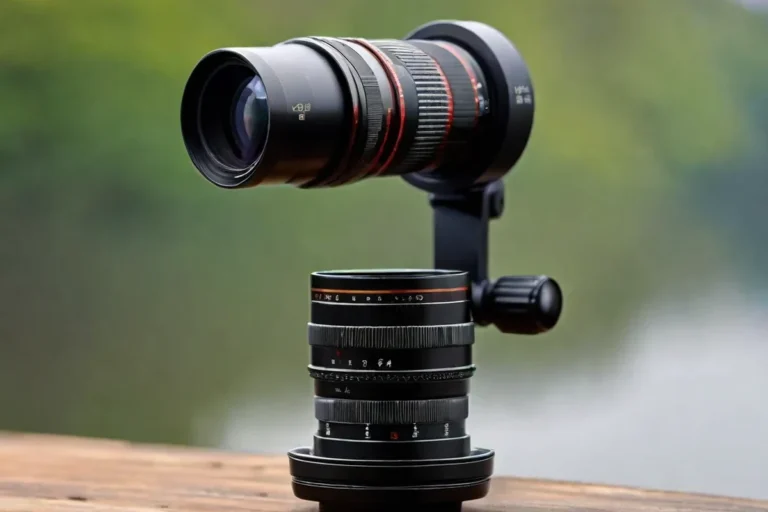
Focal length affects how much of the scene fits in the frame and how close the subject appears. Shorter focal lengths usually capture wider scenes, while longer focal lengths make distant subjects look larger.
Zoom means the lens can change focal length. Prime lenses do not zoom, but they often trade flexibility for simpler design, and macro lenses are built for close-up detail like flowers, textures, or small objects.
Autofocus, manual focus, and subject tracking
Autofocus lets the camera choose focus for you, which is useful for everyday shooting. Manual focus gives you more control, especially for close-up work, product shots, or tricky lighting, while subject tracking helps keep moving people, pets, or vehicles sharp.
Depth of field and bokeh: when blur helps the shot
Depth of field describes how much of the image appears sharp from front to back. Bokeh is the look of the blurred background, and it can help a subject stand out, but too much blur can hide context in a room or make a security image less useful.
Field of view and focal length are related but not identical: one describes what the camera captures, while the other describes the lens setting that helps determine it.
Sensor and Image Quality Words to Compare Cameras Better
Specs can look technical, but a few sensor and file-format terms explain most of the difference between an average camera and a more flexible one. These are especially useful when comparing phones, mirrorless cameras, action cams, and indoor security cameras.
Sensor size, resolution, dynamic range, and low-light performance
Sensor size affects how much light the camera can gather. Larger sensors often handle low light and detail better, though real results still depend on the lens, processing, and camera design.
Resolution tells you how many pixels the camera captures, but more pixels do not automatically mean better photos. Dynamic range is the camera’s ability to keep bright highlights and dark shadows visible at the same time, which matters in windows, sunsets, and high-contrast rooms.
Low-light performance is the practical result of sensor size, lens brightness, processing, and noise control. It is one of the most useful terms to compare because many cameras look great in daylight but struggle at night.
File formats like JPEG, RAW, and HEIF
JPEG is widely compatible and easy to share, but it compresses image data. RAW keeps more information for editing, which helps if you want stronger control over color, exposure, and detail.
HEIF is another format used on some devices and can offer efficient storage with good image quality, but compatibility depends on your phone, computer, and software. If you edit across devices, check support before relying on it.
What specs matter most for everyday photos versus serious editing
For casual photos, focus on autofocus, low-light performance, battery life, and easy sharing. For serious editing, prioritize RAW support, dynamic range, color control, and a lens or sensor setup that preserves detail without heavy noise reduction.
Smart Home Camera Words You’ll See on Security and Doorbell Specs
Smart home cameras use many of the same imaging terms, but the buying decision also depends on connectivity, storage, and installation. The best camera words here help you judge coverage, alerts, and reliability instead of just image sharpness.
Resolution, field of view, night vision, and motion detection
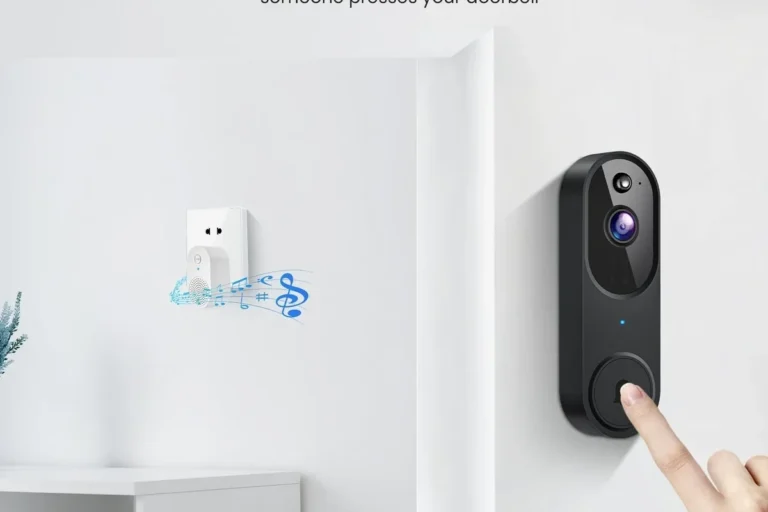
Resolution tells you how detailed video may be, while field of view tells you how wide an area the camera can cover. A wide view can reduce blind spots, but it may make faces or license plates harder to identify at a distance.
Night vision usually refers to infrared or low-light imaging that helps the camera see after dark. Motion detection can trigger alerts or recordings, but the quality of those alerts depends on the camera’s software, sensitivity settings, and placement.
Wi-Fi bands, app requirements, cloud storage, and local storage
Wi-Fi band support matters because connection quality affects live view, notifications, and uploads. App requirements also matter because some cameras need a specific app, phone OS version, or account setup before they work properly.
Cloud storage usually means recordings are saved online through a subscription or vendor service, while local storage means footage is stored on a card, hub, or recorder. Each option has trade-offs in convenience, cost, privacy, and retention length, and those details vary by model and region.
Power options, installation basics, and weather resistance terms
Power words tell you whether a camera is battery-powered, wired, plug-in, or PoE-compatible, depending on the model. Installation terms such as mount type, angle adjustment, and wiring requirements matter because the best camera on paper can still be awkward for your doorway, wall, or ceiling.
Weather resistance is important for outdoor cameras, but ratings and claims differ by model. Always confirm the manufacturer’s guidance for outdoor placement, temperature limits, and any included seals or mounting hardware.
How to Choose the Right Camera Words to Focus on for Your Needs
You do not need to master every camera term. The smartest approach is to focus on the words that match your use case, because a travel creator, a parent, a remote worker, and a smart home buyer all need different things.
Best terms for phone users, beginners, creators, and smart home buyers
Phone users should learn aperture, HDR, image stabilization, and low-light performance. Beginners should focus on shutter speed, ISO, autofocus, and sensor size.
Creators usually benefit from RAW, focal length, dynamic range, and subject tracking. Smart home buyers should prioritize field of view, night vision, motion detection, power options, app support, and storage type.
Specifications and decision criteria worth prioritizing in 2026
In 2026, the most useful decision criteria are still practical ones: image quality in your real lighting, dependable connectivity, easy maintenance, and software support that matches your devices. If a camera has advanced specs but a weak app or awkward setup, it may be less useful than a simpler model.
Also confirm firmware update support, privacy settings, warranty terms, and whether the camera integrates with the smart home platform you already use. Those details often matter more than one extra feature on the spec sheet.
Limitations, trade-offs, and where marketing language can mislead
Marketing can make every camera sound exceptional, but words like “AI,” “enhanced,” or “pro-grade” are not standardized. Ask what the feature actually does, whether it depends on a subscription, and whether it changes performance in a way you will notice.
- Match the spec to the room, subject, or outdoor area you want to capture.
- Check app store reviews, manual updates, and compatibility lists before buying.
- Prefer clear terms like sensor size, field of view, and storage type over vague marketing phrases.
Common Mistakes, Safe Use, and Care Tips for Better Results
Even good camera words will not help if the setup is off. A few simple habits can improve photo quality, reduce frustration, and help smart home cameras stay reliable longer.
Overusing auto mode, ignoring lighting, and misunderstanding zoom
Auto mode is convenient, but it can choose settings that are safe rather than ideal. Learning when to adjust exposure or focus manually gives you more control in low light, backlit rooms, and fast-moving scenes.
Another mistake is treating digital zoom like optical zoom. Digital zoom crops the image, which can reduce detail, while optical zoom uses the lens itself to bring the subject closer.
Storage, cleaning, battery care, and weather-related precautions
For cameras and smart home devices, keep storage clean and organized so you can find clips or photos when needed. Clean lenses with proper microfiber materials and follow the manufacturer’s guidance for sensor cleaning, since rough handling can damage coatings or delicate parts.
For battery-powered models, charge only with approved accessories and stop using damaged cables, swollen batteries, or overheating chargers. For outdoor cameras, check seals, mounts, and cable routing after storms or temperature swings.
Stop using damaged electronics, swollen batteries, frayed cables, overheating chargers, or unstable mounts and follow the manufacturer’s guidance.
Final recommendation: the most useful camera words to learn first
If you only learn a few camera words, start with aperture, shutter speed, ISO, autofocus, focal length, sensor size, field of view, and storage type. Those terms explain most of the differences you will notice in real photos, real homes, and real buying decisions.
Frequently Asked Questions
Start with aperture, shutter speed, ISO, autofocus, and focal length. Those terms explain most of the photo quality changes you will notice right away.
Resolution is the number of pixels captured, while sensor size is the physical imaging area. A higher pixel count does not always beat a larger sensor for low light or dynamic range.
Field of view tells you how much of a room, porch, or driveway the camera can cover. A wider view can reduce blind spots, but it may make distant details harder to identify.
JPEG is easiest for sharing, RAW is best for editing flexibility, and HEIF can save space on supported devices. Check compatibility with your phone, computer, and editing software before choosing.
Look at aperture, ISO, sensor size, and low-light performance. Those terms have the biggest impact on how well a camera handles darker rooms or evening scenes.
Ask what the feature changes in real use and whether it depends on an app or subscription. Clear specs like storage type, field of view, and sensor size are usually more useful than vague claims like enhanced or pro-grade.