Is a 65w Charger Enough for a Laptop
Yes, a 65W charger is enough for many thin-and-light laptops, Chromebooks, and productivity notebooks. It is usually not enough for gaming or workstation laptops that need higher-wattage power under load.
If your laptop is a thin-and-light model, a 65W charger is often enough. For gaming laptops, mobile workstations, and some larger creator machines, 65W may charge slowly, hold the battery steady only during light use, or fall short entirely.
In 2026, the safest answer is still to check the laptop’s official power requirements rather than relying on the connector shape alone. A USB-C plug does not automatically mean every charger will provide the right power.
- Best fit: 65W suits efficient laptops that support USB-C charging at that level.
- Not universal: Gaming and creator laptops often need more power than 65W.
- Check the cable: A poor or underrated cable can limit charging speed and reliability.
- Verify the port: Not every USB-C port on a laptop accepts charging input.
Is a 65W Charger Enough for a Laptop? Quick Answer and What It Means
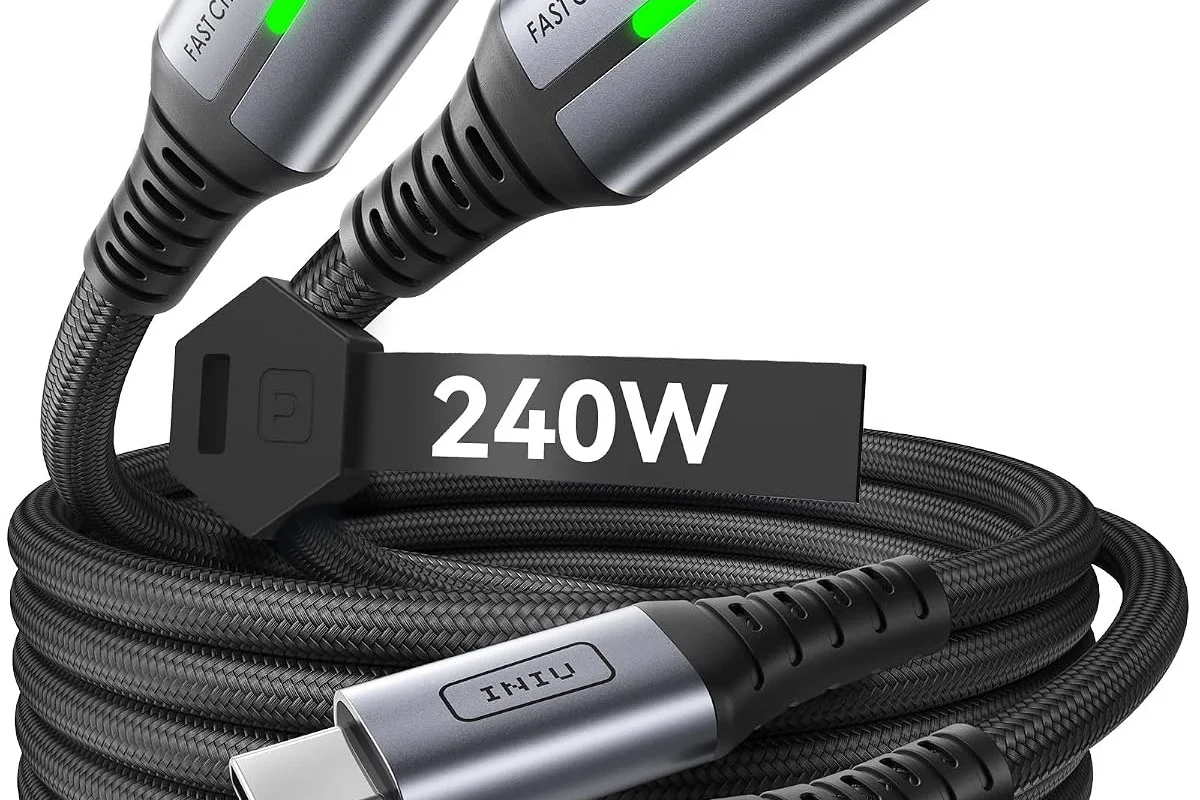
A 65W charger is enough for many everyday laptops, especially ultrabooks, Chromebooks, and compact productivity notebooks. It is also a very common travel charger size because it balances portability with enough power for light to moderate use.
That said, “enough” can mean different things. For some laptops, 65W is enough to charge normally while the system is idle, but not enough to keep the battery from slowly dropping during intensive tasks like gaming, video editing, software builds, or 3D work.
Manufacturer charging support can vary by model, region, firmware, and even by which USB-C port you use. Always confirm the exact power input in the laptop manual or official spec sheet.
How Laptop Charging Power Works in 2026
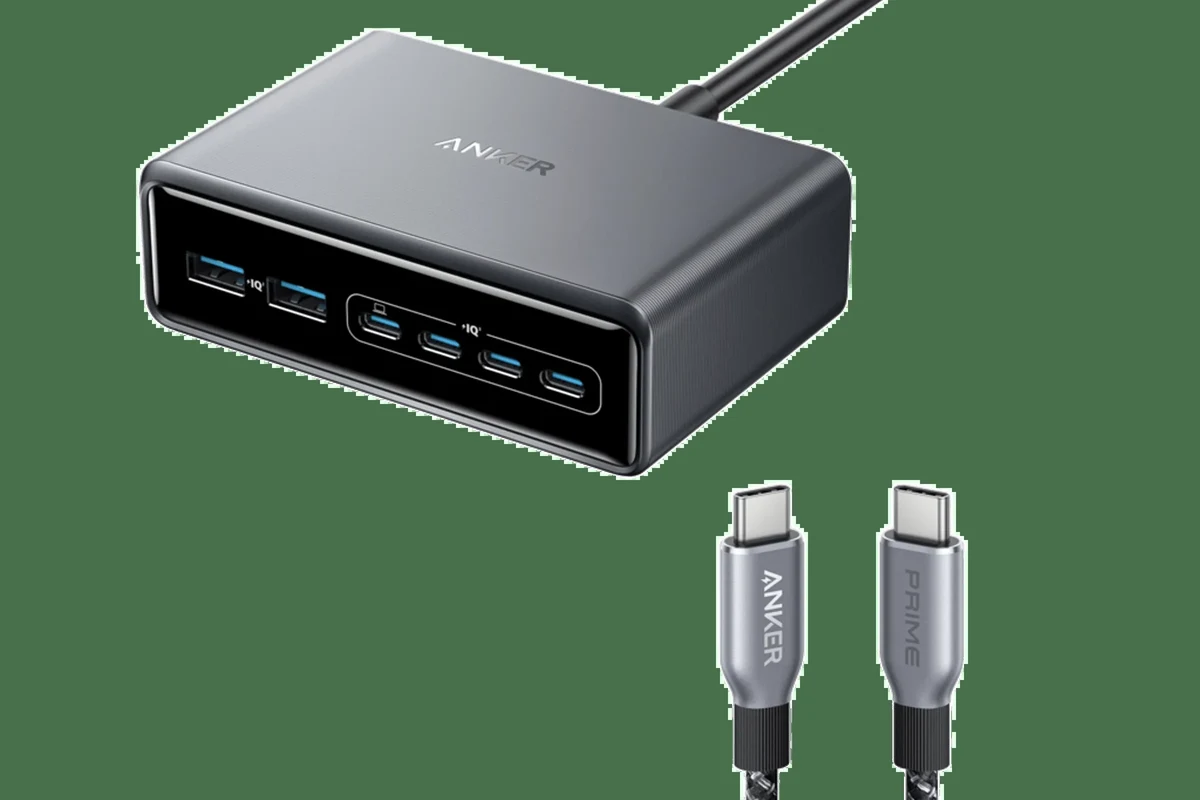
Laptop charging is mostly about matching the power the machine can accept with the power the charger can safely provide. The charger does not “force” power into the laptop; instead, the laptop and charger negotiate a supported level.
Wattage, voltage, and amperage explained simply
Wattage is the total power available. Voltage is the electrical pressure, and amperage is the current flow. The basic formula is watts = volts × amps, so a charger can reach 65W through different combinations of voltage and current.
For buyers, the key point is not just the watt number on the brick. The charger must also support the voltage and charging profile your laptop expects, and the cable must be rated for that power level too.
Many USB-C laptop chargers can share a similar-looking plug while offering very different power profiles. The plug shape alone does not tell you whether the charger is compatible.
Why USB-C Power Delivery matters for modern laptops
USB-C Power Delivery, often called USB-C PD, is the standard that lets laptops and chargers agree on a safe charging level. This matters because a USB-C charger may support multiple output levels, but the laptop will only draw what it recognizes as acceptable.
Some laptops also support PPS, or Programmable Power Supply, which allows finer power adjustments on supported devices. That can improve charging behavior for some hardware, but it is not required for every laptop and does not replace the need to verify compatibility.
Which Laptops a 65W Charger Fits Best
The best match for a 65W charger is usually a laptop built for efficiency rather than raw performance. If the machine is designed around low-power CPUs and integrated graphics, 65W is often the right class of charger.
Ultrabooks, Chromebooks, and slim productivity laptops
These are the easiest laptops to pair with a 65W charger. They typically have lower power demands, smaller batteries, and charging systems intended for portability and all-day work.
For students, remote workers, and travelers, a 65W charger is often a practical sweet spot. It is usually compact enough for a bag while still providing enough headroom for web browsing, office apps, video calls, and light multitasking.
MacBook, Windows, and Linux laptop compatibility checks
Compatibility depends on the exact model, not just the operating system. Some MacBook models are happy with 65W or lower for normal charging, while others may support higher wattage for faster charging or better performance under load.
Windows and Linux laptops vary even more. One model may charge perfectly over USB-C at 65W, while another may require a proprietary adapter or a higher-wattage USB-C PD profile to avoid slow charging warnings.
- Check the laptop’s official input wattage and supported charging methods.
- Confirm whether charging works through every USB-C port or only specific ones.
- Verify the cable is rated for the same or higher wattage as the charger.
- Review warranty, return policy, and safety guidance before switching power adapters.
When 65W is not enough for gaming or workstation machines
Gaming laptops, mobile workstations, and high-performance creator laptops often need far more than 65W, especially when the CPU and GPU are under load at the same time. In these cases, a 65W charger may still keep the battery from dying during very light use, but it is unlikely to be the best full-power solution.
Some performance laptops can technically charge from USB-C at lower wattage while turned off or idle, but then switch to their larger proprietary charger for full-speed operation. If your laptop came with a much larger brick, that is a strong clue that 65W may be only a backup option.
Key Specs to Check Before You Buy or Use a 65W Charger
The number on the charger is only the starting point. Cable quality, connector type, and supported charging profiles can make the difference between reliable charging and frustrating slow-charge behavior.
Rated wattage, cable quality, and connector type
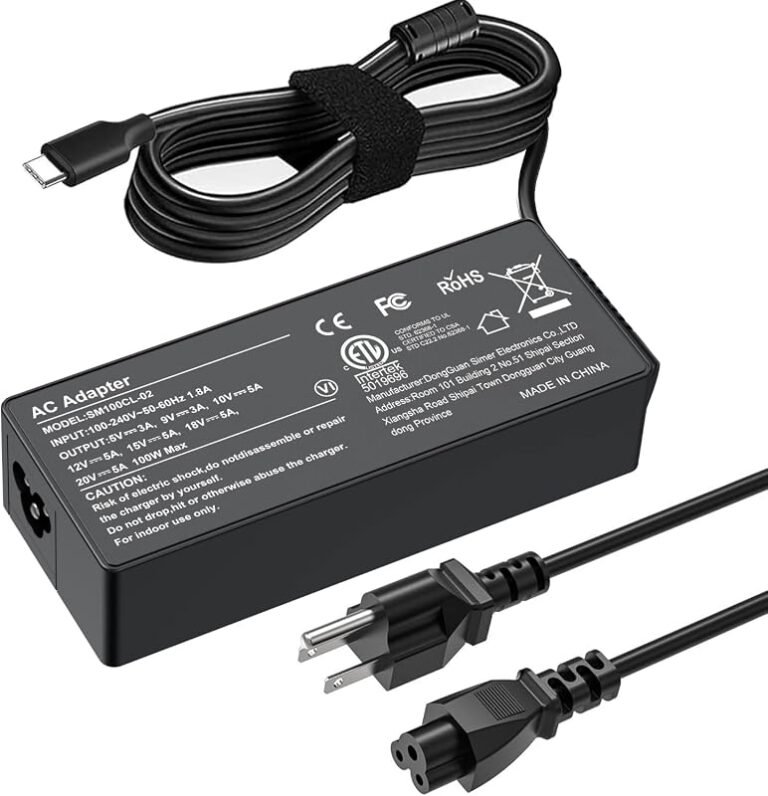
Make sure the charger’s rated output is truly 65W or higher on the port you plan to use. If the charger has multiple ports, the available wattage may drop when several devices are connected at once.
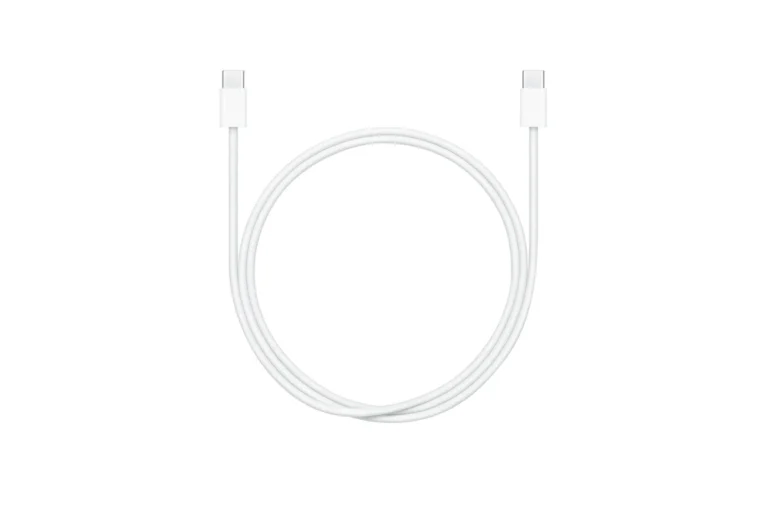
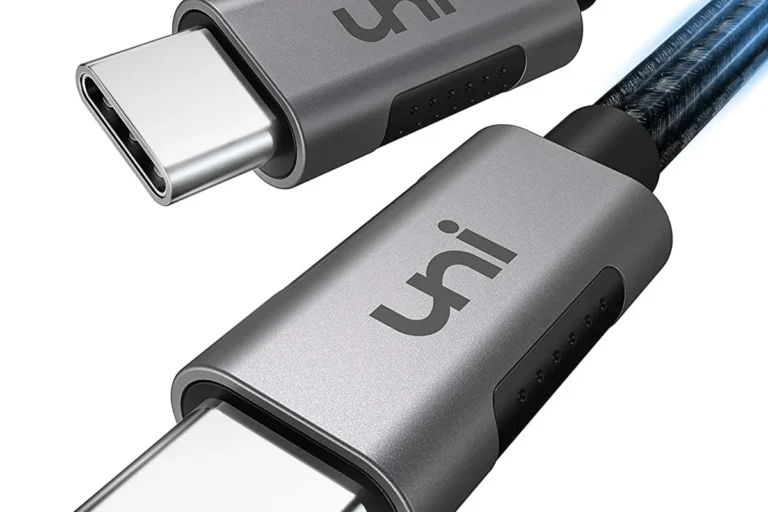
Also check the cable. A low-quality or underrated USB-C cable can limit charging speed, trigger disconnects, or create excess heat. For laptops, it is usually wise to use a cable explicitly rated for the power level you need.
Power Delivery profiles, PPS support, and manufacturer requirements
Look for supported USB-C PD profiles in the charger specs, not just the total wattage. A laptop may require a certain voltage level, and a charger that cannot provide it may charge slowly or not at all.
If the laptop maker lists a recommended charger wattage, treat that as the safest reference. Third-party chargers can be perfectly fine when properly certified and compatible, but the official manual remains the best source for what the device expects.
Heat, efficiency, and safety certifications to look for
Any charger can run warm, but excessive heat is a warning sign. Better efficiency usually means less wasted energy and less heat during normal use, though real-world temperature also depends on room conditions and load.
Look for recognized safety certifications that are valid for your region, and verify them with the manufacturer rather than assuming a logo is enough. If a charger is missing basic safety information, has vague labeling, or feels unusually hot, do not keep using it until you have confirmed it is legitimate and safe.
Stop using a charger or cable if it shows fraying, exposed conductors, melted plastic, sparking, odor, or intermittent power loss. Heat, damage, and poor-quality accessories can create a fire or shock risk.
Real-World Benefits and Trade-Offs of a 65W Laptop Charger
A 65W charger is popular because it often gives you enough power without the bulk of a larger adapter. That makes it appealing for commuting, travel, and desk setups where you want one charger for a bag, office, and home.
Portability, travel convenience, and faster charging for light-use laptops
For efficient laptops, 65W can be a very good middle ground. It is usually strong enough for everyday charging while remaining compact enough to carry regularly.
It can also reduce the need to pack a heavier proprietary charger for many light-use systems. That is especially useful for students, remote workers, and travelers who want a simple one-charger setup for a laptop and other USB-C devices.
- Good balance of size and charging power
- Often suitable for ultrabooks and productivity laptops
- Convenient for travel and shared USB-C setups
- May be too weak for gaming or workstation laptops
- Charging speed can drop under heavy use
- Compatibility depends on the exact laptop and cable
Performance limits under heavy workloads and battery drain while plugged in
When a laptop is working hard, it may draw more power than a 65W charger can provide. In that case, the battery can slowly drain even though the charger is connected, especially if the screen is bright, the CPU is busy, and peripherals are attached.
This does not always mean the charger is defective. It often means the laptop is simply demanding more power than the adapter can supply at that moment.
How charging speed changes during sleep, standby, and active use
Charging is usually fastest when the laptop is asleep or powered off, because the system is not spending much energy on active tasks. In standby or low-power modes, charging may still be efficient, but it depends on the laptop’s background activity and power settings.
During active use, especially with video calls, gaming, editing, or many browser tabs open, charging speed may slow noticeably. Some laptops may still charge, but at a reduced rate compared with idle conditions.
Common Mistakes People Make with 65W Chargers
Most charger problems come from compatibility assumptions, not from the 65W rating itself. A charger that should work can still fail to perform well if the cable, port, or power profile is wrong.
Using the wrong cable or a low-quality adapter
A weak cable can bottleneck charging even when the adapter itself is capable. Cheap or worn cables may also disconnect intermittently, which can make the laptop repeatedly switch between charging and not charging.
If you need dependable charging, use a cable that matches the charger’s power rating and is from a reputable source. This matters even more for laptops than for phones because the power demand is higher and the consequences of poor accessories are more noticeable.
Assuming every USB-C port supports full charging power
Some laptops only accept charging through specific USB-C ports. Others may allow charging through more than one port but at different speeds or with different limitations.
Likewise, some USB-C ports support data or display output but not power input. The laptop manual or manufacturer support page is the best place to confirm which port does what.
Ignoring signs of wear, overheating, or intermittent charging
If a charger gets much hotter than usual, repeatedly disconnects, or only works when the cable is bent a certain way, it should be inspected. These are not normal quirks to ignore.
Intermittent charging can damage the user experience and may also point to a deeper safety issue. When in doubt, replace the cable first if it is the removable part, and then reassess the adapter and laptop port.
Safe Use, Inspection, and Replacement Guidance
Good charger care is simple: keep it clean, avoid strain on the cable, and stop using anything damaged. This protects both the laptop and the charger.
How to inspect the charger, cable, and port for damage
Look for fraying, kinks, cuts, exposed wire, or bent connector ends before plugging in.
Watch for cracked plastic, discoloration, loose prongs, or unusual heat around the ports.
Check for dust, bent pins, looseness, or debris that could interrupt a stable connection.
When to replace a charger or cable for safety and reliability
Replace the cable or charger if charging becomes inconsistent, the connector feels loose, or the adapter no longer provides expected power. If the charger is old and the manufacturer has issued a recall or safety notice, follow the official guidance immediately.
It is also worth replacing accessories if they no longer meet your laptop’s needs. A charger can be technically functional and still be the wrong tool for a newer, higher-demand laptop.
Storage, heat management, and daily care tips
Store the charger in a dry place, coil the cable loosely, and avoid wrapping it tightly around the adapter for long periods. Tight bends can stress the cable and shorten its life.
Keep vents and charging areas clear so the charger and laptop can dissipate heat normally. If you use the charger on a bed, couch, or under a pile of papers, heat buildup can become worse than it needs to be.
If you want one charger for travel, choose the model that matches your laptop’s official input requirements and also supports your phone or tablet. That makes a 65W unit more versatile without overcomplicating your bag.
Final Verdict: Is a 65W Charger Enough for Your Laptop?
A 65W charger is enough for many laptops, especially ultrabooks, Chromebooks, and slim productivity machines that are designed around efficient power use. It is also a sensible portable option when you want a compact charger for everyday work and travel.
If your laptop is a gaming model, a creator workstation, or anything that ships with a much larger charger, 65W is often not enough for full-speed performance. In those cases, choose the wattage your manufacturer recommends, or use 65W only if the official documentation says it is supported as a lower-power charging option.
Choose a 65W charger if your laptop officially supports USB-C charging at that level and you want a compact, travel-friendly solution. If the laptop manual calls for more power, or if the machine loses battery while under load, step up to the manufacturer’s recommended wattage.
Frequently Asked Questions
No. USB-C does not guarantee full charging compatibility, and some laptops need a different wattage or a proprietary adapter. Check the official laptop manual or spec sheet before relying on a 65W charger.
Sometimes it may charge slowly or work only during light use, but many gaming laptops need more than 65W for proper performance. If the laptop came with a much larger adapter, 65W is usually not the best primary charger.
Use a USB-C cable rated for the charger’s power level or higher. A weak or low-quality cable can limit charging speed or cause intermittent charging.
Some warmth is normal, especially during active charging. Stop using the charger if it becomes unusually hot, smells burnt, shows damage, or charges inconsistently.
Check the manufacturer’s official specifications, user manual, or support page for the exact input wattage and supported charging standard. Do not rely on the connector shape alone.
Replace it if you see fraying, loose connectors, cracked housing, overheating, or repeated disconnects. Also replace it if your laptop now needs a higher wattage than the charger can provide.