Best Framing Camera Guide for Stunning Shots
A framing camera keeps the subject centered with less manual adjustment, which is especially useful for smart-home monitoring and video calls. The best choice depends on room layout, app quality, compatibility, and how much tracking accuracy you need.
A framing camera is a camera designed to keep a person, pet, or object centered and well-composed in the shot with minimal effort. For smart-home users, the best choice is usually a model that balances reliable auto-framing, solid low-light performance, easy app control, and compatible mounting for the room where it will live.
- Choose by room first: Field of view, placement, and lighting affect framing more than flashy extras.
- Check the app: Stable pairing, privacy controls, and update support matter in everyday use.
- Verify storage options: Cloud and local backup each have cost and convenience trade-offs.
- Expect model differences: Auto-framing, tracking, and notifications can vary by firmware and subscription.
Best Framing Camera Guide for Stunning Shots: What It Is and Who It’s For
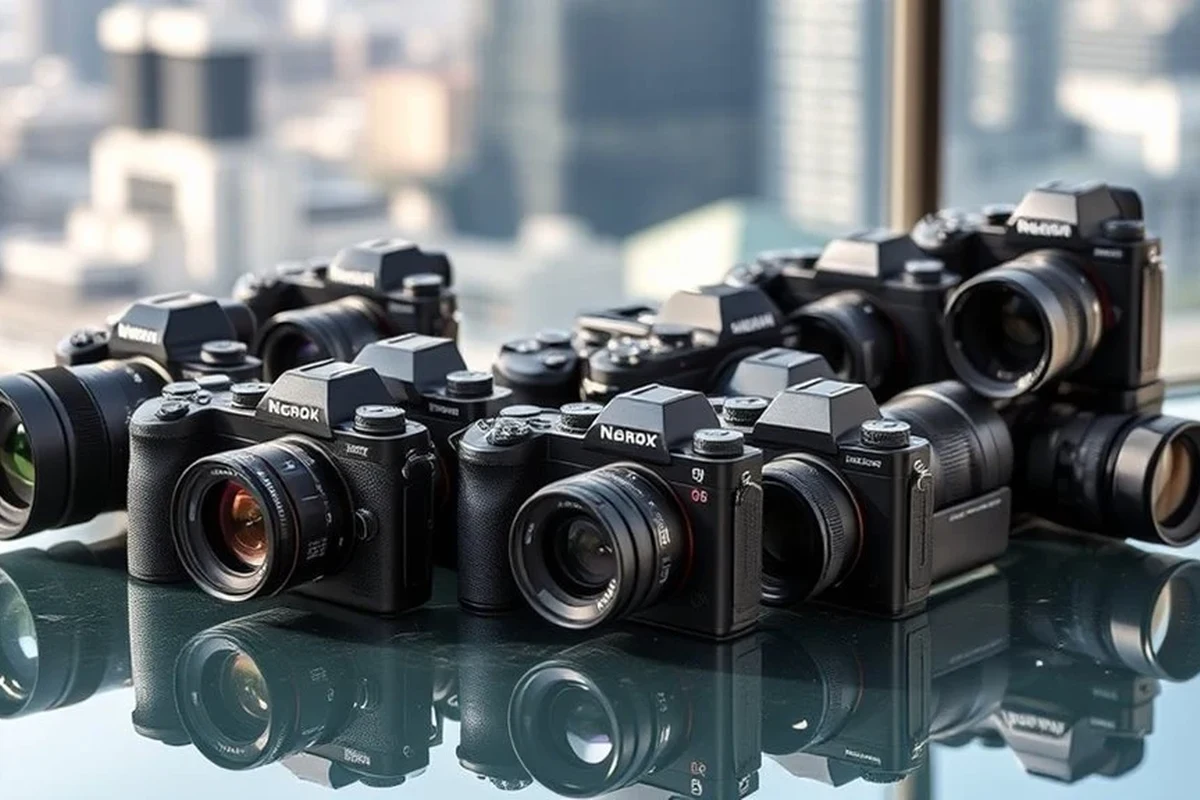
Framing cameras are useful when you want better composition without constantly adjusting the angle or zoom. They can help with home monitoring, video calls, content creation, classroom-style demos, pet watching, and family spaces where the subject moves around the room.
Quick answer: the best framing camera setup for most smart-home users
For most people, the best framing camera is one that offers dependable subject tracking, a wide enough field of view for your room, and an app that is easy to use on your phone or tablet. If you also want it to fit into a smart-home setup, prioritize compatibility with your preferred ecosystem, simple privacy controls, and local or cloud storage that matches how you plan to save footage.
How a framing camera works in everyday use
In practical terms, a framing camera uses a combination of lens coverage, image processing, and sometimes motorized movement or digital tracking to keep the subject in view. Some models physically pan or tilt, while others crop and reframe a wider image in software.
That means the experience can vary a lot by model and firmware. A camera with strong hardware but weak tracking logic may still miss fast movement, while a simpler model with better software may feel more polished in daily use.
Manufacturers may use “framing,” “auto-framing,” “subject tracking,” or “smart follow” to describe similar features, but the exact behavior varies by model and app version.
How to Choose the Right Framing Camera in 2026
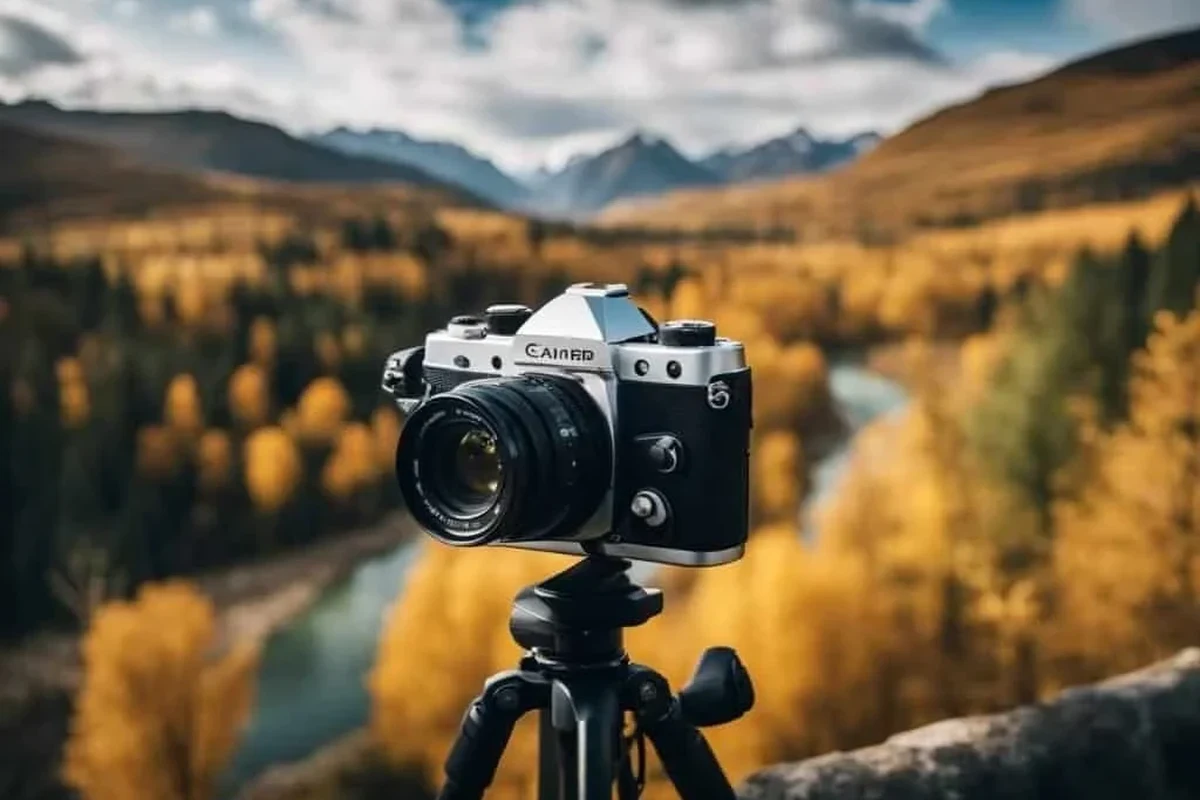
The right framing camera depends on where you plan to place it, what you want it to capture, and how much control you want over the image. The best buying decisions start with room layout and compatibility, then move to image quality and tracking behavior.
Field of view, sensor quality, and frame accuracy
Field of view determines how much of the room the camera can see before it starts cropping or moving. A wider view is usually better for living rooms, play areas, or home offices, while a narrower view can work in smaller spaces where the subject stays close to the camera.
Sensor quality matters because framing only looks good when the image itself is clear. If the sensor struggles with detail, the camera may keep the subject centered but still produce soft or noisy footage.
Resolution, low-light performance, and motion handling
Higher resolution can help with detail, but it is not the only factor that affects a good shot. If compression is aggressive or the lens performs poorly in dim light, the image may still look less useful than a lower-resolution camera with better processing.
Motion handling is especially important for kids, pets, and active rooms. Look for clear manufacturer information about frame rate, motion smoothing, and night vision behavior, then verify whether those features are affected by app settings or subscription tiers.
Connectivity, app support, and smart-home compatibility
Connectivity is one of the most overlooked parts of a framing camera purchase. A camera can have excellent tracking but still be frustrating if the app is slow, the pairing process is unreliable, or the Wi-Fi requirements do not match your home network.
Before buying, check whether the camera works with your phone’s operating system, your preferred smart-home platform, and any voice assistant or automation system you use. Also confirm whether key features require a paid plan, since some brands separate live view, recordings, alerts, and advanced tracking into different tiers.
Dimensions, mounting style, and placement considerations
Physical size matters more than many buyers expect, especially in small apartments, desks, nurseries, and shelves. A camera that is too bulky may block nearby items, sit awkwardly on a monitor, or require a mount that does not fit your surface.
Placement also affects framing quality. Height, angle, and distance from the subject all influence whether the camera can follow movement naturally or ends up cutting off heads, hands, or action near the edge of the frame.
Place the camera slightly above eye level when possible, then test the framing with normal movement instead of only a stationary subject.
Key Features That Matter Most for Stunning Shots
The features that make a framing camera feel “smart” are not always the flashiest ones. In real use, the most valuable tools are the ones that keep the image stable, natural-looking, and easy to manage from the app.
Auto-framing, subject tracking, and composition tools
Auto-framing can be helpful if you move around a lot during calls, streams, or home monitoring. Some cameras keep one subject centered, while others try to follow motion across a room or keep multiple people in view.
Composition tools can include digital zoom, face-aware framing, or predefined modes for desks, rooms, or pets. These features are useful, but they work best when the camera’s detection logic is accurate and the room is not too crowded.
Image stabilization, HDR, and color accuracy
Image stabilization can reduce distracting shake when the camera is mounted on a less rigid surface or when the subject moves quickly. HDR can help in rooms with bright windows and darker corners, though the final result depends on the camera’s processing quality.
Color accuracy matters if you care about natural skin tones, product demos, or clear visual detail. A camera that over-sharpens or oversaturates may look impressive at first glance but less trustworthy for everyday use.
Audio pickup, privacy controls, and notification settings
Many buyers focus on video first, but audio pickup can be just as important for calls, baby monitoring, or pet alerts. Check whether the microphone is intended for close-range conversation or general room pickup, and verify any noise reduction claims in the official documentation.
Privacy controls should be easy to find and simple to use. Look for manual lens covers, scheduled disable modes, activity zones, and notification settings that let you reduce noise without missing meaningful events.
For privacy-sensitive areas, use the camera only where it is appropriate and follow the manufacturer’s guidance for disabling, covering, or restricting access. Review app permissions and account security settings before placing the device in a shared home.
Storage options, cloud plans, and local backup trade-offs
Storage choices affect both convenience and long-term cost. Cloud plans may offer easier access to clips and alerts, while local storage can be a better fit for users who want less recurring expense or more direct control.
Neither option is automatically better. The right answer depends on how often you need recordings, whether you want remote access, and how much you trust the brand’s app, subscription structure, and retention policy.
- Cloud storage is convenient for remote viewing and quick clip access
- Local backup can reduce ongoing fees and keep footage on-site
- Cloud plans may add recurring costs or feature limits
- Local storage can be easier to misplace, overwrite, or manage manually
Setup Guide: Getting the Best Results from a Framing Camera
Most framing problems start with setup, not the camera itself. A careful installation can make a midrange model feel much better than a poorly placed premium one.
Unboxing checks, power requirements, and cable quality
Start by checking what is included in the box and whether any required accessories are missing. For powered cameras, confirm the adapter type, cable length, and any manufacturer limits on replacement cables or third-party power supplies.
- Camera unit and mount
- Power adapter or charging cable, if required
- Quick-start guide and safety paperwork
- Any screws, adhesive, or bracket parts for installation
Stop using damaged cables, cracked housings, loose mounts, or overheating adapters and follow the manufacturer’s guidance before reconnecting power.
App installation, account setup, and Wi-Fi pairing
Install the official app from the correct app store listing and review the permissions it requests. Use a strong password and enable two-factor authentication if the brand supports it.
During pairing, make sure your Wi-Fi band and router settings match the camera’s requirements. Some cameras work best on a specific band or need a stable connection during setup, so a failed pairing is often a network issue rather than a defective unit.
Confirm the camera’s Wi-Fi requirements and keep the phone close to the router during initial setup.
Use the official app store listing and review privacy, notification, and update settings.
Follow the app prompts slowly and avoid moving the camera until the setup is finished.
Ideal placement height, angle, and room positioning
The best position depends on the room, but a stable mount and a clear line of sight usually matter more than perfect symmetry. Try to avoid placing the camera where bright windows, reflective surfaces, or moving objects can confuse framing.
If the camera is meant for a desk or shelf, leave enough room for airflow and cable routing. If it is wall-mounted, confirm the bracket is secure and that the camera can still tilt or pan without hitting nearby objects.
Test framing with real movement patterns, such as walking across the room or sitting down and standing up, before settling on the final position.
Common setup mistakes that reduce framing quality
One common mistake is mounting the camera too low, which can distort the view and make the subject disappear when they move. Another is placing it too far from the action, which can make tracking feel delayed or overly cropped.
Poor lighting, unstable Wi-Fi, and cluttered backgrounds can also make the framing system work harder than it should. If the camera keeps “hunting” for a subject, the issue may be the environment rather than the hardware.
Real-World Benefits and Limitations
Framing cameras can be genuinely helpful, but they are not magic. Their usefulness depends on how predictable your room is, how much motion you expect, and how much you value automation over manual control.
Best use cases for home monitoring, video calls, and content capture
These cameras are especially useful for home monitoring where you want a person, pet, or doorway to stay in frame without constant adjustment. They also work well for video calls, livestreams, recipe demos, craft tutorials, and other situations where the subject moves but should remain visually centered.
For creators, the biggest benefit is consistency. A framing camera can reduce the need to stop and reposition the shot, which makes routine recording feel smoother and less technical.
Where framing cameras fall short compared with standard cameras
Framing cameras may not be the best choice if you want full manual control, cinematic composition, or the highest possible image quality. A standard camera can still outperform a framing model in raw detail, lens flexibility, and creative control.
They can also struggle in very busy rooms, low light, or scenes with multiple moving subjects. In those cases, the automation may become less predictable than a simpler fixed camera.
Evidence limits when comparing specs versus real performance
Manufacturer specs are useful, but they do not fully predict real performance. A camera’s success depends on app behavior, firmware updates, router stability, room lighting, and how the tracking algorithm handles your specific environment.
That is why it is smart to compare the official manual, app store reviews, compatibility list, and warranty terms before making a decision. If current features or subscriptions matter to you, confirm them directly with the manufacturer or retailer before buying.
- Specs matter, but room layout and app quality often determine whether framing feels smooth.
- Auto-framing works best in predictable spaces with good lighting and stable Wi-Fi.
- Check storage, privacy controls, and compatibility before focusing on image quality alone.
Safety, Maintenance, and Storage Tips
Like any connected home device, a framing camera lasts longer and works better when it is kept clean, updated, and placed thoughtfully. Maintenance is usually simple, but it should still be done carefully.
Safe use around children, pets, and privacy-sensitive spaces
Keep cables out of reach where possible and avoid placing the device where it can be pulled down or knocked over. In nurseries, bedrooms, and shared rooms, review the privacy features carefully and make sure everyone in the household understands when the camera is active.
If pets are likely to bump the mount or chew cables, choose a safer location or a more secure mounting method. The best setup is one that stays stable without creating a hazard.
Cleaning the lens, housing, and mounts without damage
Use a soft, dry microfiber cloth for the lens and exterior surfaces unless the manual says otherwise. Avoid harsh cleaners, abrasive cloths, or excess moisture, especially near ports, seams, and microphones.
Check the mount periodically for dust, looseness, or wear. A secure mount helps preserve framing accuracy and reduces the chance of accidental movement.
Heat management, inspection routines, and replacement guidance
Some cameras and adapters warm up during normal use, but excessive heat is a warning sign. If the device becomes unusually hot, smells burnt, or behaves erratically, stop using it and consult the manufacturer’s support guidance.
Inspect the camera and cable regularly for fraying, cracking, or loose connections. Replace damaged accessories promptly rather than trying to keep them in service.
Storage, firmware updates, and long-term care
If you store the camera between uses, keep it in a dry place away from dust and direct sunlight. Before long-term storage, power it down according to the manual and avoid bending cables tightly around the device.
Firmware updates can improve stability, compatibility, and tracking behavior, but they should be installed from the official app or vendor instructions only. It is also wise to review update notes so you know whether a new version changes privacy settings, recording behavior, or supported devices.
Top Buying Criteria, Value, and Final Recommendation
The best framing camera is the one that fits your room, your network, and your comfort level with app-based features. Value comes from reliability and ease of use, not from the longest spec sheet.
Who should buy a framing camera and who should skip it
Buy one if you want automatic composition for video calls, home monitoring, pet watching, or simple content capture and you do not want to keep adjusting the camera manually. It is especially appealing for users who want convenience more than creative control.
Skip it if you need a fully manual camera, professional-grade imaging, or a setup that works without relying on an app or cloud service. A standard fixed camera may be a better fit if your room is already well positioned and you do not need tracking.
Warranty details, durability expectations, and cost-to-value balance
Warranty and durability matter because connected cameras often live in one place for years. Before buying, confirm the warranty length, what it covers, and whether the brand offers software support that matches the device’s expected lifespan.
Cost-to-value is strongest when the camera gives you stable framing, easy setup, and dependable privacy controls without requiring a subscription for basic use. If important features are locked behind a plan, make sure the ongoing cost still feels worthwhile.
Transparent verdict: the best framing camera choice for different needs
Most smart-home users should choose a framing camera with strong app support, dependable auto-framing, and simple privacy controls, because those traits matter more than flashy extras in daily use. If you need advanced creative control or the cleanest possible image, a standard camera or a more manual setup may be the better alternative.
In short, the best framing camera is the one that works reliably in your room and stays easy to manage over time. Confirm the official compatibility list, storage options, and update support before you decide.
Frequently Asked Questions
A framing camera helps keep a person, pet, or object centered in the shot with less manual adjustment. It is useful for home monitoring, video calls, and simple content capture.
Start with field of view, low-light performance, app quality, and smart-home compatibility. Then confirm mounting style, storage options, and privacy controls for your room and network.
Some features may work without a subscription, but cloud recording, advanced alerts, or premium tracking can require a paid plan. Check the manufacturer’s current feature list before buying.
Place it where it has a clear view of the action, stable power or charging access, and minimal glare or clutter. Slightly above eye level is often a good starting point.
Clean the lens with a soft microfiber cloth, inspect cables and mounts regularly, and keep firmware updated through the official app. Stop using the device if you notice damage or overheating.
Choose a framing camera if you want automatic subject tracking and easier setup for everyday use. Choose a standard camera if you want more manual control or do not need tracking features.