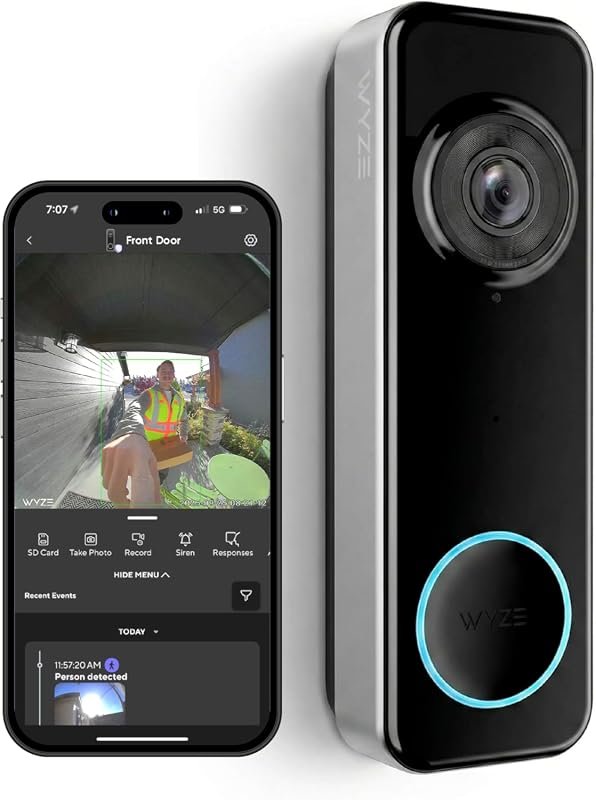
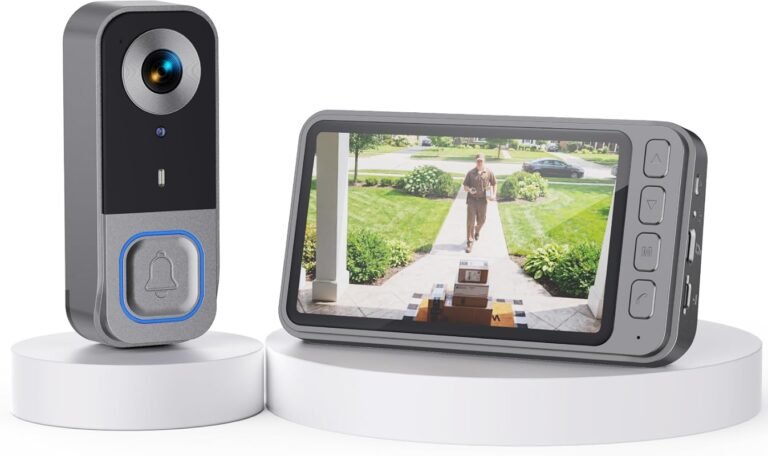
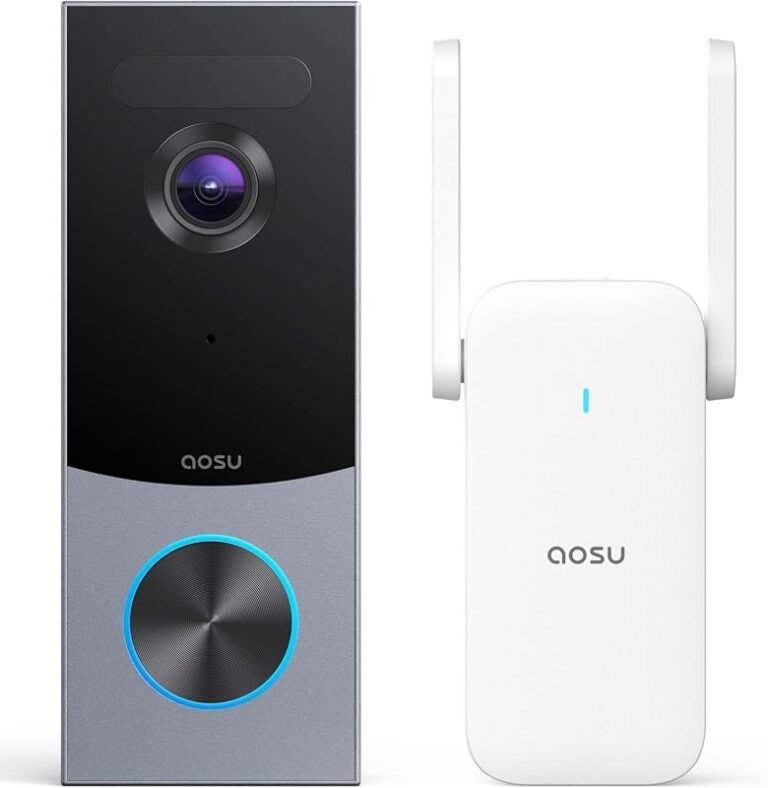
Can You Have a Video Doorbell Without WiFi Find Out
Yes, you can have a video doorbell without WiFi if the model supports local recording or another connection method. Just know that remote viewing, alerts, and cloud features are often limited or unavailable.
If you’re asking can you have a video doorbell without WiFi, the short answer is yes—but only certain models and only with some trade-offs. In many cases, “without WiFi” means the doorbell can still record locally or use another connection method, but it will not behave like a full cloud-connected smart doorbell.
That distinction matters because shoppers often expect a doorbell camera to work like a traditional doorbell plus a security camera. It can, but the exact experience depends on power, storage, and how the device connects. If you are comparing options, it can also help to review wireless video doorbells, PoE video doorbells, and battery-operated video doorbells to see which connection style fits your home.
- Yes, but with limits: No-WiFi models usually rely on local storage, a hub, Ethernet, or cellular-style connectivity.
- Check the fine print: Many still need WiFi for setup, updates, or app access.
- Best use cases: Cabins, rentals, weak-internet homes, and buyers who prefer local recording.
- Watch the trade-offs: Remote alerts, live view, and cloud backups may be reduced or missing.
Can You Have a Video Doorbell Without WiFi? The Short Answer and What It Really Means
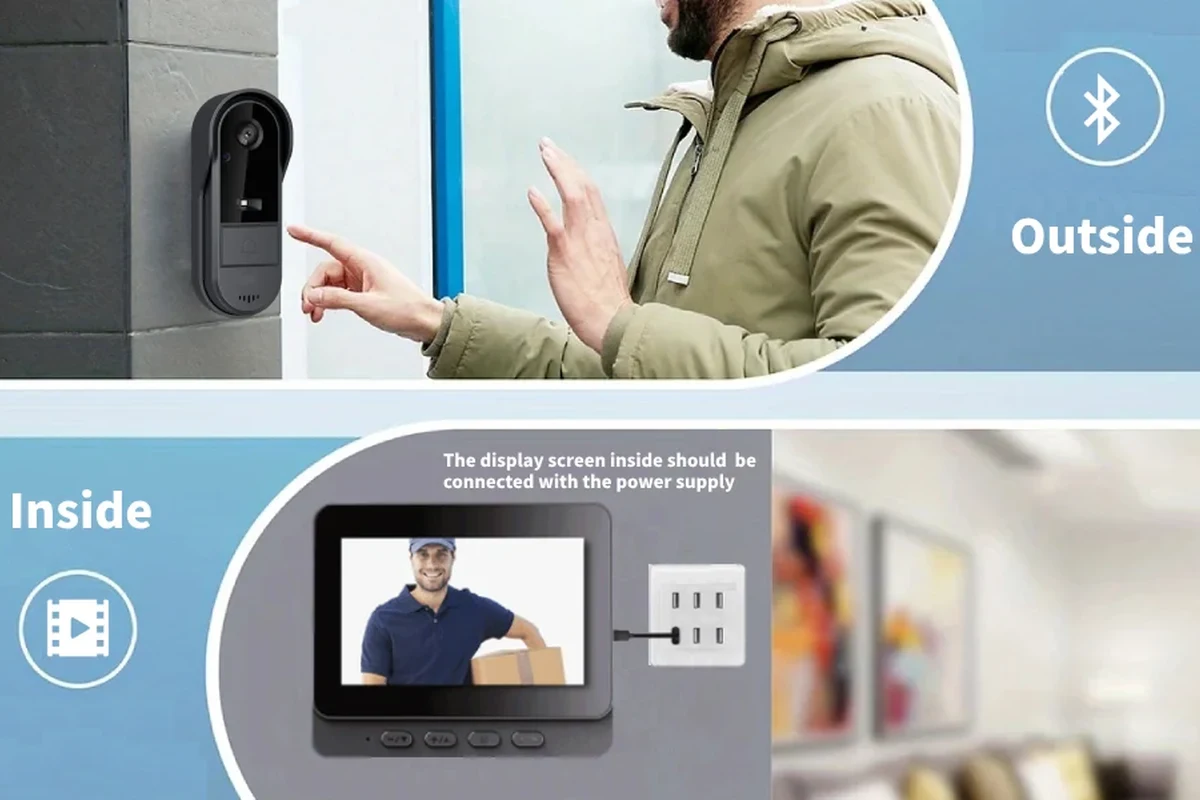
Yes, you can have a video doorbell without WiFi, but the phrase can mean different things. Some models store clips locally on a memory card or internal storage, while others use Ethernet, a hub, or cellular connectivity instead of home WiFi.
The key question is not whether the doorbell has a camera. It is whether it can still save footage, notify you, and let you review events without a live WiFi link to the internet.
Model features vary a lot. Always check the manufacturer’s manual, setup guide, and app requirements before buying, because some “offline-capable” doorbells still need WiFi for initial setup, updates, or remote access.
In practical terms, a no-WiFi doorbell is usually best understood as a device that can function locally. That might mean it rings, records, or stores clips even when the internet is down, but it may not send phone alerts or support cloud playback unless a connection is restored. If you want a broader overview of the category, our guide on whether video doorbells are worth it for home security can help frame the trade-offs.
How Video Doorbells Work When WiFi Is Missing
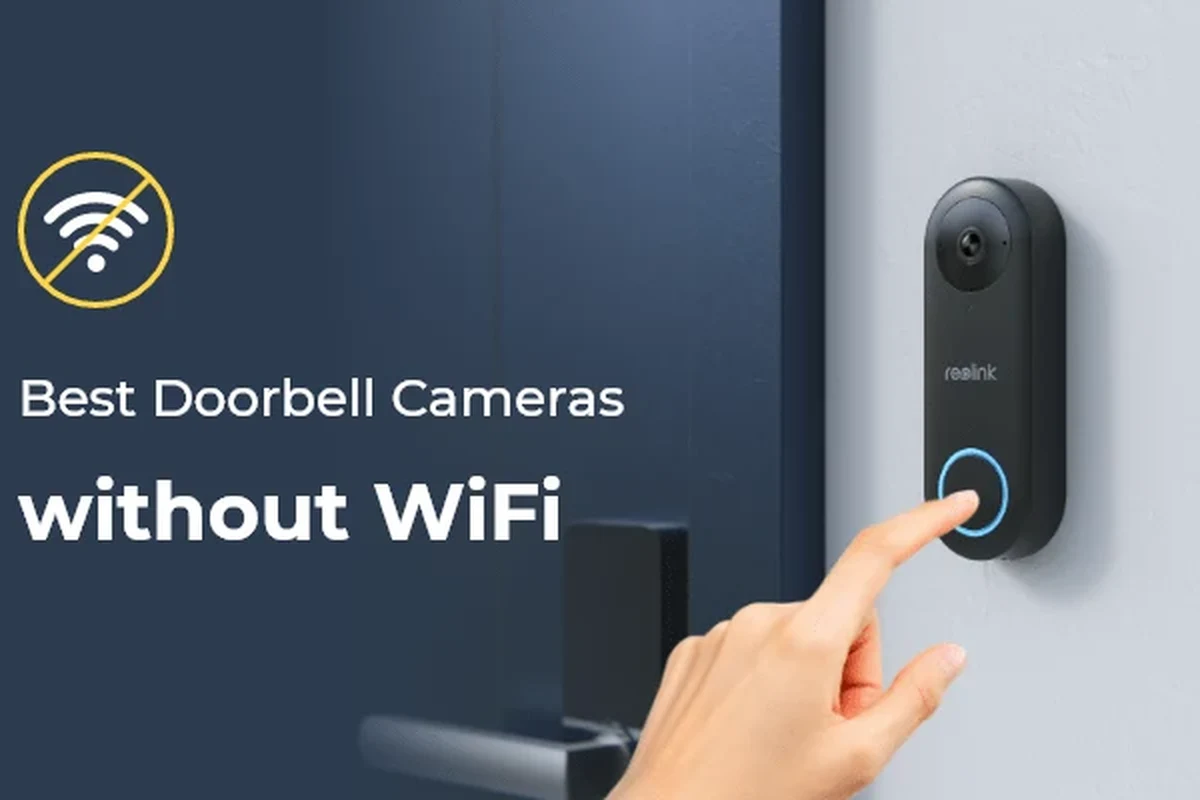
When WiFi is missing, the doorbell has to rely on another path for video storage or communication. That path might be local storage, a wired network, or a cellular connection through a compatible plan or hub.
Local Recording vs. Cloud Features
Local recording means the video is saved on the device itself, on a memory card, or on a local base station. This is the most common way a video doorbell can keep working without WiFi. You may still see footage later, but you usually need to access it physically or through a local network.
Cloud features are different. They usually depend on internet access for event uploads, remote playback, push notifications, and smart alerts. Without WiFi, those features may stop or become limited, even if the camera itself is still powered on and recording.
- Check whether the doorbell stores video locally, in the cloud, or both.
- Confirm whether remote viewing works over cellular data, a hub, or only WiFi.
- Look for event buffering so short outages do not erase motion clips.
Wired Internet, Cellular, and Other Connectivity Options
Some video doorbells can use Ethernet or Power over Ethernet, which may be a better fit than WiFi in homes with weak wireless coverage. These systems are more common in wired smart-home setups and often appeal to users who want stable connectivity.
Cellular-based options exist too, but they are less common and may require a subscription or compatible service. In some cases, the doorbell itself is not fully cellular; instead, a hub or base station handles the connection. Because features vary so much, it is smart to confirm compatibility before you buy, especially if you are comparing products in this year’s best places to buy a video doorbell.
Who a WiFi-Free Video Doorbell Is Best For in 2026
A WiFi-free setup is not for everyone, but it can be a smart choice for specific households. The best fit is usually someone who values local recording, wants fewer cloud dependencies, or simply cannot rely on strong home internet.
Homes With Weak or Unstable Internet
If your WiFi drops often, a doorbell that can keep recording locally may be more dependable than one that depends on constant cloud access. This can matter in larger homes, older buildings, or properties where the router is far from the front door.
That said, weak internet is not the same as no internet. A model that works well offline may still need a decent connection for setup, firmware updates, and app configuration. If your network is unreliable, check whether the doorbell can continue recording during outages and upload clips later.
Renters, Cabins, and Off-Grid Properties
Renters often want a doorbell that is easy to install, easy to remove, and not dependent on a permanent network setup. Cabins, workshops, and off-grid properties may also benefit from a local-recording model if internet service is limited or unavailable.
For these users, the best option is usually a system that matches the property’s power source and storage plan. If you need a broader starting point, our article on what kind of video doorbell you should buy can help narrow the field before you decide on a no-WiFi model.
What to Look For Before Buying a Video Doorbell Without WiFi
Before you buy, focus on three things: how it is powered, how it stores footage, and what the app requires. Those details matter more than marketing language like “offline-ready” or “no subscription needed.”
- Check compatibility, model number, app requirements, dimensions, ports, wattage, and intended use
- Confirm safety guidance, warranty, return policy, privacy settings, and update support
Power Source, Wiring, and Battery Life Expectations
Video doorbells can be battery-powered, hardwired, or powered through Ethernet-based setups. Battery models are easier to install, but battery life varies widely based on motion frequency, temperature, live-view use, and how often the device wakes up.
Hardwired models can be more convenient if the existing doorbell wiring is compatible, but you should verify the required voltage and installation instructions in the manual. Never assume a doorbell is safe to connect just because it physically fits the wiring.
For wired models, confirm the manufacturer’s voltage range and installation steps before connecting anything. If wiring is damaged, loose, overheated, or unclear, stop and consult a qualified professional or the manufacturer’s support guidance.
Storage, Video Quality, and Motion Detection Specs
Storage is one of the biggest differences between WiFi and no-WiFi models. Some devices support microSD cards, some use a separate hub, and some offer both local and cloud storage. If the device only stores clips locally, you will want enough capacity for your routine and a way to export important footage when needed.
Video quality and motion detection also matter. Higher resolution can help identify visitors, but it can also increase storage use. Motion detection quality depends on the sensor, placement, lighting, and firmware features, so check whether the manufacturer specifies person detection, zones, or adjustable sensitivity.
App Requirements, Compatibility, and Setup Needs
Even a no-WiFi doorbell may still require an app for setup, firmware updates, clip review, or local network access. That means you should check whether the app works on your phone, whether it needs a login account, and whether any features are locked behind a subscription.
Compatibility matters for smart-home users too. If you want the doorbell to work with Apple Home, Google Home, Alexa, or a proprietary hub, confirm the support list in the official documentation. If you are shopping with a particular ecosystem in mind, see which video doorbell works best with Apple for a more ecosystem-focused view.
Real-World Benefits and Trade-Offs of Going Without WiFi
The biggest advantage of a no-WiFi doorbell is independence. The biggest drawback is that you usually give up some convenience features that make modern smart doorbells feel smart in the first place.
Privacy, Reliability, and Lower Dependence on Cloud Services
Many buyers like local recording because it reduces dependence on cloud services and can give them more control over stored video. It can also be more reliable during short internet outages, since the camera can continue saving clips even if the router goes down.
That does not automatically mean more privacy or more security. Privacy depends on the device’s storage design, account settings, firmware support, and how the manufacturer handles data. Reliability also depends on power stability, storage health, and whether the doorbell is installed in a weather-safe location.
Some doorbells can keep recording locally during an outage and then sync or upload clips later when the connection returns, but this behavior varies by model.
Limits on Remote Viewing, Alerts, and Smart Features
The trade-off is convenience. Without WiFi, you may lose instant phone alerts, live remote viewing, two-way talk, and cloud-based event history. Some features may still work on a local network, but that is not the same as checking your front door from anywhere.
For families, remote workers, and frequent travelers, that limitation can be a deal-breaker. If you want remote access and better battery guidance, our article on video doorbells with the best battery life may be a better starting point than a fully offline model.
Common Mistakes People Make When Choosing a No-WiFi Doorbell
The most common mistakes happen before installation. Buyers often assume “no WiFi needed” means “no internet, no app, and no setup hassle,” which is rarely true.
Confusing “No WiFi Needed” With “No Connection Needed”
A doorbell may not need home WiFi for recording, but it may still need a connection for activation, updates, or playback. Some models also need a hub, base station, or wired network to unlock their full feature set.
That is why the phrase “no WiFi” should trigger a closer look, not a shortcut decision. Read the setup section, the storage section, and the remote-access section of the manual before you buy.
Ignoring Power, Storage, and Subscription Costs
Another mistake is focusing only on the upfront purchase. You may also need a memory card, a hub, a stronger transformer, a battery replacement plan, or optional cloud storage if you want backup copies.
Costs can vary by model and retailer, so it is worth comparing total ownership rather than just the sticker price. If you want to understand the broader budget picture, our guide on how much a video doorbell costs is a helpful companion read.
Safe Installation, Maintenance, and Long-Term Care
No-WiFi does not mean low-maintenance. You still need to check power, storage health, weather exposure, and the manufacturer’s recommended cleaning and update schedule.
Checking Voltage, Cable Quality, and Heat Limits for Wired Models
For wired doorbells, verify the voltage range listed by the manufacturer and make sure the existing wiring is in good condition. Old or undersized wiring can cause unreliable performance, and poorly matched power can lead to damage or shutdowns.
Also pay attention to heat. Electronics can warm up during charging, operation, or direct sun exposure, especially in enclosed entryways. Keep the unit within the temperature range specified by the maker and avoid blocking ventilation if the design includes it.
Stop using damaged electronics, swollen batteries, frayed cables, overheating chargers, or unstable devices and follow the manufacturer’s guidance.
Battery Inspection, Replacement Guidance, and Weather Protection
Battery-powered models need routine inspection. Check for swelling, corrosion, loose contacts, or unusually fast drain, and follow the brand’s replacement instructions if the battery is removable. Do not use a damaged battery or an unofficial charger if the manual does not allow it.
Weather protection matters too. Even outdoor-rated devices can struggle with heavy rain, direct sun, dust, or freezing conditions if they are installed poorly. Make sure the mounting angle, seal, and placement match the manufacturer’s recommendations, and clean the lens and housing gently so motion detection and image quality stay dependable.
Final Recommendation: Should You Buy a Video Doorbell Without WiFi?
A video doorbell without WiFi makes sense if you want local recording, limited dependence on cloud services, or a solution for a property with weak internet. It is especially appealing for cabins, rentals, and homes where a stable wireless network is not realistic.
Best Fit, Best Alternatives, and Value Verdict
If you care most about remote access, instant alerts, and smart-home convenience, a WiFi-based model is usually the better value. If you care most about local reliability and simpler dependence on the internet, a no-WiFi doorbell can be a strong fit—as long as you verify storage, power, app requirements, and compatibility before you buy.
Choose a WiFi-free video doorbell if your priority is local recording and you can live without full remote features. Choose a connected model instead if you want the most flexible alerts, app control, and ecosystem support.
Frequently Asked Questions
Yes, some video doorbells can record locally or use wired internet, a hub, or cellular-style connectivity. But many still need WiFi for setup, updates, or remote viewing.
Remote alerts, live viewing, cloud backups, and some smart-home features often depend on internet access. Local recording may still continue if the model supports it.
A battery model can be easier to install in places without wired infrastructure, but battery life depends on motion frequency, temperature, and usage. Check the manufacturer’s expected power and storage setup before buying.
Verify the power source, storage method, app requirements, and whether it needs a hub or subscription. Also confirm compatibility with your phone and smart-home platform.
Yes. You should inspect batteries, wiring, mounts, storage media, and weather exposure regularly. Follow the manufacturer’s cleaning and update guidance.
It is best for people who want local recording, have weak internet, or need a doorbell for a cabin or rental. If you rely on remote access and instant alerts, a connected model is usually a better choice.