Why Does My Ring Video Doorbell Keep Going Offline Fixes
Most Ring doorbells go offline because of weak Wi‑Fi, unstable power, or a network change that needs a reconnect. Start with signal and power checks before you reset the device or assume it is broken.
If your Ring video doorbell keeps going offline, the most common causes are weak Wi‑Fi, power problems, or a network change that the doorbell has not fully reconnected to yet. In many homes, the fix is as simple as improving signal quality, restoring stable power, and reconnecting the device in the Ring app.
- Wi‑Fi is usually the first suspect: Doorbells often fail at the edge of router range, especially near exterior walls or.
- Power problems can mimic network issues: Low battery, loose contacts, or unstable wiring can make the device look offline.
- Network changes matter: New passwords, router swaps, and ISP outages often require a fresh reconnect in the.
- Use the simplest fix first: Restart, test signal, verify power, then update the app and firmware before factory resetting.
Why Your Ring Video Doorbell Keeps Going Offline: The Fast Answer
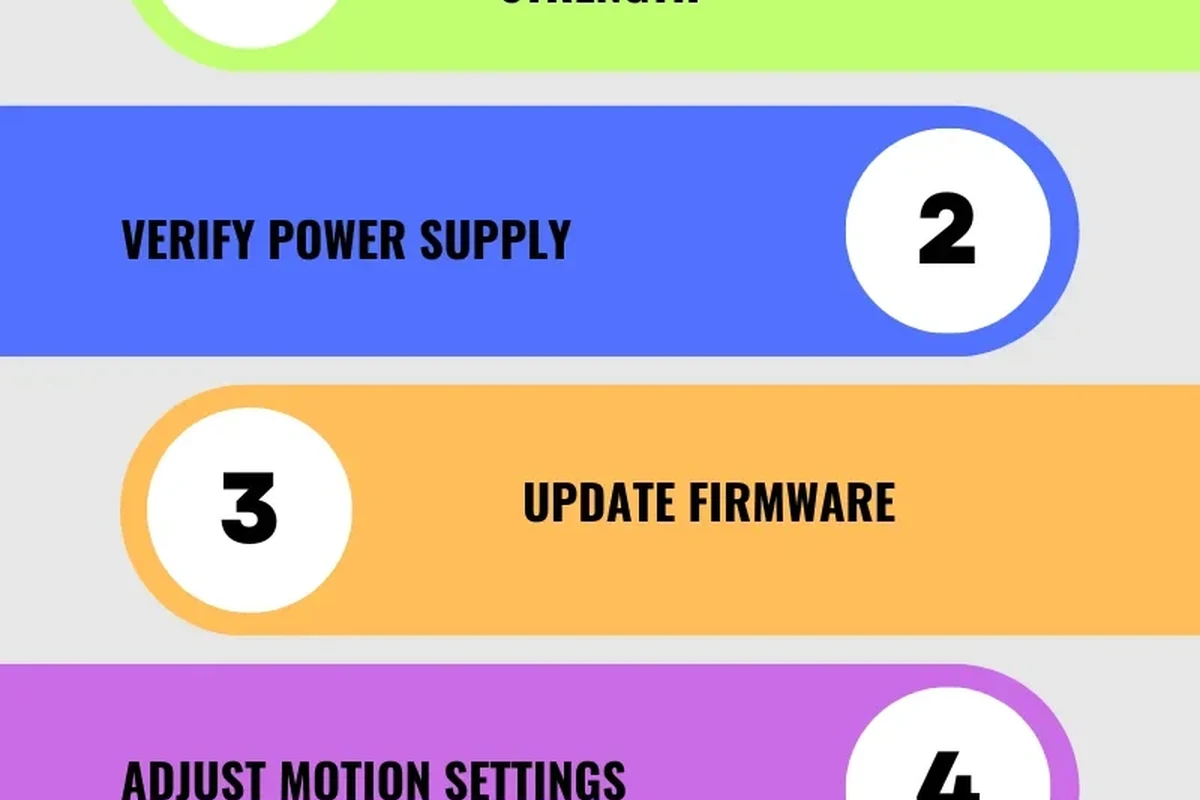
“Offline” usually means the doorbell can’t maintain a reliable connection to your home network or Ring account, so the app cannot reach it in real time. Start by checking Wi‑Fi strength at the door, then confirm battery or wired power, and finally look for app, firmware, or router changes that may have interrupted the connection.
How the Ring Video Doorbell Stays Connected to Wi‑Fi
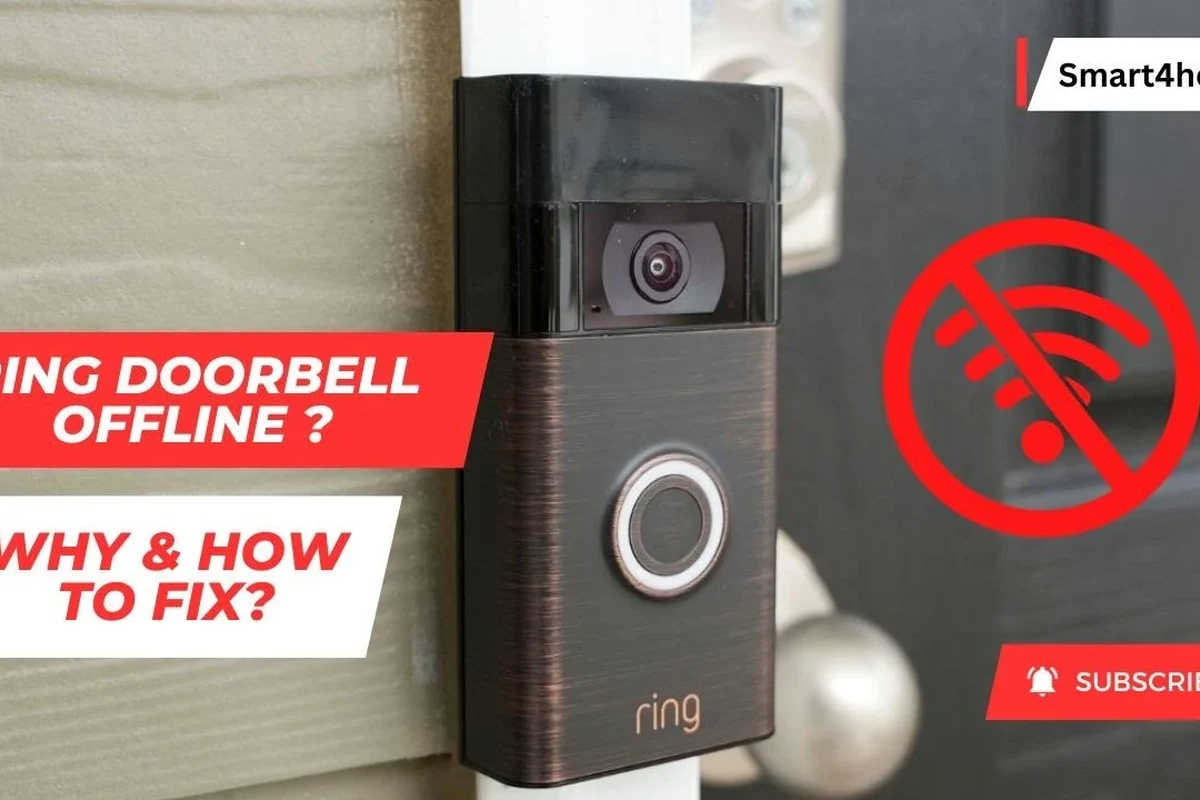
A Ring doorbell depends on a stable link between the device, your router, and the Ring app. If any part of that chain becomes unstable, the app may show the device as offline even if the doorbell still has power.
Connection basics: router, signal strength, and Ring app status
The doorbell connects to your home Wi‑Fi, which then communicates with Ring’s cloud services and your phone app. That means the doorbell can appear offline because of poor signal at the front door, router congestion, a temporary internet outage, or an app/account sync issue.
Smart doorbells are often more sensitive to placement than phones or laptops because they sit farther from the router and may be mounted near brick, metal, stucco, or exterior wiring that weakens signal.
What “offline” usually means in the Ring ecosystem
Offline does not always mean the device is broken. It can also mean the doorbell is rebooting, updating, reconnecting after a password change, or temporarily unable to reach the network because the router restarted or the internet dropped.
The Most Common Reasons a Ring Doorbell Goes Offline
Most repeat offline alerts come from a small set of causes. The good news is that many of them are fixable without replacing the doorbell.
Weak Wi‑Fi coverage, interference, and router placement
Distance from the router is only part of the problem. Walls, floors, metal siding, microwave interference, crowded Wi‑Fi channels, and a router tucked into a cabinet can all reduce the signal reaching the front door. If you are also comparing whether a doorbell is worth the trouble, our guide on whether video doorbells are worth it for home security can help set expectations.
Low battery, unstable power, or transformer issues
Battery-powered models can go offline when the battery is low or charging poorly. Wired models can also drop offline if the transformer, chime kit, or doorbell wiring is delivering unstable or incompatible power. If you are deciding between power styles, it may also help to review our guide to the best wired video doorbells for home use and our overview of the best battery-operated video doorbells.
App, firmware, or account sync problems
Sometimes the doorbell is online on the network but not showing correctly in the app. Outdated app versions, delayed firmware updates, permission changes, or a logged-out account can make the device look offline even when the hardware is still connected.
Network changes: password resets, ISP outages, and new routers
If you changed your Wi‑Fi name, password, router, mesh system, or internet provider, the doorbell may still be trying to connect to old network settings. A short ISP outage can also trigger repeated offline alerts if the doorbell fails to reconnect cleanly afterward.
Connection behavior can vary by Ring model, firmware version, router brand, mesh setup, and the strength of your home internet service. Always check the current Ring app and official support guidance for your exact model.
Step-by-Step Troubleshooting: Fixes That Work in Real Homes
Work from the simplest checks to the more involved ones. That approach saves time and helps you identify whether the issue is power, Wi‑Fi, or the device itself.
Check power status and recharge or replace the battery
If your model uses a battery, confirm that it is charged and seated properly. A loose battery, dirty contacts, or a charger that is not working well can cause intermittent disconnects. For wired models, make sure the power source is stable and that any chime kit or transformer setup matches the manufacturer’s requirements.
Stop using damaged cables, swollen batteries, overheating chargers, or frayed wiring. Follow the manufacturer’s instructions and contact support or a qualified professional if the doorbell wiring looks unsafe.
Move or reboot the router and test signal quality at the door
Try checking Wi‑Fi strength near the front door with your phone. If the signal is weak there, move the router to a more central location if possible, or consider a mesh node or extender closer to the door. Rebooting the router can also clear temporary connection problems, especially after an ISP outage or firmware update.
If the Wi‑Fi is strong in one room but weak at the door, the problem is often coverage rather than the doorbell itself. A mesh Wi‑Fi node placed between the router and the door can be more effective than repeatedly resetting the doorbell.
Restart the doorbell, app, and home network
Restart the Ring doorbell first, then close and reopen the Ring app, and finally reboot the router if needed. This sequence helps clear temporary glitches without changing your settings. If multiple smart devices are offline at once, the issue is more likely to be the network than the doorbell.
Update firmware, Ring app settings, and permissions
Check that the Ring app is up to date and that the doorbell has permission to use Bluetooth, local network access, notifications, and background activity where required by your phone’s operating system. Firmware updates may also improve stability, but they can take time to complete and should not be interrupted.
If the doorbell repeatedly disconnects after updates, check the official Ring support notes for your model before assuming the hardware has failed.
Reconnect the device after Wi‑Fi name or password changes
If you changed your router name or password, the doorbell usually needs to be re-added or reconnected in the app. Use the official in-app setup flow rather than trying to force a connection through old settings. In homes with multiple users, make sure everyone is signed into the correct Ring account and that shared access is still active.
Check the exact Wi‑Fi name and password on the router or mesh app before starting setup.
Use the official app steps to reconnect the doorbell to the current network.
Confirm that motion alerts and live video work after the reconnect finishes.
How to Tell Whether the Problem Is Wi‑Fi, Power, or the Device Itself
Separating these three categories makes troubleshooting much faster. The pattern of the disconnect usually gives you the answer.
Signs of a network issue versus a hardware issue
If the doorbell goes offline when you are far from the router, during busy evening hours, or after the internet drops, the network is the likely culprit. If the doorbell loses connection even with strong Wi‑Fi and stable power, or if it overheats, reboots, or fails to wake reliably, the device or its power path may be the issue.
| Symptom | Most likely cause | What to check first |
|---|---|---|
| Offline only at certain times | Wi‑Fi congestion or ISP instability | Router load, mesh placement, internet status |
| Offline after battery drains | Power issue | Charge level, contacts, wiring, transformer |
| Offline after password change | Network reconfiguration | Reconnect in the Ring app |
| Frequent reboots or heat | Possible hardware problem | Inspect device condition and support notes |
When to inspect wiring, doorbell chime kits, and voltage compatibility
Wired models depend on the right electrical setup. If the chime kit is not compatible, the transformer output is unstable, or wiring is loose, the device may repeatedly disconnect. Do not modify household wiring unless you are qualified to do so; instead, follow the official installation guide or contact an electrician.
When a reset, factory reset, or replacement makes sense
A normal restart is worth trying first. A factory reset is more appropriate when the doorbell will not reconnect after a network change or when the app cannot complete setup. Replacement becomes more reasonable if the device still drops offline after you have confirmed strong Wi‑Fi, stable power, and correct setup, especially if the unit is under warranty.
Who This Fix Guide Fits Best and What to Check Before You Buy Accessories
This guide is especially useful for people who live in apartments, townhomes, multi-floor houses, or older homes where the front door is far from the router. It also helps anyone comparing a battery model against a wired model or deciding whether to add network gear before replacing the doorbell.
Best for renters, homeowners, and multi-floor homes
Renters often need fixes that do not require permanent wiring changes, so battery troubleshooting and Wi‑Fi improvements matter most. Homeowners with multi-floor layouts may need mesh Wi‑Fi or a better router location more than a new doorbell. If you are still deciding on the right setup, our guide to what kind of video doorbell you should buy can help narrow the choice.
Decision criteria: Wi‑Fi range, battery vs wired setup, and subscription needs
The best long-term fix depends on how far the door is from the router, whether you can support wired power, and whether you want cloud recording or other app-based features that may depend on a subscription. If you are comparing value, the article on whether Ring is worth it may help you weigh convenience against maintenance.
Accessory considerations: chime extenders, mesh Wi‑Fi, and spare batteries
Accessories can solve repeat offline alerts, but only if they address the real cause. A mesh Wi‑Fi node or extender may help with coverage, while a spare battery can reduce downtime for battery-powered models. Before buying anything, confirm compatibility with your exact Ring model and your router or mesh system.
- Check your exact Ring model and current app requirements
- Confirm Wi‑Fi coverage at the front door before buying extenders
- Verify whether your setup uses battery power, wired power, or both
- Review warranty terms, return policy, and official compatibility notes
Common Mistakes That Cause Repeat Offline Alerts
Some problems come back because the underlying setup never changed. These mistakes are easy to miss, especially after a router upgrade or a quick installation.
Ignoring router bandwidth limits and crowded channels
Even if your internet speed looks fine, a busy router can still struggle with many connected devices. Doorbells need stable connectivity more than raw speed, so crowded Wi‑Fi channels, overloaded mesh nodes, or poor placement can keep causing disconnects.
Using low-quality cables, weak chargers, or damaged power adapters
Battery models can seem unreliable when the charger or cable is the real issue. Use manufacturer-recommended or appropriately rated accessories, and replace anything that gets unusually hot, feels loose, or shows visible wear. If you are troubleshooting charging gear more broadly, our guide on why a charger is not charging covers common power problems that also affect smart devices.
Skipping routine inspection, cleaning, and weather protection
Outdoor devices collect dust, pollen, spider webs, and moisture residue over time. That buildup can affect sensors, buttons, and charging contacts. Periodic cleaning, checking the mount, and making sure the doorbell is protected from direct exposure beyond its intended rating can prevent repeat disconnects and unreliable behavior.
Final Recommendation: When to Troubleshoot, Upgrade, or Contact Support
If your Ring video doorbell keeps going offline, start with the basics: confirm power, test Wi‑Fi at the door, and reconnect the device after any network change. If those steps do not help, the next best move is to look at router placement, mesh coverage, wiring compatibility, or the possibility of a device fault.
Best next steps for stable performance and long-term reliability
For most homes, the most effective fix is not a full replacement but a stronger connection path. That usually means better Wi‑Fi coverage, stable power, updated app settings, and occasional maintenance. If you are still building out your setup, our broader guide to the best video doorbell guide can help you compare options before you upgrade.
What to verify before requesting warranty service or replacement
Before you contact support, document when the offline alerts happen, whether the battery or wiring is stable, and whether other devices on the same network stay online. Also check the official manual, support pages, and warranty terms for your exact model so you can rule out setup issues before assuming hardware failure.
Frequently Asked Questions
Nighttime disconnects often point to Wi‑Fi congestion, router load, or weaker signal conditions near the front door. Check whether other devices slow down at the same time and move the router or add mesh coverage if needed.
Yes, a low or poorly charging battery can cause the doorbell to disconnect or stop responding. Recharge it fully, clean the contacts if needed, and confirm the charger and cable are in good condition.
Reconnect the doorbell in the Ring app using the new network name and password. If setup fails, restart the router and doorbell, then try the official reconnect flow again.
If multiple smart devices drop offline or the internet is unstable, the router or ISP is likely the issue. If only the doorbell disconnects, focus on signal strength, power, and device setup.
A factory reset is best after simpler steps fail, such as restarting, checking power, and reconnecting Wi‑Fi. Use it when the device will not recover from a network change or will not finish setup.
Contact support if the doorbell still goes offline after you verify power, Wi‑Fi, and app settings. Replacement makes more sense if the unit is under warranty and the issue continues despite correct setup.