USB-C Dock Ethernet Not Working?
Fix USB-C dock Ethernet on Windows 11 or Mac. Check the cable and link lights, find the network adapter, and test a bypass before replacing the dock.

Choose your device below to check the correct connector, wattage, cable, and recommended charging setup before you buy.
Match the phone connector first, then choose a reputable USB-C Power Delivery charger with enough wattage for your devices.
Check the correct USB-C-to-Lightning cable and practical 20W fast-charging setup.
Open the iPhone 14 guideChoose a USB-C cable and adapter that fits fast charging, travel, or multiple devices.
Open the USB-C iPhone guideMatch connector, Power Delivery, and wattage before choosing one charger for several devices.
Open the laptop charger guideChoose by what you already own—not by the biggest wattage number.
Affiliate disclosure: As an Amazon Associate, Gadget Makers Blog may earn from qualifying purchases. This does not change the price you pay.

A simple official adapter when you already have the correct charging cable.

A convenient two-piece setup when an iPhone 14 cable is missing, damaged, or unreliable.

A compact multi-port option for compatible phones, tablets, power banks, and many USB-C laptops.
Browse recently published explainers, troubleshooting help, reviews, and buying guides.
Fix USB-C dock Ethernet on Windows 11 or Mac. Check the cable and link lights, find the network adapter, and test a bypass before replacing the dock.
USB-C dock stuck at 4K 30Hz? Check Windows or Mac settings, test one monitor directly, and find out whether the cable, dock, or laptop limits 60Hz.
Compare Thunderbolt 4 vs Thunderbolt 5 cables for docks, monitors and charging. Check bandwidth, 240W support, compatibility and when upgrading makes sense.
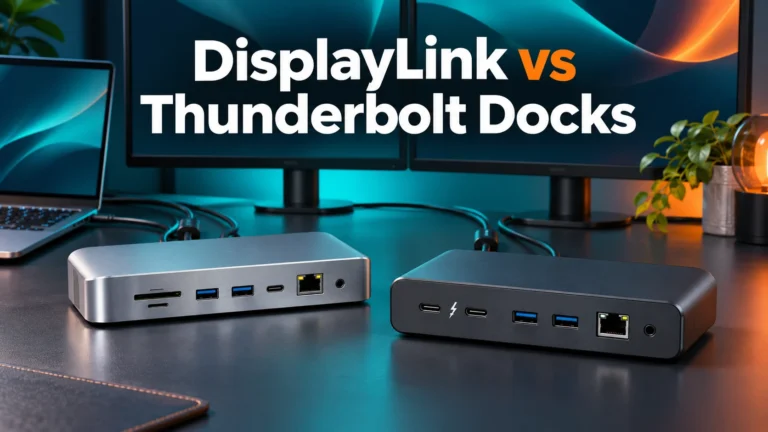
Compare DisplayLink vs Thunderbolt docks for office work, Mac display limits, gaming, software requirements and laptop charging before you buy.
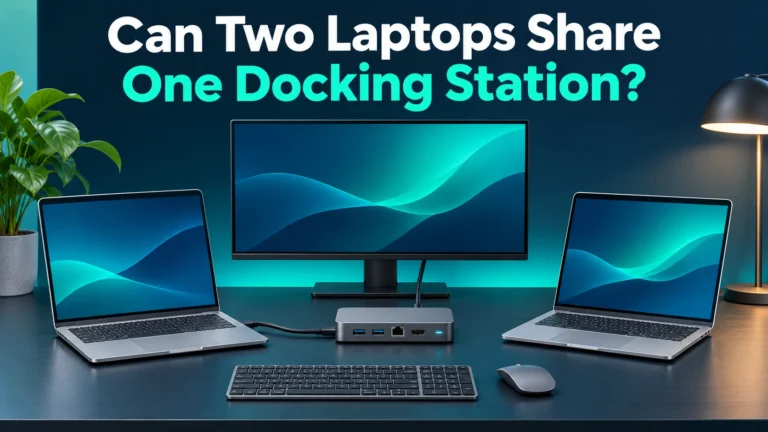
Can two laptops share one docking station? Compare cable switching, USB switches, KVM setups, charging limits, and compatibility checks before buying.
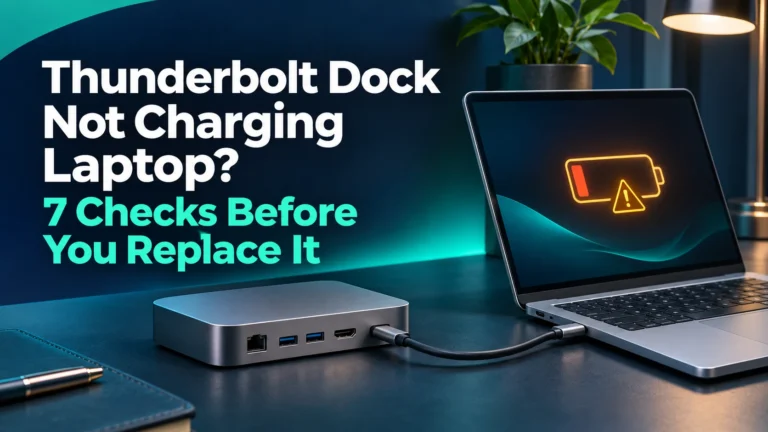
Thunderbolt dock not charging your laptop? Check host ports, power delivery, cables, battery limits, and compatibility before replacing your dock.
OWC Thunderbolt 5 Dock buying guide: check laptop compatibility, monitor adapters, 140W charging and Amazon vs Walmart offers before you buy.
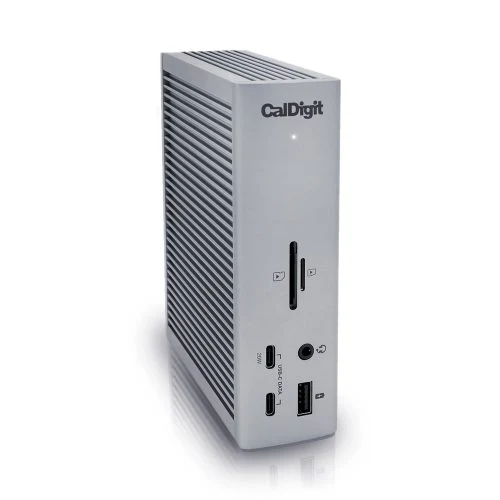
Compare CalDigit TS4 vs TS5 Plus for laptop charging, displays, networking and upgrade value, with Amazon and Walmart offer checks.
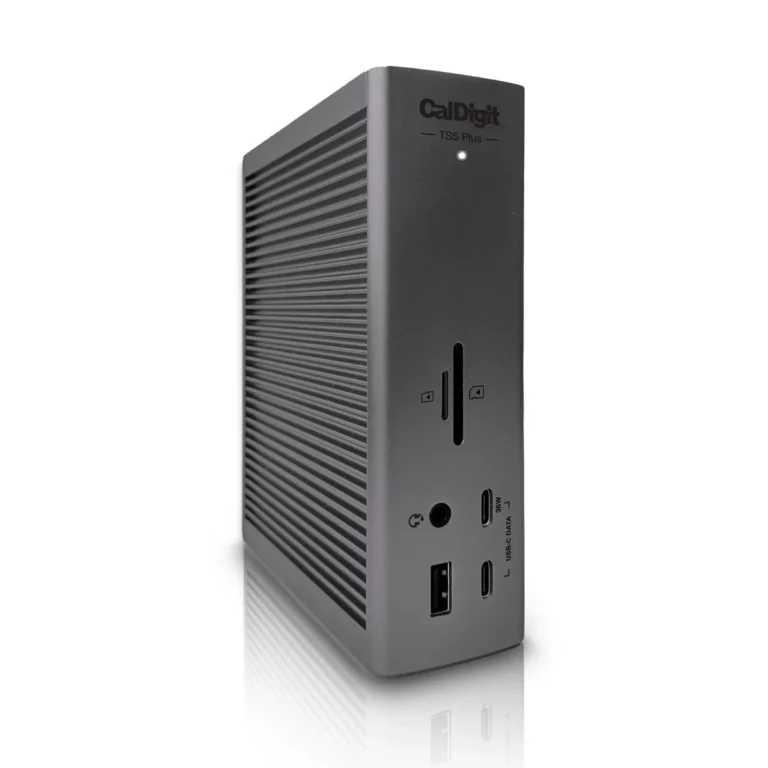
Decide whether the CalDigit TS5 Plus fits your laptop, charging, monitors and network. Compare Amazon and Walmart offers before buying this premium dock.
Can a Thunderbolt dock work with a USB-C laptop? Check USB-C fallback, monitor limits, charging and Ethernet before buying.
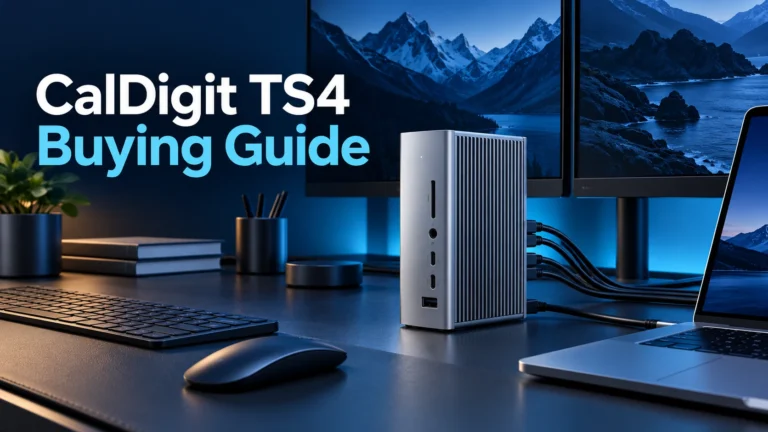
CalDigit TS4 buying guide covering 98W laptop charging, display compatibility, port limitations, and Amazon vs Walmart offer checks.
Choose the right power setup for a USB-C portable monitor. Check charger output, video-capable cables, laptop ports, pass-through charging, and Amazon versus Walmart buying options.
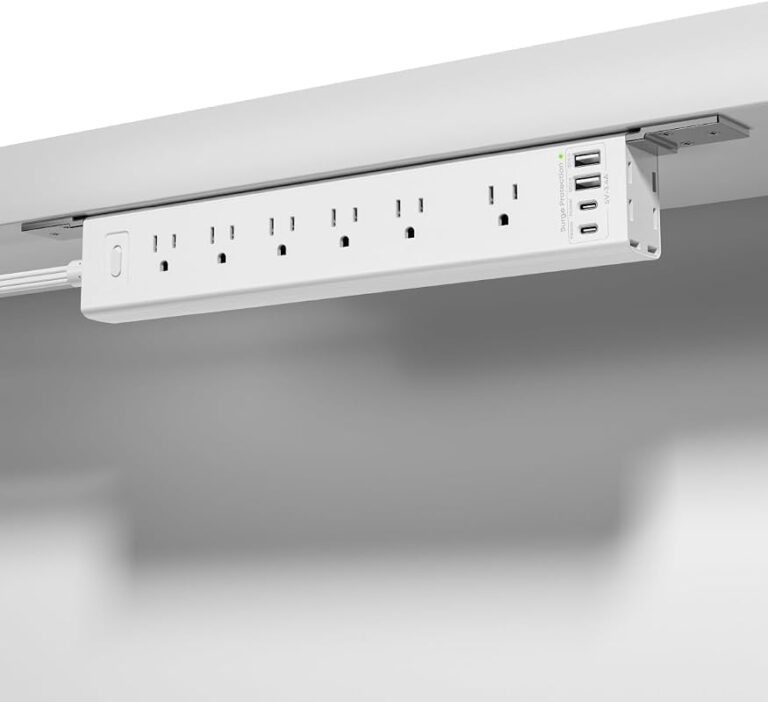
Compare six under-desk power strip listings with USB-C, mounting options, outlet layouts, and clearly labeled Amazon and Walmart buying choices.
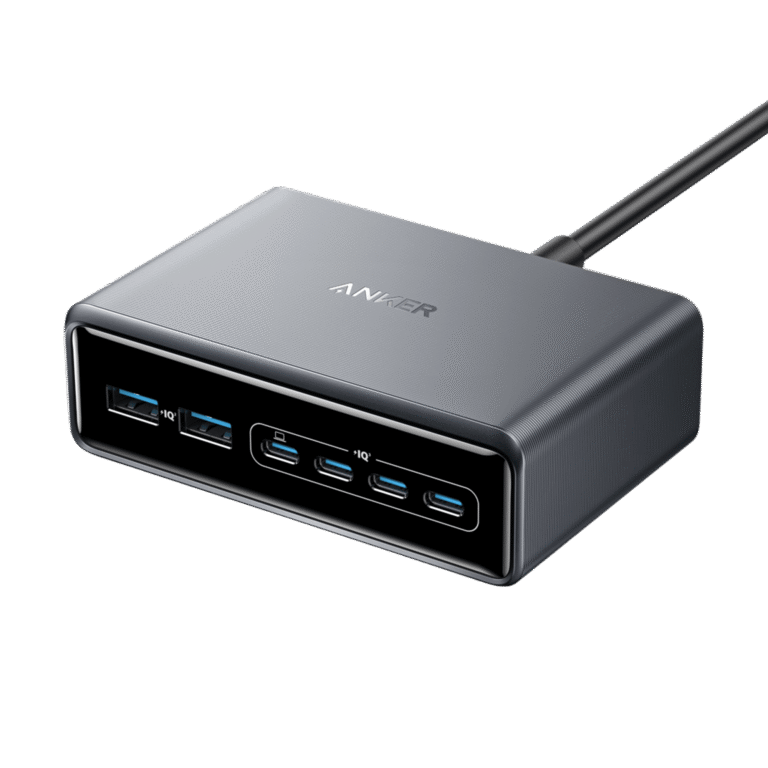
Compare four chargers for two laptops at once, their shared power limits, suitable cables, and Amazon versus Walmart buying choices.
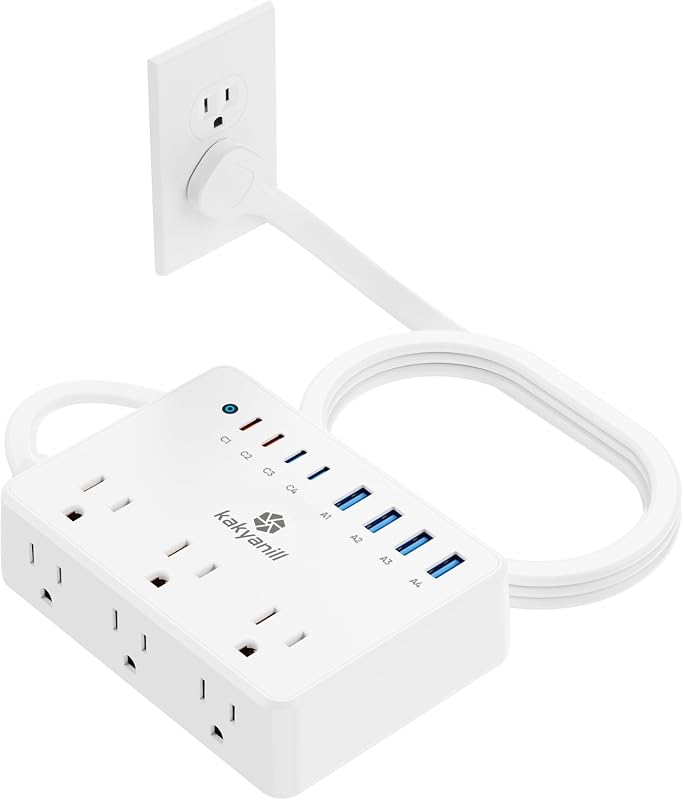
Compare USB-C power strips, distinguish 100W single-port output from shared power, and check Amazon and Walmart buying choices before you order.