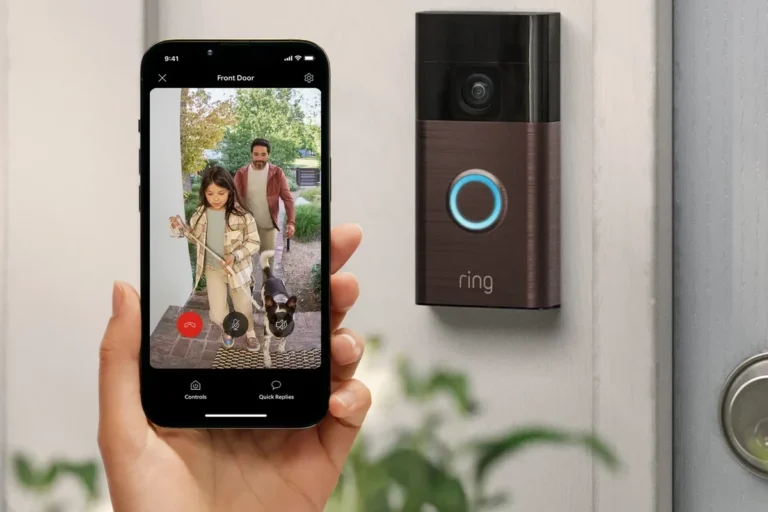
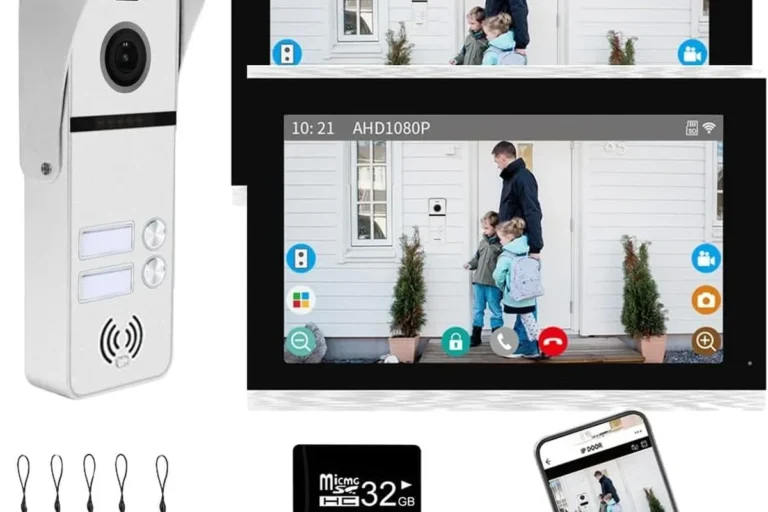
Smile Youre On Camera Tips for Better Security Awareness
A “smile you’re on camera” setup is most useful when you want deterrence, alerts, and usable footage without overcomplicating your home security. Choose a camera based on placement, storage, app reliability, and privacy settings—not just the sticker on the box.
If you see “smile you’re on camera,” the message is usually simple: a visible camera is meant to deter unwanted behavior, help you monitor activity, and capture evidence if something happens. The best setup depends on where you live or work, how much privacy you want, and whether you need live alerts or just a clear warning that recording is in progress.
- Deterrence first: Visible cameras work best when they clearly cover entry points and are easy to.
- Check the app: Alerts, zones, and storage features can matter more than the camera body itself.
- Match the space: Apartments, renters, families, and businesses need different mounting and privacy choices.
- Verify power and network: Battery life, Wi‑Fi band support, and charging guidance affect reliability.
- Maintain it: Clean lenses, update firmware, inspect mounts, and review permissions regularly.
Smile You’re on Camera: What This Phrase Means for Modern Home Security
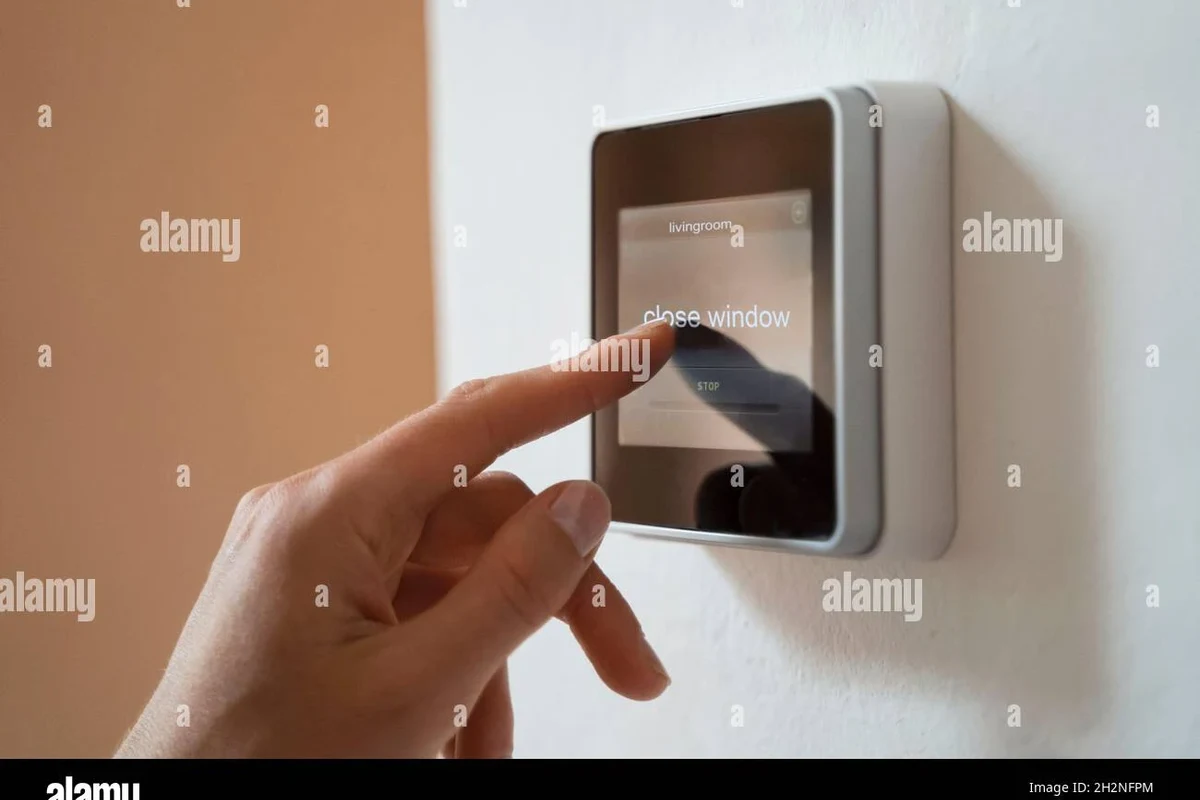
The phrase “smile you’re on camera” is less about the wording itself and more about the security strategy behind it. A visible camera can discourage trespassing, package theft, porch loitering, and other low-level incidents because people are more likely to leave when they know they may be recorded.
That said, a camera is not a magic shield. It works best when it is paired with smart placement, reliable connectivity, strong account security, and realistic expectations about what it can and cannot stop in the moment.
How Smart Cameras Work in 2026: Motion Detection, AI Alerts, and Cloud vs. Local Storage
Most modern smart cameras use a mix of motion sensors, image analysis, and app notifications to decide when to alert you. Depending on the model, the camera may detect movement, recognize people or packages, filter out pets, and send clips to your phone through the manufacturer’s app.
Storage is one of the biggest differences between systems. Cloud storage usually makes clips easier to access from anywhere, while local storage can reduce ongoing fees and keep footage closer to home, but features vary by model and network setup.
Core features to understand before you buy
Before buying, check whether the camera records continuously or only on motion, whether it supports night vision, and whether it can save clips locally, in the cloud, or both. Also confirm the app requirements, subscription terms, and whether key features depend on a paid plan.
How app notifications, zones, and facial recognition affect accuracy
Notification quality depends heavily on how you configure the app. Activity zones can reduce alerts from sidewalks, streets, or moving trees, while facial recognition may help identify familiar people but can also be limited by lighting, angles, and privacy settings.
For many households, the most useful setup is the simplest one: motion alerts for the main entry point, a few carefully placed zones, and a notification schedule that does not overwhelm you. If the app sends too many false alerts, people often stop paying attention.
Facial recognition, package detection, and advanced AI alerts are model- and firmware-dependent. Review the current app listing and privacy policy before relying on them for important decisions.
Who This Setup Fits Best: Apartments, Families, Renters, and Small Businesses
A “smile you’re on camera” setup can work well for many people, but the right design changes by living situation. Apartment residents often need compact, removable cameras; families may want coverage for entryways, driveways, or play areas; renters usually need non-invasive mounting; and small businesses may need broader coverage and stronger retention settings.
Best use cases for indoor, outdoor, and doorbell cameras
Indoor cameras are useful for monitoring pets, deliveries inside the home, or common areas, but they should be placed with privacy in mind. Outdoor cameras are better for driveways, side yards, garages, and back entrances, while doorbell cameras are often the best fit for front-porch activity and package visibility.
If you want broader guidance on how smart-home devices fit into everyday routines, our wireless charger compatibility guide and laptop charger travel guide show how compatibility and use-case checks matter before you buy any connected device.
When a visible camera sign may be enough vs. when you need active monitoring
A visible camera sign can be enough when your main goal is deterrence and you do not need immediate response. Active monitoring makes more sense if you need live alerts for deliveries, after-hours activity, shared entrances, or a business location where quick action matters.
Choose visible-only deterrence if you mainly want to discourage casual trespassing. Choose active monitoring if you need timely alerts, clip review, or the ability to check in from away from home.
Key Buying Criteria for “Smile You’re on Camera” Security Systems
When comparing security cameras, focus on the features that affect real-world reliability rather than marketing language. The best choice is the one that fits your layout, your internet connection, your privacy expectations, and your budget for any ongoing services.
Video quality, field of view, night vision, and two-way audio
Video quality matters because blurry footage is less useful for identifying faces, vehicles, or delivery details. A wider field of view can reduce blind spots, while night vision helps after dark; two-way audio can be useful for speaking to visitors, delivery drivers, or pets, but audio quality varies widely by model and environment.
- Prioritize a camera angle that captures faces at the entry point, not just the top of a head.
- Check whether night vision works in full darkness or only with nearby ambient light.
- Use two-way audio as a convenience feature, not as your only way to communicate.
Power options, battery life, rated wattage, and safe charging limits
Security cameras may be battery-powered, plug-in, hardwired, or connected to a low-voltage doorbell circuit, depending on the model. If a camera uses a rechargeable battery or adapter, follow the manufacturer’s charging guidance, use the recommended cable and power source, and avoid covering the device in ways that trap heat.
Battery life can change a lot based on motion frequency, temperature, Wi‑Fi strength, and how often you view live video. If you also want to understand device charging habits in general, see our guide on whether iPhone low power mode affects charging speed.
Use only manufacturer-approved chargers, batteries, and cables. Stop using any camera, battery pack, or adapter that runs unusually hot, shows swelling, has damaged insulation, or behaves unpredictably.
Wi‑Fi compatibility, app requirements, and smart home integration
Many cameras depend on a stable home network, and some work only on 2.4 GHz Wi‑Fi while others support both 2.4 GHz and 5 GHz. Before you buy, confirm app requirements, account creation needs, and whether the camera works with your preferred smart home platform or voice assistant.
Dimensions, mounting style, weather resistance, and storage options
Size and mounting style matter more than many shoppers expect. A compact indoor camera may sit on a shelf, while an outdoor model may need wall mounting, a weather-resistant housing, and a cable route that stays protected from rain, sun, and accidental tugging.
Storage options also affect long-term value. Local storage can be appealing if you want fewer subscriptions, but cloud plans may offer easier sharing, longer retention, and better remote access. Confirm the exact storage method before purchase because it often changes by model or region.
Real-World Benefits and Trade-Offs of Using Visible Security Cameras
Visible cameras can make a home or storefront feel more controlled because they provide awareness, evidence, and a clear signal that the area is monitored. They also make it easier to review events after the fact, which can help with package disputes, guest coordination, or incident reports.
Deterrence, evidence capture, and remote awareness
The biggest benefit is deterrence. Even when a camera does not stop an event, it can still record useful footage and give you a way to check what happened without being physically present.
For remote workers, travelers, and busy families, that can mean fewer surprises and faster decisions. It is especially useful when paired with motion alerts and a camera placed where it can clearly see the main entrance.
Privacy concerns, false alerts, subscription costs, and connectivity limits
There are trade-offs. Cameras can create privacy concerns for guests, neighbors, and household members if they are placed poorly or configured without care. False alerts can also become frustrating, and some of the most useful features may depend on a subscription.
Connectivity is another limitation. If your Wi‑Fi is unstable, the camera may miss events, delay notifications, or fail to upload footage when you need it most. That is why placement, router quality, and backup storage matter as much as the camera itself.
Common Mistakes That Reduce Security Camera Effectiveness
Many camera problems come from setup mistakes rather than bad hardware. A good system can still underperform if it is pointed at the wrong area, blocked by glare, or connected with weak account security.
Poor placement, weak passwords, ignored firmware updates, and bad lighting
One of the most common mistakes is mounting a camera too high, too low, or too far from the subject. Another is leaving default passwords in place or ignoring firmware updates, which can affect stability and security.
Lighting also matters. Backlit entryways, dark corners, and reflective glass can make footage much harder to use. If you can improve the camera’s view with a porch light or better angle, that often helps more than changing the model.
Set up activity zones and test notifications at different times of day. A camera that looks fine in daylight may miss detail at night or trigger too often in windy weather.
Overlooking cable quality, heat buildup, and battery replacement guidance
For wired models, cable quality and routing matter because exposed or strained cables can fail early. For battery models, follow replacement guidance carefully and do not use damaged packs or mismatched accessories.
Heat buildup is another issue, especially in direct sun or in enclosed spaces. If a camera or charger is repeatedly hot to the touch, review the installation, shade, ventilation, and power source before continuing to use it.
Stop using damaged electronics, swollen batteries, frayed cables, overheating chargers, or unstable mounts and follow the manufacturer’s guidance.
Safe Setup, Maintenance, and Long-Term Care for Smart Home Cameras
A secure camera is not just installed once and forgotten. It needs occasional checks for mounting stability, app access, firmware updates, and physical wear so it keeps working the way you expect.
Installation checklist: mounting height, angle, app setup, and network security
Mount the camera so it sees faces and entry points clearly without being blocked by trim, furniture, or glare.
Use the official app, enable two-factor authentication if available, and review notification and privacy settings before relying on alerts.
Use a strong Wi‑Fi password, keep router firmware current, and separate guest devices when your router supports it.
Cleaning lenses, checking seals, inspecting cables, and storing spare batteries
Clean the lens gently with a soft microfiber cloth and avoid harsh cleaners that can damage coatings. For outdoor cameras, inspect seals, mounts, and cable entry points after heavy rain, heat, or freezing weather.
Store spare batteries according to the manufacturer’s guidance, and keep them away from extreme heat, moisture, and metal objects that could cause a short. If the camera is seasonal or unused for long periods, check the battery condition before reinstalling it.
Warranty details to verify before purchase
Before buying, confirm the warranty length, what it covers, and whether accessories, batteries, or mounts are included. Also check return policy terms, software support expectations, and whether the manufacturer offers current firmware updates for the model you are considering.
If you are comparing smart-home gear more broadly, it helps to read the official manual and compatibility list first. That is especially important for cameras that depend on a hub, subscription, or a specific Wi‑Fi band.
Final Verdict: Is a “Smile You’re on Camera” Security Setup Worth It in 2026?
Yes, for many homes and small businesses, a visible camera setup is worth it when the goal is deterrence, awareness, and evidence capture. The best results come from a system that matches your space, your network, and your comfort level with privacy and subscriptions.
It is less compelling if you only want a simple warning sign, have weak Wi‑Fi, or do not want to manage app settings and updates. In those cases, a basic doorbell camera, a less connected security approach, or a stronger physical security upgrade may be the better fit.
Best value recommendations by user type
Apartments and renters usually benefit from compact indoor or removable cameras with easy mounting and minimal hardware changes. Families often need flexible coverage for entryways and common areas, while small businesses may need broader viewing angles, longer retention, and more reliable alert settings.
For most people, the best value is a camera that is easy to set up, has dependable motion alerts, and offers storage that fits your budget without forcing features you will never use.
Transparent limitations and when to consider alternatives
Consider alternatives if your main issue is poor lighting, weak locks, or unreliable internet, because a camera cannot solve those problems by itself. You may also want a different approach if privacy is a top concern or if you prefer fewer connected devices in your home.
In short, “smile you’re on camera” works best as part of a broader security plan, not as the entire plan.
Frequently Asked Questions
It usually means a visible camera is being used to discourage unwanted behavior and record activity. The phrase is more about the security message than the exact wording.
Not always. Many cameras can use local storage, cloud storage, or both, but the available features depend on the model and app.
Focus on video quality, field of view, night vision, motion alerts, storage options, power type, and app compatibility. Also check whether important features require a subscription.
They can deter casual problems and provide evidence, but they work best with good lighting, strong locks, and reliable network setup. For higher-risk situations, active monitoring may be better.
Use activity zones, adjust sensitivity, and point the camera away from trees, roads, or bright reflections. Review notifications after setup and fine-tune them over time.
Check weather resistance, mounting method, cable routing, power source, app requirements, and warranty terms. Also confirm that the camera supports your Wi‑Fi band and location needs.